





How to Teleport Using Commands in Valheim
How to Teleport Using Commands in Valheim
Exploring the vast world of Valheim is exciting, but constantly running back to your base can be tedious. If you’re looking for a faster way to return home, using console commands to teleport is the perfect solution. While it requires enabling cheats, this method strikes a good balance between convenience and gameplay integrity. Follow this guide to unlock the teleportation feature in Valheim.
Enabling Console Commands
Step 1: Enable Console in Steam Properties
Before you can use teleportation commands, you need to enable the console in your Steam settings. Right-click on Valheim in your Steam library and select Properties. In the General tab, add -console to the launch options. This will allow you to access the developer console when you launch the game.
Step 2: Activate Dev Commands
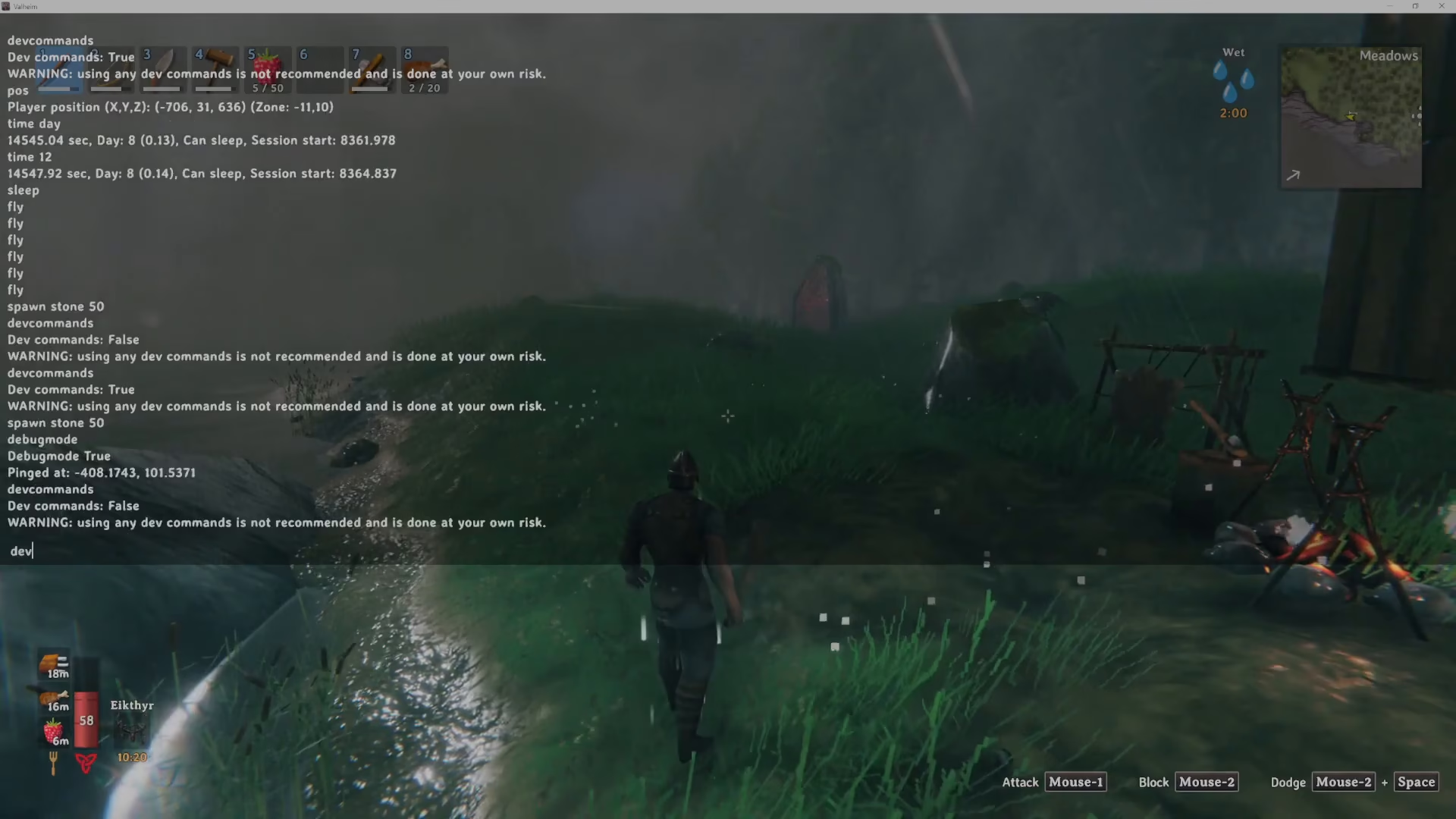
Launch Valheim and enter the game world. Once loaded, press F5 to open the console. Type devcommands and press Enter. The console will confirm this is enabled by displaying “true.” This activates developer commands for your session.
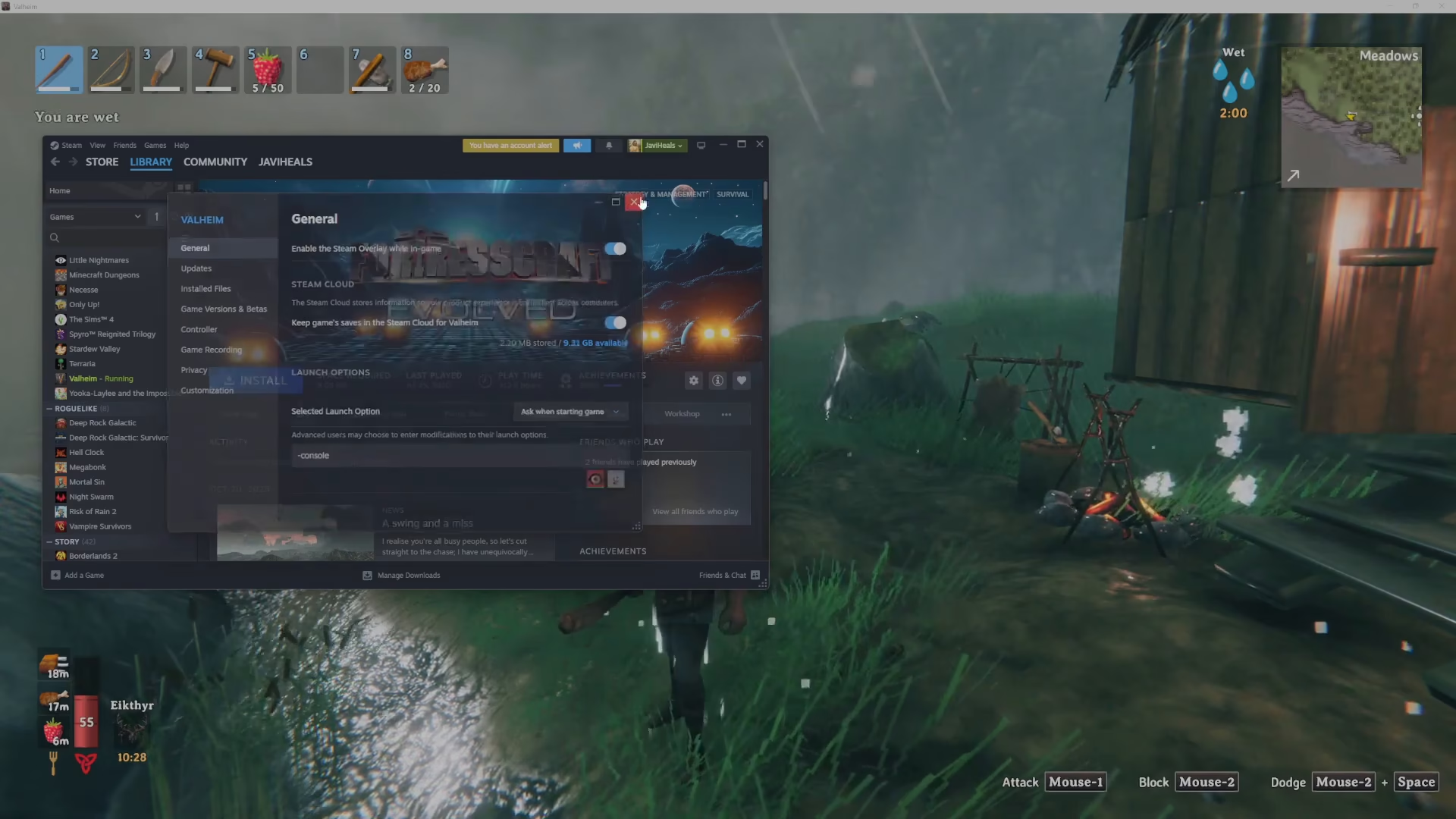
Step 3: Enable Debug Mode
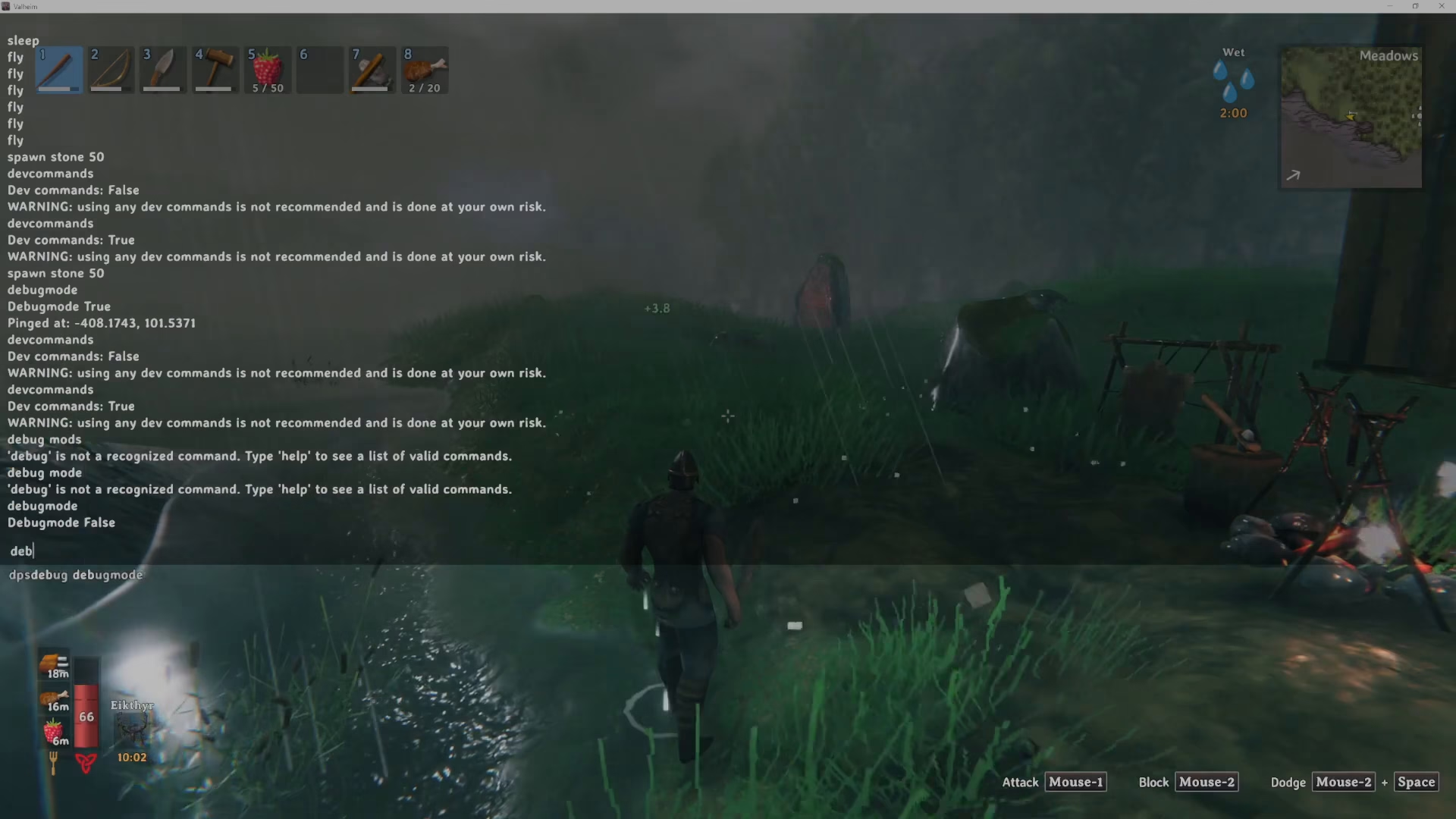
In the same console window, type debugmode (as one word) and press Enter. The console will confirm that Debug Mode is now set to “true.” This unlocks the map-based teleportation feature you’ll need.
Using the Teleportation Feature
Accessing the Map
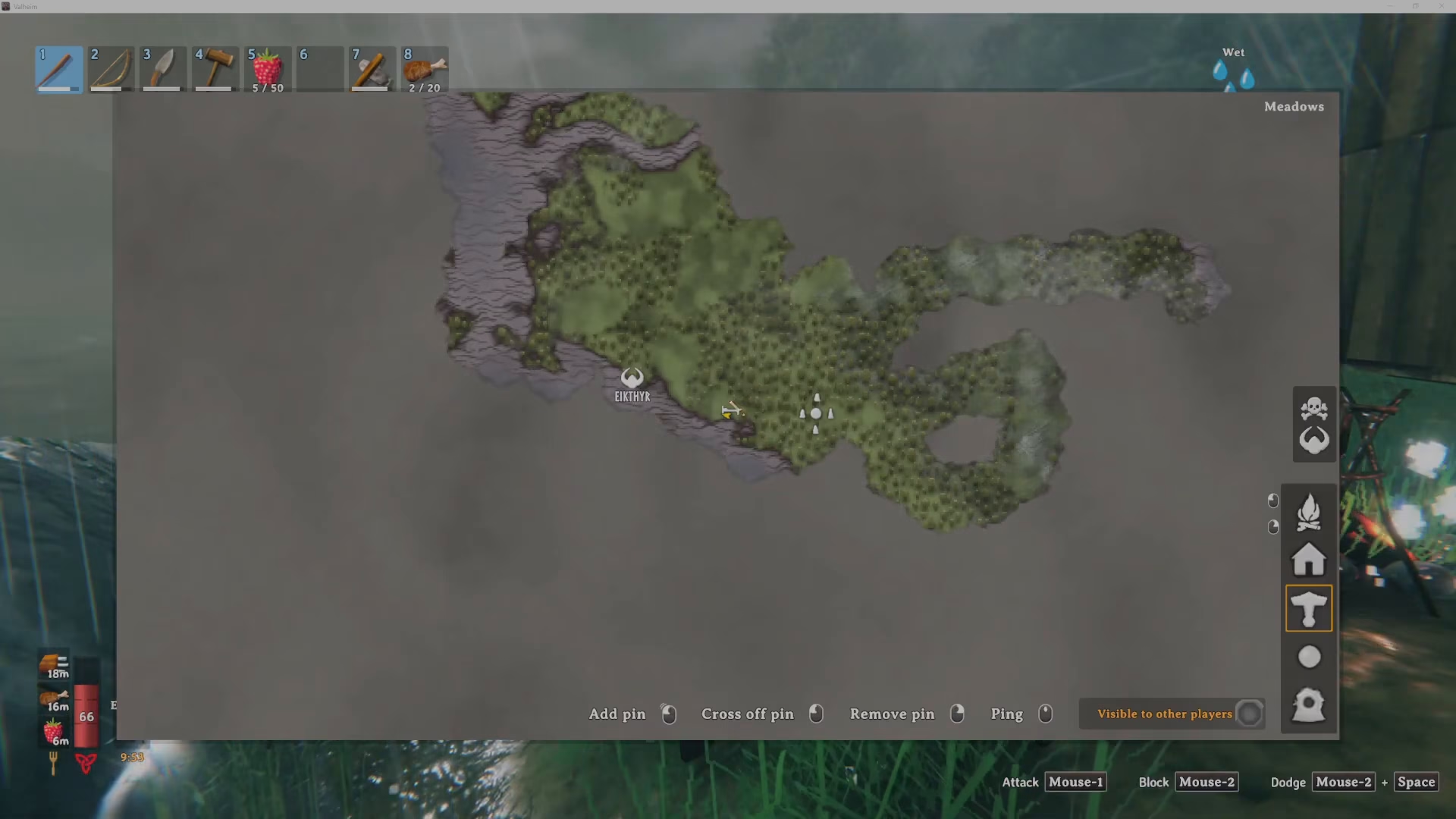
With Debug Mode enabled, open your map. You’ll notice the map interface now has additional functionality that allows you to teleport to marked locations.
Teleporting to Your Destination
To teleport, hold Ctrl on your keyboard and click the middle mouse button on the map location where you want to go. This will ping that location on your map. The game will then teleport you to that exact spot. Note that there’s a brief cooldown of approximately five seconds between teleports, which maintains some balance to the mechanic.
Summary
Teleporting in Valheim using commands is a game-changing feature that lets you focus more on building and crafting instead of constant travel. The process is straightforward: enable the console in Steam, activate dev commands with F5, enable debug mode, then use Ctrl + middle-click on your map to teleport. While it does use console commands, the five-second cooldown ensures the feature doesn’t completely trivialize exploration. This method is perfect for players who want to enjoy Valheim’s creative aspects without the travel grind.
Want to Support?
If you would like to help us continue making these guides – please consider joining our patreon here – https://www.patreon.com/c/JaviHeals
Alternatively – you can join our discord here – https://discord.gg/zD7Gjt6MHF