





How To Holster Weapon On PC in CyberPunk 2077
How To Holster Weapon On PC in Cyberpunk 2077
Walking around Night City with your weapon constantly drawn might get you some unwanted attention. If you want to be more discrete and friendly to NPCs in Cyberpunk 2077, learning how to properly holster your weapon is essential. On PC, this simple action is quick and easy to master.
The Basic Holster Control
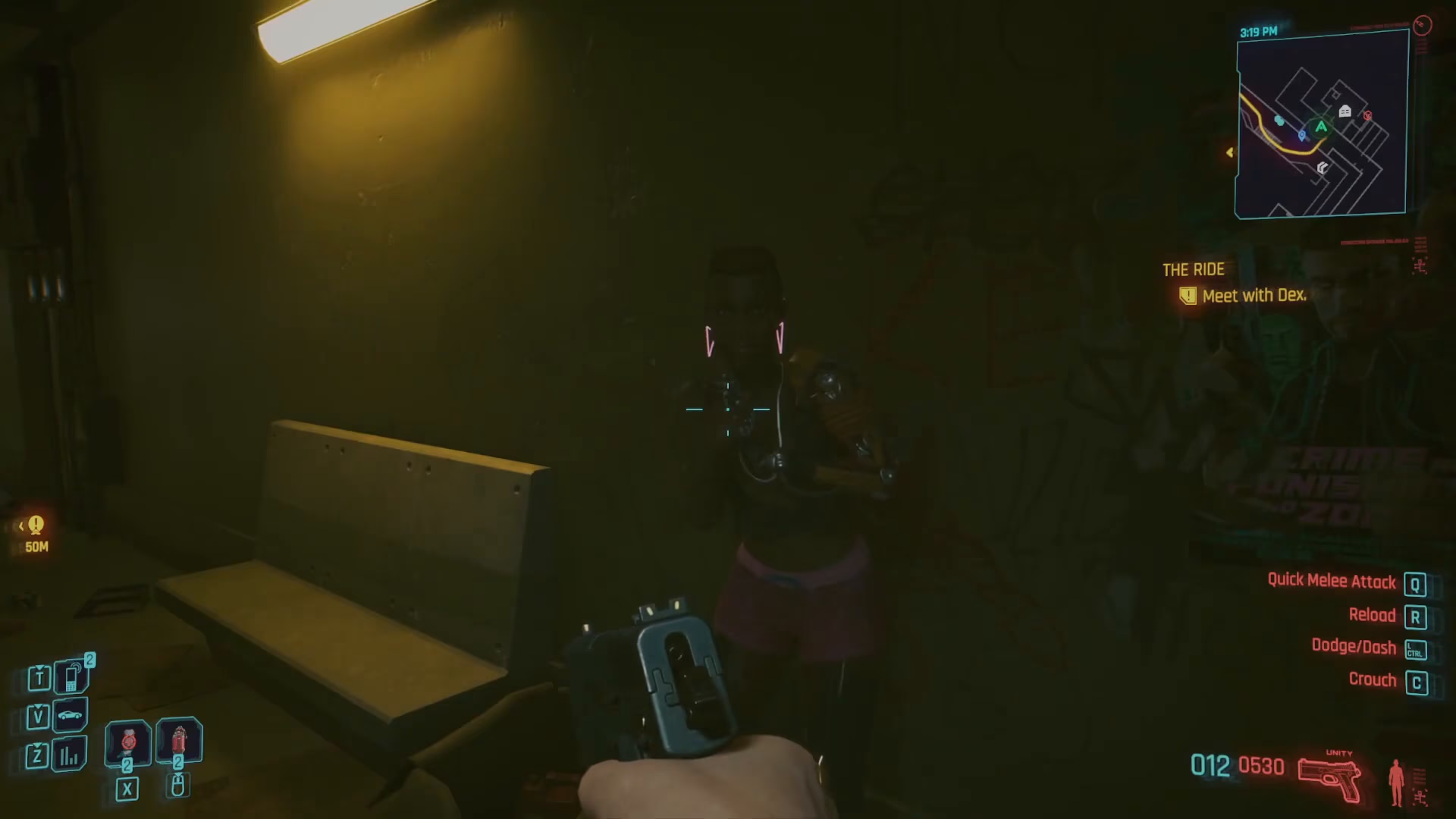
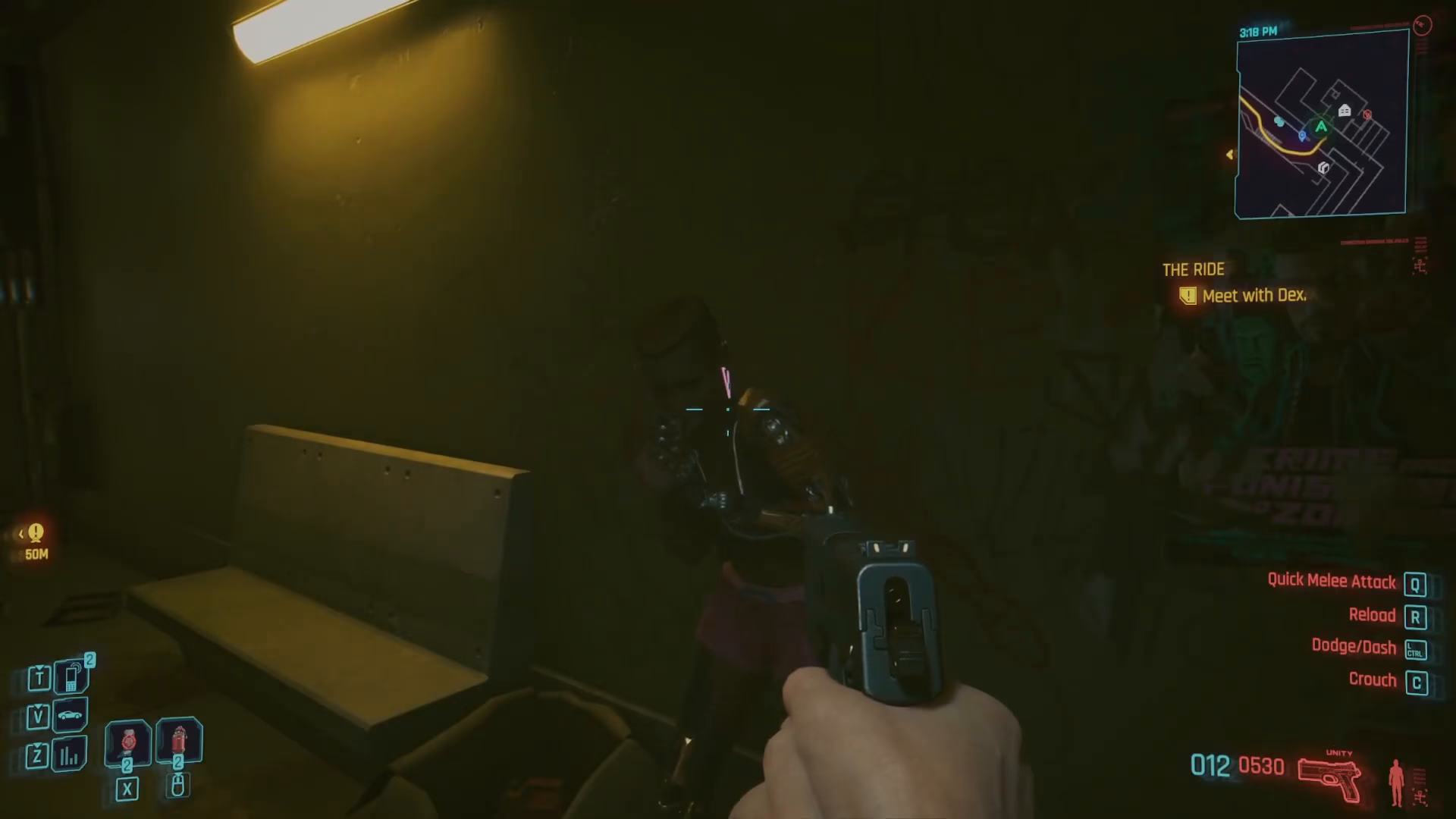
Holstering your weapon in Cyberpunk 2077 on PC is straightforward. The default control is to double-click Alt. This will put your weapon away, allowing you to move through the game world without appearing threatening to other characters.
Switching to Melee Combat
If you want to switch to your melee weapon instead of holstering completely, simply press Alt once. This will equip your fists for melee combat without needing to cycle through your weapon inventory.
Customizing Your Holster Keybind
If you prefer to change the default holster keybinding from Alt to something else, the process is simple:
Steps to Change the Keybind:
Open your Settings menu
Navigate to Key Bindings
Look for the Cycle Weapon option (currently set to Alt by default)
Select your preferred keybind
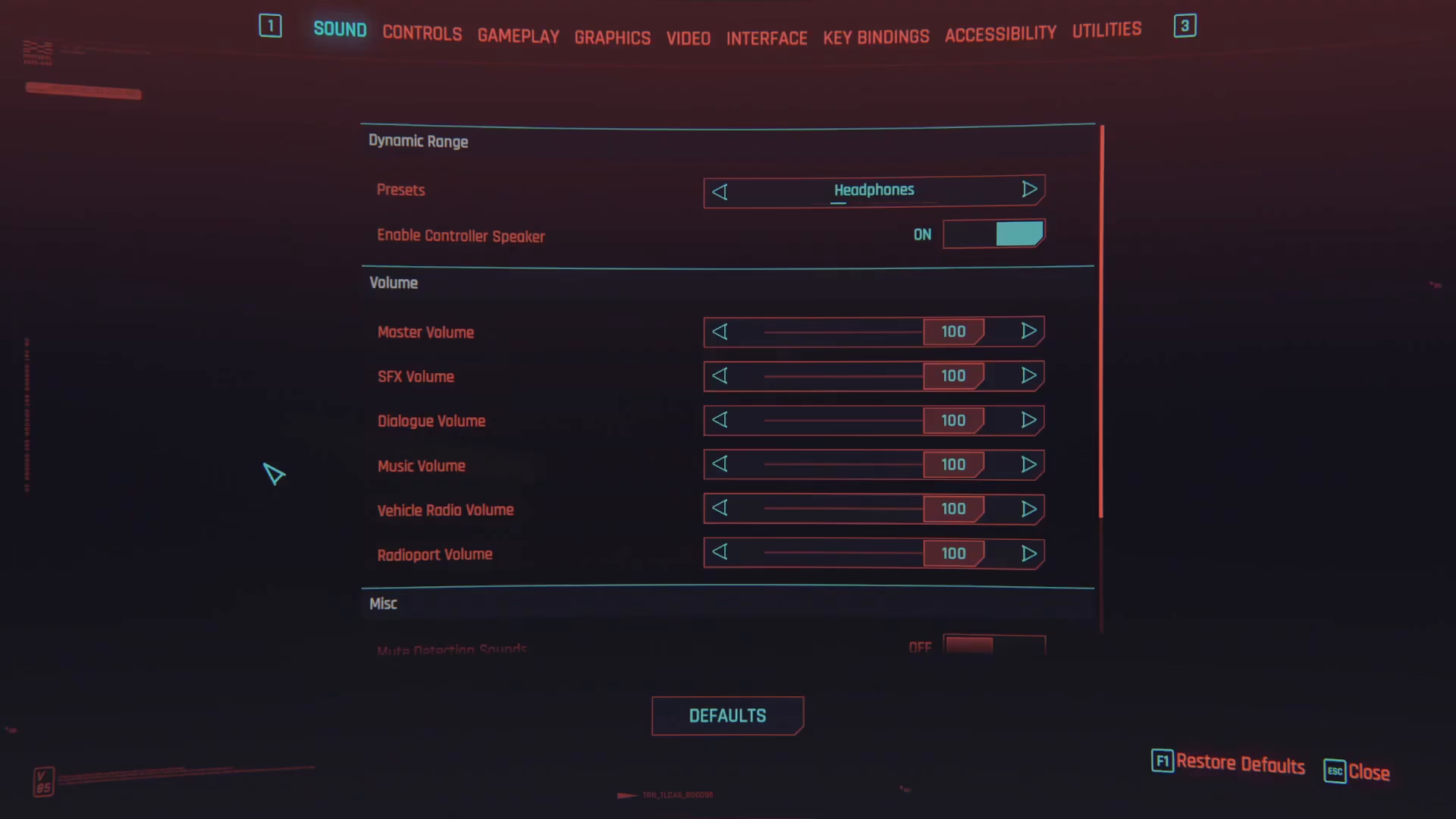
Keep in mind that changing this binding will affect how you cycle through weapons as well, so choose a key that feels comfortable for your playstyle.
Summary
Holstering your weapon in Cyberpunk 2077 on PC is as simple as double-clicking Alt. If you want to switch to melee instead, just single-click Alt. For players who prefer different keybindings, the customization options are easily accessible through Settings > Key Bindings. With these controls mastered, you’ll be able to navigate Night City as a friendly, weapon-free citizen.
— Want to Support? —
If you would like to help us continue making these guides – please consider joining our patreon here – https://www.patreon.com/c/JaviHeals
Alternatively – you can join our discord here – https://discord.gg/zD7Gjt6MHF