






How To Reset Perk Points in CyberPunk 2077
How To Reset Perk Points in Cyberpunk 2077
Spending perk points in Cyberpunk 2077 can feel overwhelming, especially if you’re not sure about your build direction. The good news is that resetting your perk points is straightforward and completely free. This guide will walk you through the process of resetting both perk points and attributes so you can optimize your character build with confidence.
Understanding Perk Points vs Attributes
Before diving into the reset process, it’s important to understand the difference between perk points and attributes in Cyberpunk 2077. Perk points are individual skill upgrades within specific attribute categories, while attributes are the core stat points (like Intelligence, Reflexes, etc.) that form the foundation of your character build. This distinction matters because each has different reset rules.
How to Reset Perk Points
Resetting perk points in Cyberpunk 2077 is the easy part. Start by opening your character screen and navigating to the attributes section. From there, select the attribute category where your perks are allocated—for example, Intelligence.
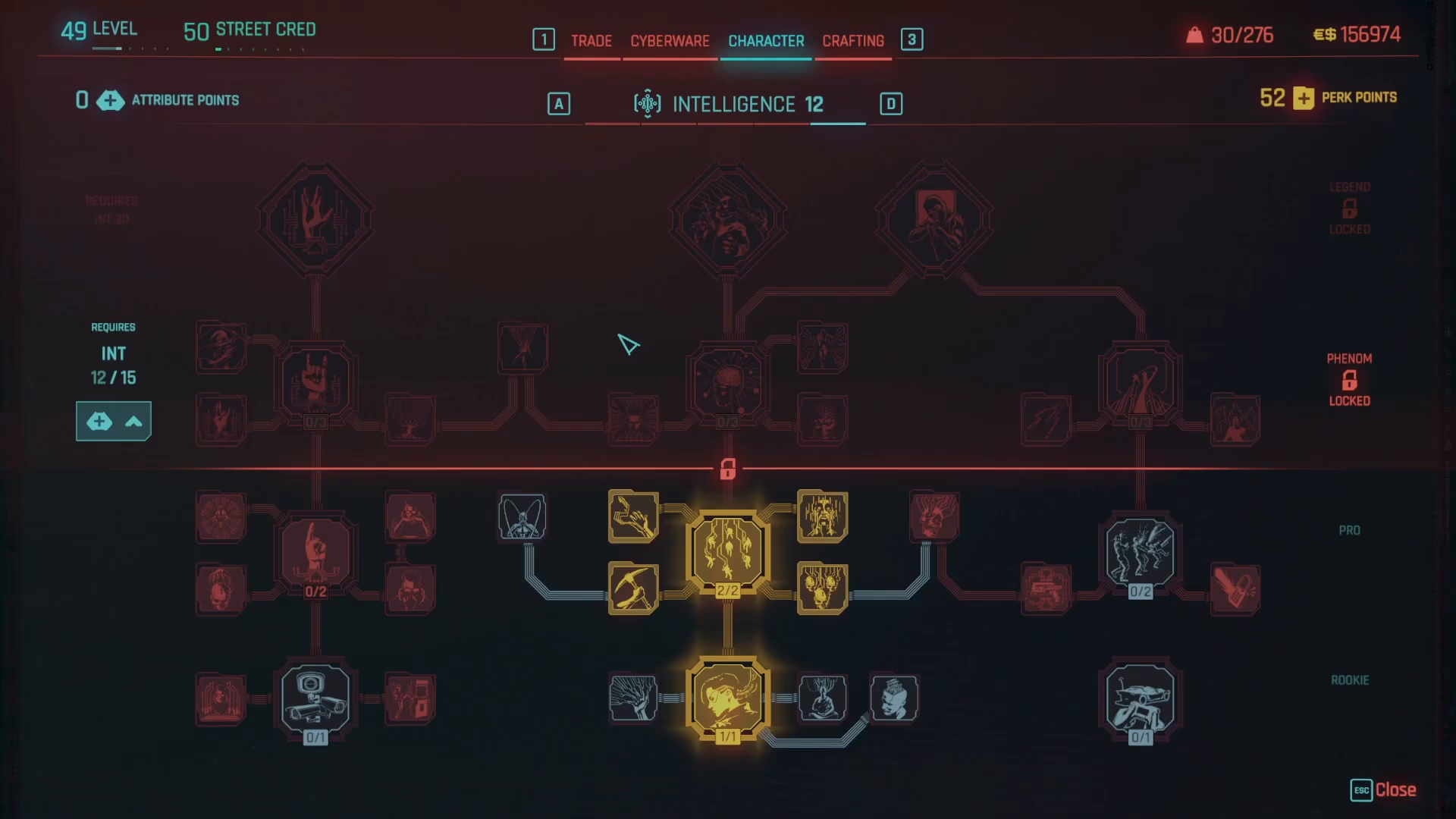
Once you’re viewing your perks within an attribute category, you’ll notice that some perks can be refunded while others cannot. The perks you can refund will be available for reset. To refund an individual perk point, simply middle-click on it.
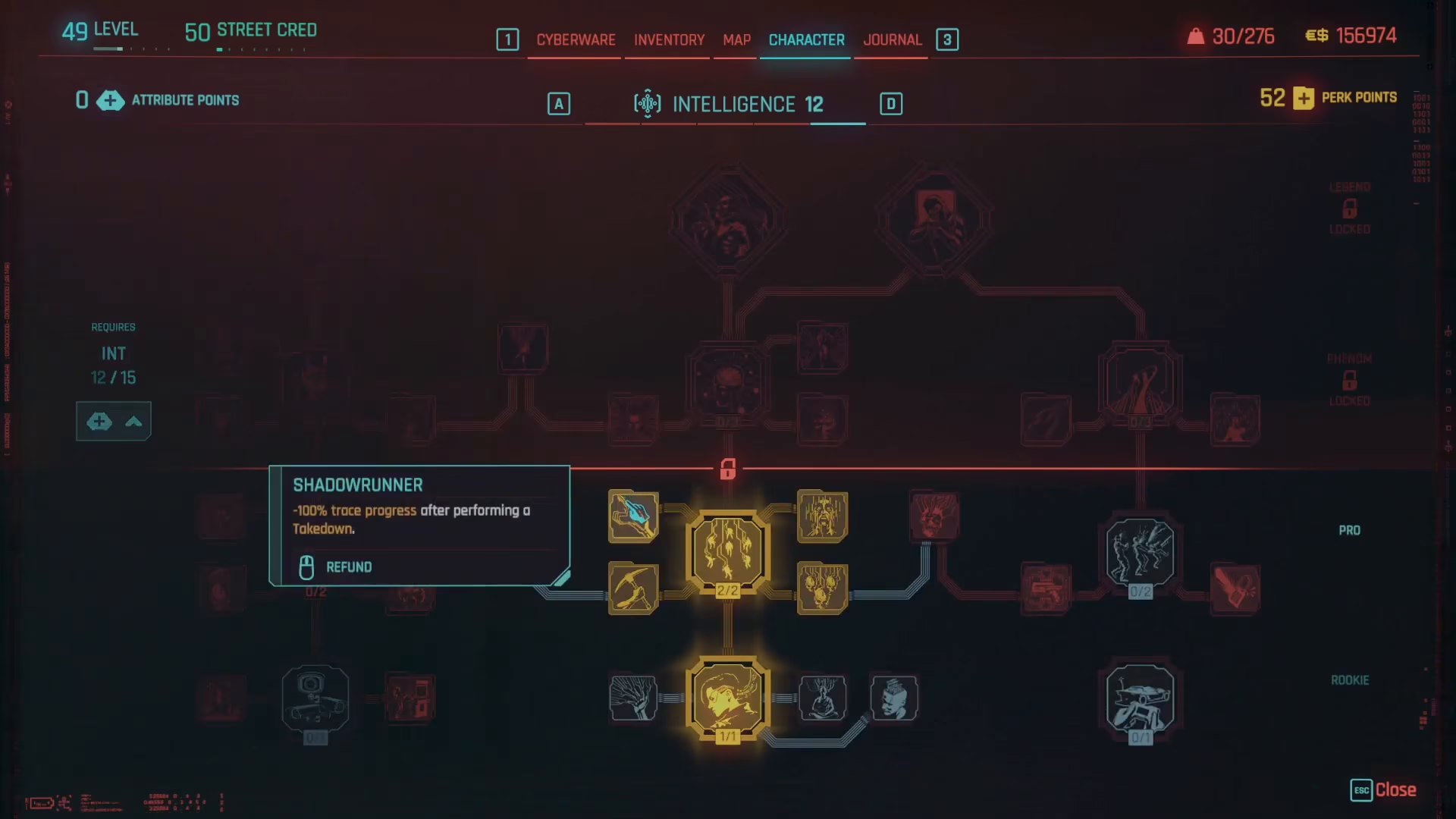
You can refund perk points one at a time, and importantly, there is no cost associated with this action—it’s completely free. If a perk has dependent perks attached to it, you’ll need to refund those dependent perks first before you can refund the main perk. Once all attached perks are refunded, you can then middle-click the main perk to refund it as well.
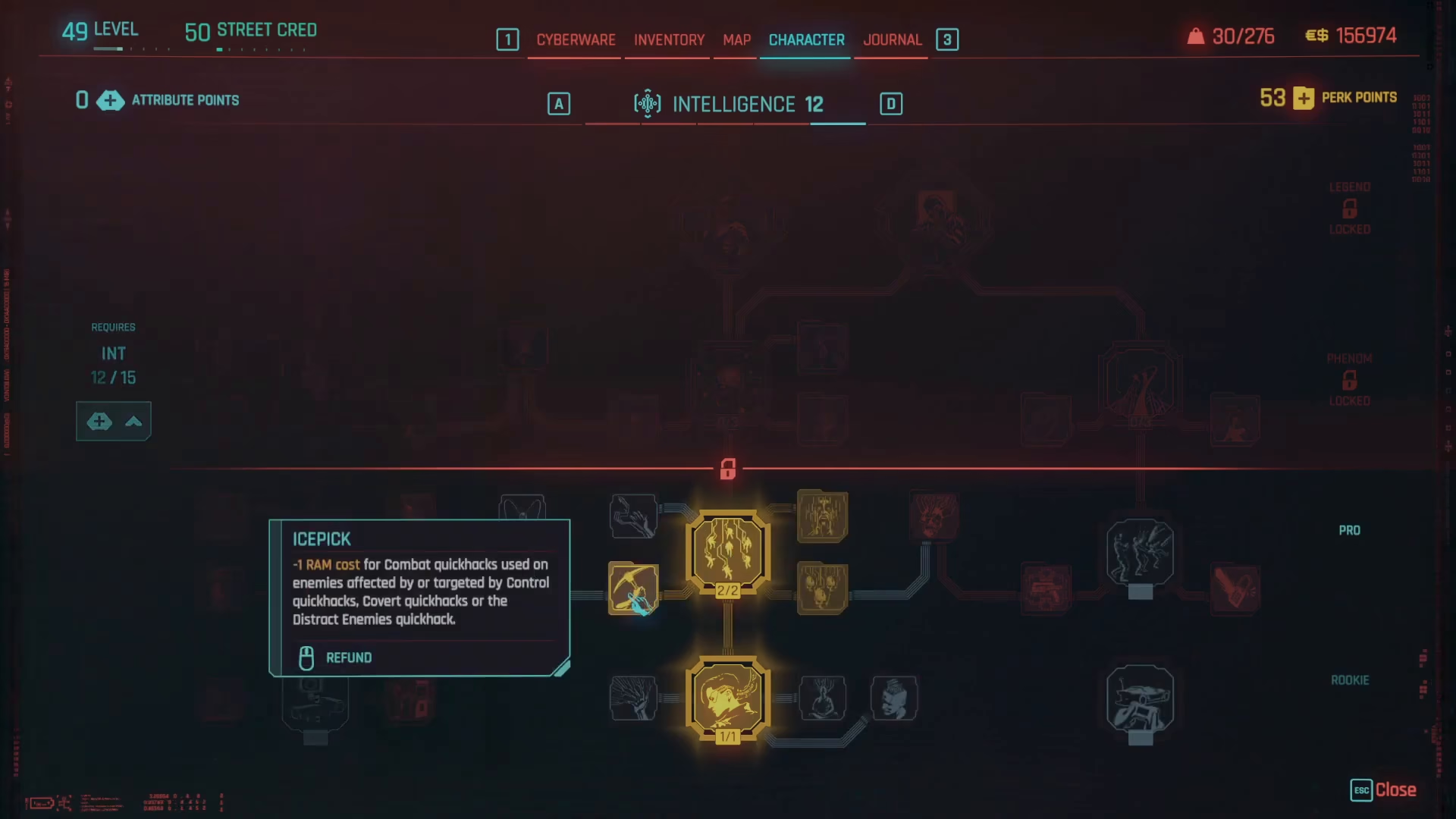
Key Perk Reset Benefits
The beauty of the perk reset system is that you can reset your perk points as many times as you want throughout your playthrough. This means you can experiment with different builds, test various skill combinations, and adjust your character’s development without permanent consequences.
How to Reset Attributes
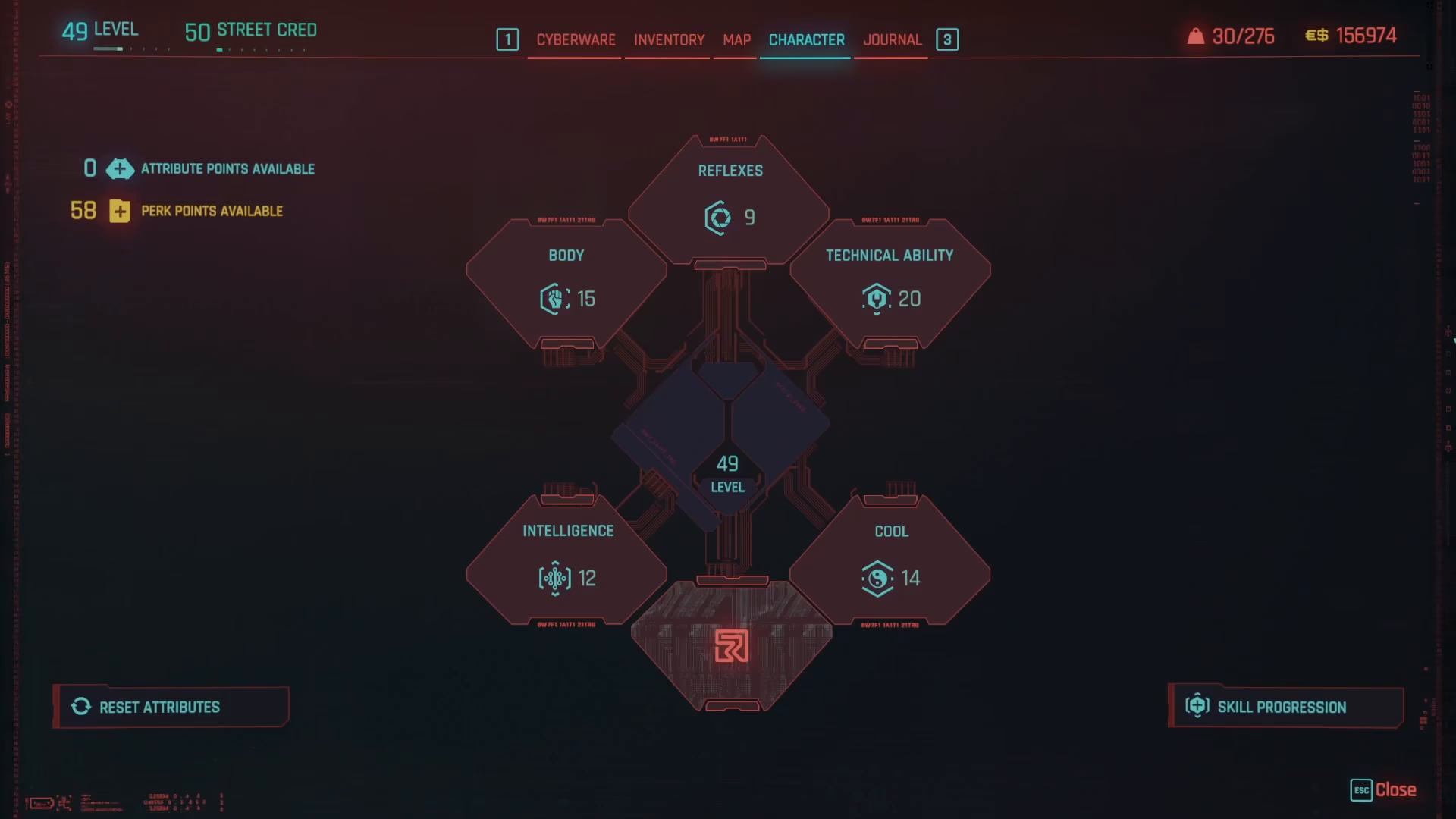
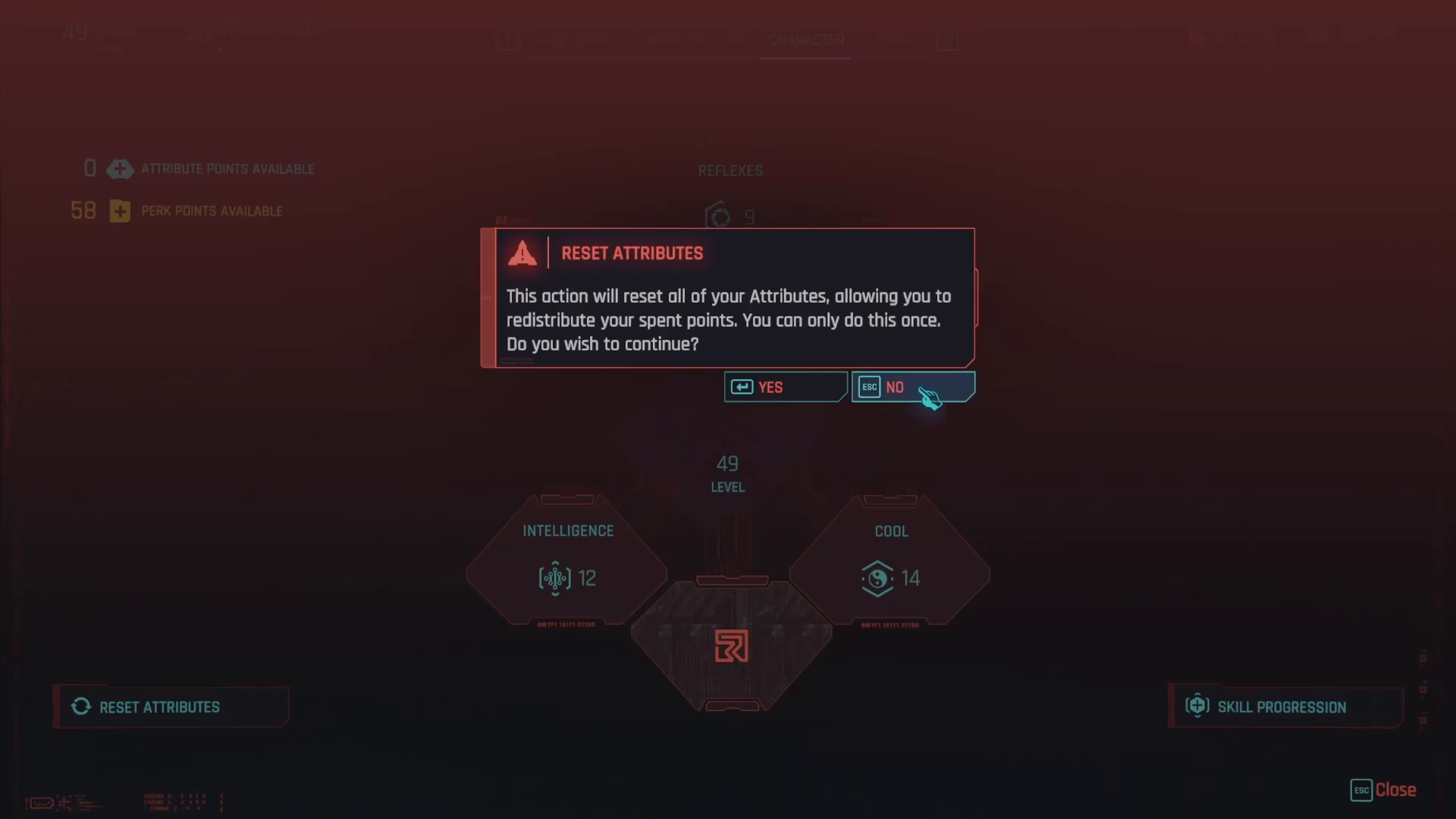
Resetting attributes works differently than resetting perks and comes with significant limitations. To access the attribute reset option, press Escape to open the menu while viewing your attributes screen. On the left-hand side of the screen, you’ll see an option labeled “Reset Attributes.”
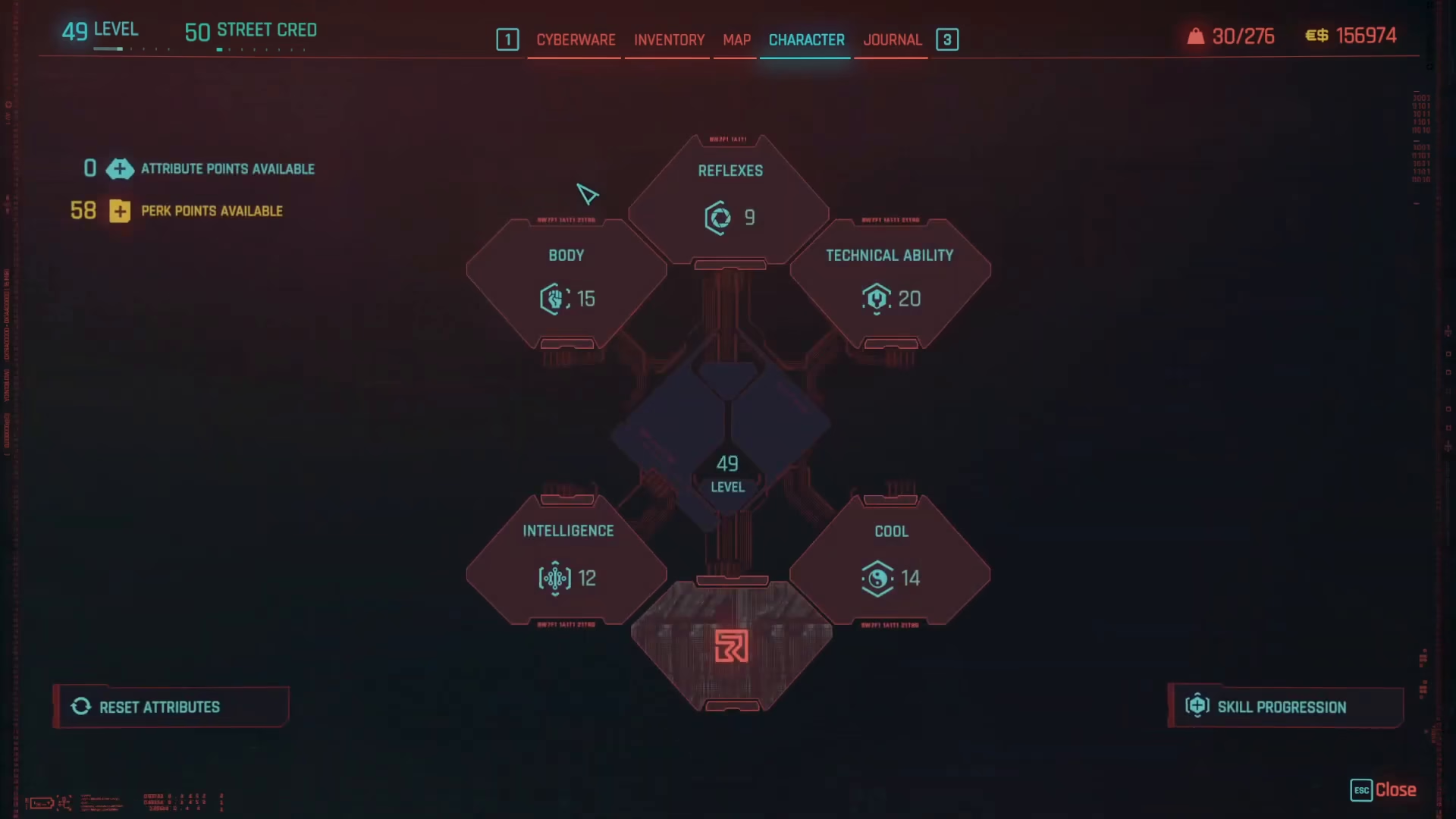
If you select “Reset Attributes,” the system will confirm that this action will reset all of your attribute points, allowing you to redistribute them. However, here’s the critical limitation: you can only reset your attributes once per character. This is a permanent, one-time-only action for each character you create.
Planning Before You Reset Attributes
Because you only get one attribute reset per character, it’s highly recommended that you use a build planner before committing to your attribute distribution. Many community resources offer build planners where you can experiment with different attribute allocations and see how various builds perform. This precaution is especially important because the inability to reset attributes more than once can severely limit your character’s flexibility if you make a mistake early in your playthrough.
Summary
Resetting your character’s progression in Cyberpunk 2077 is straightforward once you understand the system. Perk points can be reset unlimited times at no cost by middle-clicking them individually—use this flexibility to experiment and refine your build. Attributes, however, can only be reset once per character, so plan carefully using a build planner before making changes. With this knowledge, you can confidently develop your character without fear of permanently ruining your build.
— Want to Support? —
If you would like to help us continue making these guides – please consider joining our patreon here – https://www.patreon.com/c/JaviHeals
Alternatively – you can join our discord here – https://discord.gg/zD7Gjt6MHF