





How To Delete Groups In Age of Empires 4
How to Delete Groups in Age of Empires 4
Managing unit groups efficiently is essential for controlling your armies in Age of Empires 4. Whether you’re organizing your troops for a coordinated attack or simply need to reorganize your forces mid-battle, knowing how to delete groups is just as important as creating them. This guide will walk you through the simple process of removing unit groupings so you can maintain full control of your military.
Creating Groups
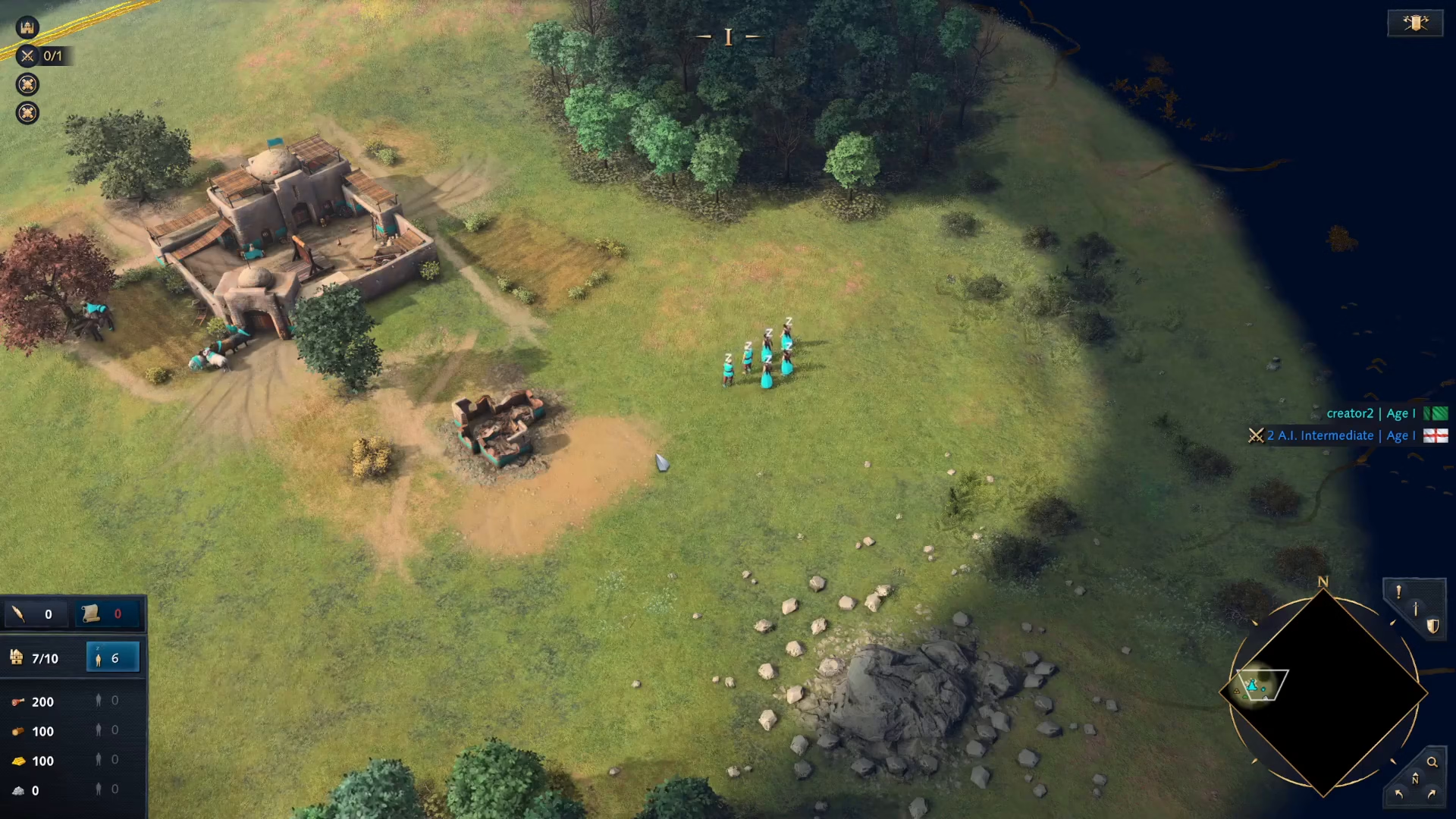
Before you can delete groups, it’s helpful to understand how they’re created in the first place. To assign units to a group, select all the units you want to include by dragging over them on the map. Once selected, hold Ctrl and press the number key you want to assign (for example, pressing 1 creates Group 1).
Now your selected units are saved to that numbered group. You can quickly select this entire group at any time during gameplay by simply pressing that number key.
Deleting Groups
To remove a group assignment and unassign all units from a grouping, follow these steps:
Step-by-Step Instructions
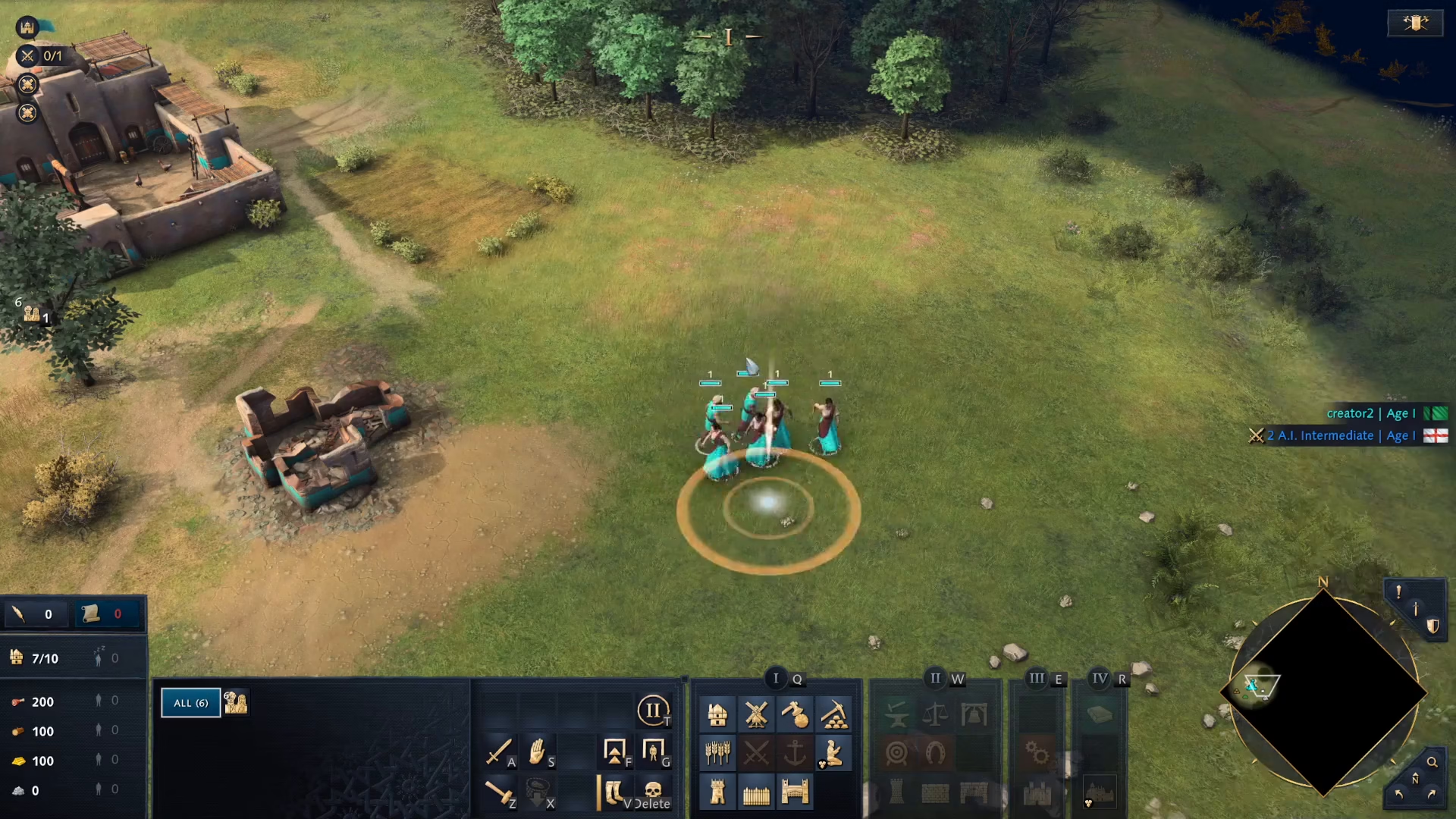
Select all units in the group you want to delete by picking them up again on the map
Hold Ctrl and press the number key for the group you assigned (for example, Ctrl + 1 if you assigned them to Group 1)
The grouping will be deleted immediately
The Key Difference
Remember this simple formula:
Assign a group: Press Ctrl + Number (e.g., Ctrl + 1)
Delete a group: Select units and press Ctrl + Number again (e.g., Ctrl + 1)
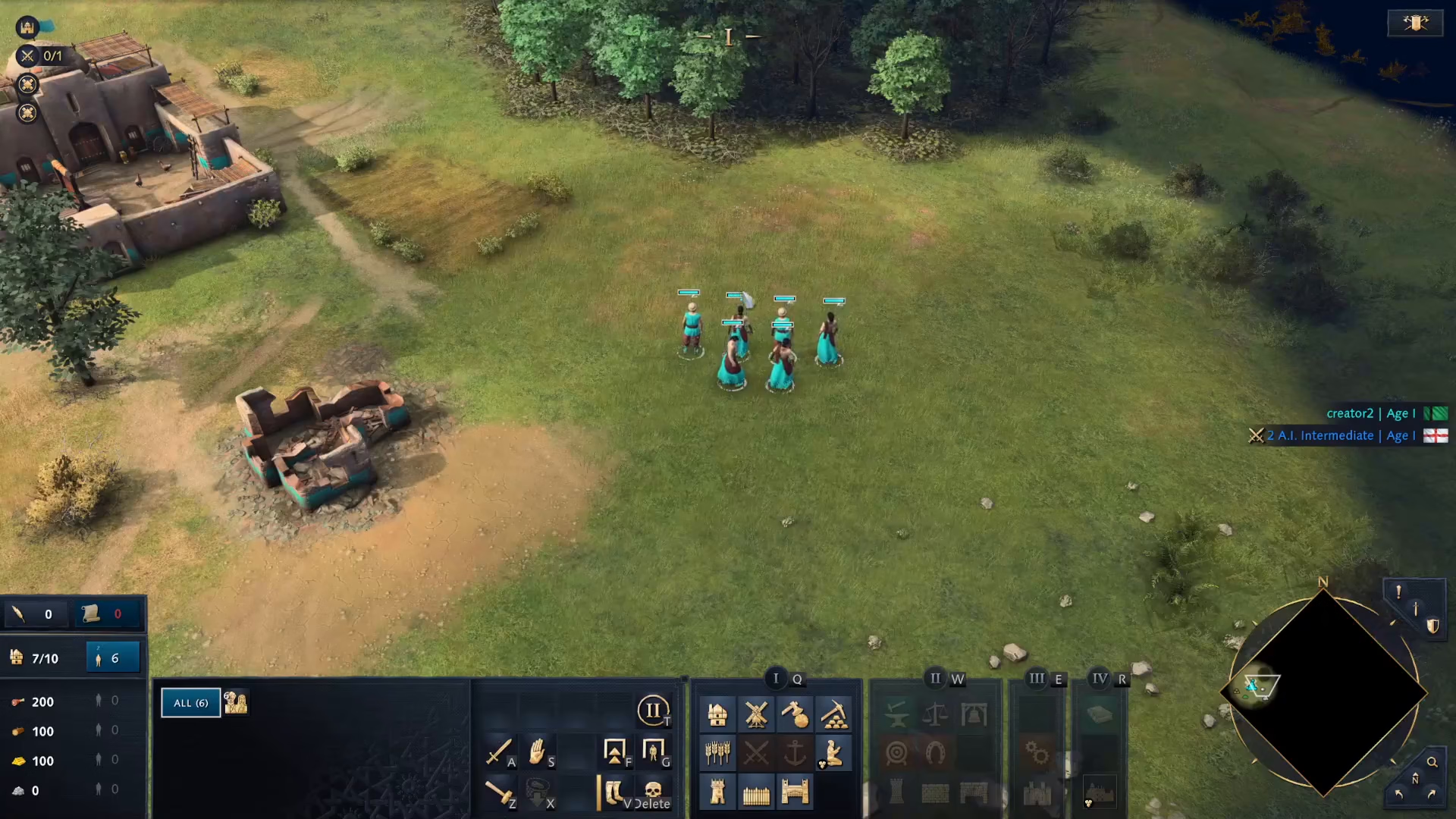
Pressing the same Ctrl + Number combination toggles the grouping on and off. This makes it easy to manage your units throughout the match.
Conclusion
Deleting groups in Age of Empires 4 is straightforward once you master the basic hotkey system. By using Ctrl + Number to both create and remove groups, you’ll maintain maximum flexibility in your unit management during gameplay. Practice this technique to improve your control over your armies and gain an edge in your matches.
Want to Support?
If you would like to help us continue making these guides – please consider joining our patreon here – https://www.patreon.com/c/JaviHeals
Alternatively – you can join our discord here – https://discord.gg/zD7Gjt6MHF