





How To Destroy Buildings In Age of Empires 4
How To Destroy Buildings In Age of Empires 4
In Age of Empires 4, managing your buildings is a crucial part of gameplay. Whether you need to eliminate enemy structures or remove your own buildings to make room for new construction, understanding the destruction mechanics is essential. This guide will walk you through both methods quickly and easily.
Destroying Enemy Buildings
To destroy enemy buildings, simply attack them with your military units. Select any of your combat units and command them to attack the target building. Continue attacking until the structure is destroyed. This is the standard method for eliminating opponent structures during gameplay.
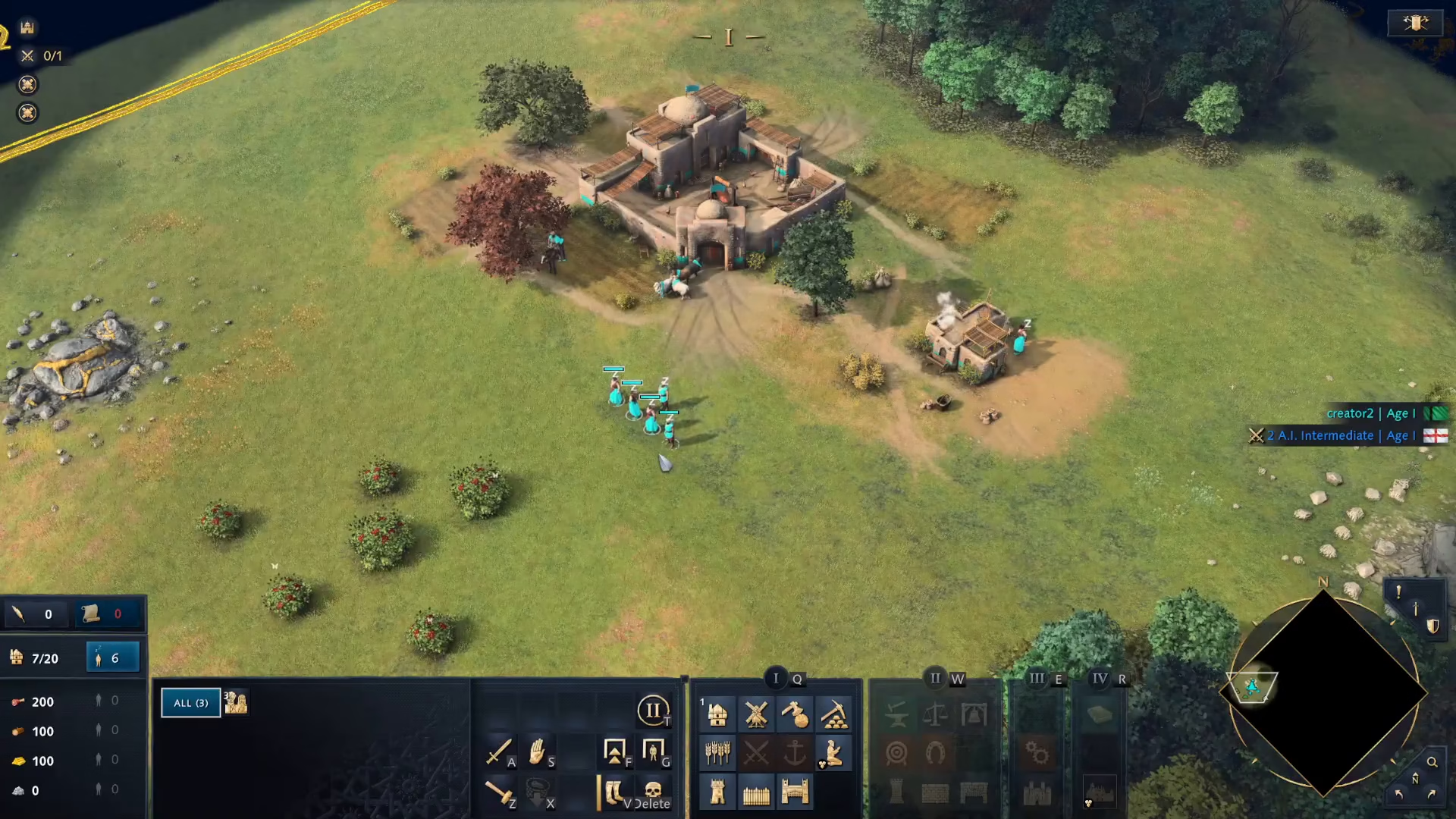
Destroying Your Own Buildings
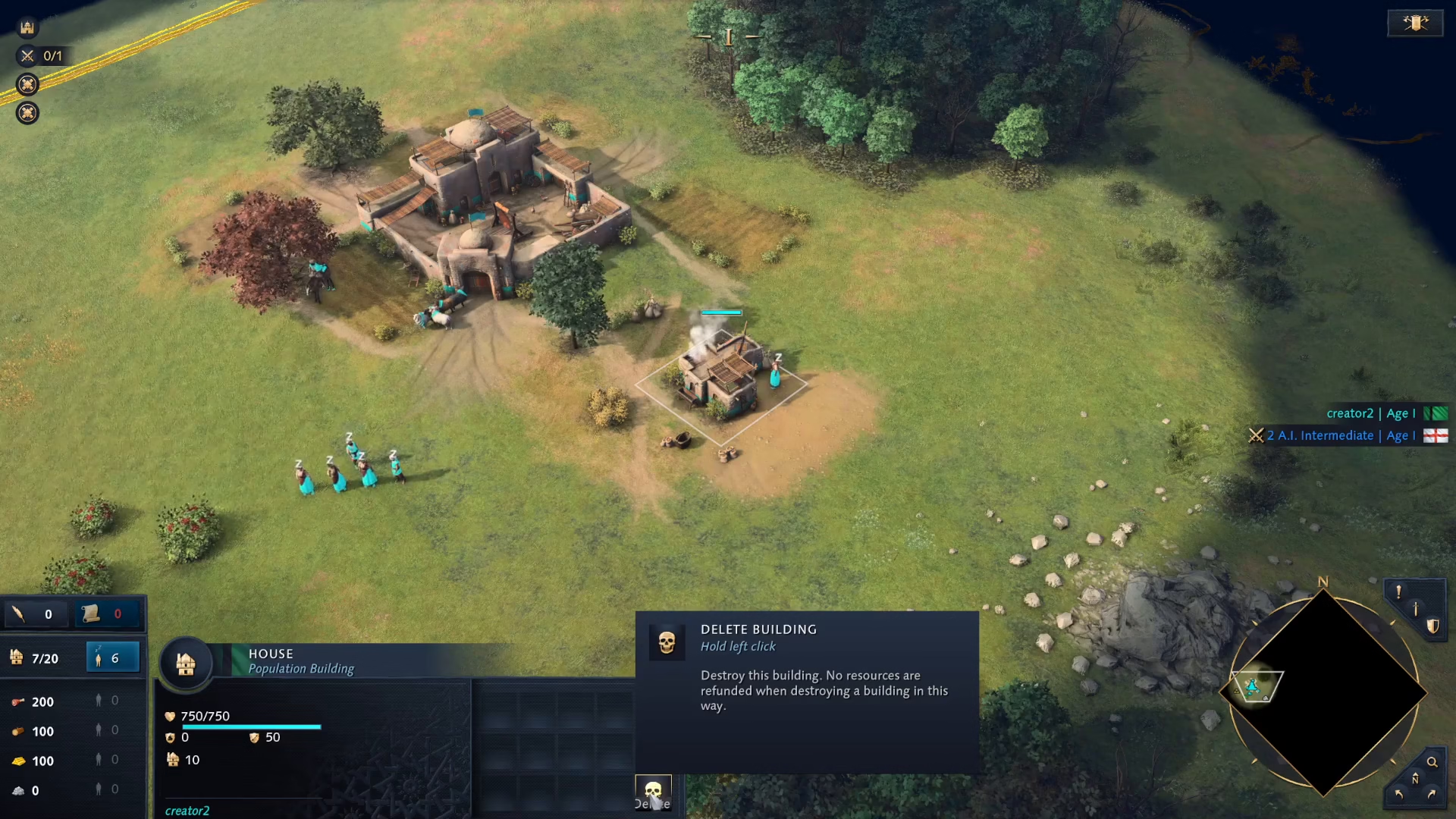
If you need to delete one of your own buildings, the process is straightforward. First, click on the building you want to remove.
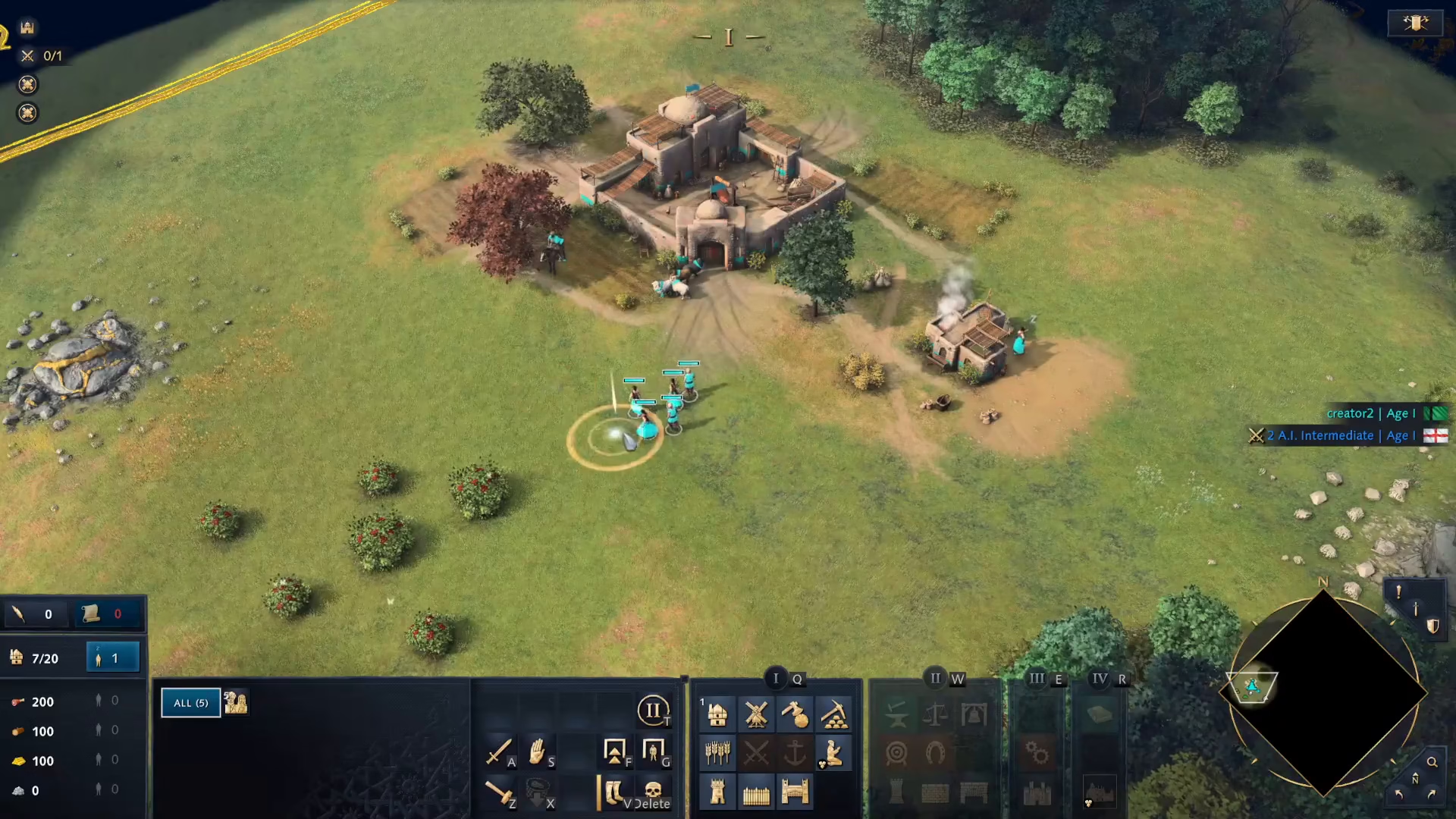
Once selected, look at the bottom of your screen. You’ll see a “Delete Building” button appear in the interface.
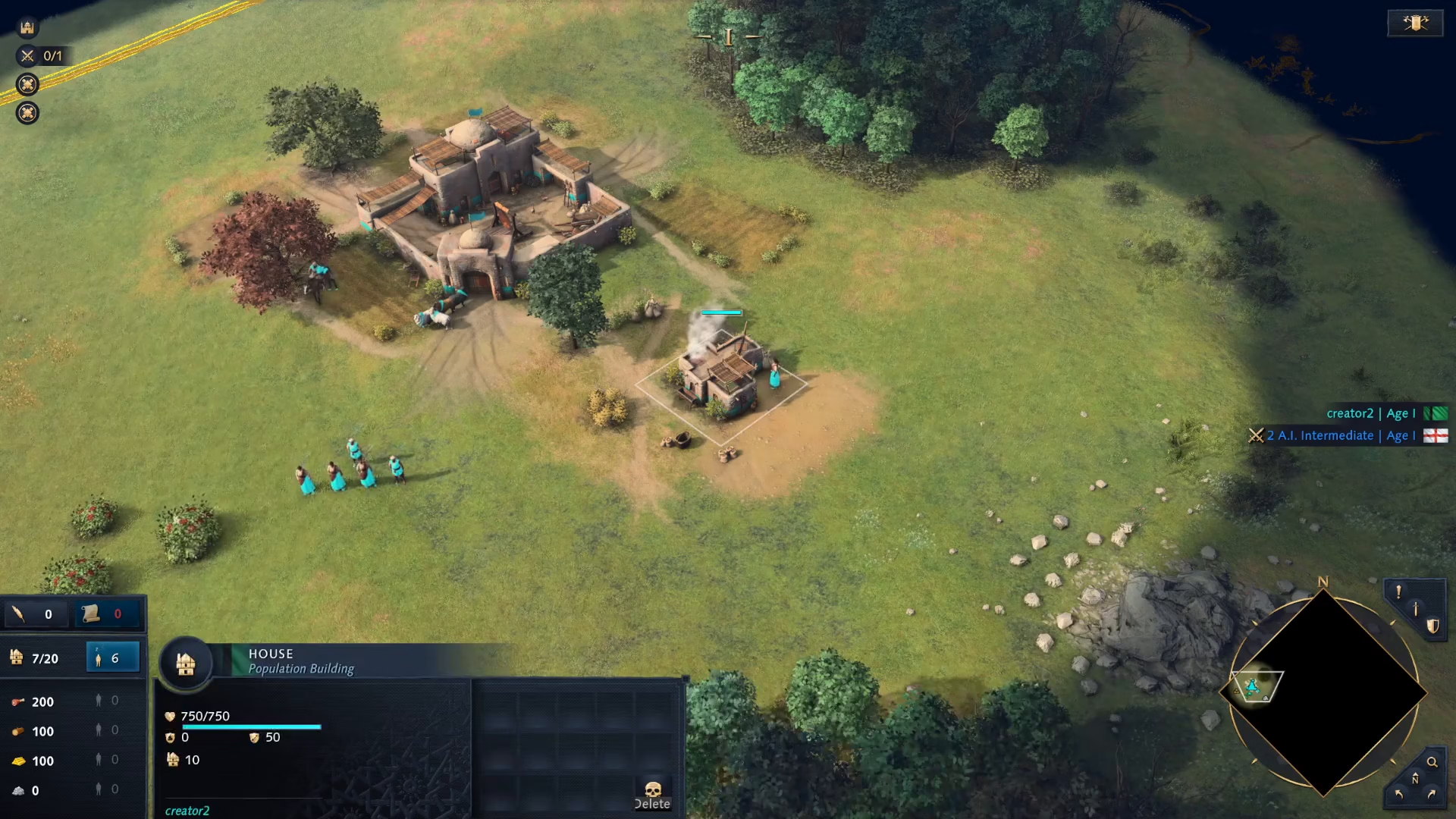
To complete the deletion, hold down the left mouse button on the Delete Building button. The building will be removed from the map.
Summary
Destroying buildings in Age of Empires 4 is simple: attack enemy structures with your units, and delete your own buildings by selecting them and holding the left click on the Delete Building button. With these mechanics mastered, you’ll have better control over your base layout and military strategy.
— Want to Support? —
If you would like to help us continue making these guides – please consider joining our patreon here – https://www.patreon.com/c/JaviHeals
Alternatively – you can join our discord here – https://discord.gg/zD7Gjt6MHF