





How To Rotate Camera In Age of Empires 4
“`html
How to Rotate Camera in Age of Empires 4
Rotating your camera view is one of the most essential skills in Age of Empires 4, allowing you to get a better perspective of your base, troops, and battlefield. This guide will show you two simple methods to rotate your camera smoothly during gameplay.
Using the On-Screen Buttons
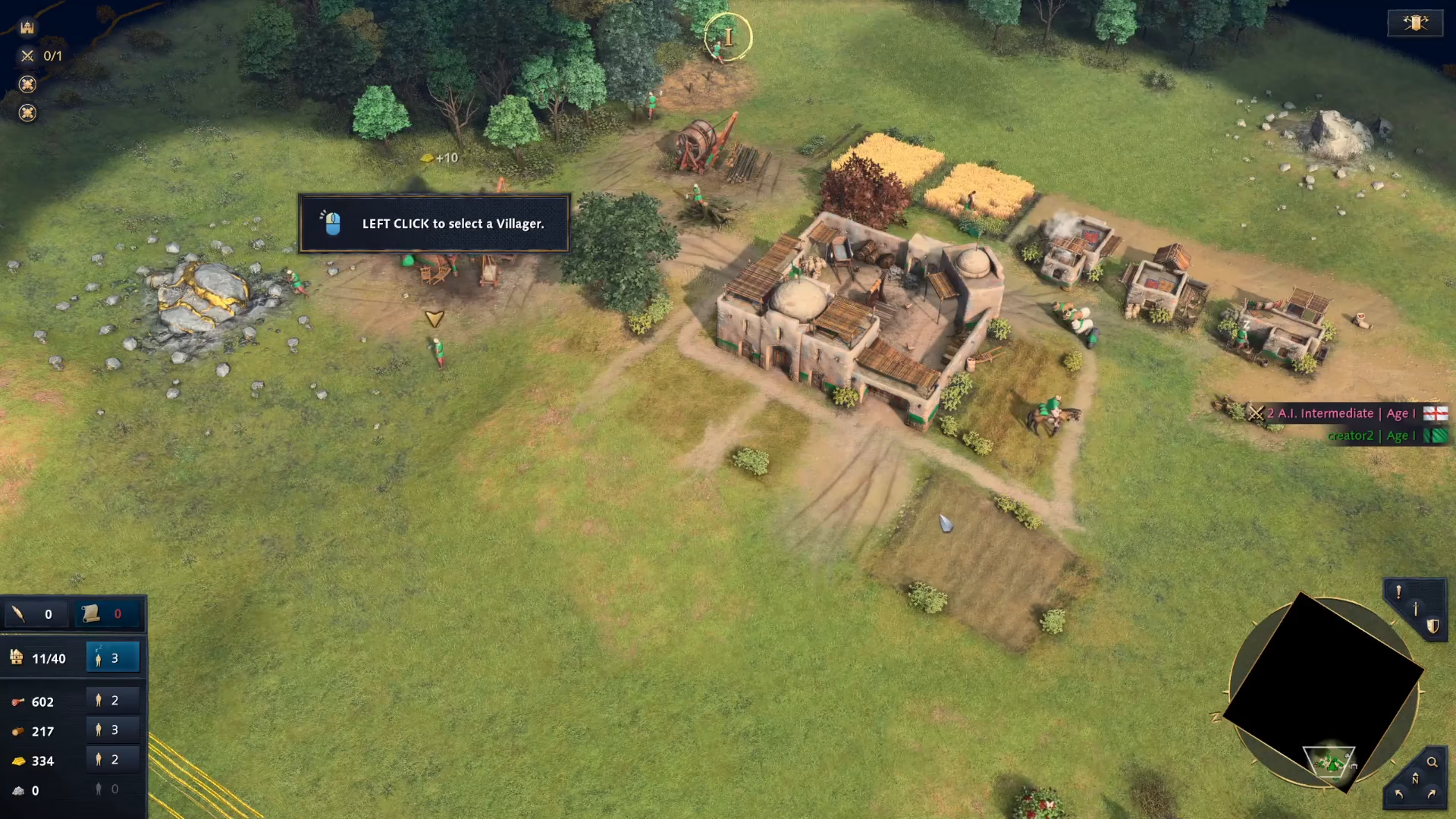
The easiest way to rotate your camera is by using the built-in interface controls. Look at the bottom right corner of your screen, and you’ll see arrow buttons labeled “rotate camera left” and “rotate camera right.” Simply click on either button to rotate your view in the desired direction.
Using the Alt + Mouse Shortcut (Recommended)
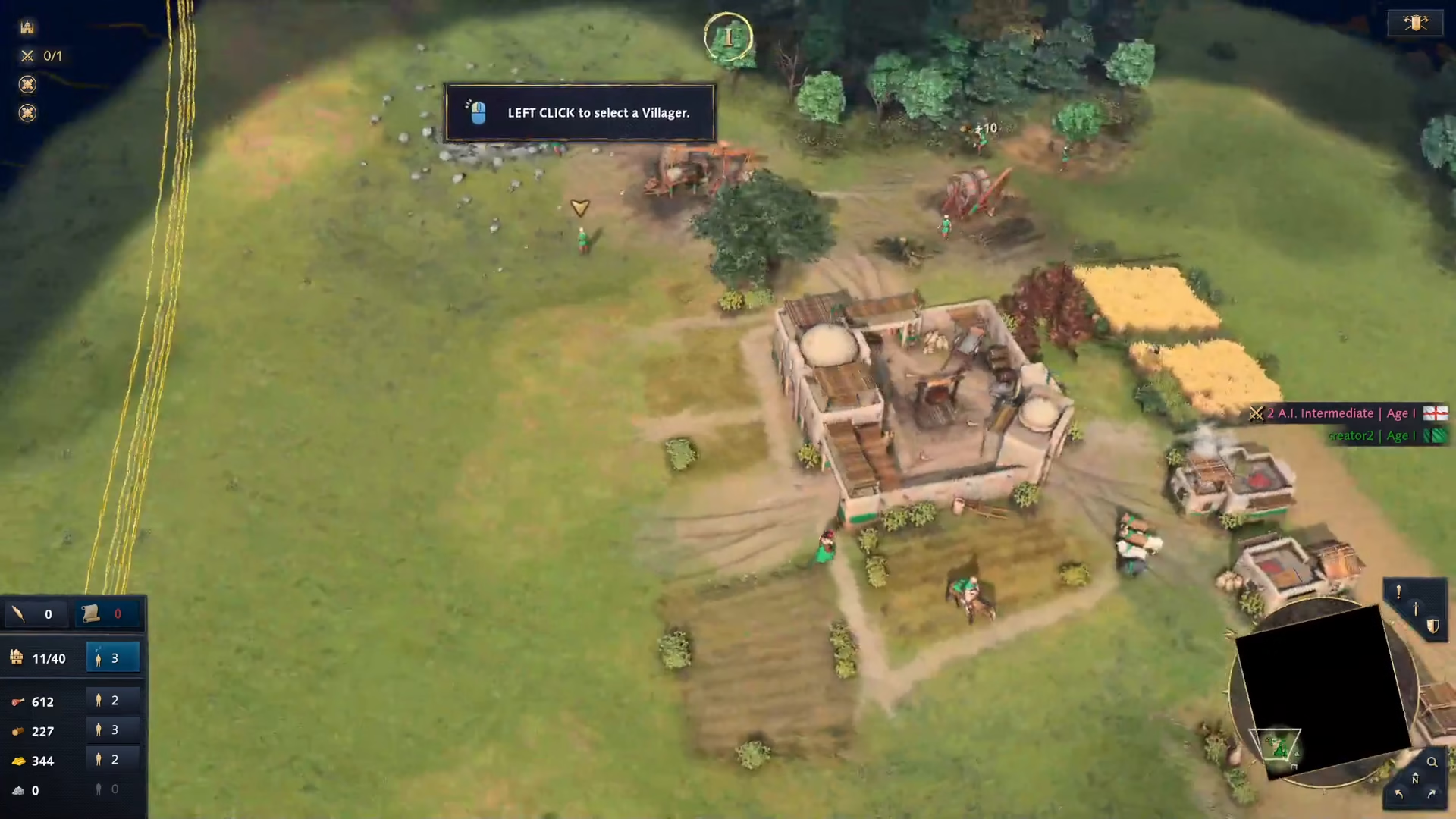
For faster and more fluid camera rotation during intense gameplay, use the keyboard and mouse combination. Hold down the Alt key on your keyboard, then move your mouse in the direction you want to rotate the camera. This method is much more intuitive and responsive than clicking buttons, making it the preferred technique for experienced players.
Summary
You now have two ways to rotate your camera in Age of Empires 4. While the on-screen buttons work in a pinch, the Alt + mouse method is faster and more practical during active gameplay. Master this skill to maintain better map awareness and improve your overall strategy.
— Want to Support? —
If you would like to help us continue making these guides – please consider joining our patreon here – https://www.patreon.com/c/JaviHeals
Alternatively – you can join our discord here – https://discord.gg/zD7Gjt6MHF
“`