How to Increase PP & Inventory Space In Pokopia
How to Increase PP & Inventory Space in Pokopia
Running out of PP or inventory space in Pokopia can be frustrating when you’re trying to progress through your adventure. Fortunately, there’s an easy solution available at the PC Center. This guide will walk you through the simple steps to expand both your PP capacity and bag space so you can carry more items and use your moves more frequently.
Visiting the PC Center
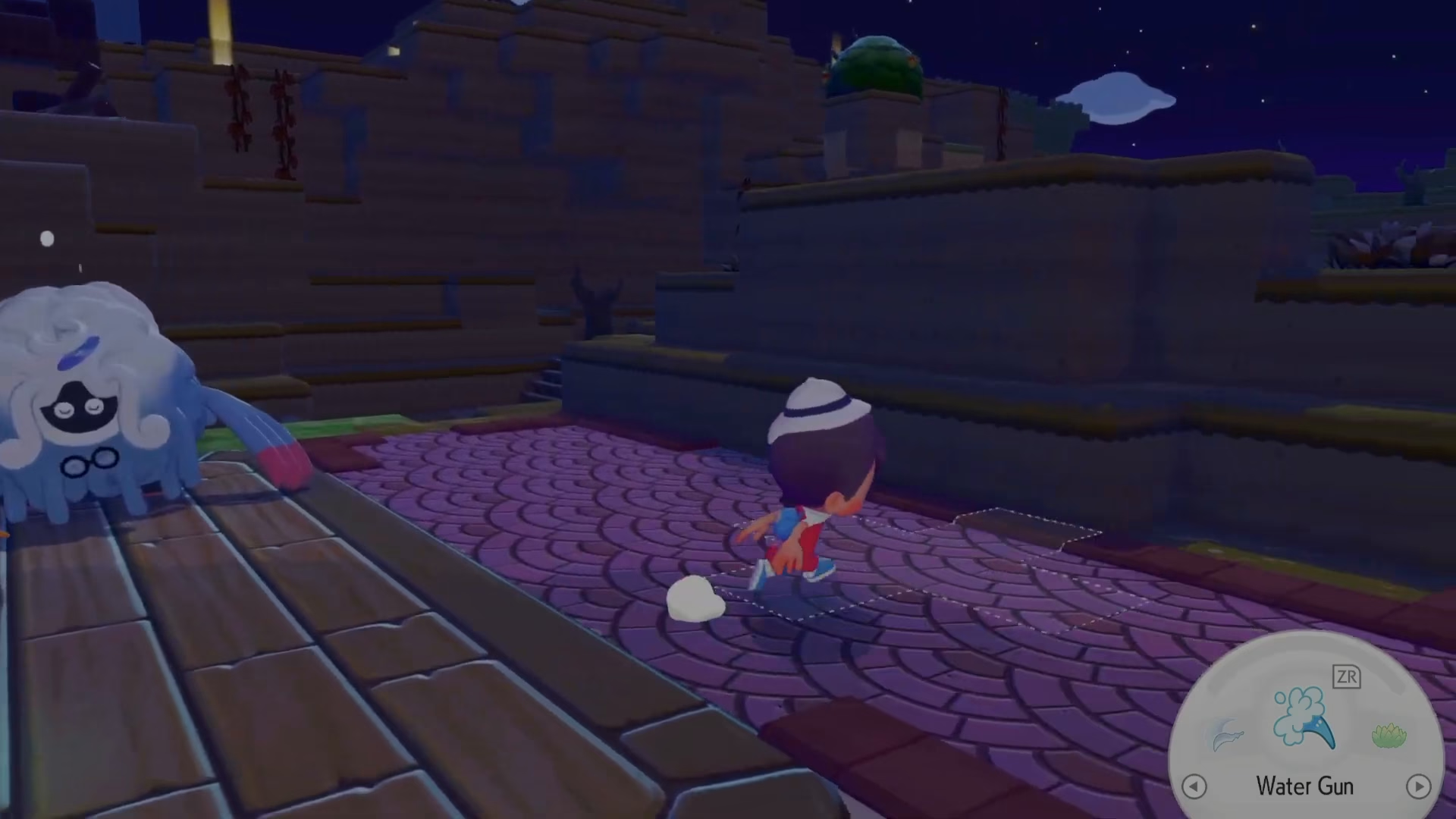
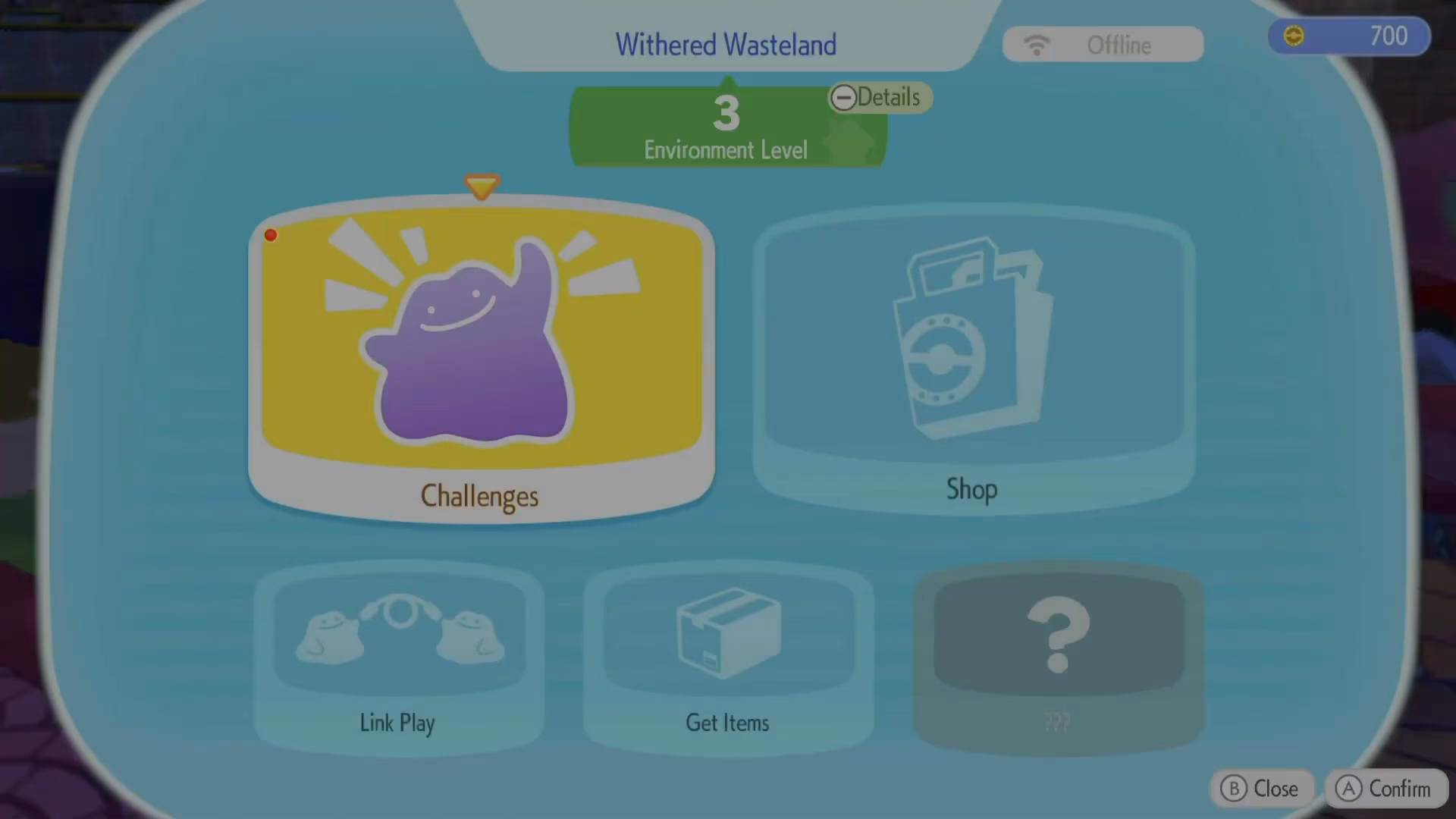
To begin, head to the PC Center in your current location. Once you arrive at the PC Center, interact with the computer terminal to access the shop menu.
Purchasing Packing Tips Rookie
In the shop menu, scroll down until you find the item called Packing Tips Rookie. This item is specifically designed to increase your inventory size, allowing you to carry more items in your bag. It’s an affordable upgrade at only 100 coins, making it an excellent early purchase.
Buying PP Up
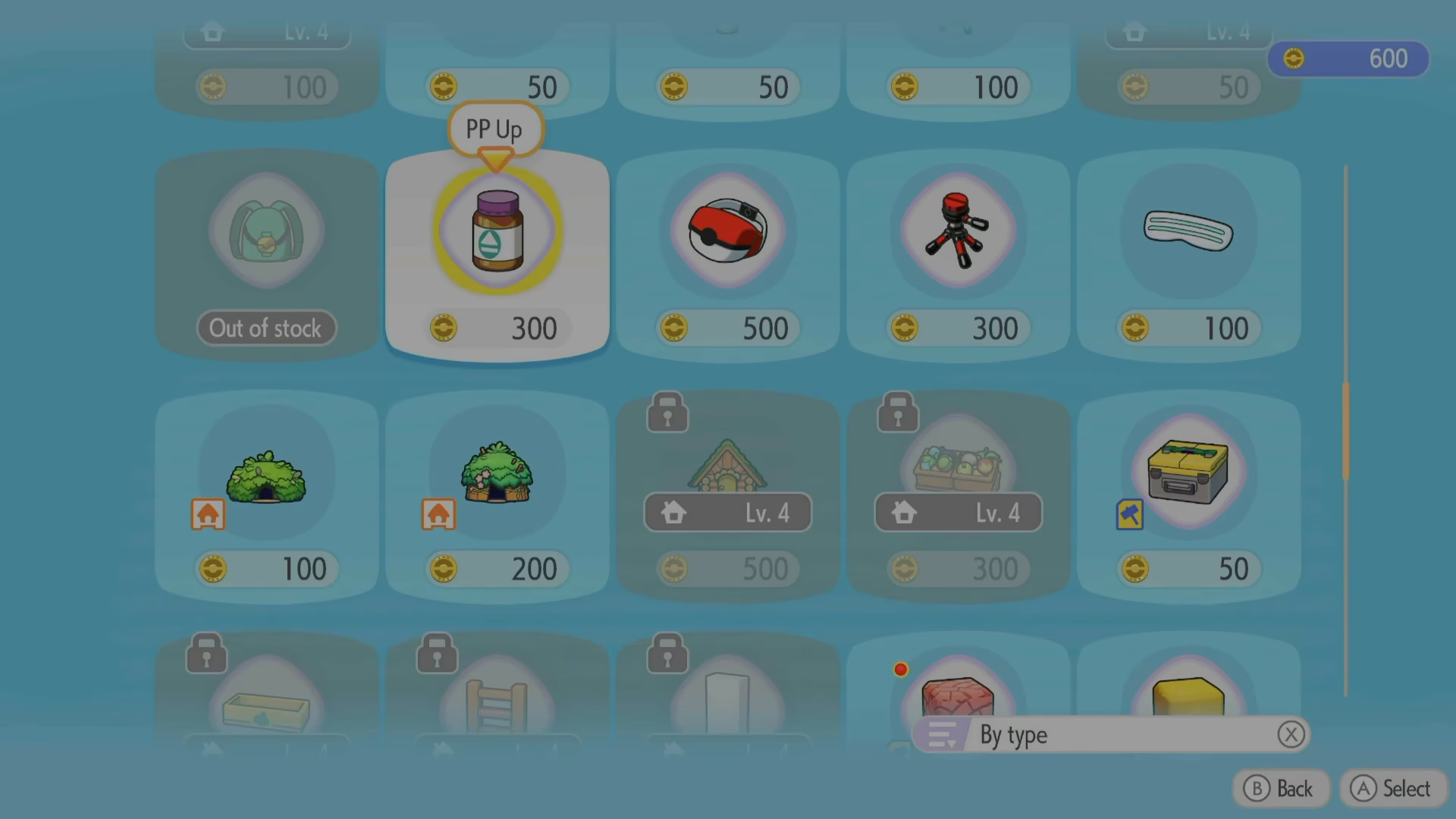
Next, purchase the PP Up item, which is described as a mysterious liquid in a bottle. When consumed, PP Up will slightly raise your PP (Power Points) for your moves, allowing you to use your moves significantly more times in battle without needing to visit a Pokémon Center as frequently.
Optional: Handy Bag
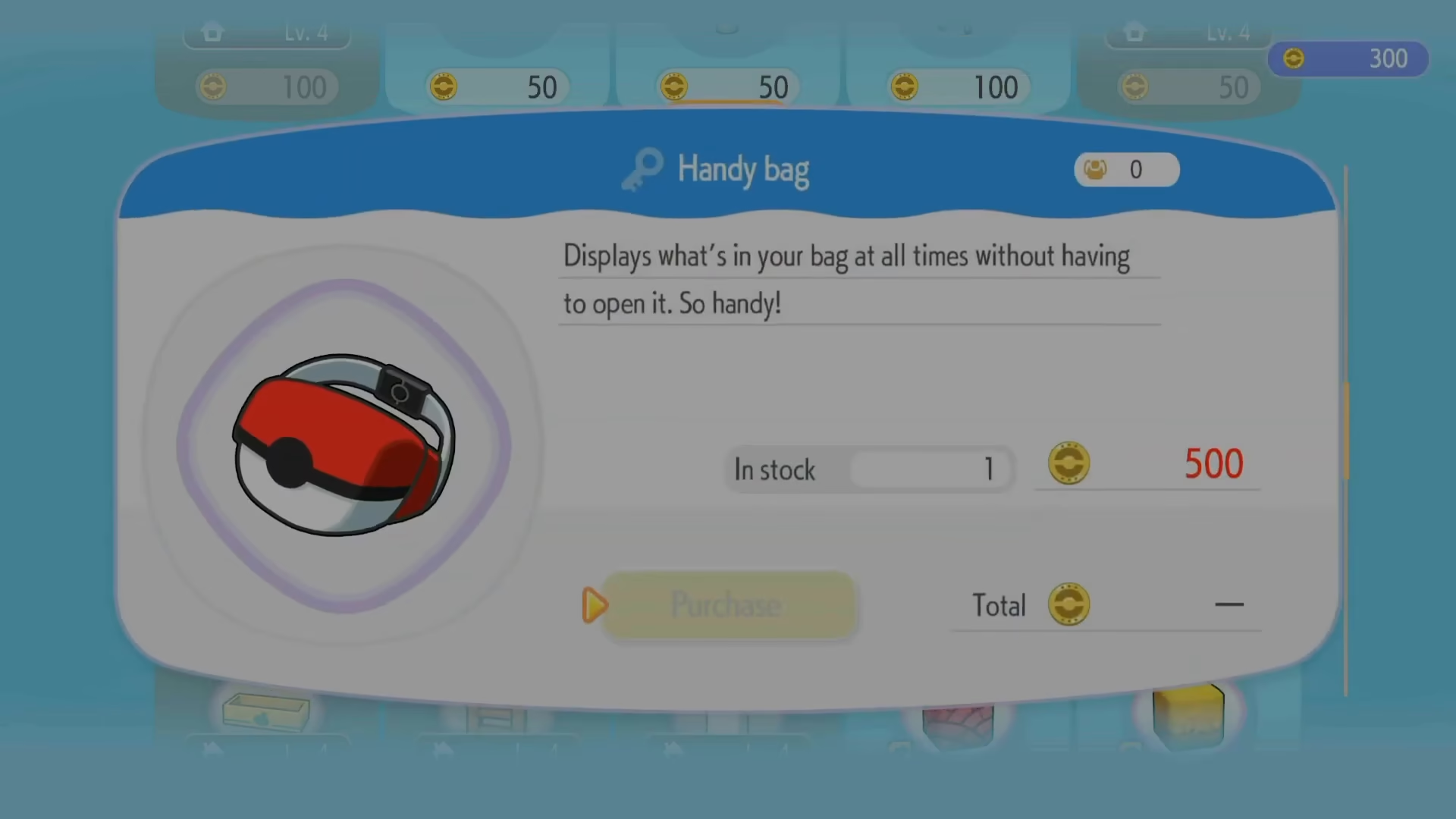
While you’re shopping, consider also purchasing the Handy Bag. This convenient item displays what’s in your bag at all times, eliminating the need to open your bag menu repeatedly. It’s a quality-of-life improvement that many players find invaluable during their adventure.
Summary
Expanding your PP and inventory space in Pokopia is straightforward and affordable. By visiting the PC Center and purchasing Packing Tips Rookie and PP Up, you’ll significantly improve your capacity to carry items and use your moves in battle. Don’t forget to grab the Handy Bag as well for convenient access to your inventory at any time.
— Want to Support? —
If you would like to help us continue making these guides – please consider joining our patreon here – https://www.patreon.com/c/JaviHeals
Alternatively – you can join our discord here – https://discord.gg/zD7Gjt6MHF