How to Make Habitats Warmer in Pokopia
How to Make Habitats Warmer in Pokopia
If you’ve been playing Pokopia and want to improve your Pokémon’s comfort level, you might be wondering how to make their habitats warmer. The key is understanding the difference between simply placing items in a habitat versus properly furnishing a home. This guide will walk you through the process of warming up your Pokémon’s living space.
Understanding Habitats vs. Homes
Many players assume that placing items like a campfire in a habitat will increase warmth, but that’s not quite how it works in Pokopia. While you can place items in a general habitat area, actually increasing comfort and warmth requires a dedicated home structure.
The important distinction is this: to truly increase the comfort level of your Pokémon through warmth items, you need to place those items inside an actual home, not just anywhere in the habitat.
How to Place Items in Your Pokémon’s Home
Step 1: Access Your Pokémon’s Home
Start by locating your Pokémon’s home in Pokopia. This is separate from the open habitat area where your Pokémon roam.
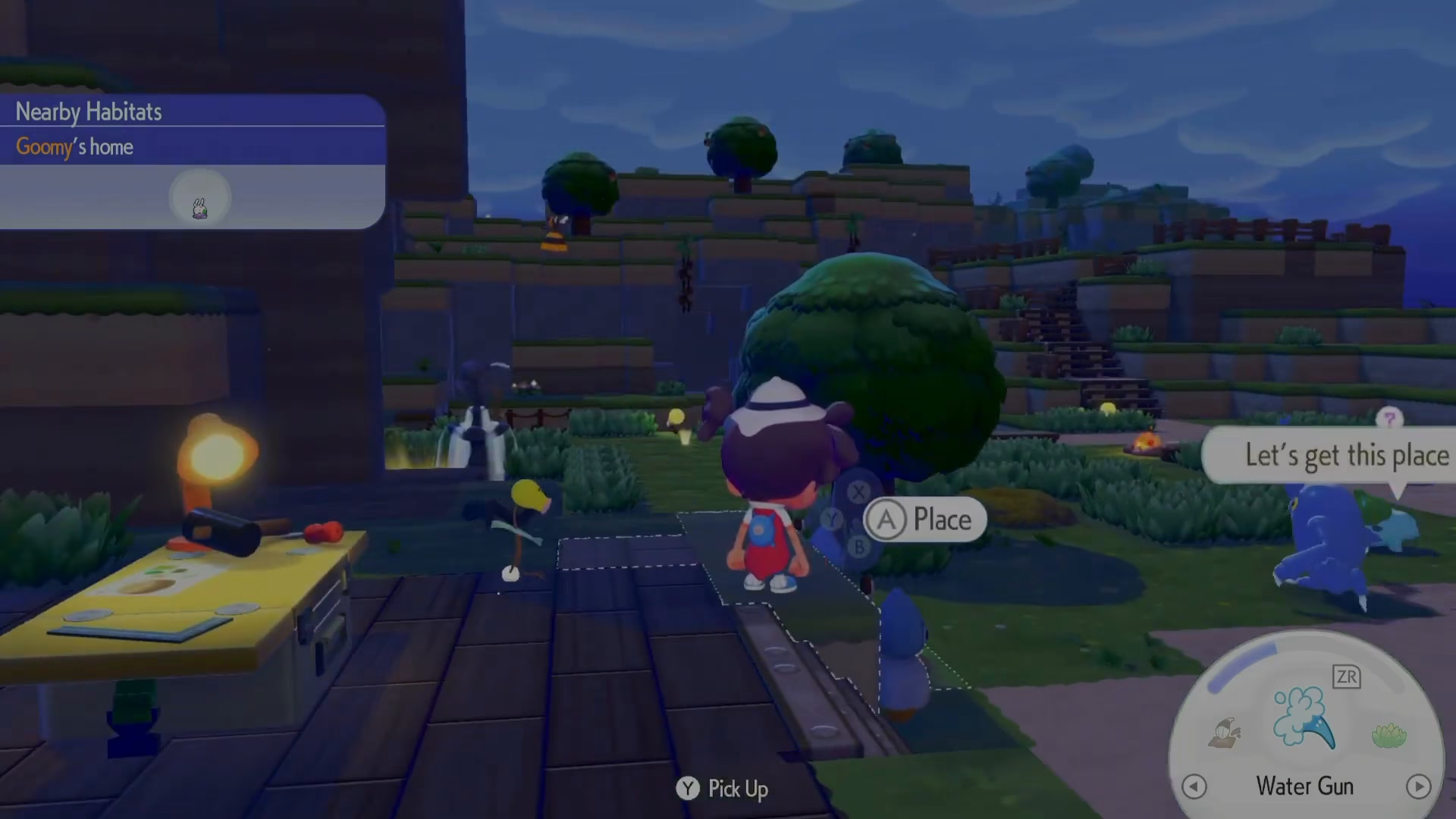
Step 2: Select Your Warming Item
Choose the item you want to place for warmth—such as a campfire. Make sure the item is actually lit or activated, as this matters for providing the warmth benefit.
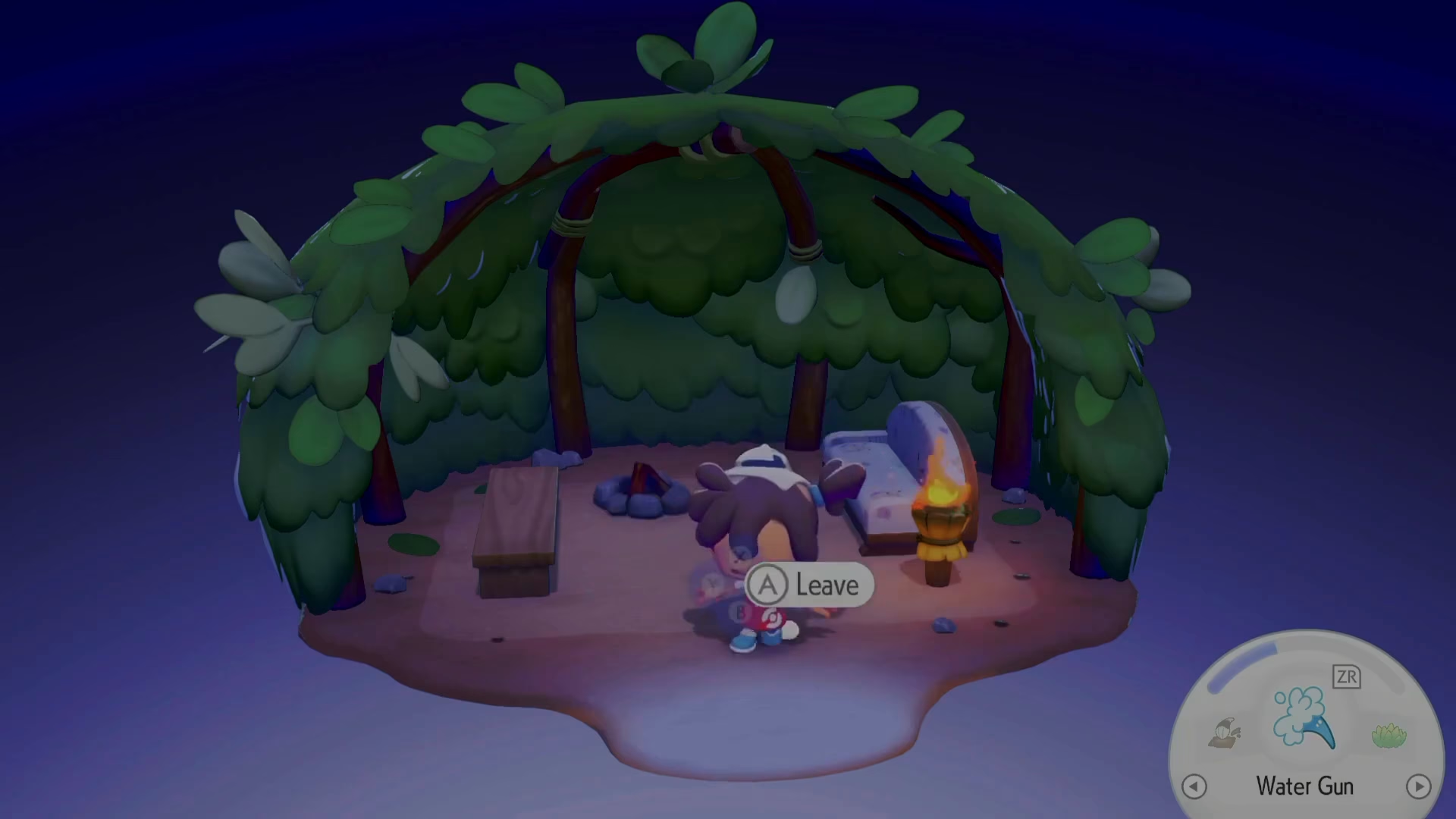
Step 3: Place the Item Inside the Home
Right-click (or use your platform’s equivalent action) to place the campfire or other warming item inside the home. This is the critical step that many players miss. Simply having the item nearby isn’t enough—it must be placed within the home structure itself.
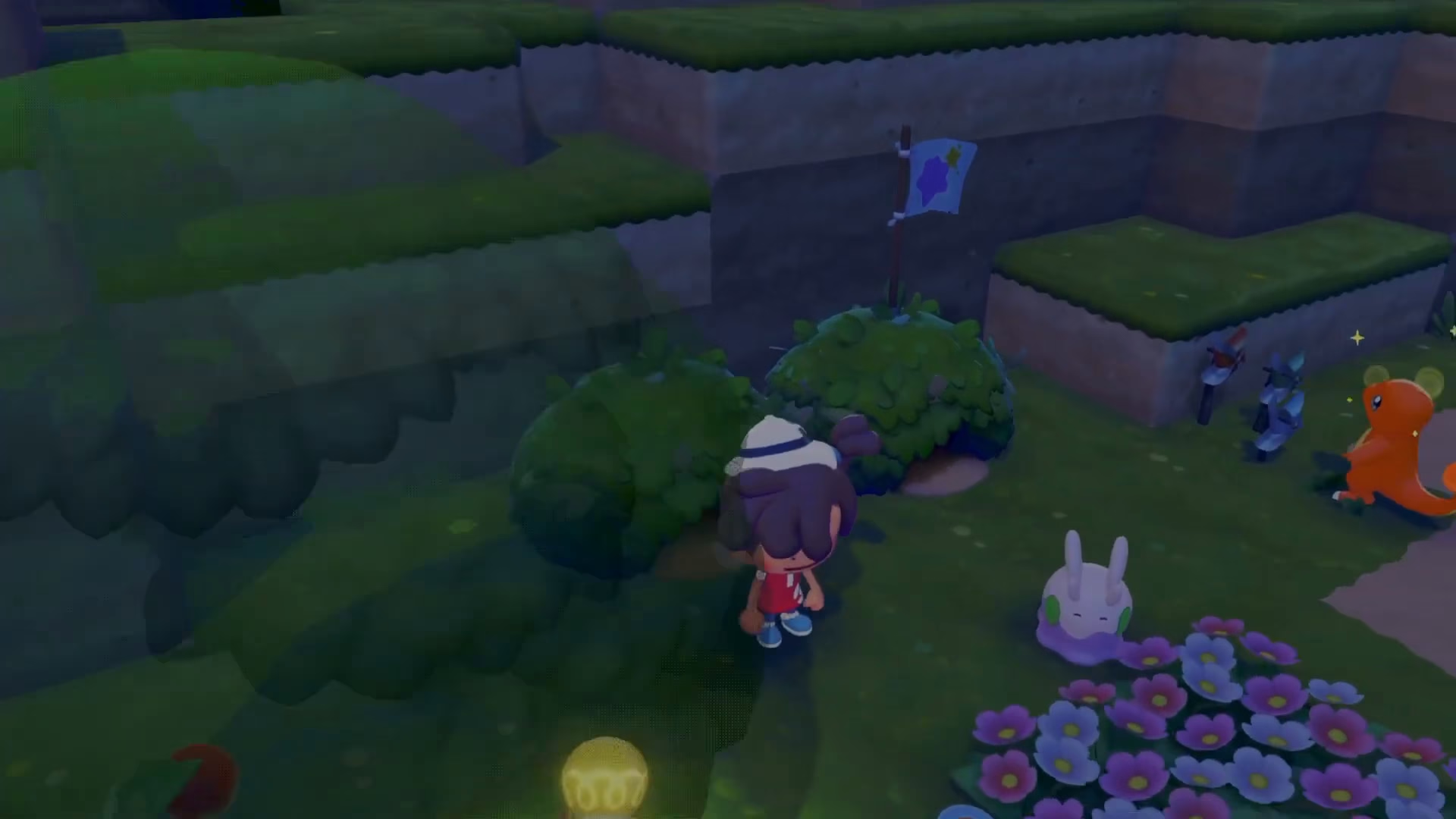
Key Takeaway
The main principle to remember when making a habitat warmer in Pokopia is that comfort-increasing items must be placed inside your Pokémon’s home, not just scattered around the habitat. Make sure your warming items like campfires are lit and properly positioned inside the home to see the comfort level increase. This applies to all warming and comfort items in the game—placement location matters just as much as the item itself.
Want to Support?
If you would like to help us continue making these guides – please consider joining our patreon here – https://www.patreon.com/c/JaviHeals
Alternatively – you can join our discord here – https://discord.gg/zD7Gjt6MHF