






How To Denounce in Civ 6
How to Denounce in Civilization VI
Denouncing other civilizations is a straightforward diplomatic action in Civilization VI that can affect your relationships with other players. This guide walks you through the simple steps needed to denounce another kingdom.
Denouncing Another Civilization
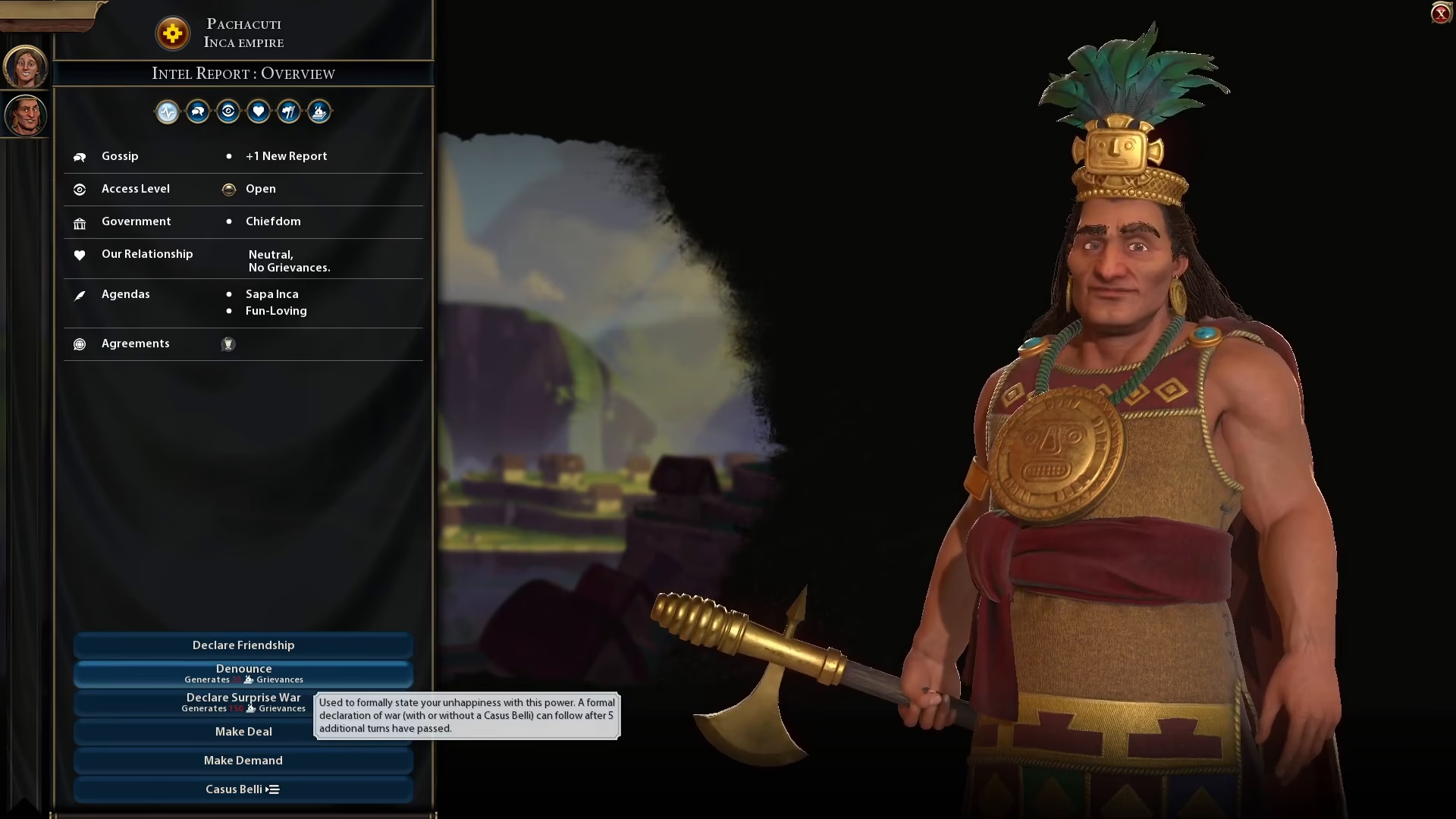
To denounce another civilization, start by clicking on the civilization you wish to denounce. Once you’ve selected them, look at the left side of the screen where you’ll find the denounce option available.
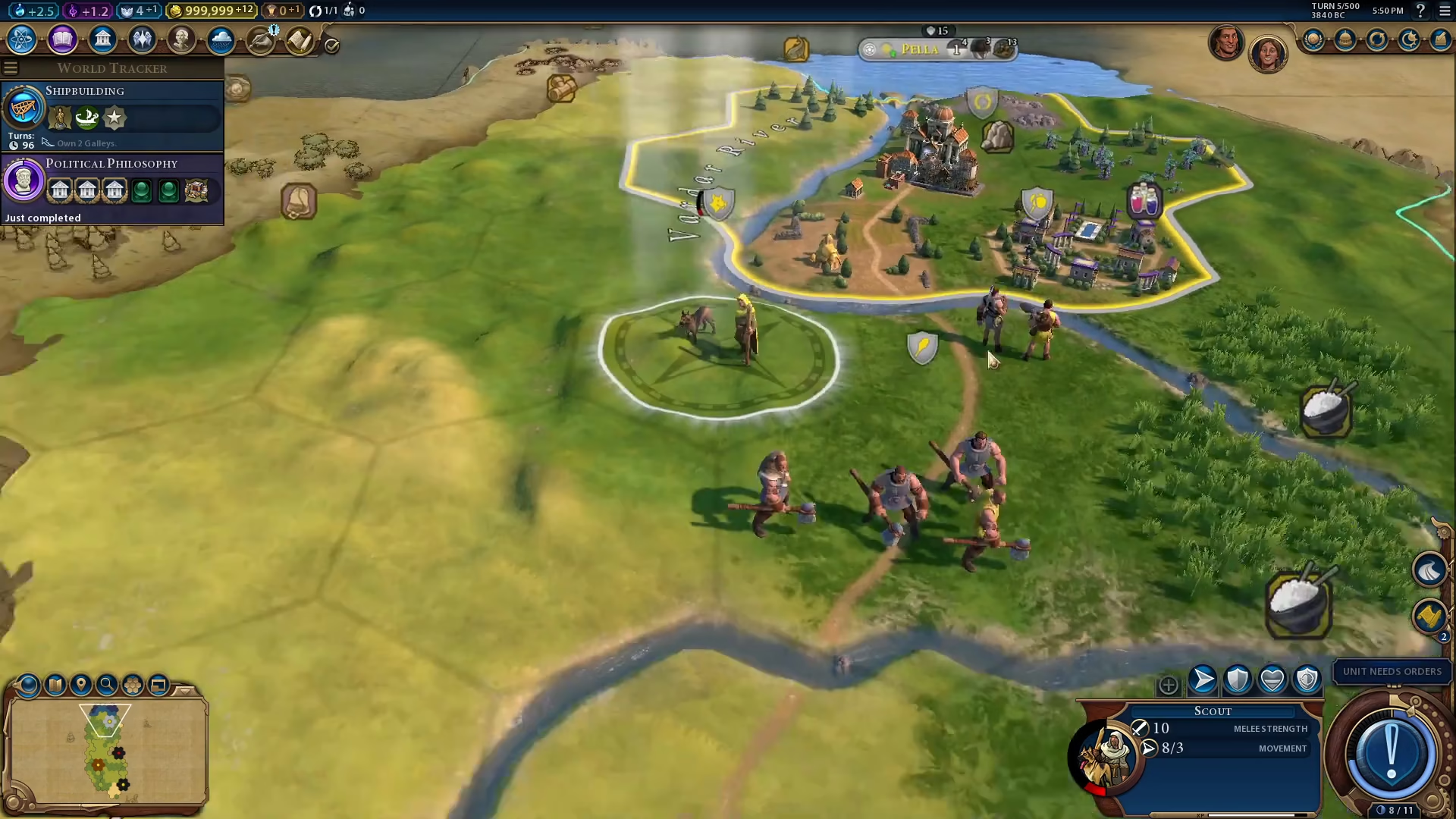
Click on the denounce button to complete the action. That’s all there is to it—you’ve successfully denounced another civilization in Civ VI.
Summary
Denouncing in Civilization VI is a simple diplomatic mechanic that requires just a few clicks. Select the target civilization and click the denounce option from the left-side menu. Use this feature strategically in your diplomatic gameplay to signal disapproval or gain favor with other civilizations.
Want to Support?
If you would like to help us continue making these guides – please consider joining our patreon here – https://www.patreon.com/c/JaviHeals
Alternatively – you can join our discord here – https://discord.gg/zD7Gjt6MHF