





How To Delete Rooms In Prison Architect
How To Delete Rooms In Prison Architect
Deleting rooms in Prison Architect is a straightforward process that involves unassigning the room, demolishing its walls, and removing all objects within it. This guide will walk you through each step to efficiently clear out unwanted rooms from your prison.
Step 1: Unassign the Room
The first thing you want to do is click on Rooms located on the bottom left of your screen.
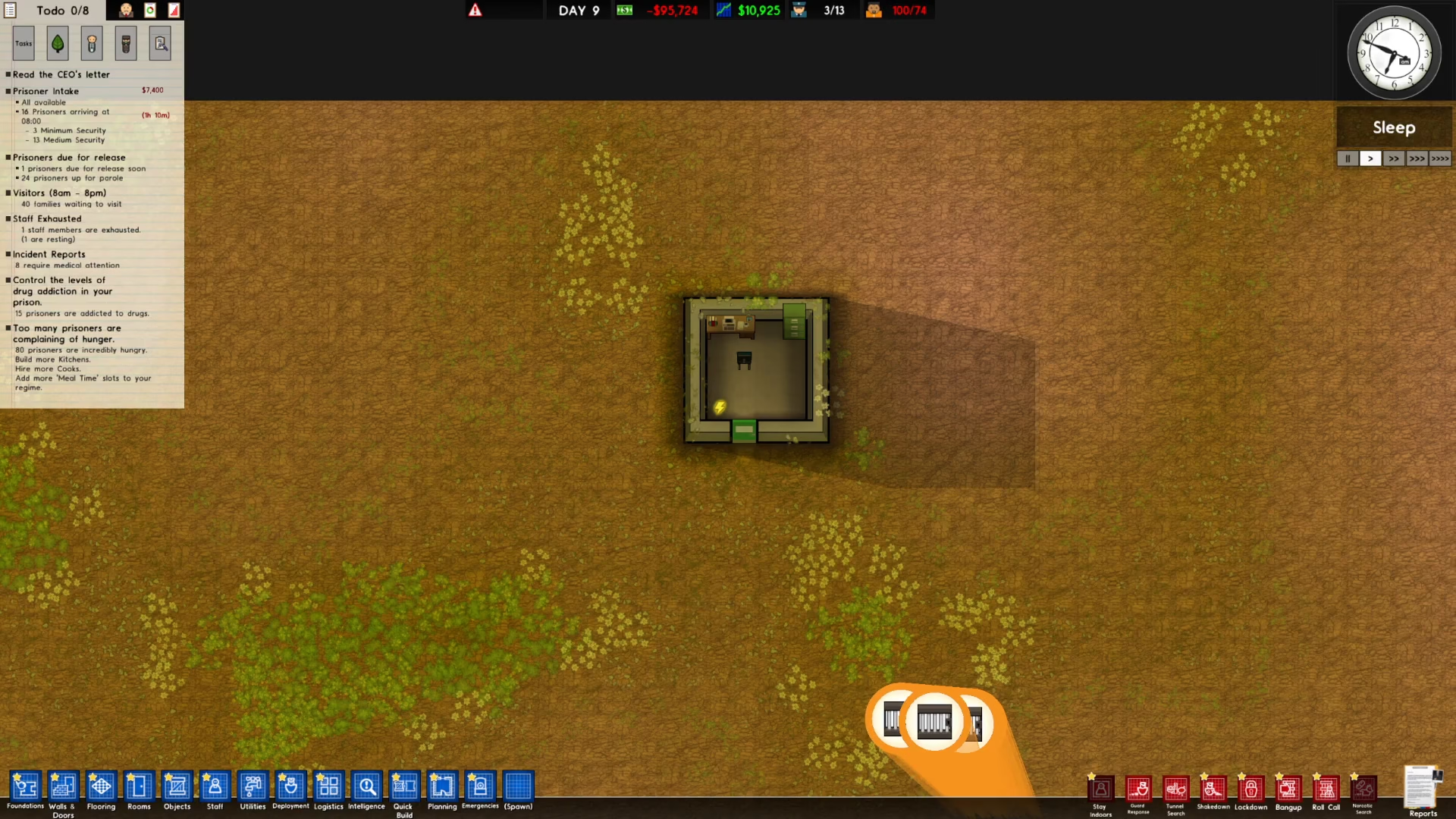
Once you’ve opened the Rooms menu, right-click and drag across the room that you want to delete. This action will unassign the room from its current purpose, making it available for deletion.
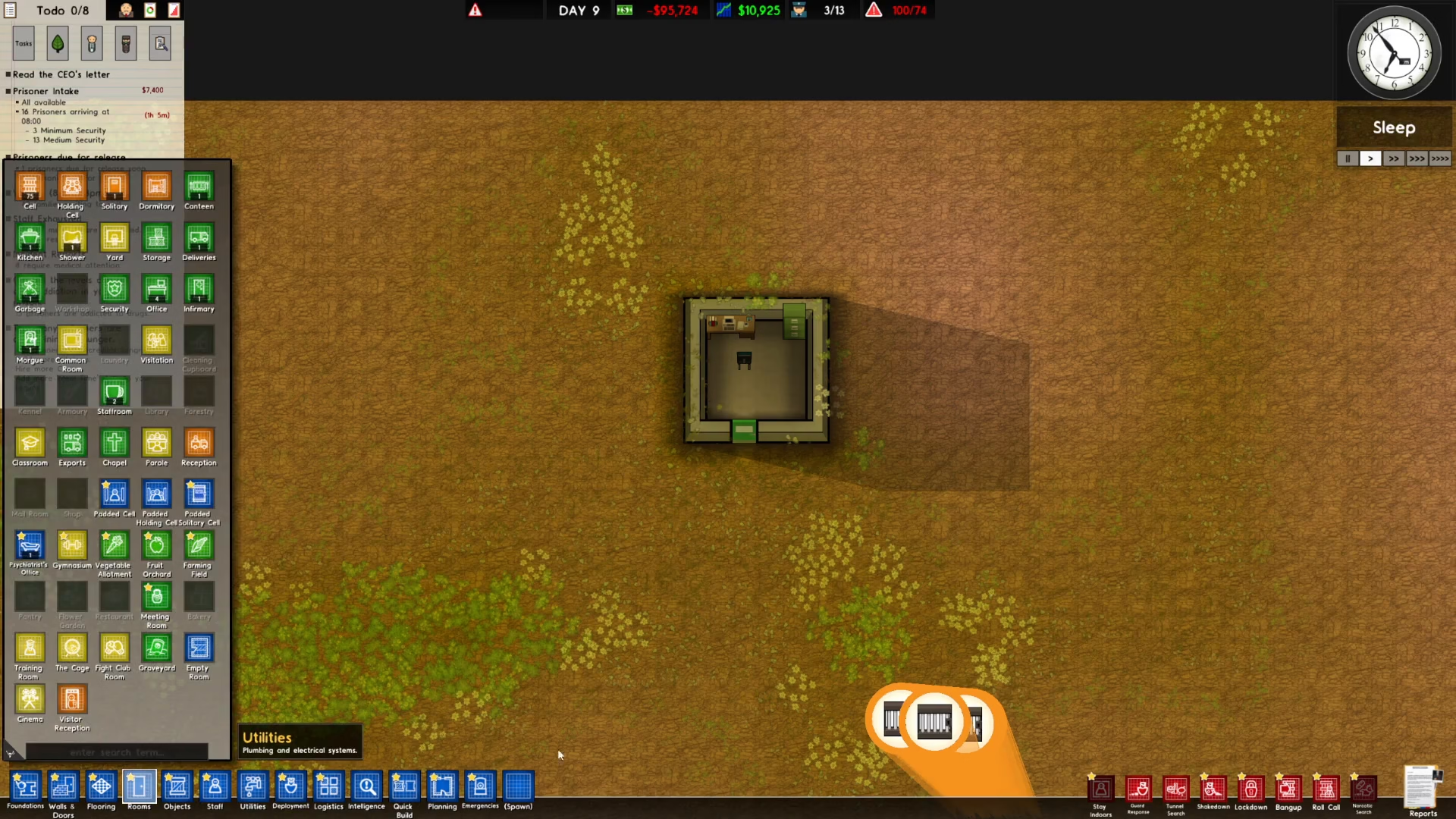
Step 2: Demolish the Walls
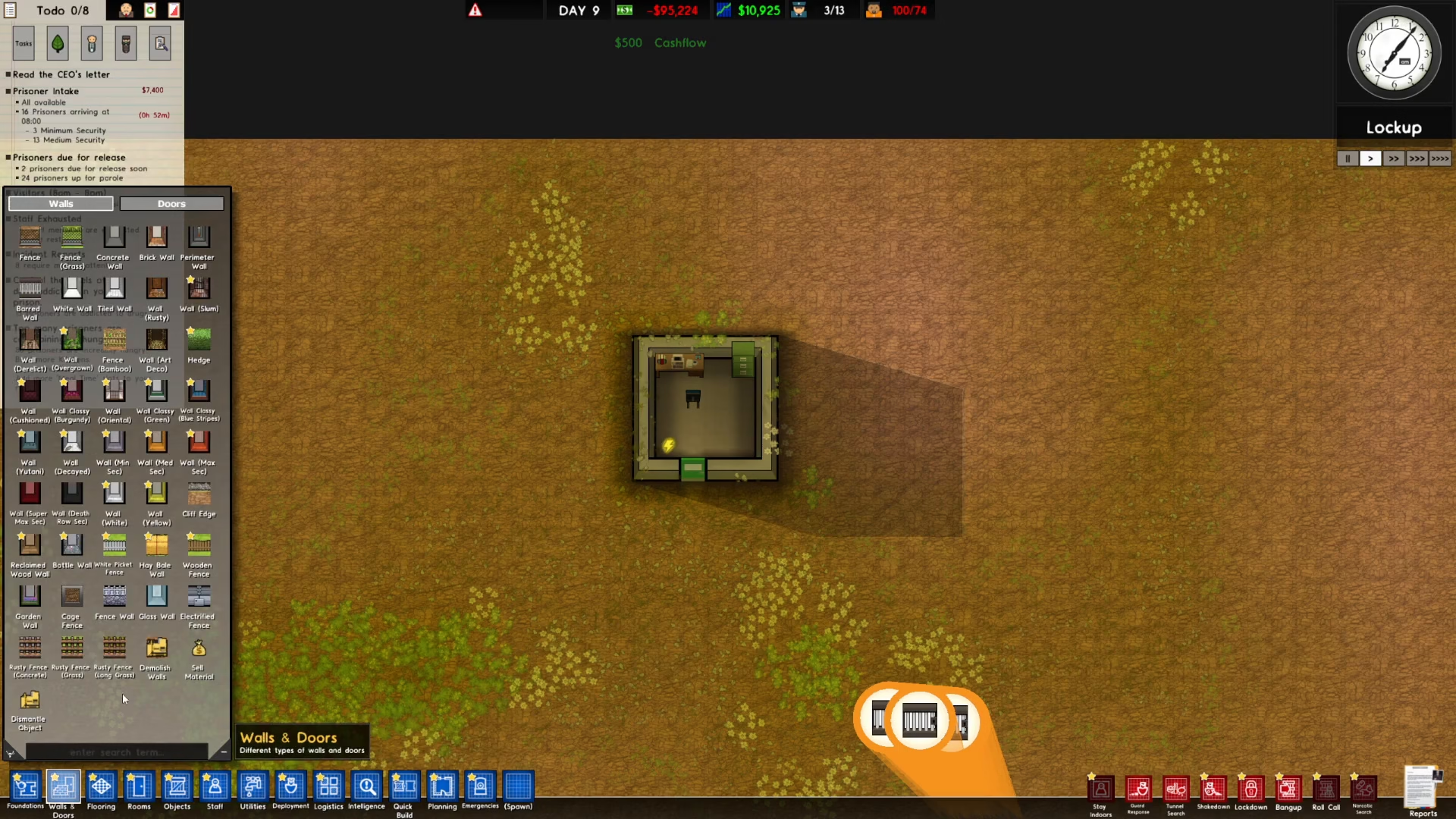
After unassigning the room, return to the bottom left of the screen and click on Walls and Doors.
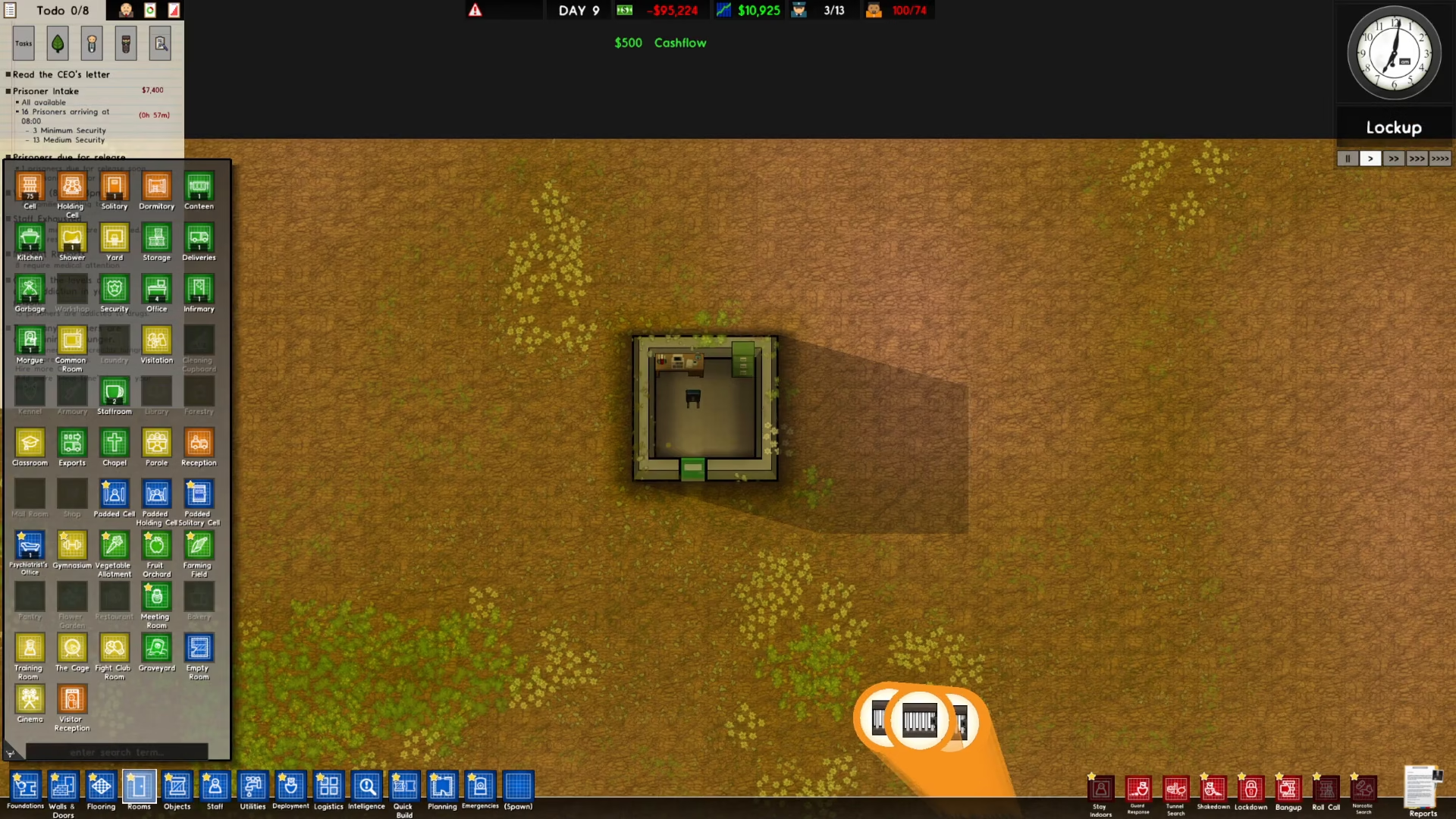
Next, select Demolish Walls to destroy the walls that make up the room. Click and drag across the walls to demolish them. The walls will turn into rubble once demolished.
Step 3: Remove All Objects
The final step is to remove all objects from the space. Go to the bottom left of the screen and click on Objects.
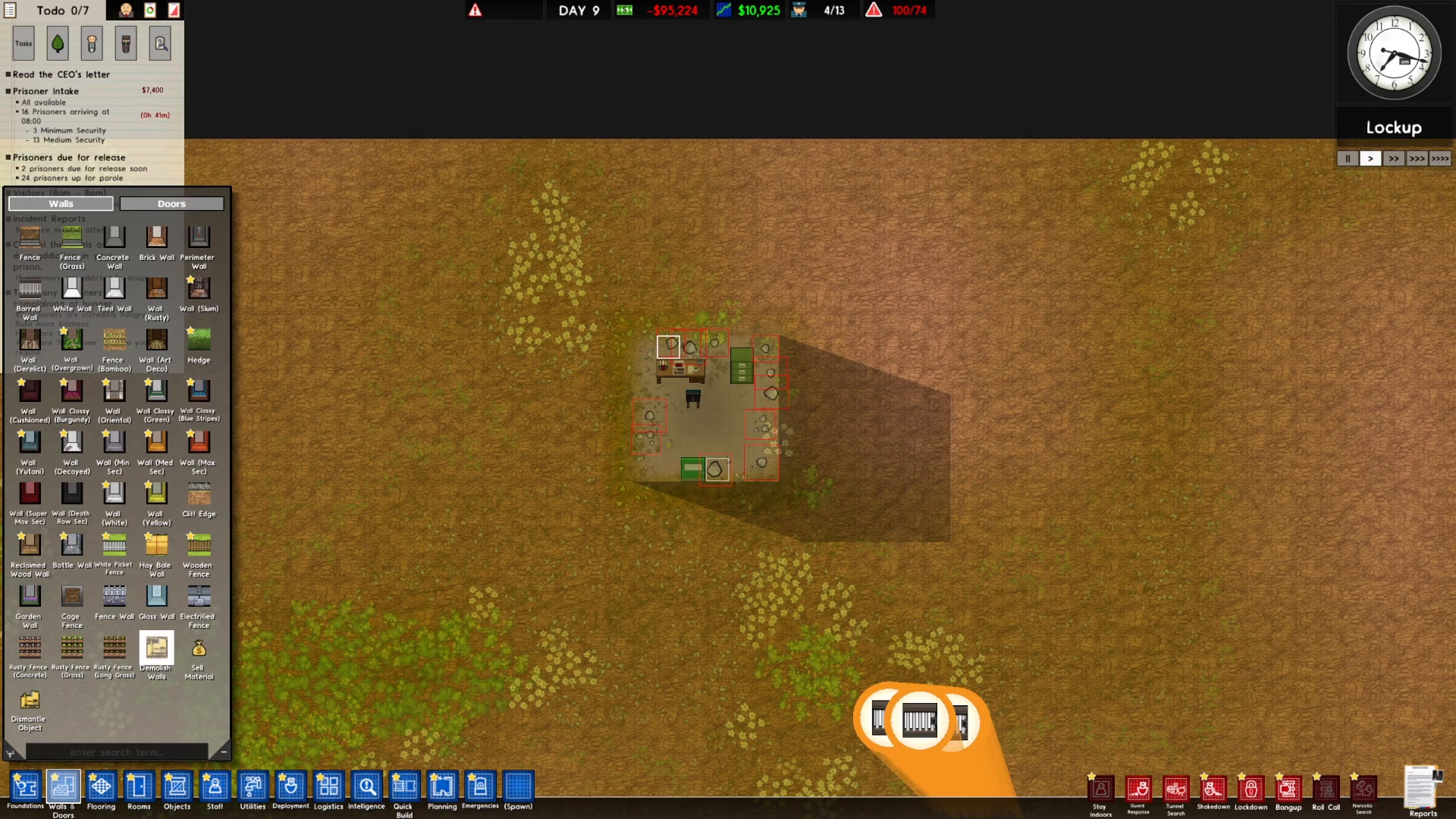
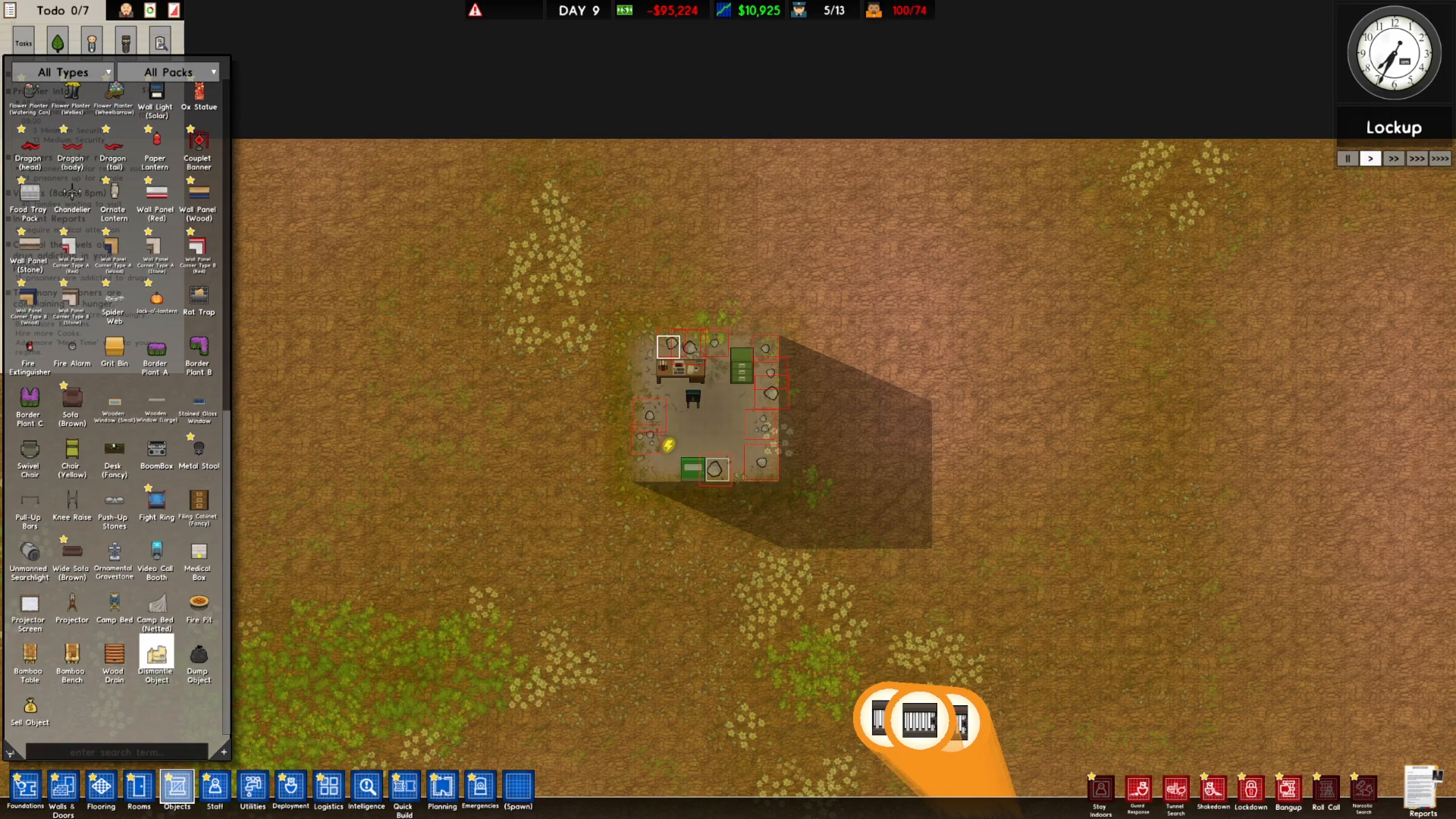
Scroll to the bottom of the Objects menu to find the Dismantle option. Click on it to activate the dismantle tool.
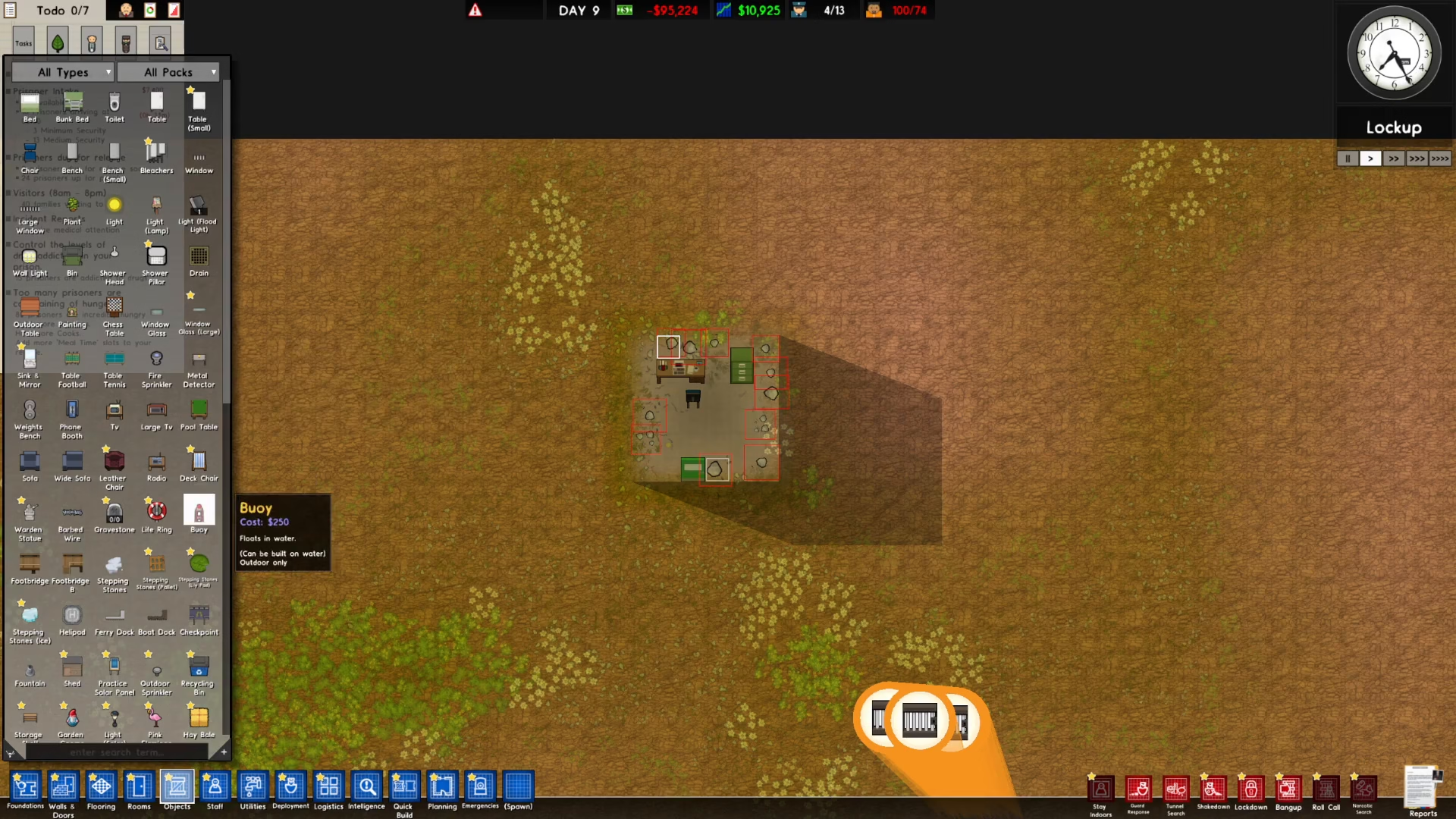
Click and drag over everything in the room to dismantle all objects. Once dismantled, the objects will be marked for pickup. Wait for the workers to collect the dismantled items, and your room will be completely cleared.
Conclusion
That’s all there is to deleting rooms in Prison Architect! By following these three simple steps—unassigning the room, demolishing the walls, and dismantling the objects—you can efficiently manage your prison layout and make space for new facilities. With practice, this process becomes quick and intuitive, allowing you to redesign your prison whenever needed.
Want to Support?
If you would like to help us continue making these guides – please consider joining our patreon here – https://www.patreon.com/c/JaviHeals
Alternatively – you can join our discord here – https://discord.gg/zD7Gjt6MHF