





How To Evict Gangs In Prison Architect
“`html
How to Evict Gangs in Prison Architect
Managing gangs is a critical part of running a successful prison in Prison Architect. When gangs invade areas like the yard, you’ll need to take swift action to maintain control. This guide walks you through the simple but effective process of evicting gangs from your prison.
Accessing Gang Information
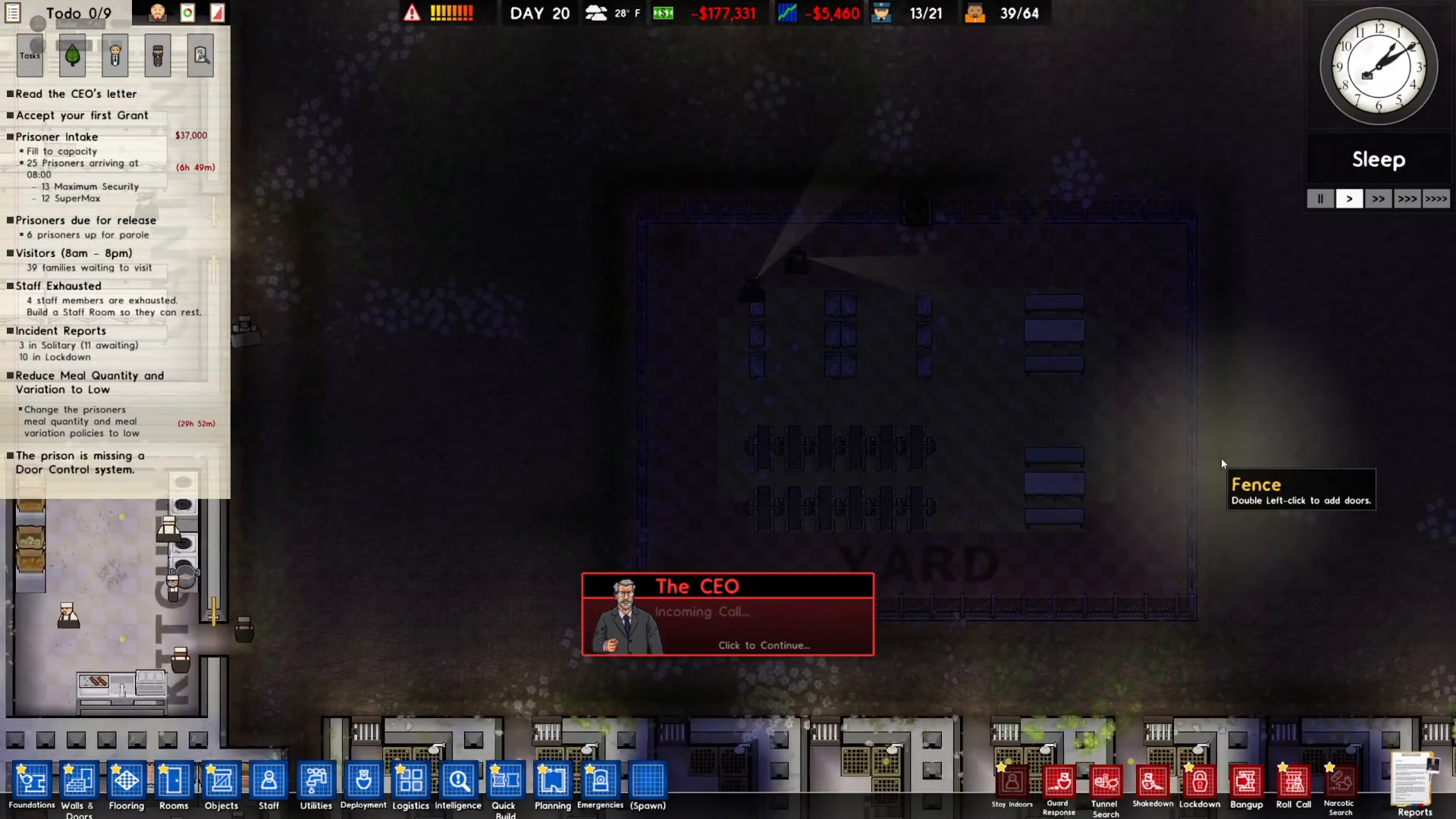
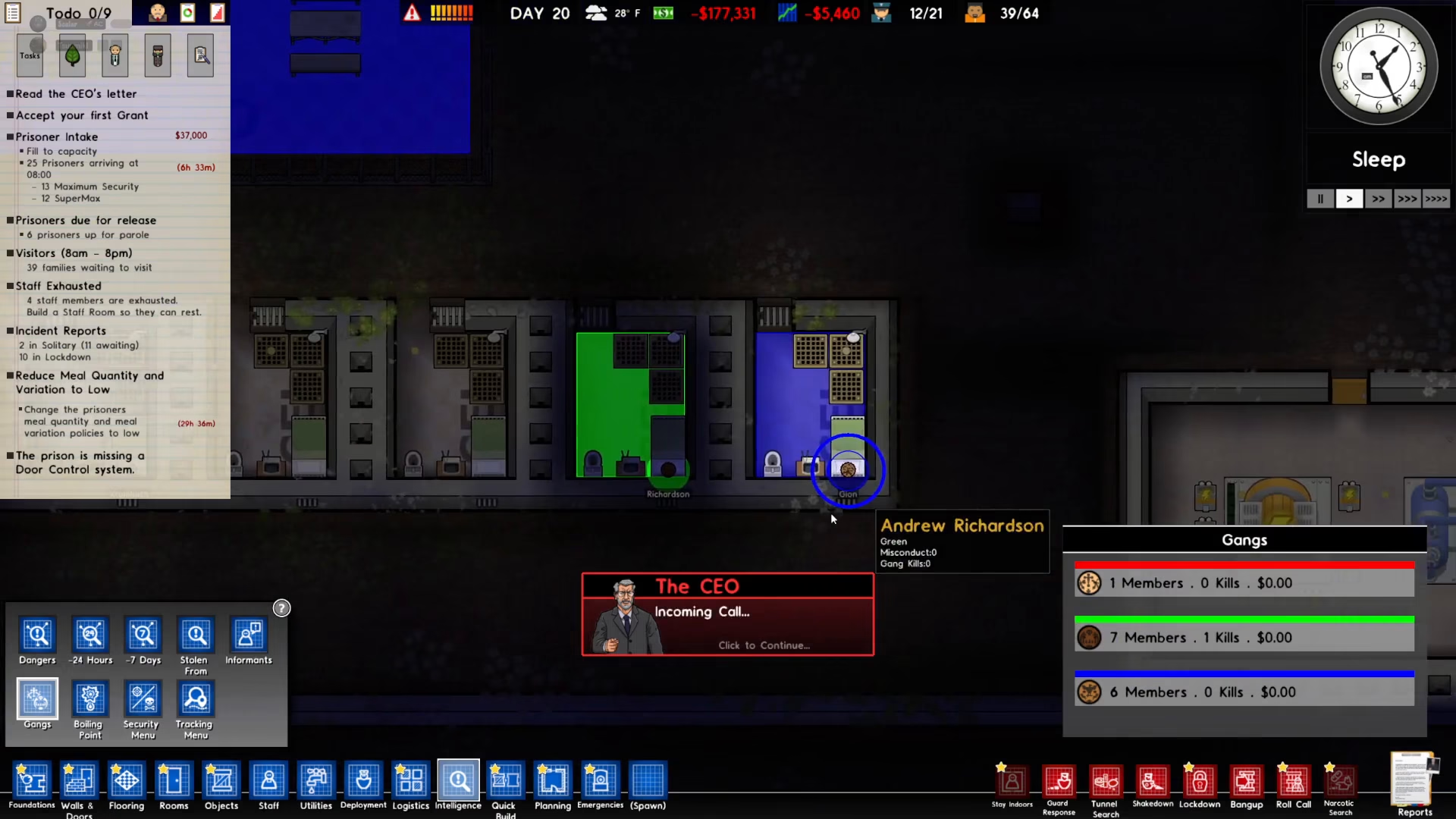
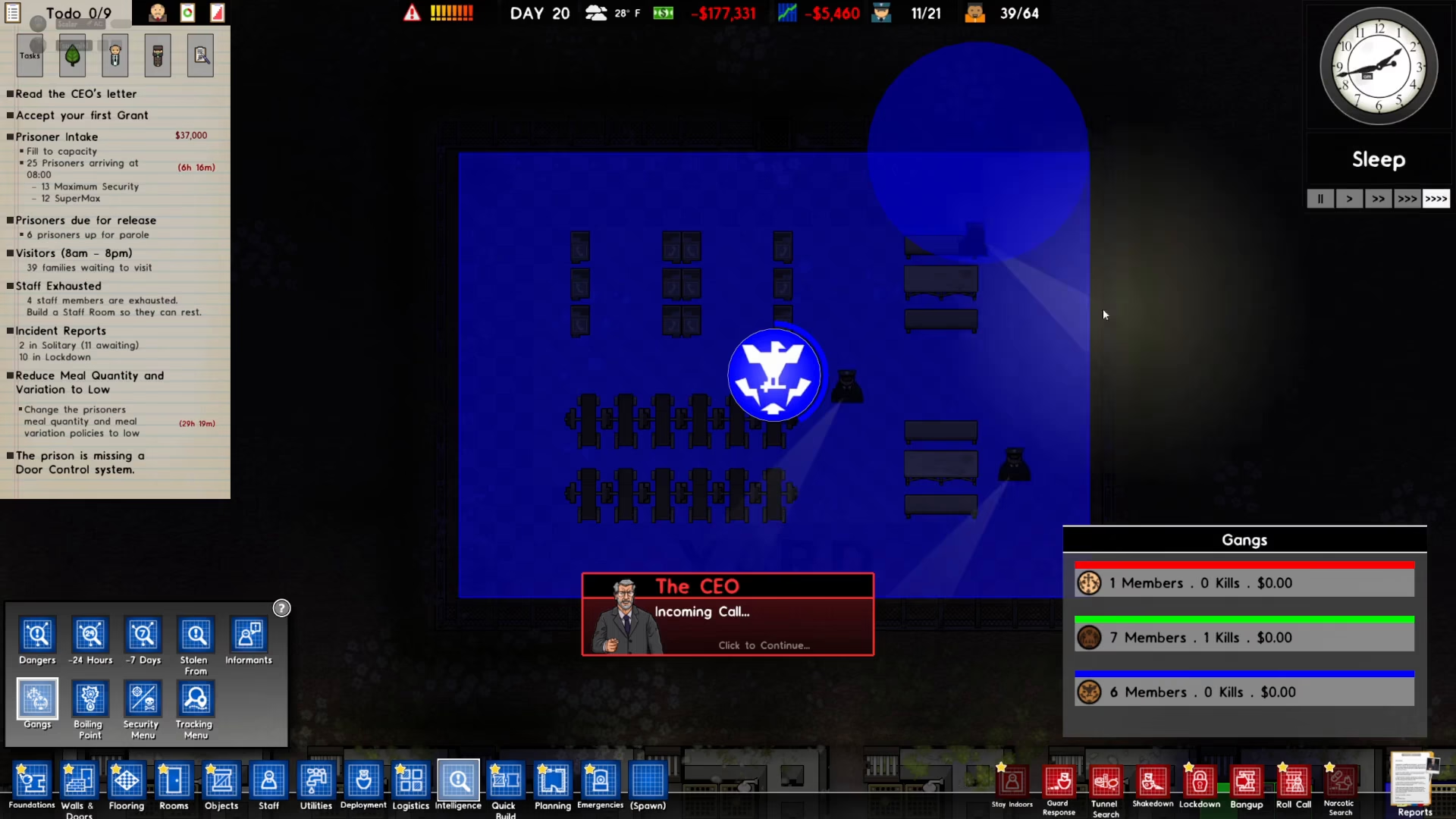
Start by navigating to the Intelligence menu and selecting Gangs. This will give you a clear overview of which gangs have invaded your prison and where they’re located. In this example, gang members have invaded the yard area.
Locking Down Gang Members
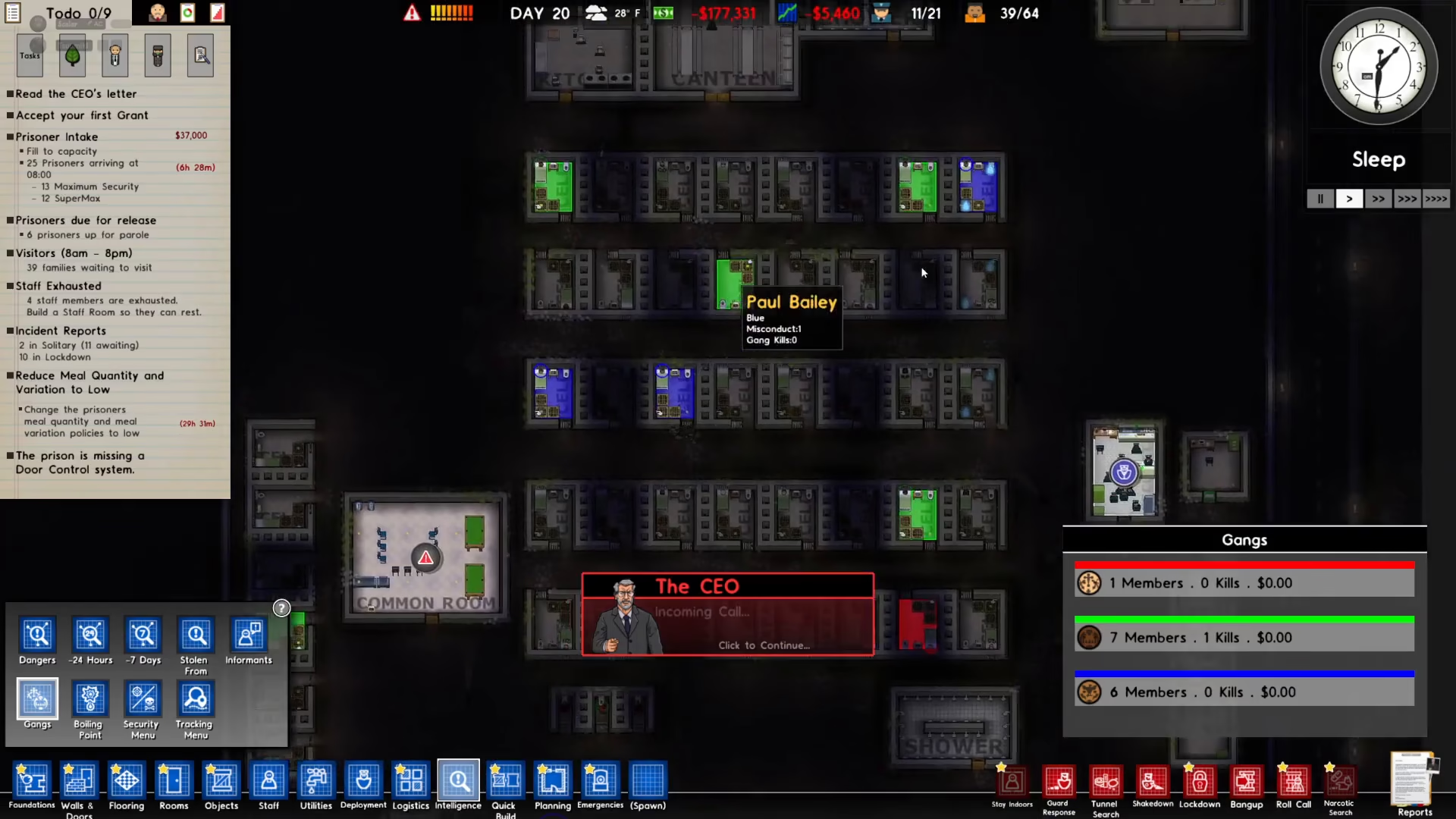
The first step to eviction is to lock down every member of the gang you want to remove. For example, if you’re targeting the blue gang, you’ll need to lock down each blue member individually. Make sure you’ve locked down all members before proceeding to the next step.
Initiating the Eviction Process
Once all gang members are locked down, click on the “Evict” option for the area where the gang is located. This will start the eviction process and display a progress bar that shows the eviction status.
Waiting for Completion
After clicking evict, simply wait for the progress bar to empty completely. The bar will gradually decrease as the eviction progresses. Once the bar is fully depleted, the gang will be completely evicted from that area of your prison.
Summary
Evicting gangs in Prison Architect is a straightforward three-step process: check the Intelligence menu to identify the gang and location, lock down all members of that gang, and then click evict while waiting for the progress bar to complete. With this method, you can maintain order in your prison and prevent gangs from taking control of key areas.
Want to Support?
If you would like to help us continue making these guides – please consider joining our patreon here – https://www.patreon.com/c/JaviHeals
Alternatively – you can join our discord here – https://discord.gg/zD7Gjt6MHF
“`