






How To Get Prisoners To Work In Prison Architect
How To Get Prisoners To Work In Prison Architect
In Prison Architect, assigning prisoners to work is essential for keeping your facility running smoothly and generating income. This guide will walk you through the complete process of enabling prison labor and assigning inmates to specific jobs throughout your prison.
Step 1: Learn the Required Technologies
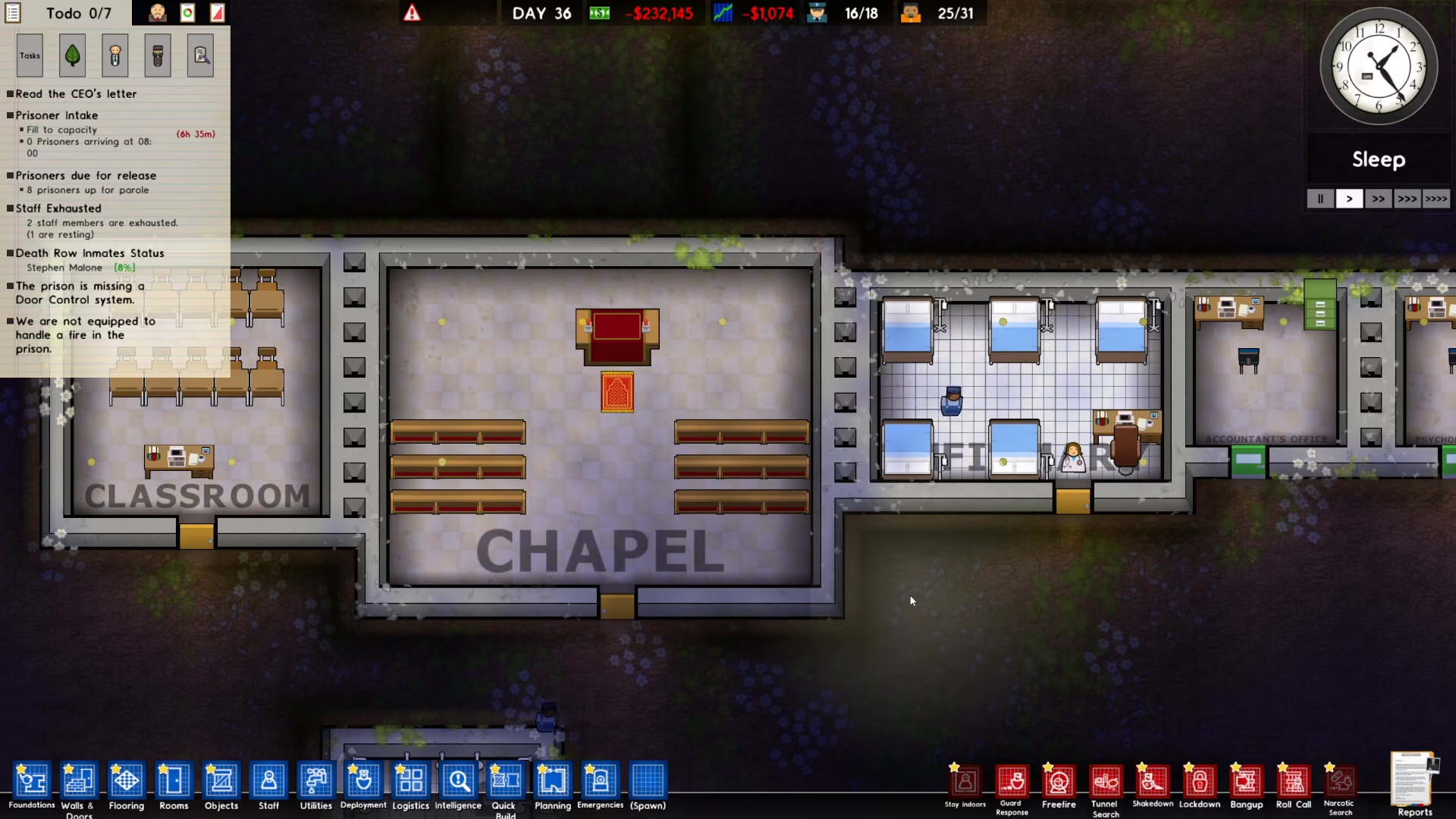
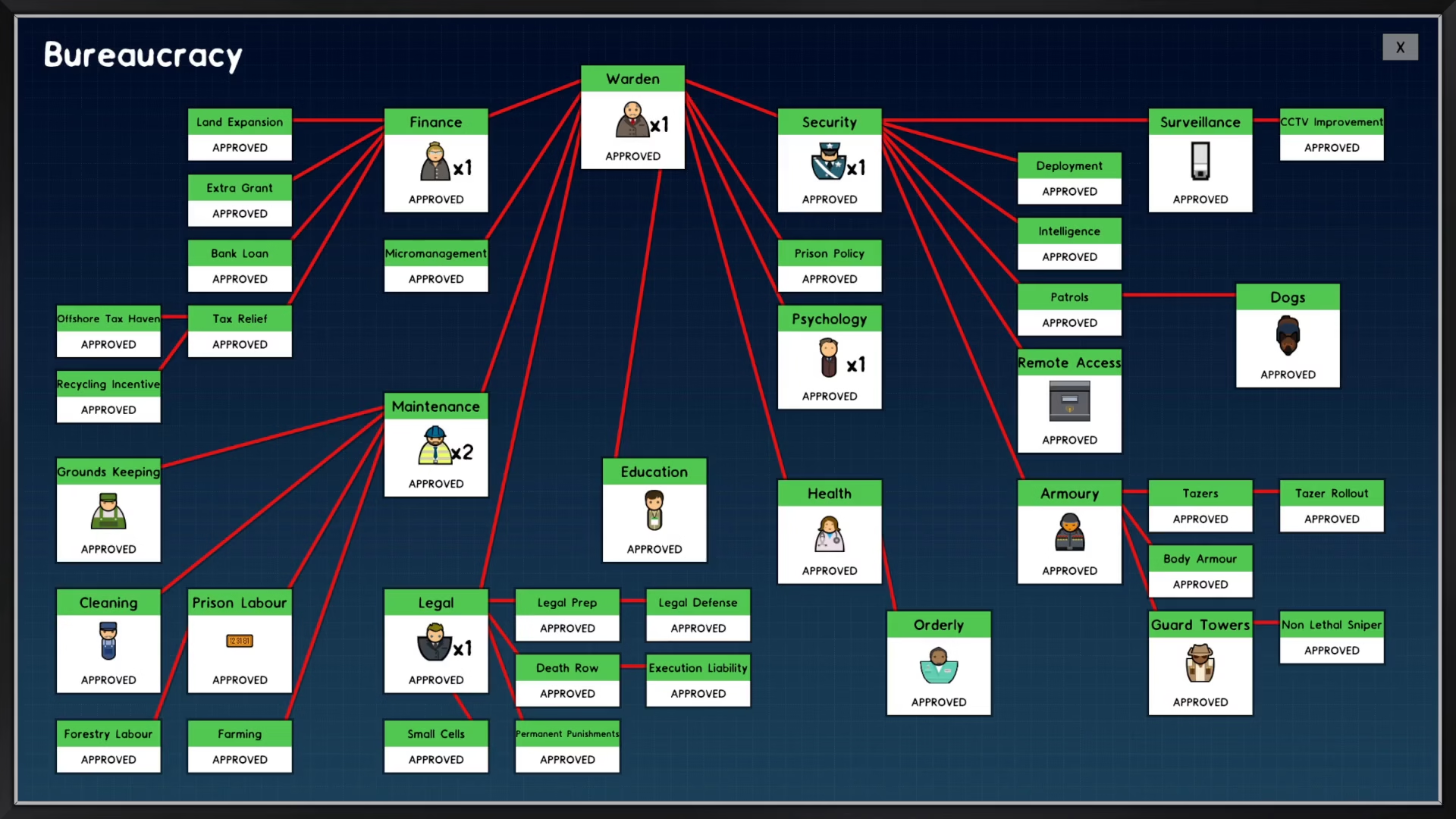
Before you can put prisoners to work, you need to unlock the necessary technologies in your research tree. Open the Bureaucracy menu located in the top left of your screen.
You’ll need to research and learn the following technologies:
Maintenance
Prison Labor
Forestry Labor
Make sure all three are completed before moving to the next step.
Step 2: Enable Prison Labor Policy
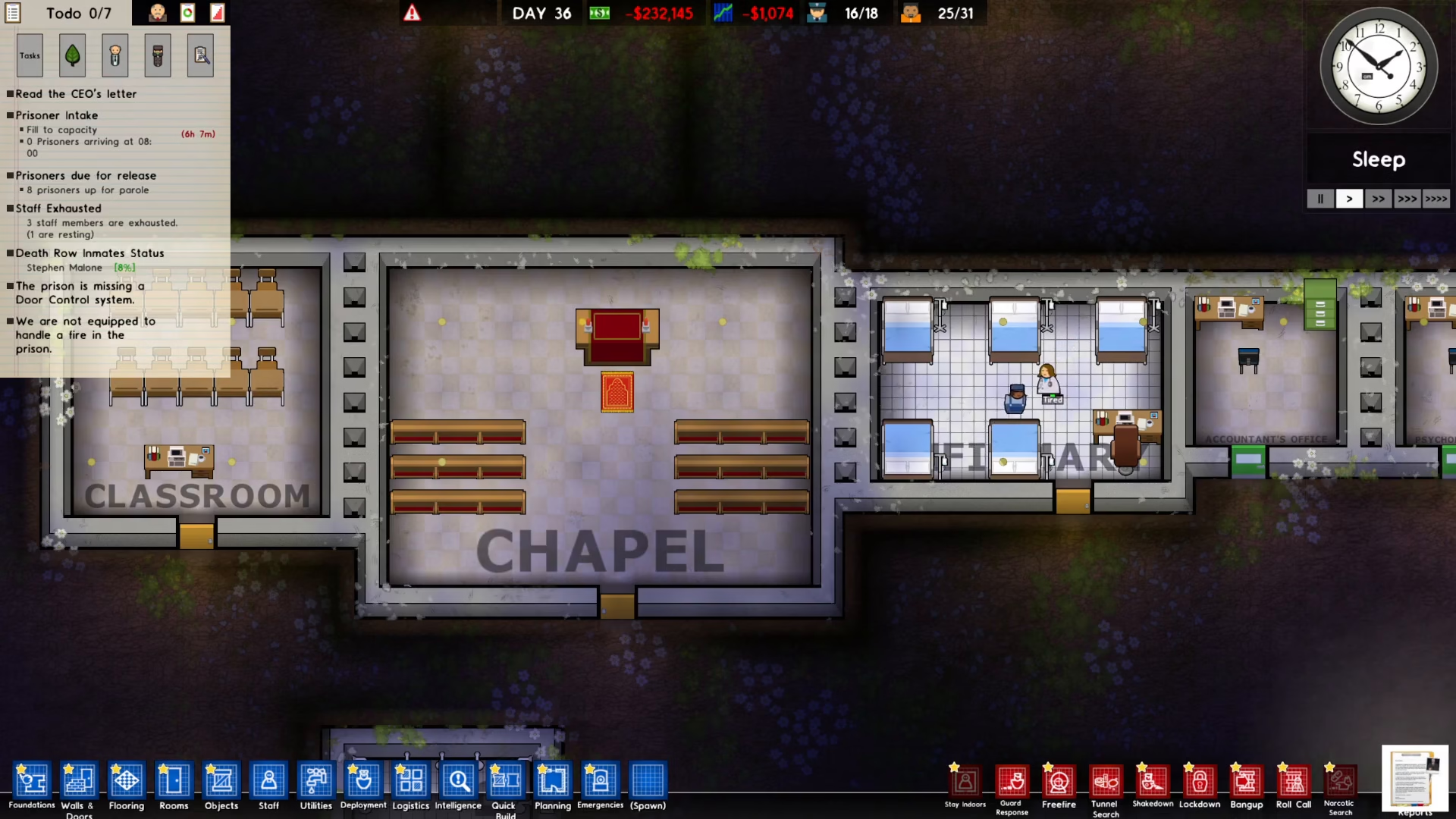
Once you’ve learned the required technologies, navigate to the Report panel in the bottom right corner of your screen.
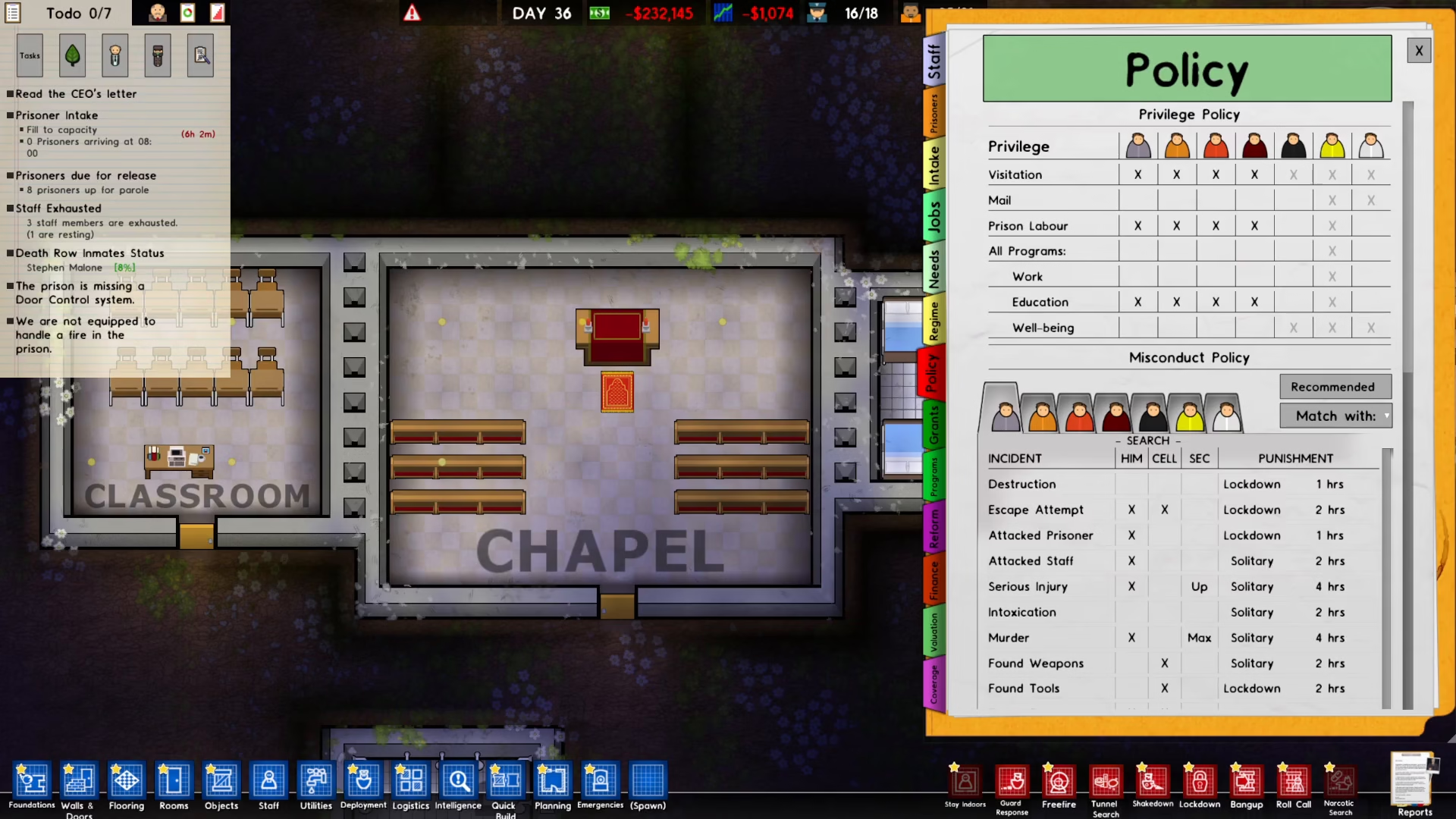
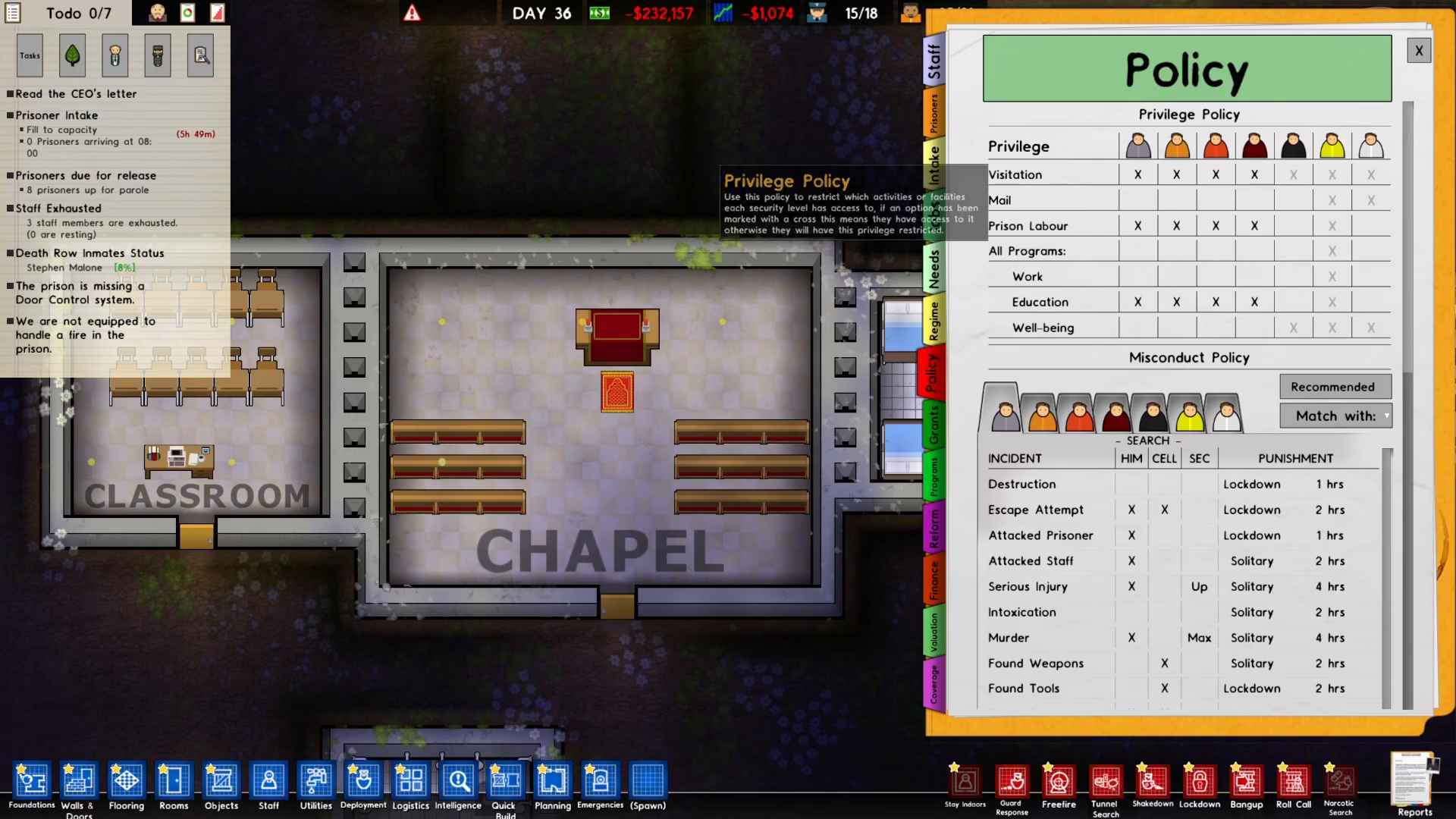
Click on Policy to access your prison’s policy settings.
Under the Privilege Policy section, locate Prison Labor and enable it for every prisoner. This allows your inmates to actually work in your facilities.
Step 3: Set Up Work Programs
Navigate to the Programs section and create specific programs for the types of jobs available in your prison. Different work areas require different safety training programs:
Kitchen Safety and Hygiene — for kitchen workers
Workshop Safety Induction — for workshop staff
Farm Work Safety — for forestry and farm workers
Match each program to the specific job or facility where you want prisoners to work.
Step 4: Assign Prisoners to Facilities
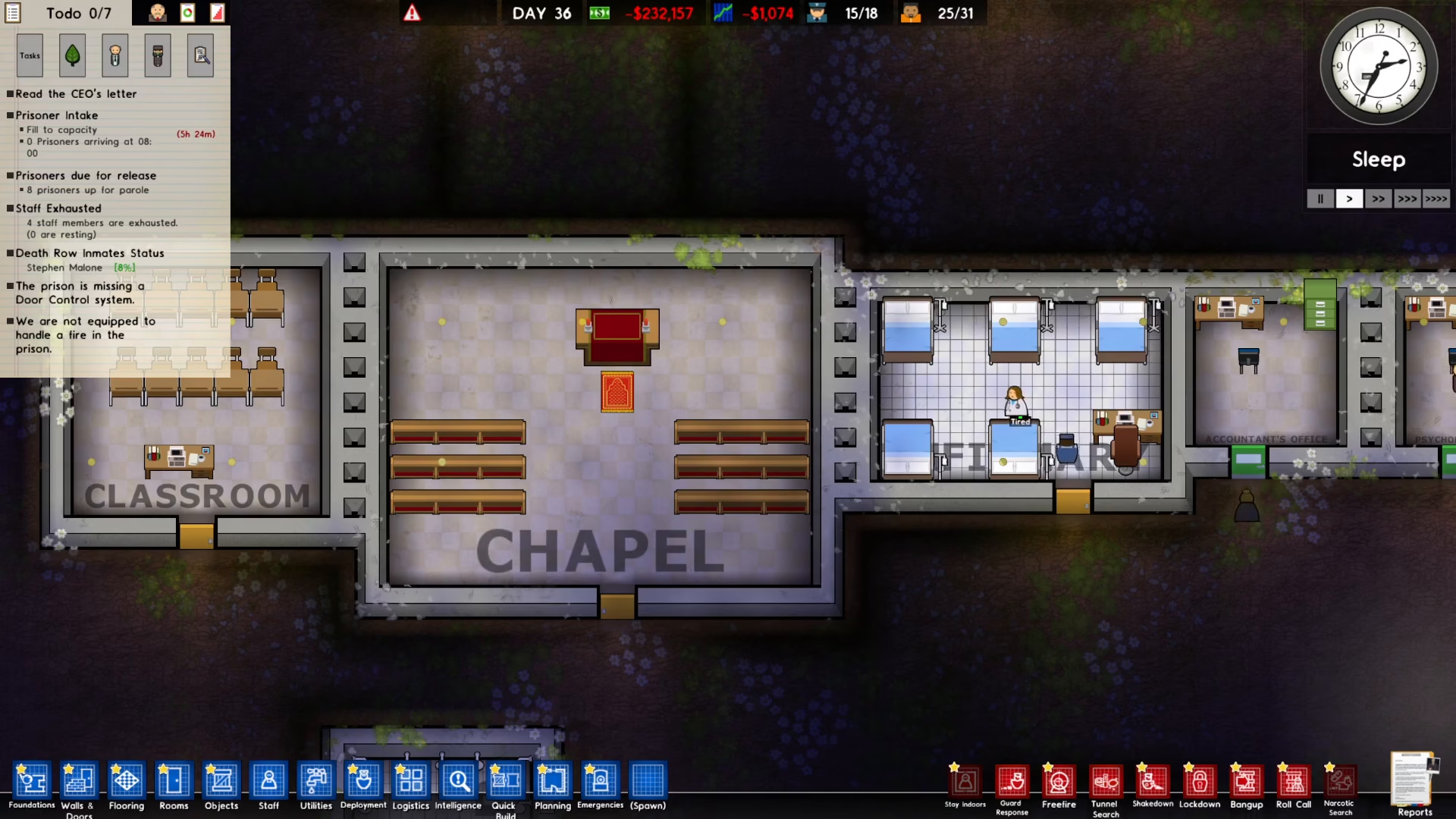
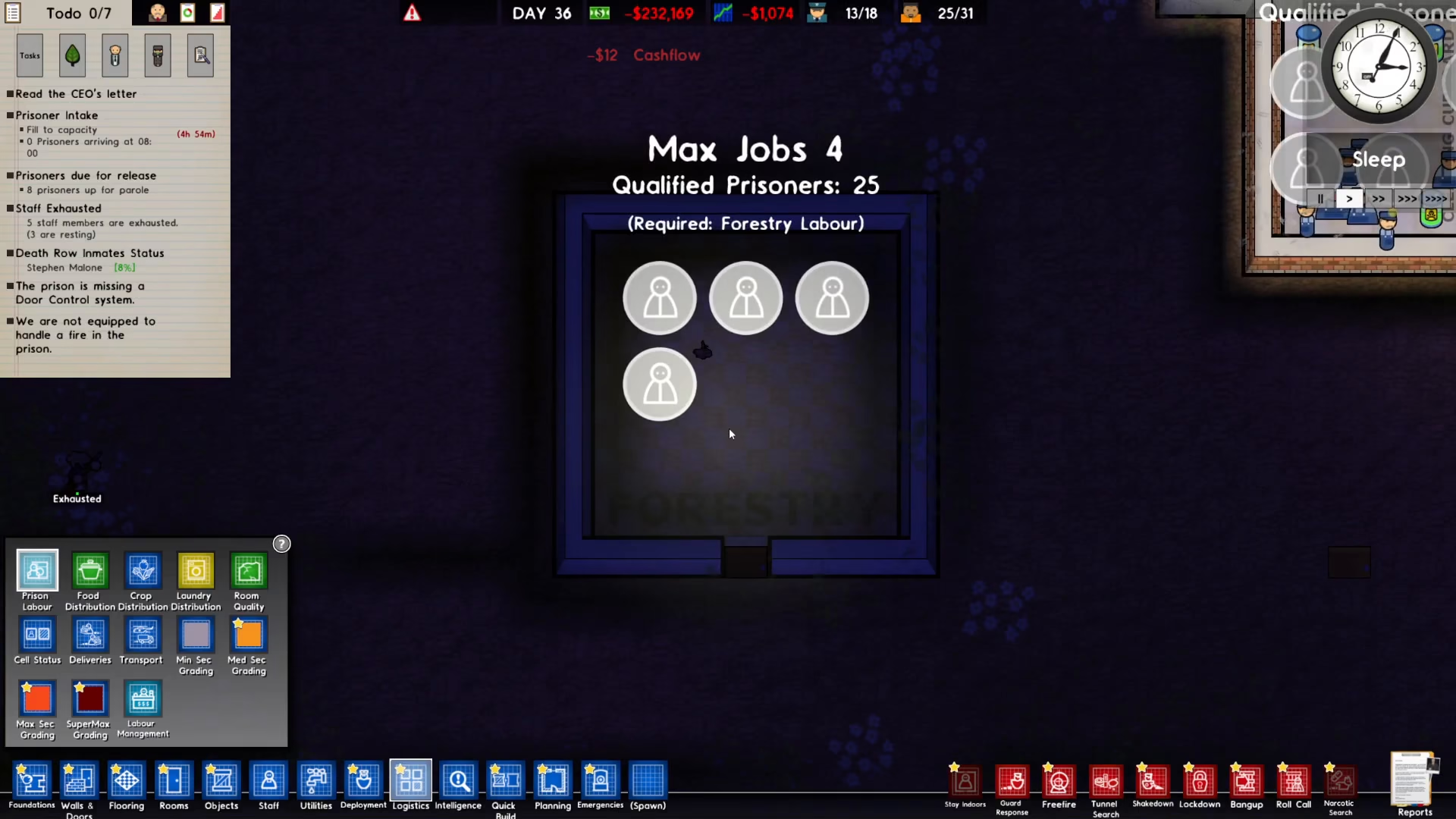
To actually assign prisoners to work, go to the Logistics menu in the bottom left of your screen.
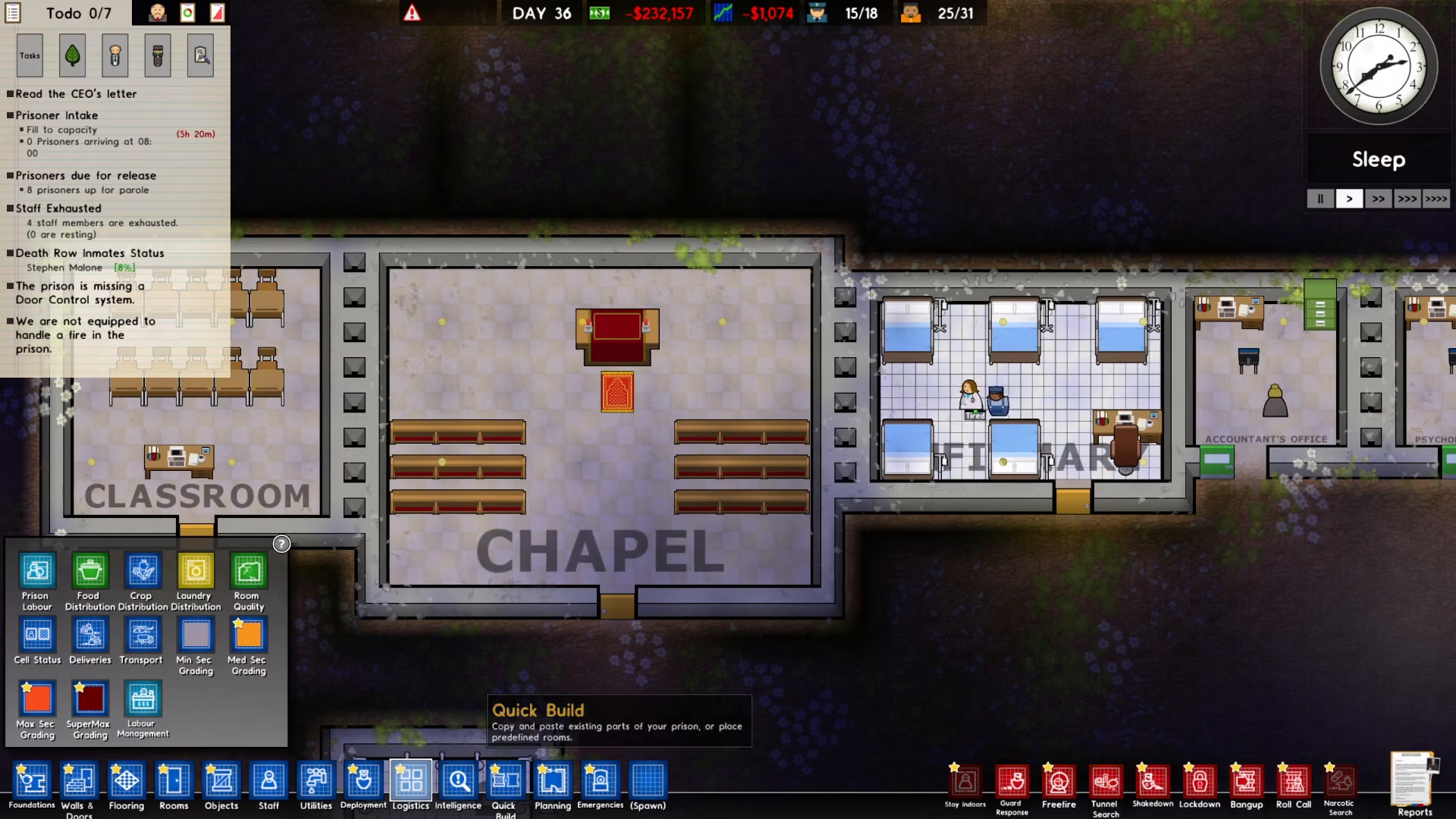
On the left side panel, you’ll see the Prison Labor option. Click on it to view all available work facilities.
Assigning to Specific Facilities
From the Prison Labor menu, you can select any facility where you want prisoners to work. Choose from options such as:
Laundry
Kitchen
Forestry
Other work facilities
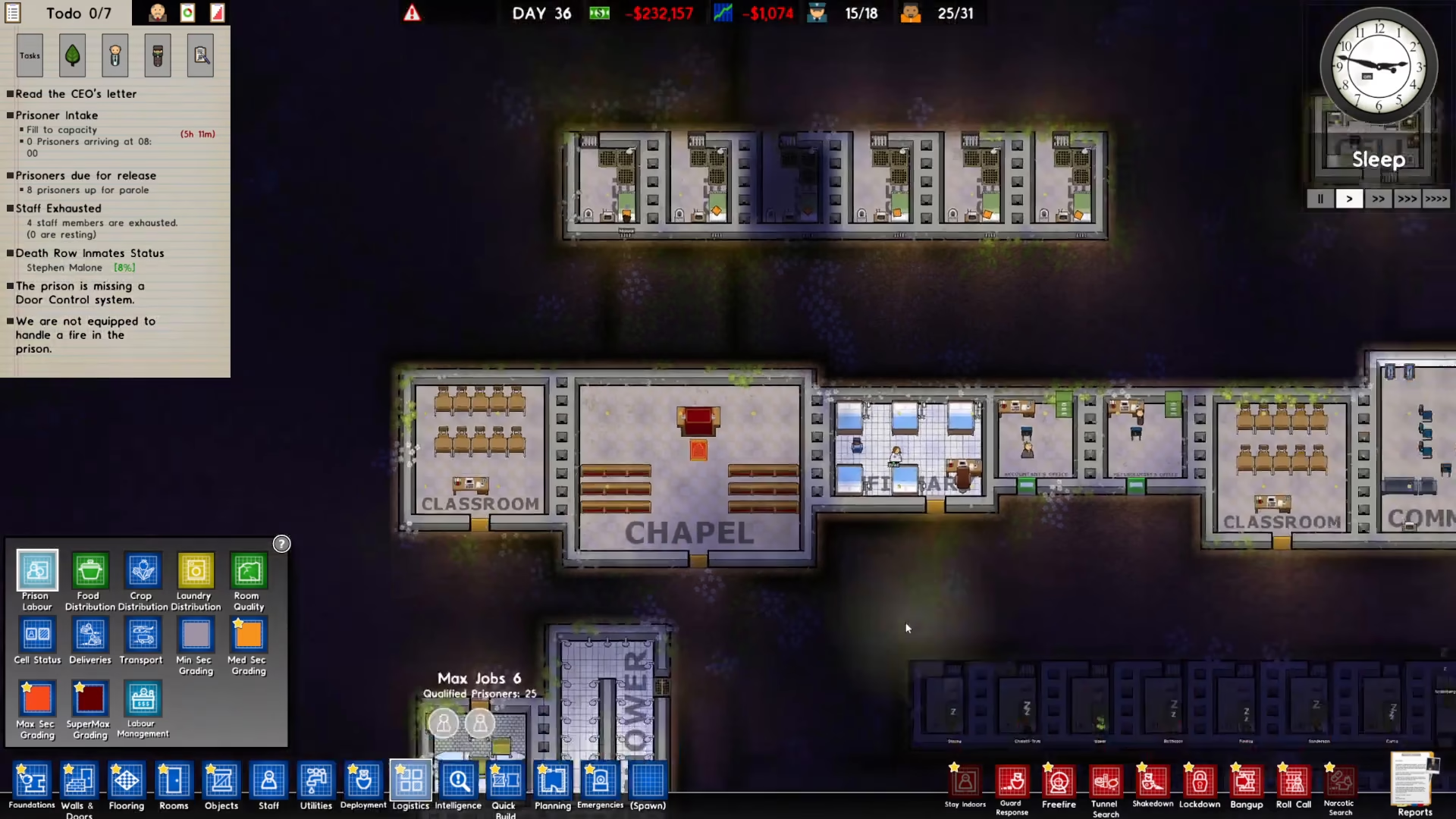
Simply click on a facility, and a prisoner will be automatically assigned to work there.
Adjusting Worker Numbers
You can increase or decrease the number of prisoners assigned to any facility using simple mouse controls:
Left Click — increase the number of workers
Right Click — decrease the number of workers
This allows you to balance your workforce across multiple facilities based on your prison’s operational needs.
Summary
Getting prisoners to work in Prison Architect involves four simple steps: researching the required technologies in Bureaucracy (Maintenance, Prison Labor, and Forestry Labor), enabling Prison Labor in your Policy settings, creating specific work programs for each job type, and then assigning prisoners through the Logistics menu. With prison labor enabled and properly assigned, your inmates will contribute to keeping your facility clean, fed, and well-maintained while generating additional income for your prison.
— Want to Support? —
If you would like to help us continue making these guides – please consider joining our patreon here – https://www.patreon.com/c/JaviHeals
Alternatively – you can join our discord here – https://discord.gg/zD7Gjt6MHF