





How To Install Mods In Prison Architect
How To Install Mods In Prison Architect
Prison Architect offers extensive customization through mods, and installing them is a straightforward process. This guide will walk you through accessing the Steam Workshop and enabling mods to enhance your gameplay experience.
Accessing the Mods Menu
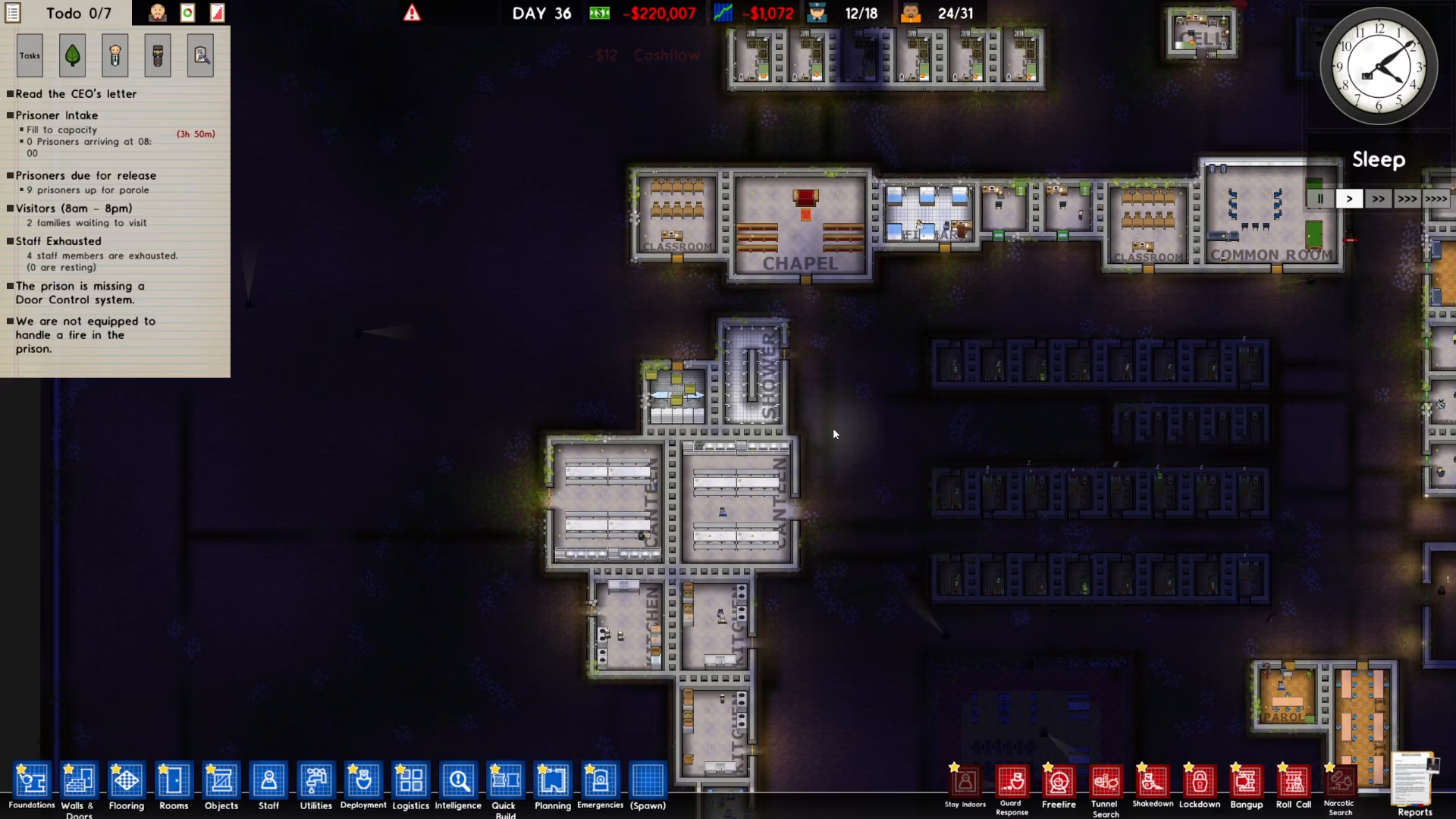
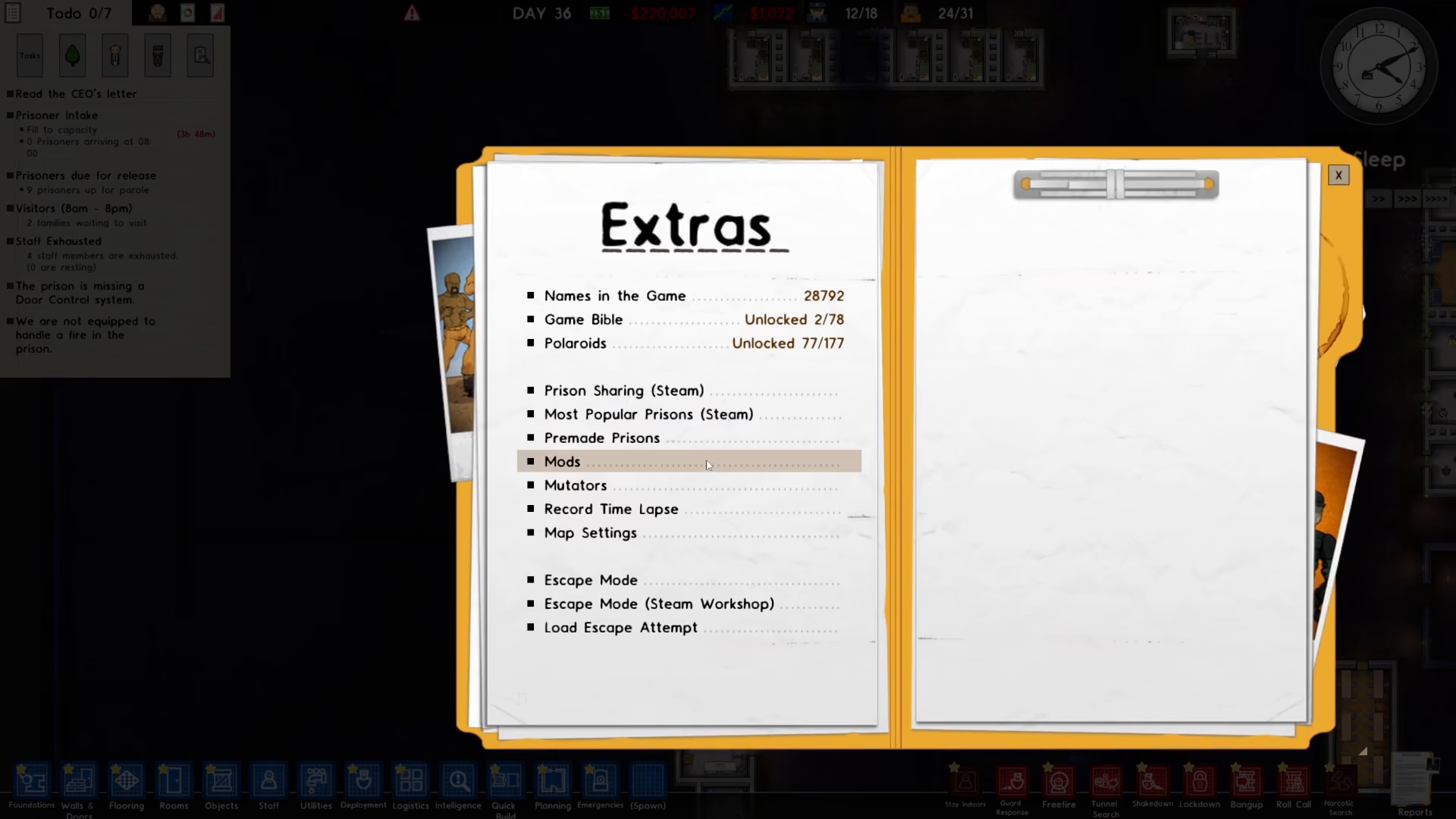
Start by launching Prison Architect and navigating to the main menu. Press Escape to open the game menu, then select Extras from the available options.
Within the Extras menu, locate and click on Mod to access the mods management interface.
Finding Mods on Steam Workshop
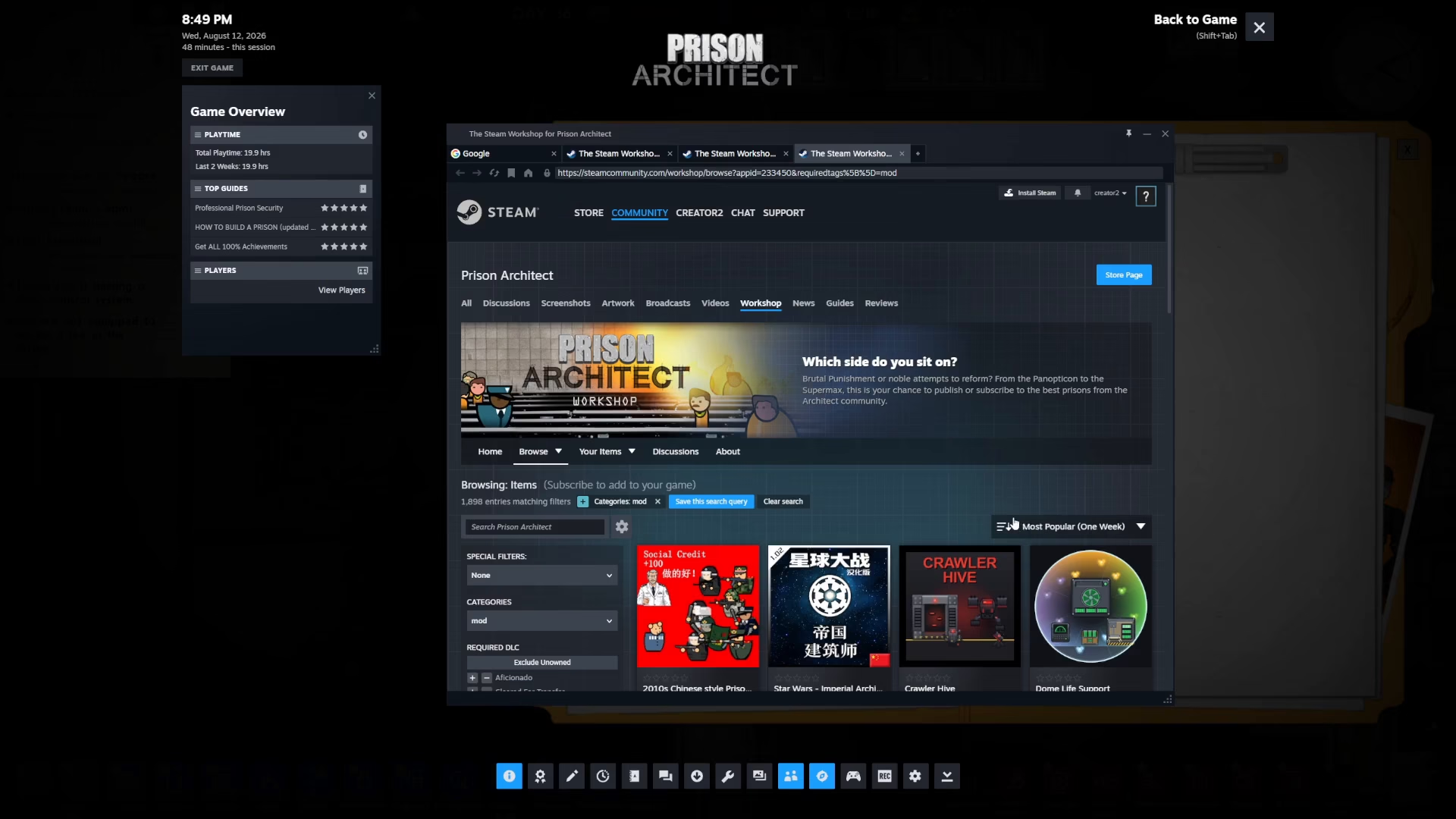
At the bottom of the Mods menu, you’ll find a button labeled Find More Mods. Click this button to open the Steam Workshop, where thousands of community-created mods are available.
Subscribing to Mods
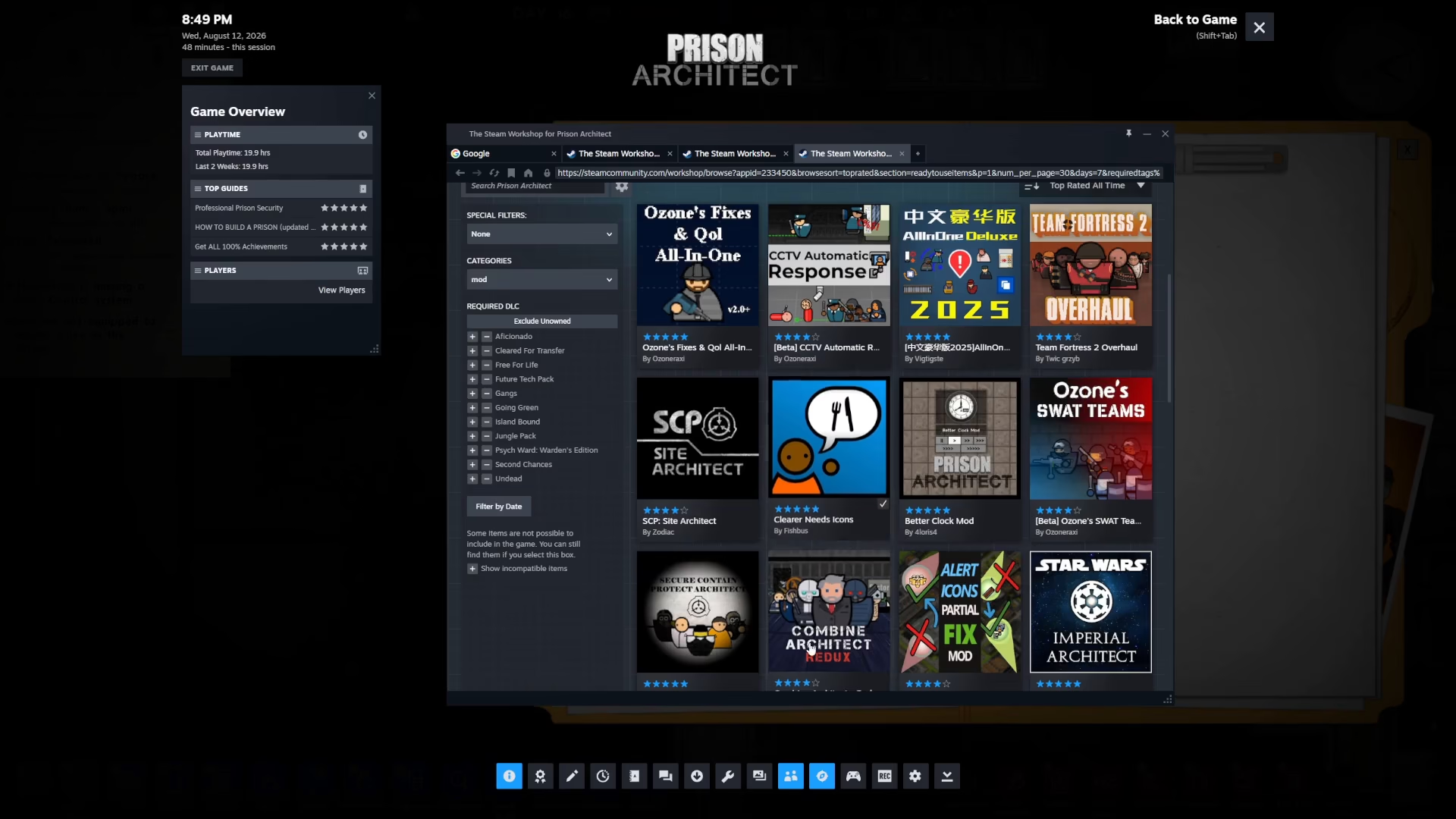
The Steam Workshop displays available mods, which you can sort by various criteria, including top-rated mods of all time. Browse through the available options and select a mod you’d like to install. For example, “Clearer Needs Icon” is a popular choice among players.
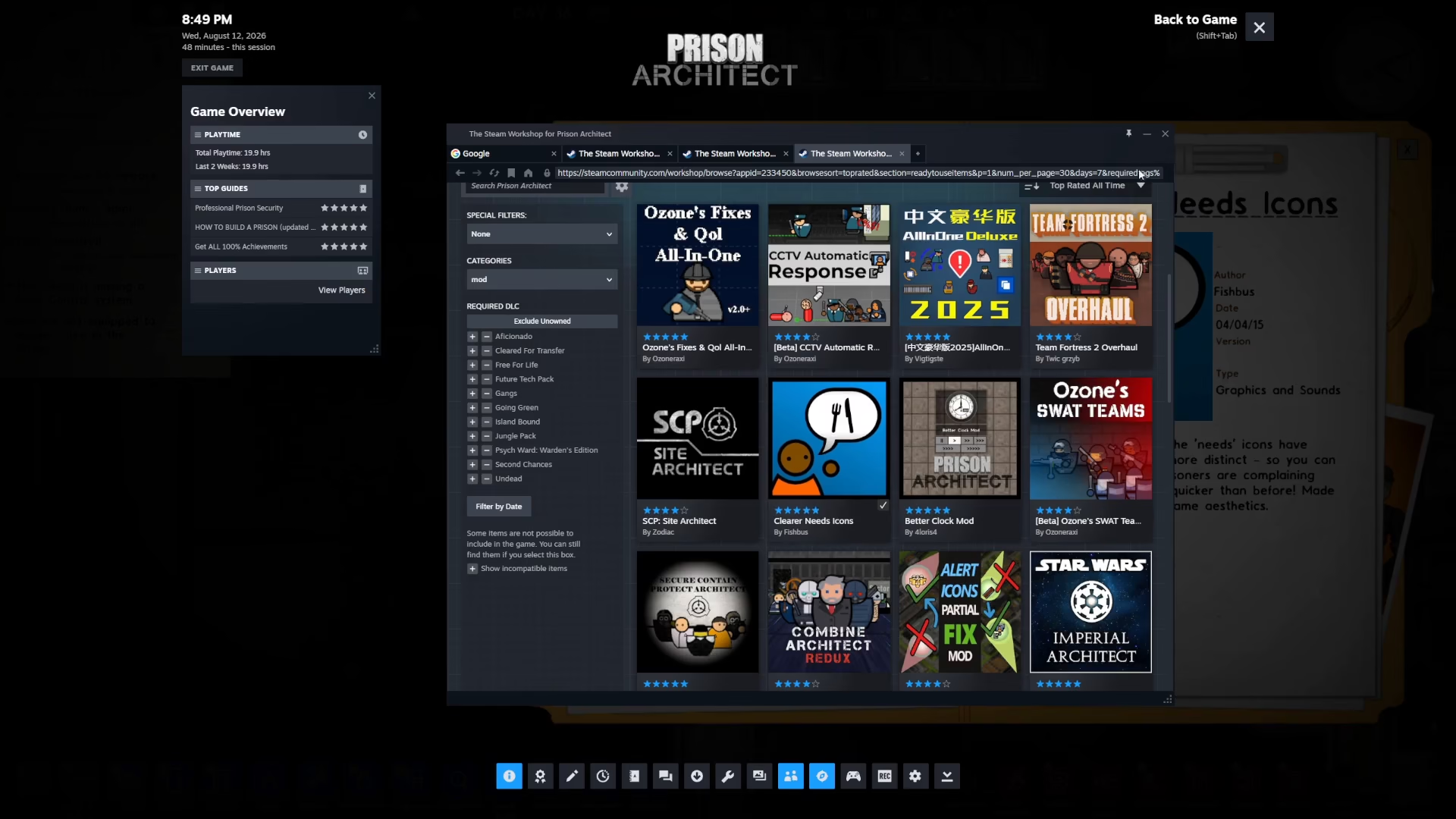
To subscribe to a mod, simply click the plus sign (Subscribe button) next to the mod’s name. Once successfully subscribed, a check mark will appear, confirming the mod has been installed.
Enabling Your Mod
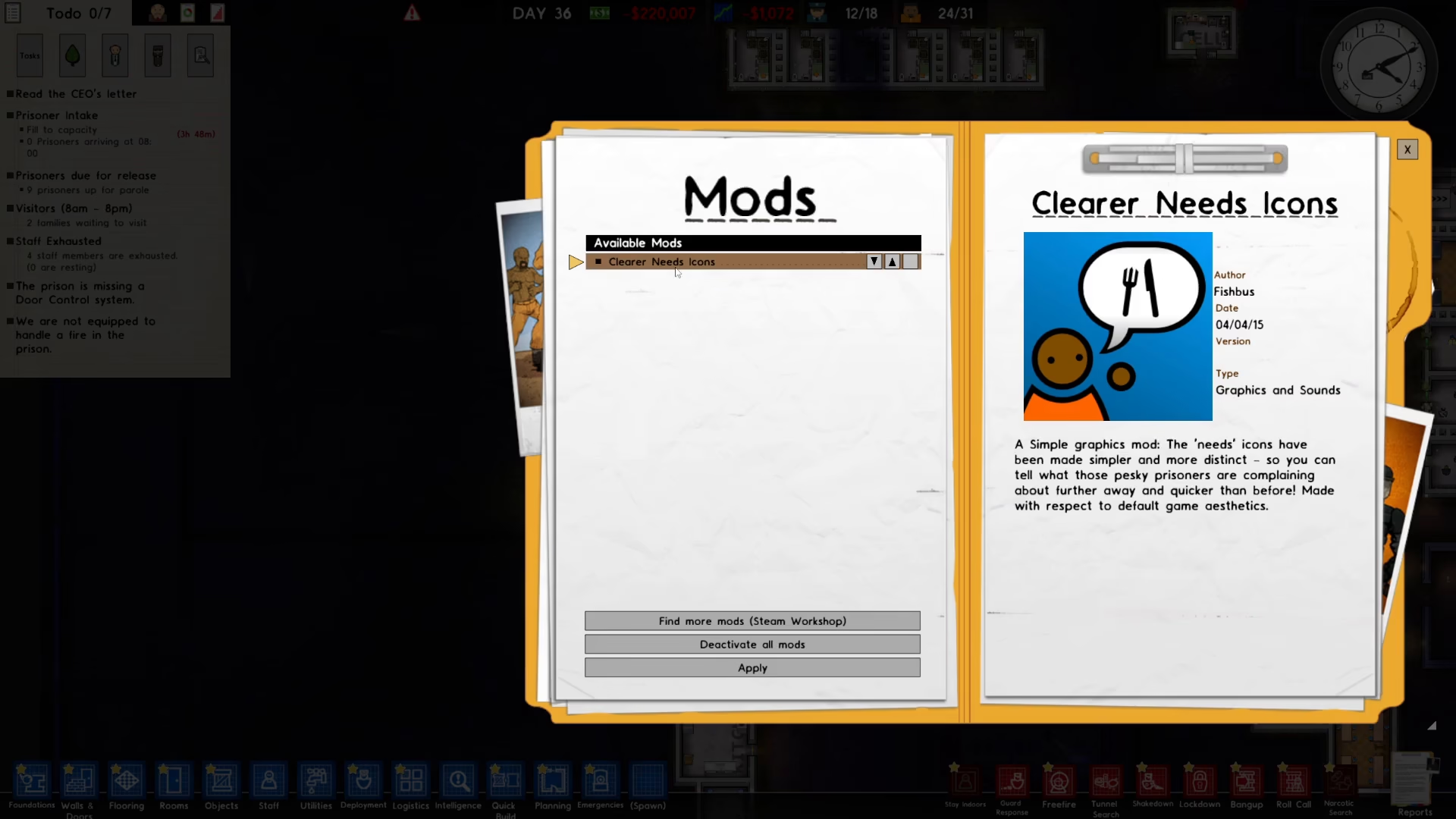
Close the Steam Workshop window by returning to the main mods menu. You’ll now see your newly installed mod listed in your mods collection.
To activate the mod and make it functional in your game, simply toggle it on. The mod will now be active whenever you play Prison Architect.
Summary
Installing mods in Prison Architect is simple: open the game menu, navigate to Extras > Mod, click “Find More Mods” to access Steam Workshop, subscribe to your desired mods, and toggle them on in your mods list. With just a few clicks, you can enhance your Prison Architect experience with community-created content.
Want to Support?
If you would like to help us continue making these guides – please consider joining our patreon here – https://www.patreon.com/c/JaviHeals
Alternatively – you can join our discord here – https://discord.gg/zD7Gjt6MHF