





How To Make Visitation Work In Prison Architect
How To Make Visitation Work In Prison Architect
Getting visitation to work properly in Prison Architect can seem confusing at first, but it’s actually a straightforward process. This guide walks you through each step needed to set up a functional visitation system in your prison, from building the room to enabling the necessary policies.
Building Your Visitation Room
Start by creating a Visitation room. You can build one from scratch or use the Quick Build option for convenience. The Quick Build feature provides a pre-made template that saves time if you’re just getting started.
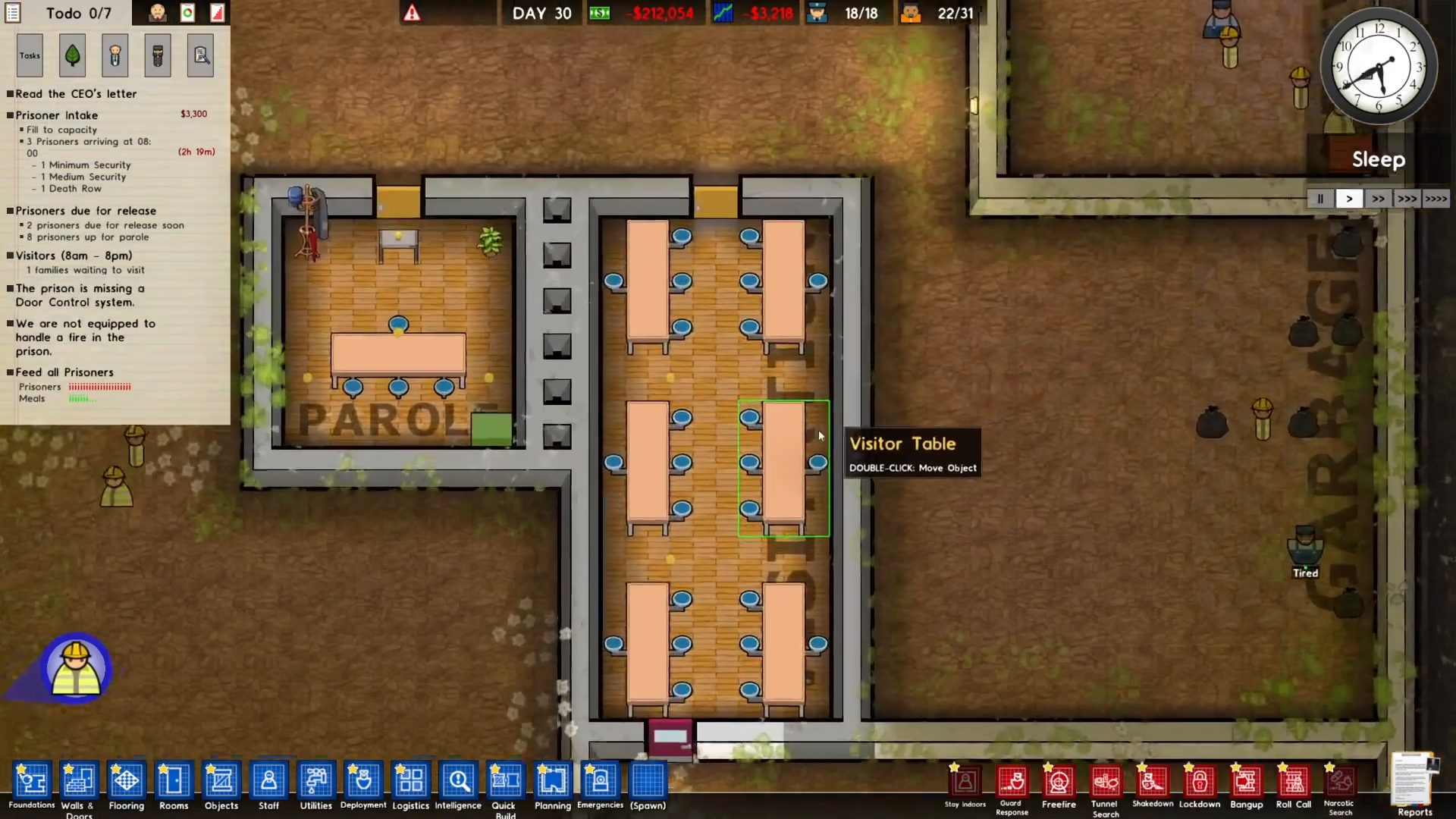
Connecting the Visitation Door
Once your Visitation room is built, you need to ensure a Visitation door is properly connected to the outside. This door is essential because it allows visitors to actually enter the visitation area. Without this connection, visitors won’t be able to access the room, and the visitation feature won’t function.
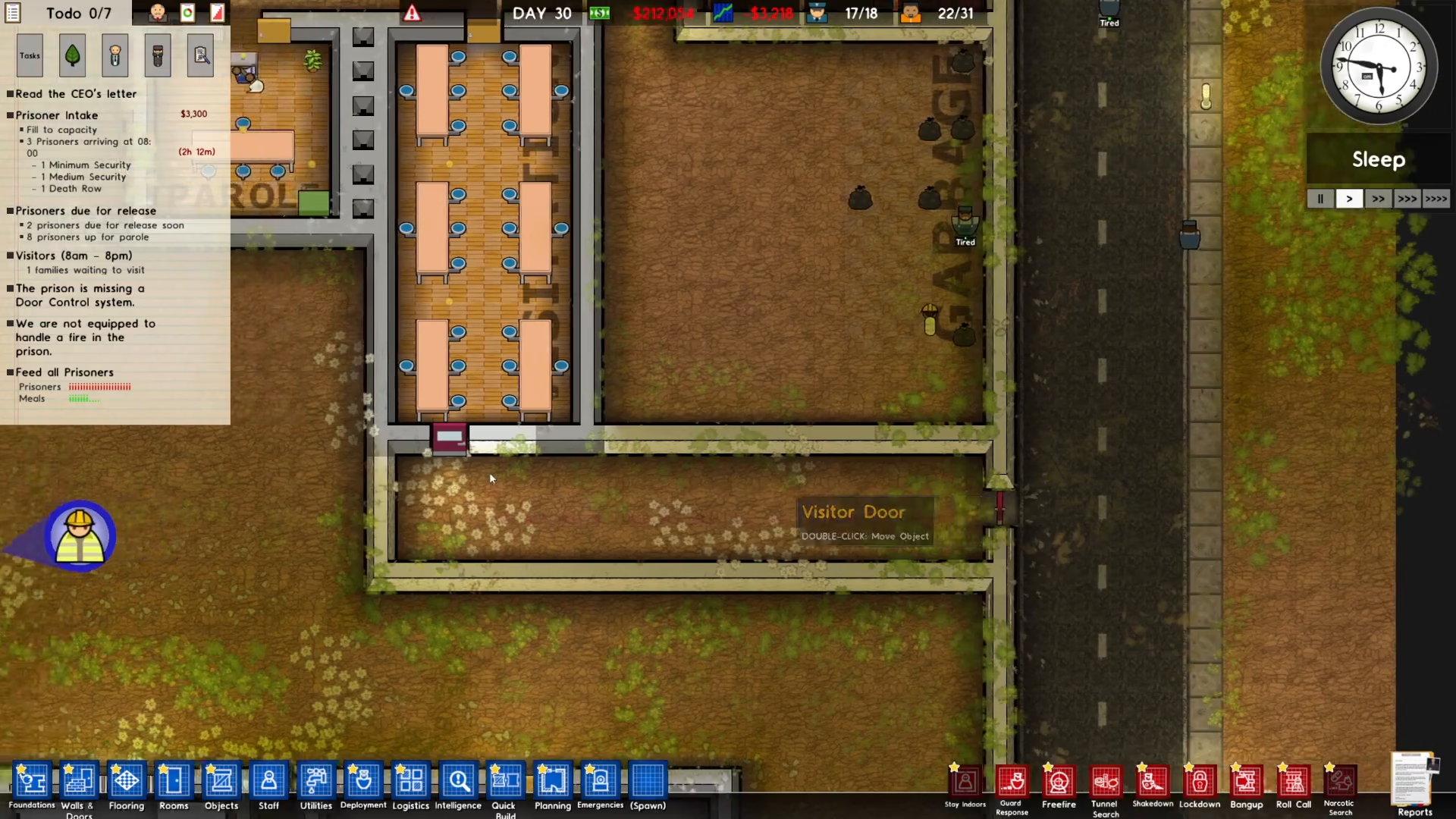
Enabling Visitation Policy
To activate visitation for your prisoners, navigate to the Reports section located in the bottom right of your screen.
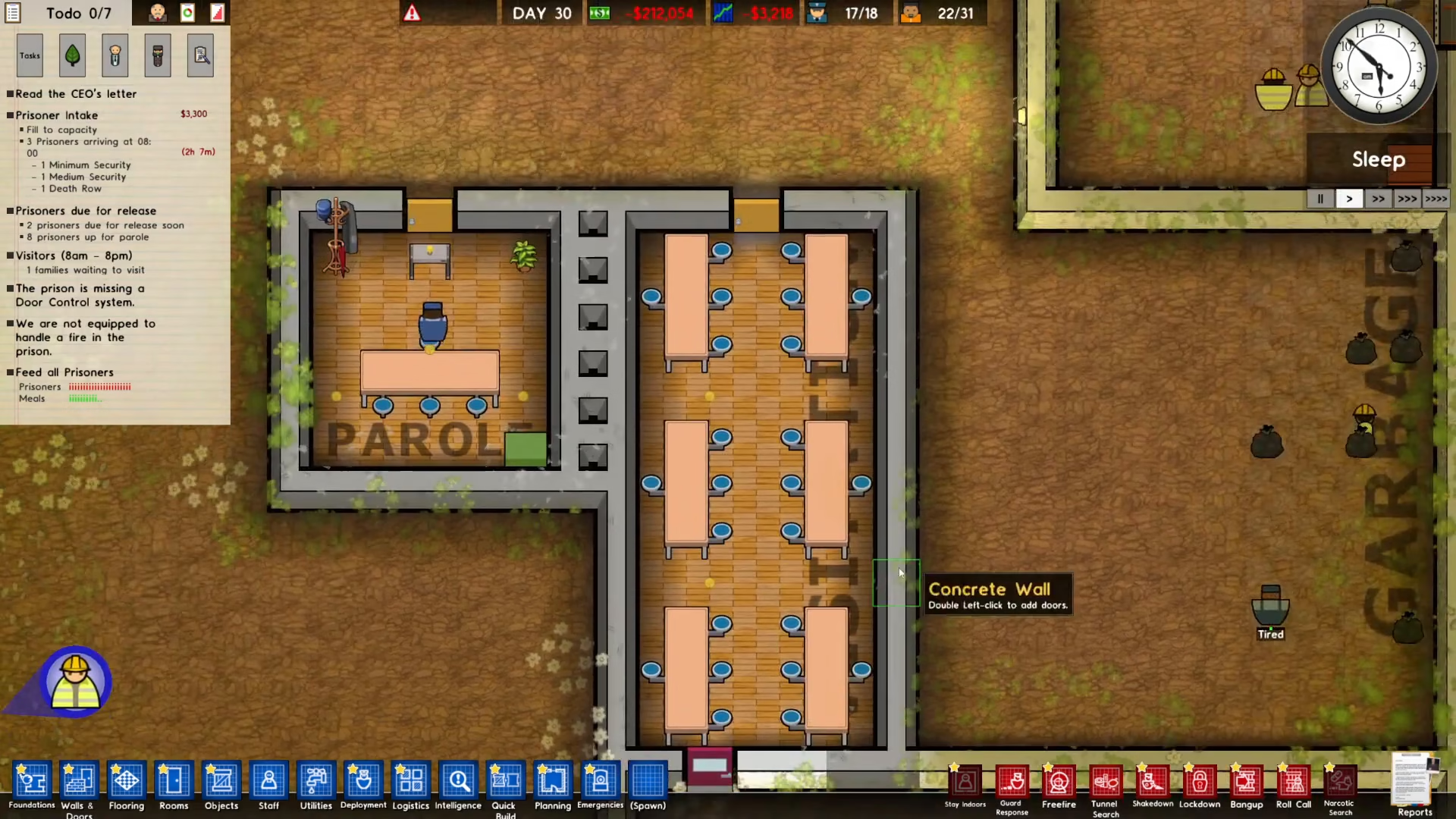
Click on Policy to open the policy menu. You’ll see the Privilege Policy options displayed here.
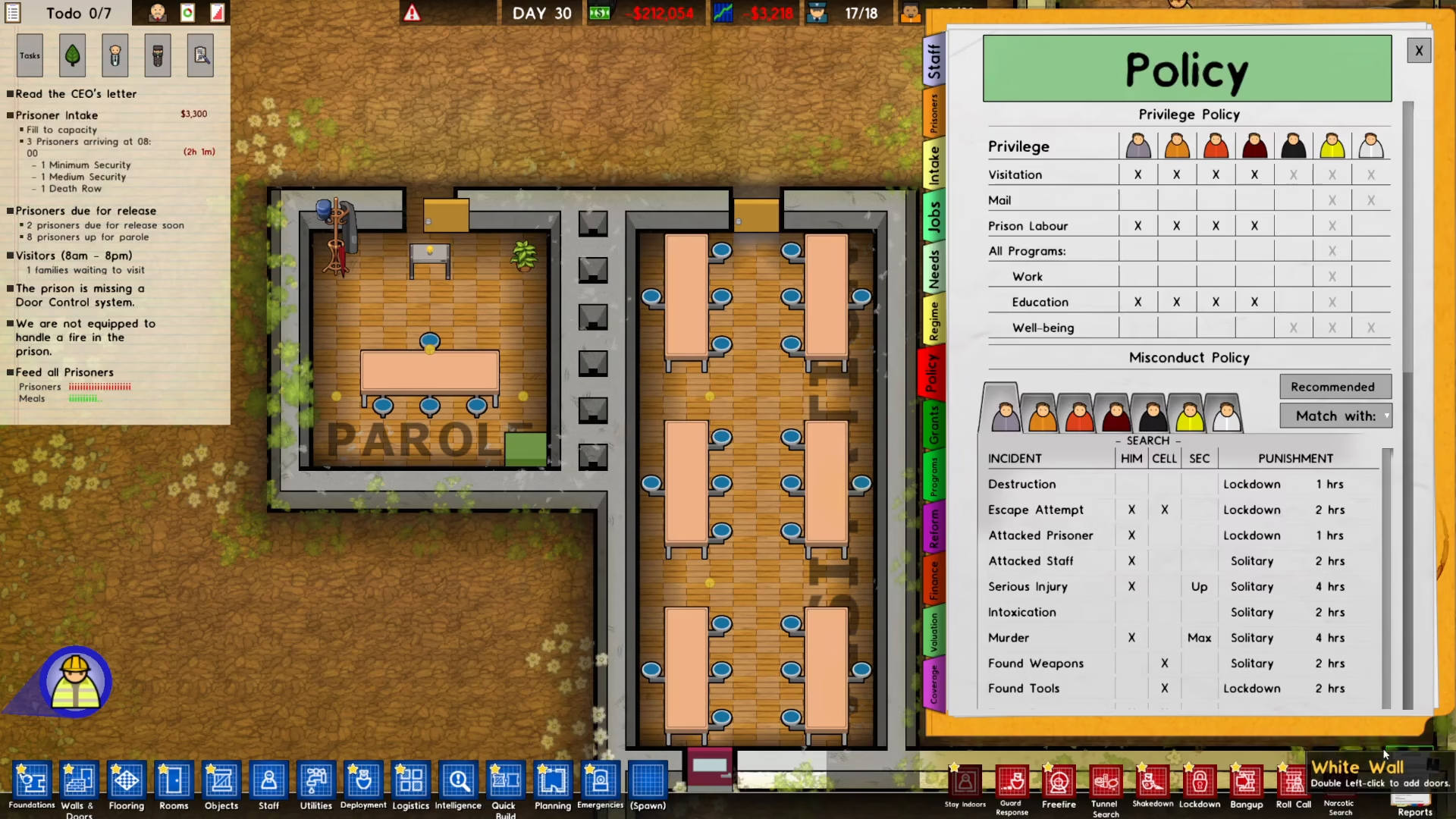
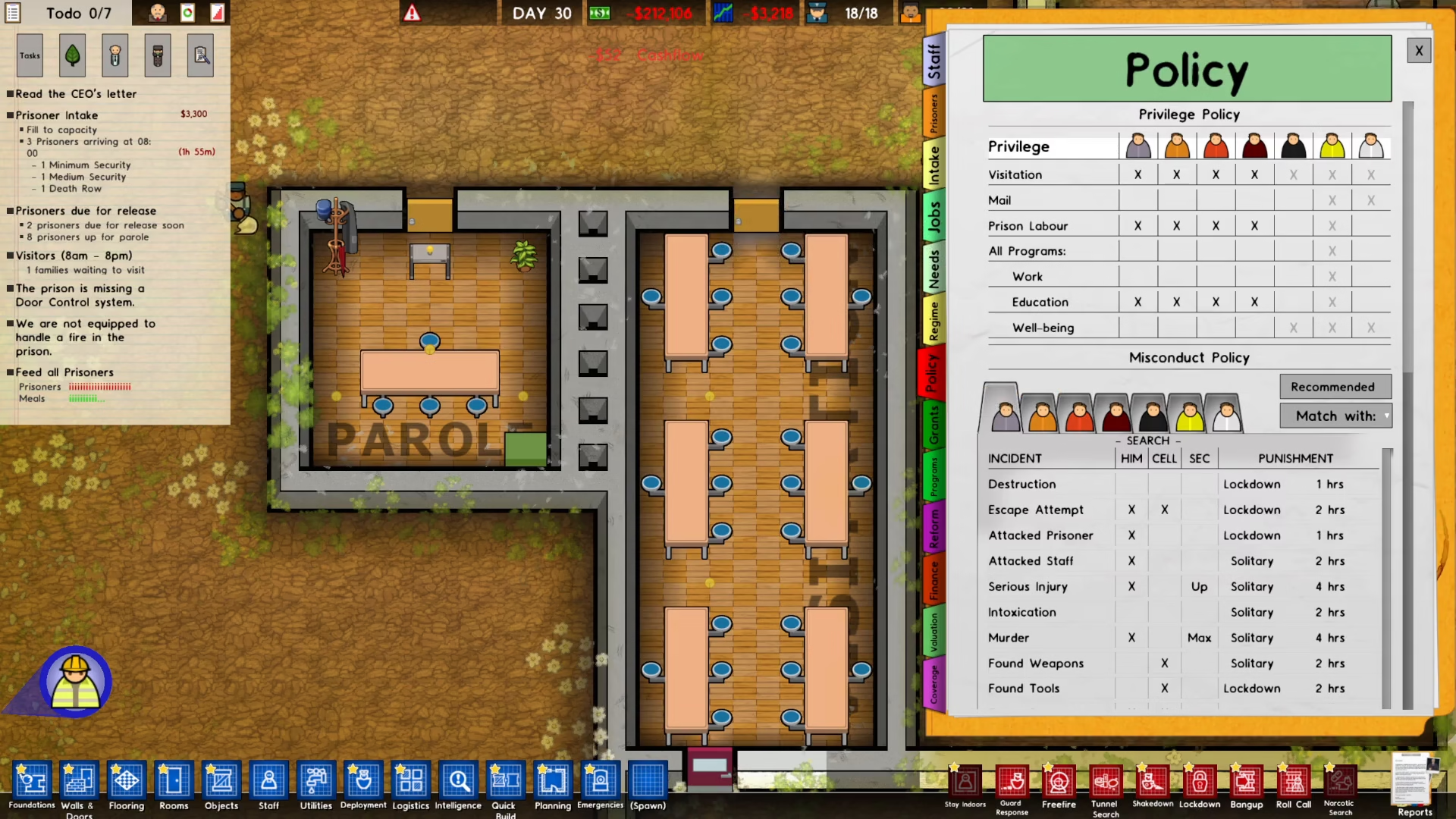
Make sure the Visitation Policy is ticked (enabled) for your prisoners. This checkbox is crucial—without it enabled, prisoners won’t be allowed to receive visitors even if everything else is set up correctly.
Finalizing and Waiting for Visitors
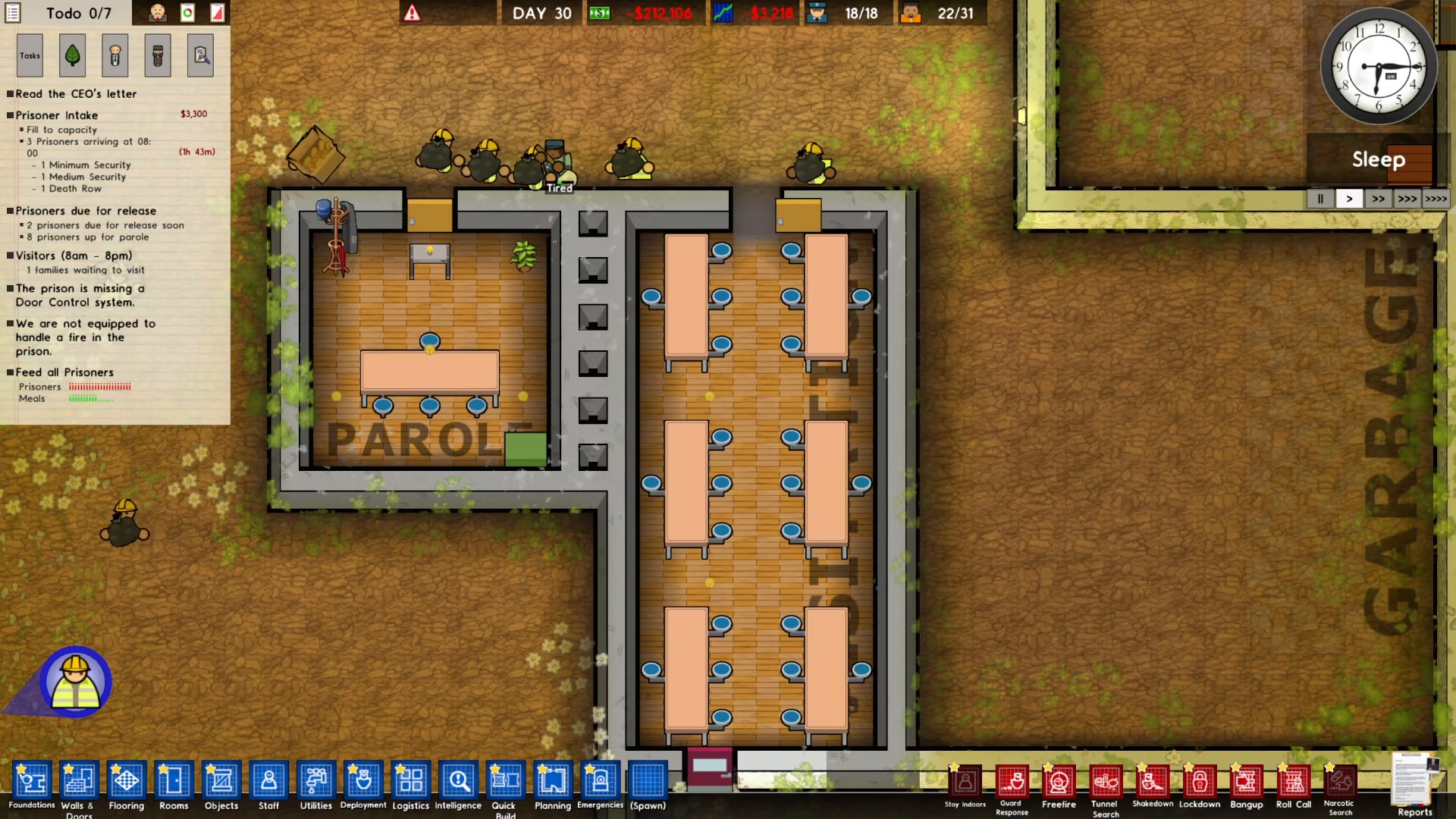
After confirming all settings are properly configured and the Visitation Policy is ticked, close the policy menu. From this point, you simply need to wait for visitors to arrive. Visitors will begin showing up at your prison during visitation times, and they’ll enter through the Visitation door to meet with prisoners in the Visitation room.
Summary
Setting up visitation in Prison Architect involves three main steps: building a Visitation room (using Quick Build if desired), connecting a Visitation door to allow outside access, and enabling the Visitation Policy in your prison’s Reports section. Once these are complete, visitors will arrive automatically. This simple system adds another layer of management to your prison and helps keep inmates satisfied through family contact.
— Want to Support? —
If you would like to help us continue making these guides – please consider joining our patreon here – https://www.patreon.com/c/JaviHeals
Alternatively – you can join our discord here – https://discord.gg/zD7Gjt6MHF