






How To Open Cheat Menu In Prison Architect
How to Open Cheat Menu in Prison Architect
Prison Architect offers powerful development tools and cheats that can enhance your gameplay experience and allow you to customize your prison in creative ways. This guide will walk you through the simple steps to enable and access the cheat menu using keyboard shortcuts.
Enable Tools and Cheats
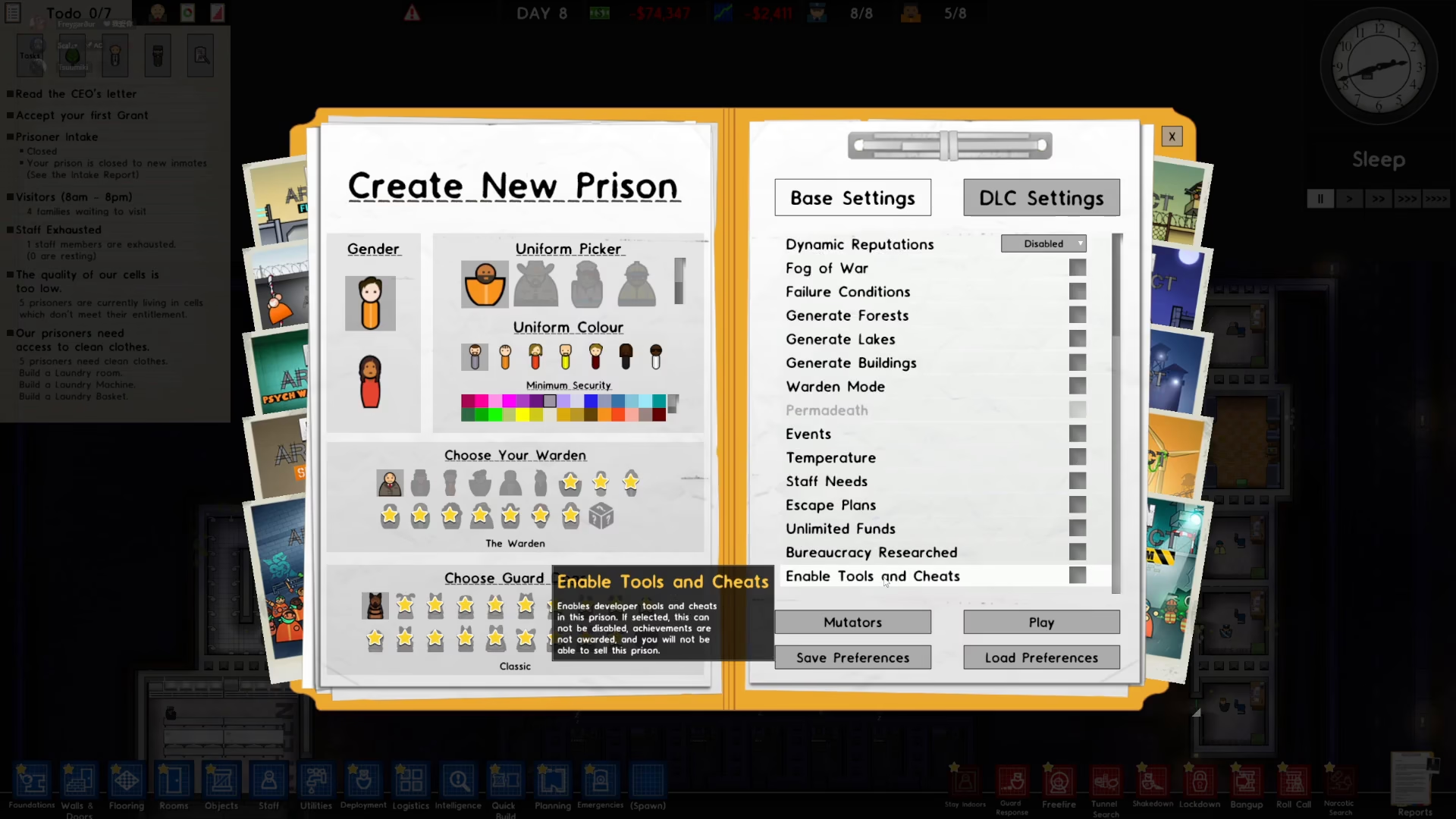
Before you can access any cheat menus, you must first enable the Tools and Cheats feature. To do this, start by creating a new prison through the “Create New Prison” option.
Once you’re in the prison creation menu, scroll down until you find the “Enable Tools and Cheats” option. Simply tap or click this option to enable it, then proceed to play your prison.
Access the Cheat Menus Using Function Keys
Once Tools and Cheats are enabled, you can now access various cheat menus by pressing function keys (F1 through F9) on your keyboard. Each key opens a different editor with unique capabilities.
Available Cheat Menu Options
Here are all the cheat menus available in Prison Architect:
F1 – Data Registry Editor: Allows you to edit game data and settings to your liking.
F2 – Profiler: Performance analysis and monitoring tool.
F3 – Script Debugger: Debug and test custom scripts.
F4 – Dialog Editor: Modify dialog boxes and text interactions.
F5 – Sound Editor: Adjust and customize sound settings.
F6 – Sprite Bank Editor: Edit sprite graphics and visual elements.
F7 & F8 – Sprite Bank Editor (Alternative views): Access different sprite banks for various sprites.
F9 – Data Registry Editor (Alternative): Another version of the Data Registry Editor with different tabs for additional customization options.
Customize Your Prison
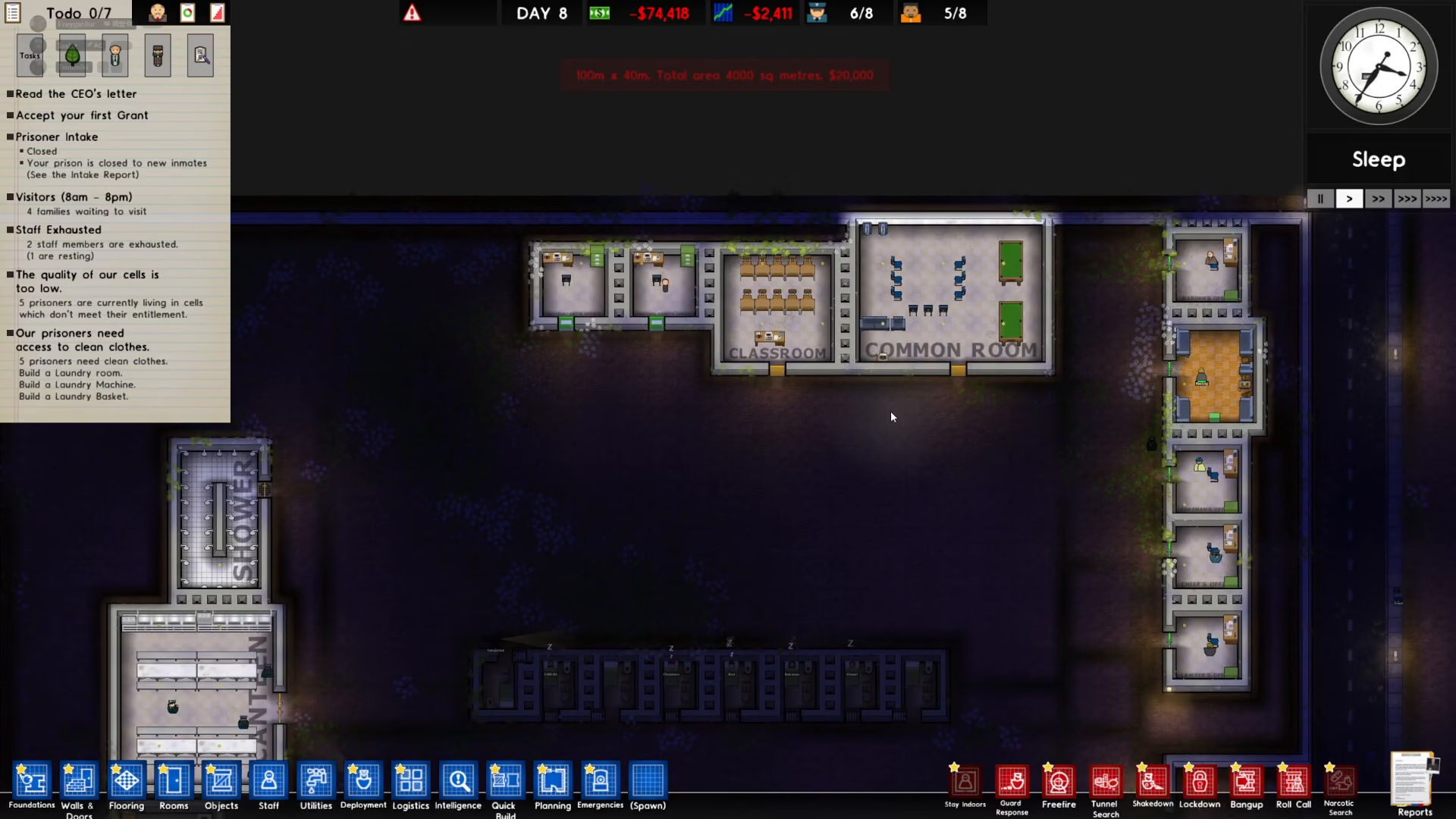
With these cheat menus open, you can edit any settings to your liking. Whether you’re adjusting data values, modifying sprites, or testing custom scripts, these tools give you complete control over your prison’s appearance and behavior. Simply make your desired changes and close each menu when you’re finished.
Summary
Opening the cheat menu in Prison Architect is straightforward: enable Tools and Cheats during prison creation, then use function keys F1 through F9 to access different editors and customization tools. With these powerful features at your disposal, you can fine-tune every aspect of your prison and create unique gameplay experiences.
— Want to Support? —
If you would like to help us continue making these guides – please consider joining our patreon here – https://www.patreon.com/c/JaviHeals
Alternatively – you can join our discord here – https://discord.gg/zD7Gjt6MHF