






How To Add Legendary Effects On Weapons In Fallout 4
How To Add Legendary Effects On Weapons In Fallout 4
Want to customize your weapons in Fallout 4 with powerful legendary effects? Using the in-game console, you can add any legendary modifier to any weapon in minutes. This guide walks you through the process step-by-step, from grabbing your weapon to applying the mod and verifying the changes in-game.
Getting Started: Grabbing Your Weapon
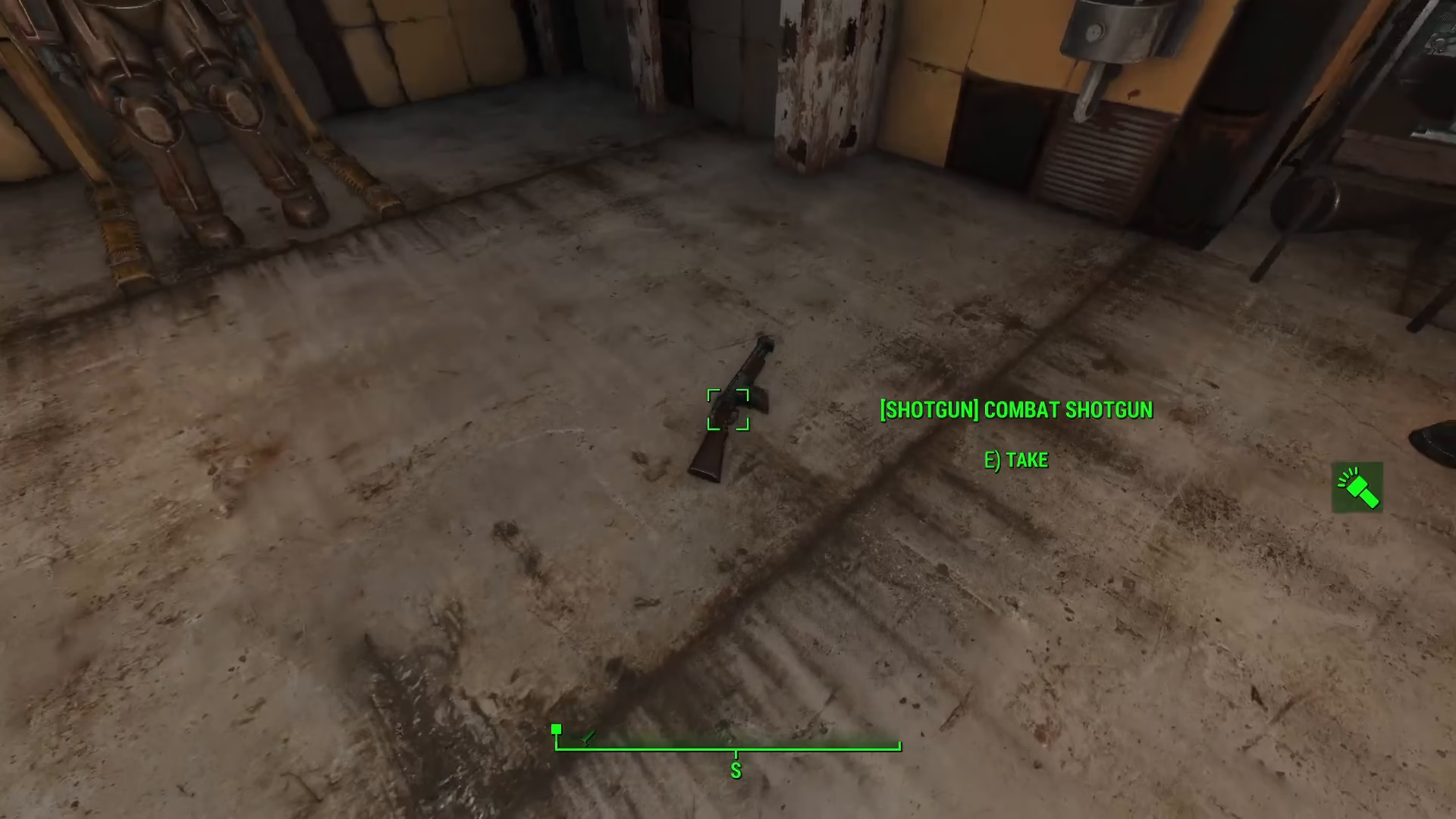
Begin by locating the weapon you want to modify. For this example, we’ll use a combat shotgun. Approach the weapon on the ground and grab it by holding down the interact button.
Opening the Console
Once you have the weapon in hand, open the console by pressing the tilde key (~), which is located below the Escape key on your keyboard.
Getting the Item ID
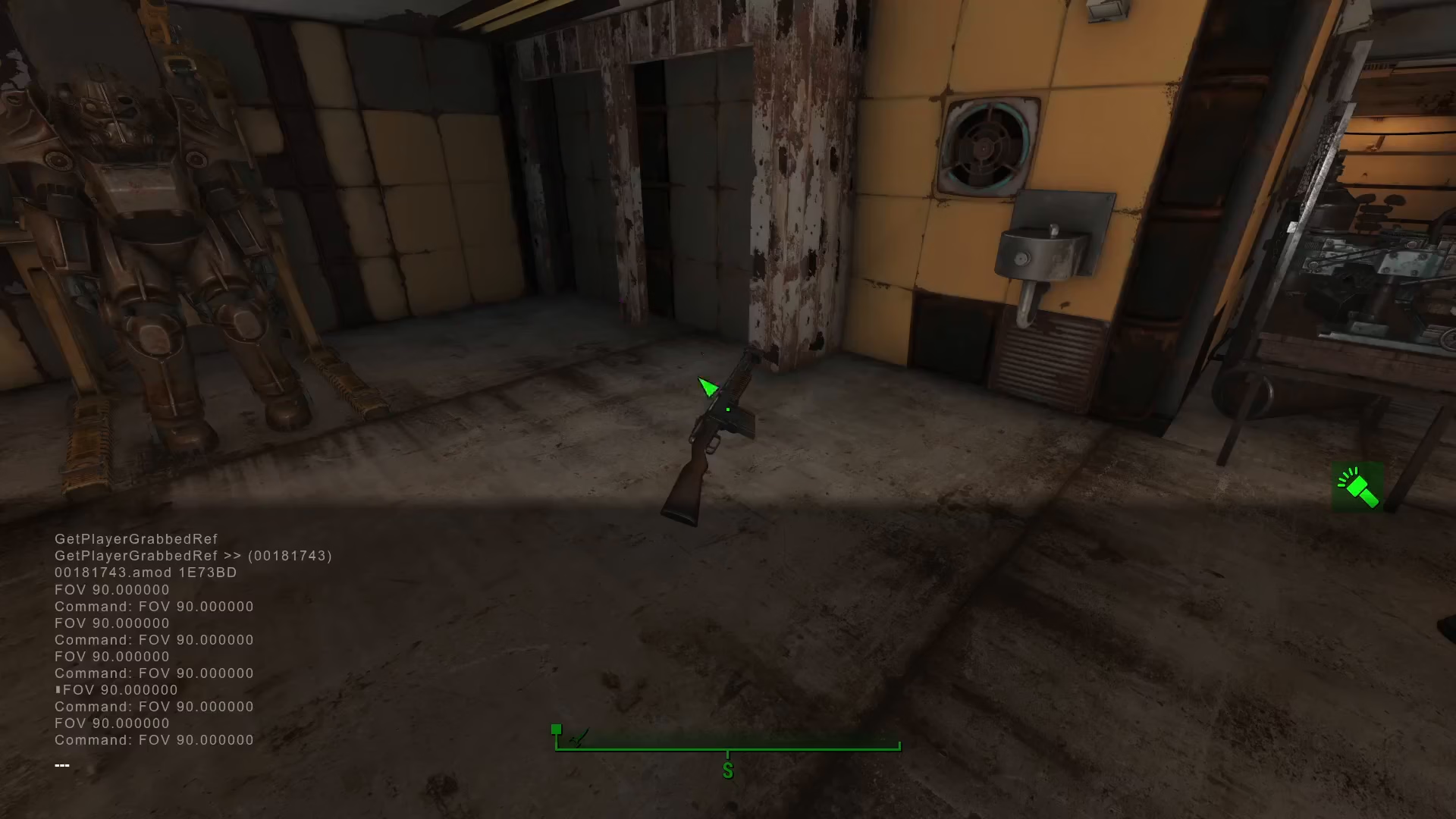
In the console window, type the command: getPlayerGrabDref
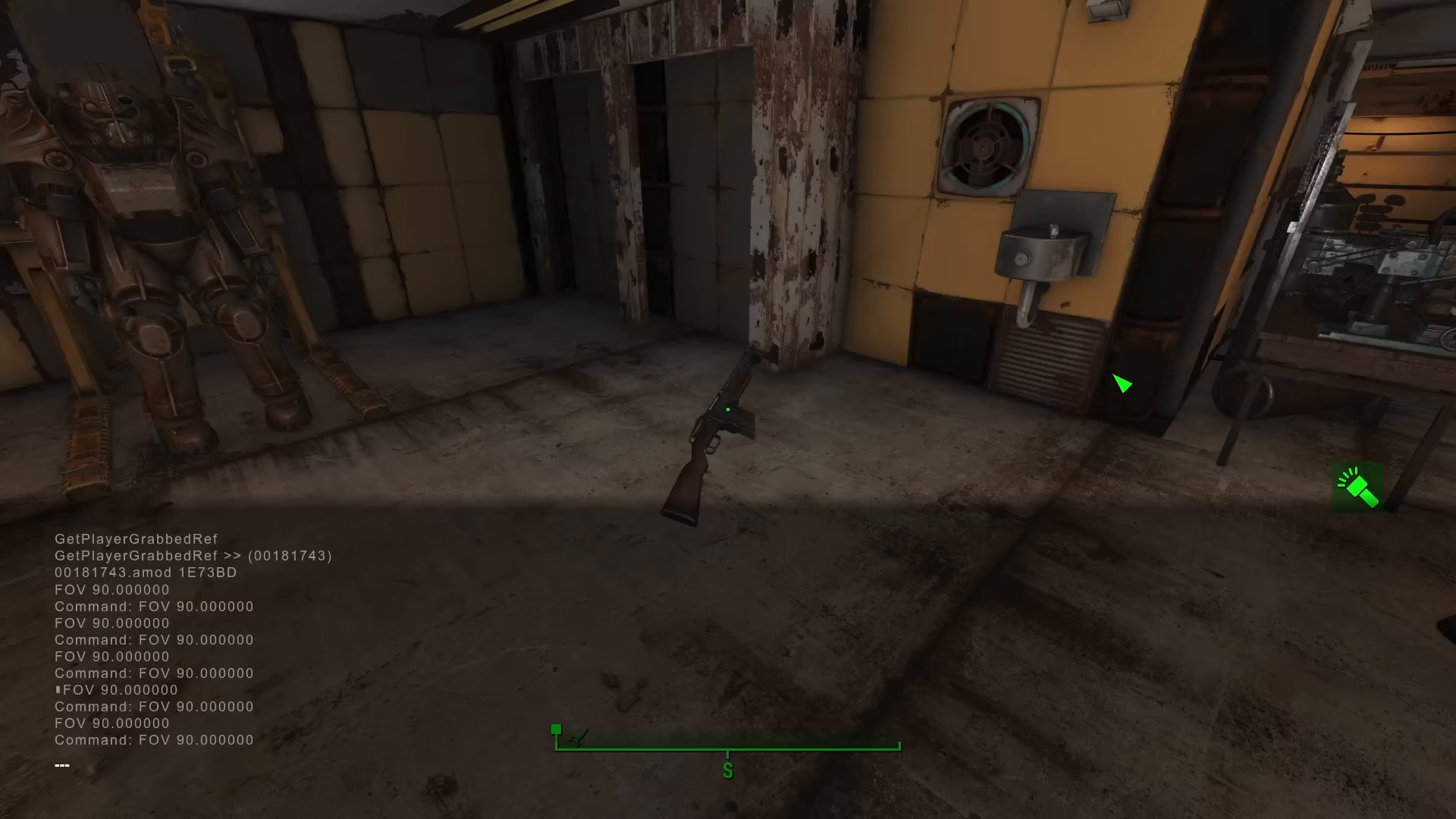
Press Enter to execute the command. This will output a unique ID for the weapon you’re holding. In our example with the combat shotgun, the ID is 00181743. Write down or remember this ID, as you’ll need it for the next step.
Finding the Legendary Effect ID
Next, you’ll need to find the ID for the specific legendary effect you want to add. There’s a comprehensive list of legendary modifier IDs available on the Fallout Wiki. Browse the list and find the effect that interests you.
For this tutorial, we’re adding the Explosive effect, which has the ID 173B.
Applying the Legendary Modifier
In the console, type the following command using the weapon ID you obtained earlier:
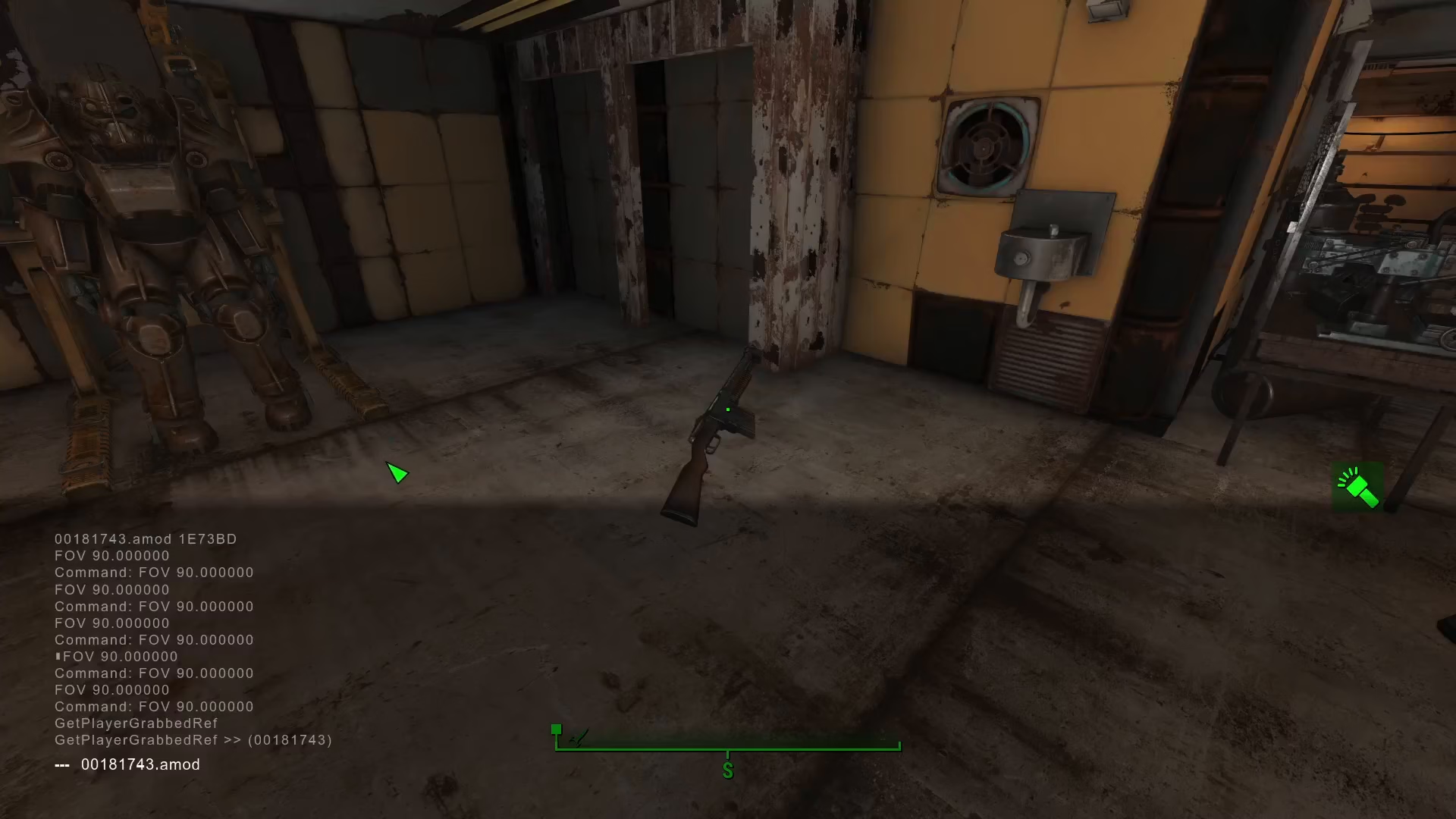
[weapon ID].amod [legendary mod ID]
For our combat shotgun with the Explosive effect, the full command is:
00181743.amod 173B
Press Enter to execute the command.
Verifying Your Changes
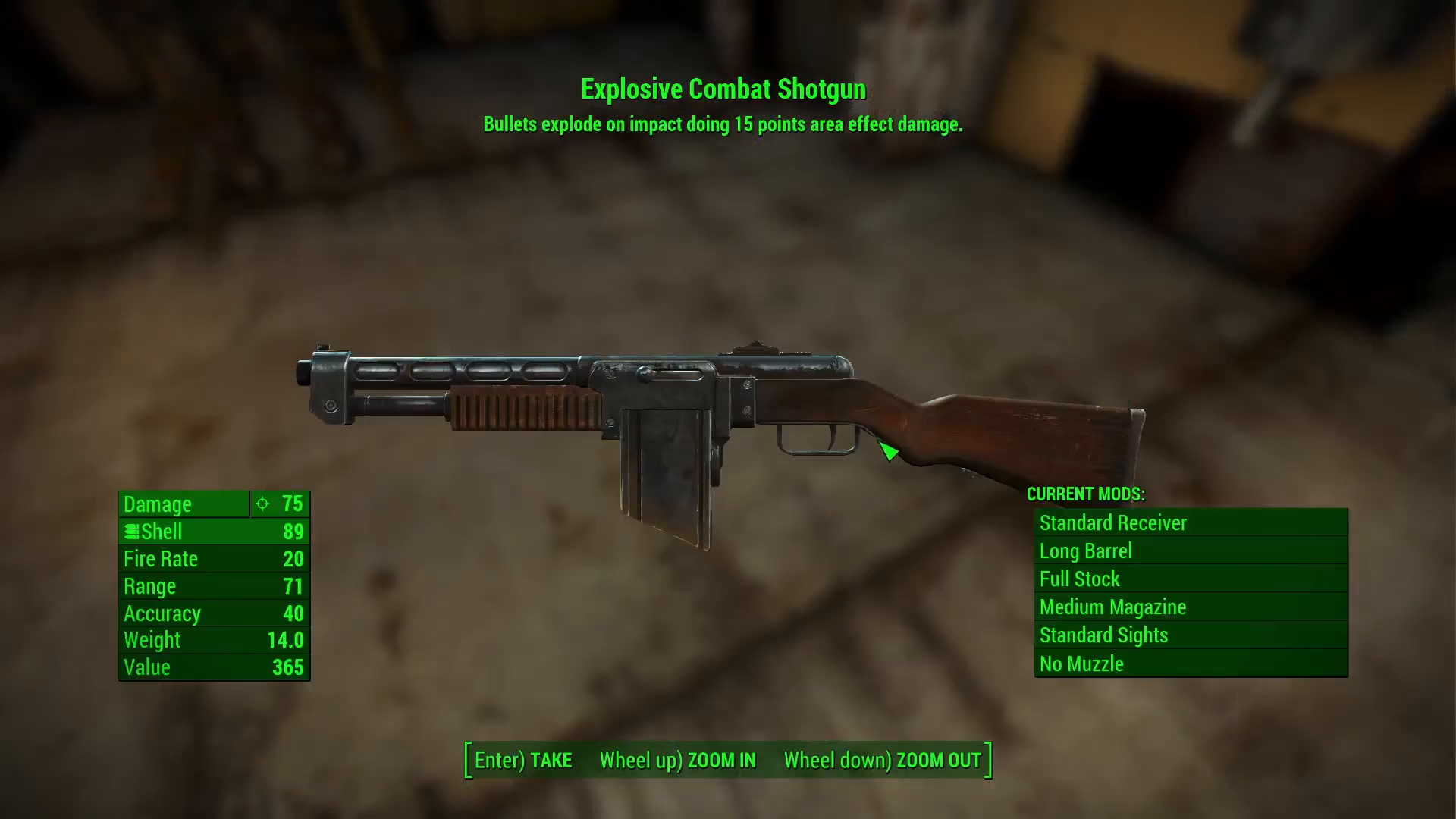
After pressing Enter, the weapon will drop to the ground. Pick it up and examine it in your inventory. You should now see that the weapon has been renamed to reflect the new legendary effect. In our example, the combat shotgun is now marked as an “Explosive Combat Shotgun,” confirming that the modifier has been successfully applied.
Summary
Adding legendary effects to weapons in Fallout 4 is straightforward once you know the console commands. Simply grab your weapon, use getPlayerGrabDref to get its ID, find the legendary effect ID from the Fallout Wiki, and apply it using the .amod command. Your fully customized weapon is now ready for use. This method gives you complete control over your arsenal and lets you experiment with different legendary combinations.
Want to Support?
If you would like to help us continue making these guides – please consider joining our patreon here – https://www.patreon.com/c/JaviHeals
Alternatively – you can join our discord here – https://discord.gg/zD7Gjt6MHF