






How To Get A Jetpack Without Brotherhood In Fallout 4
How To Get A Jetpack Without Brotherhood In Fallout 4
Want to soar through the Commonwealth without joining the Brotherhood of Steel? You can craft your own jetpack in Fallout 4 without ever pledging allegiance to the faction. This guide walks you through the simple steps to equip your power armor with a homemade jetpack using just your crafting skills and the right perks.
Requirements for Crafting a Jetpack
Before you head to a power armor station, make sure you meet the necessary prerequisites. You’ll need to be at least level 41 to unlock the jetpack crafting recipe. Additionally, you must have invested in both the Science! and Armor Crafting perks. These perks are essential for accessing the jetpack mod in the crafting menu.
Crafting Your Jetpack
Step 1: Access the Power Armor Station
Head to any power armor station in the game world. Make sure you have power armor with you at the station.
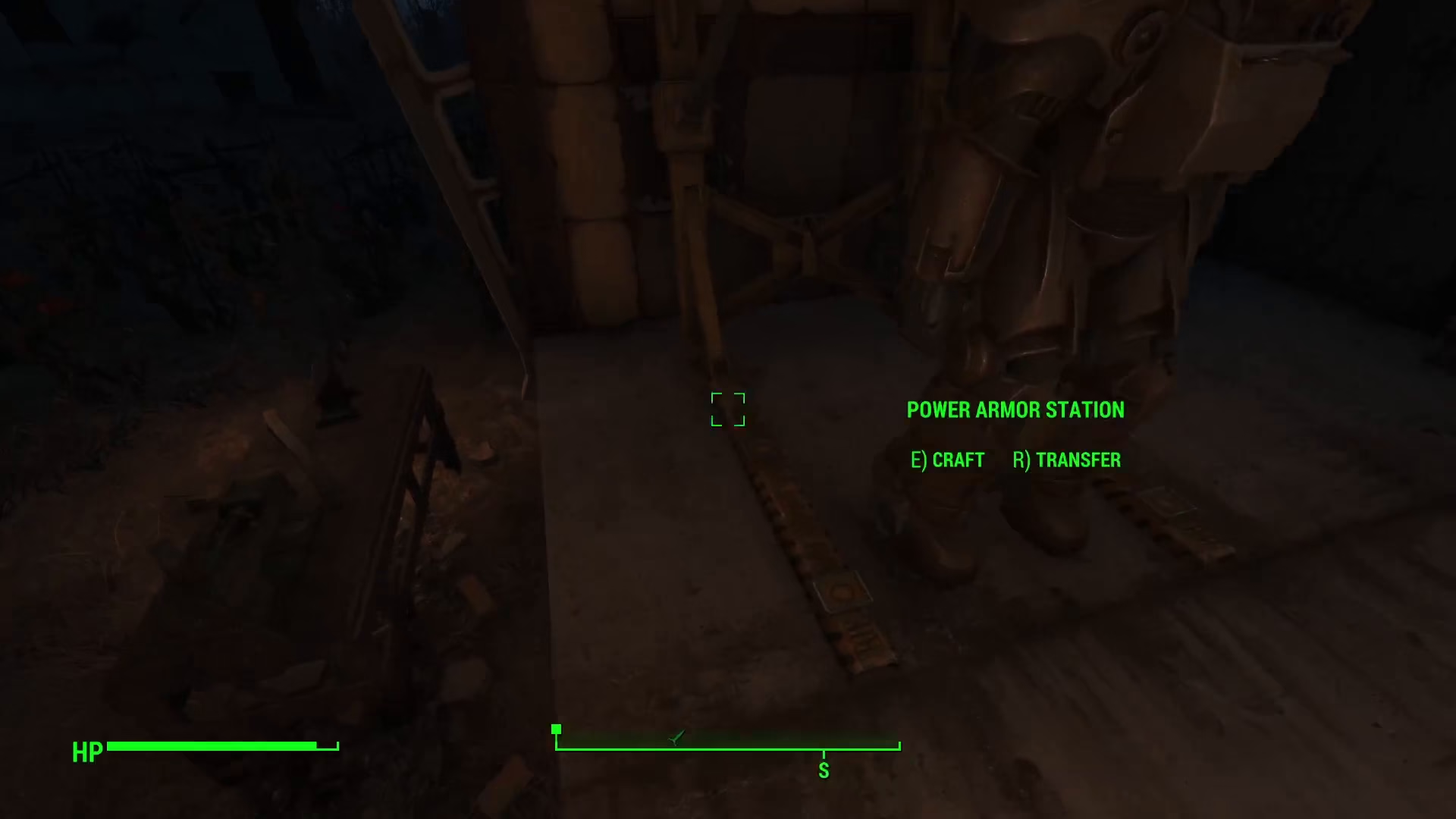
Step 2: Enter Crafting Mode
Once you’re at the power armor station with your armor, press E to open the crafting interface.
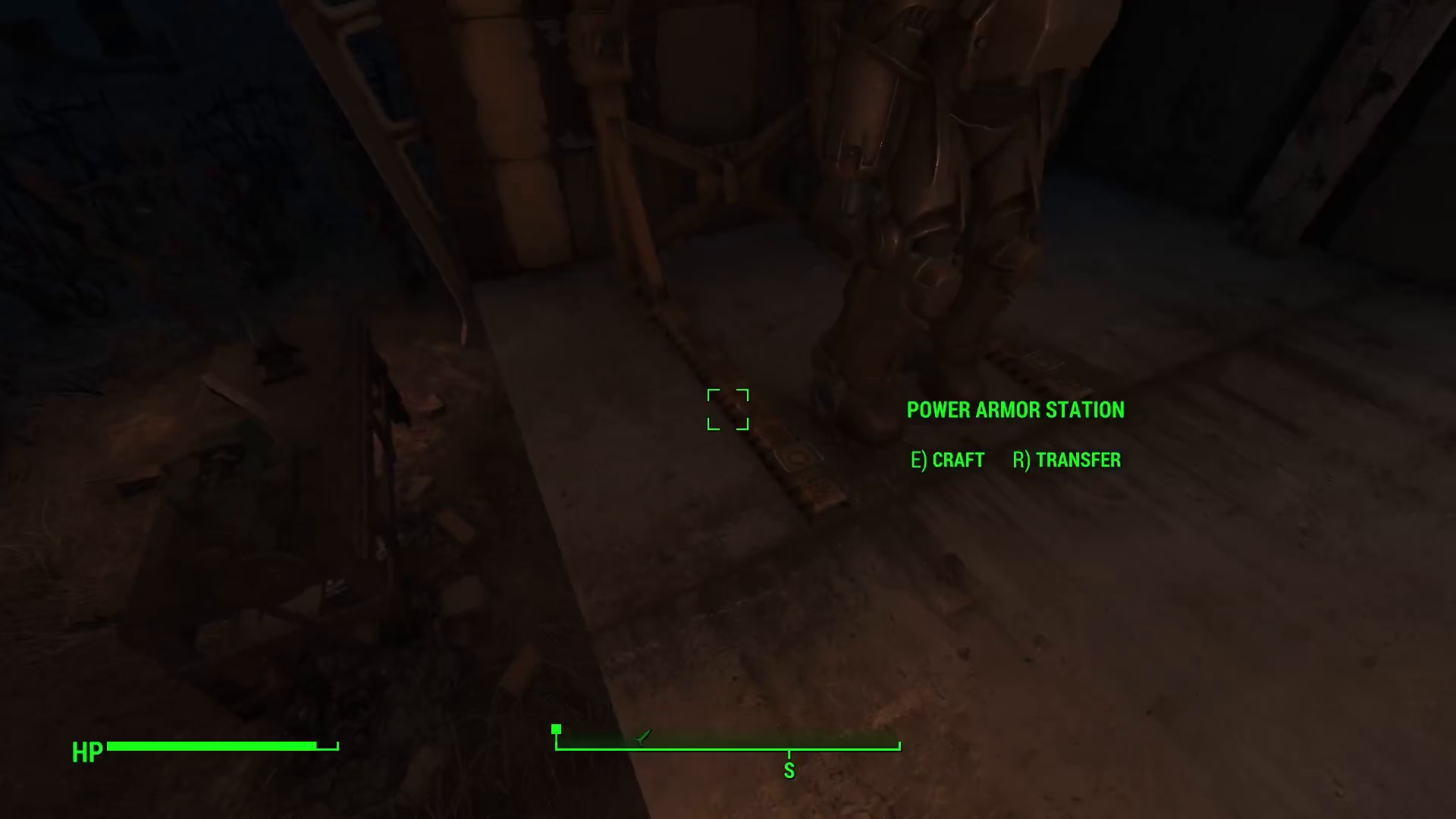
Step 3: Select the Torso Piece
In the crafting menu, click on the torso armor piece. This is where the jetpack mod will be installed.
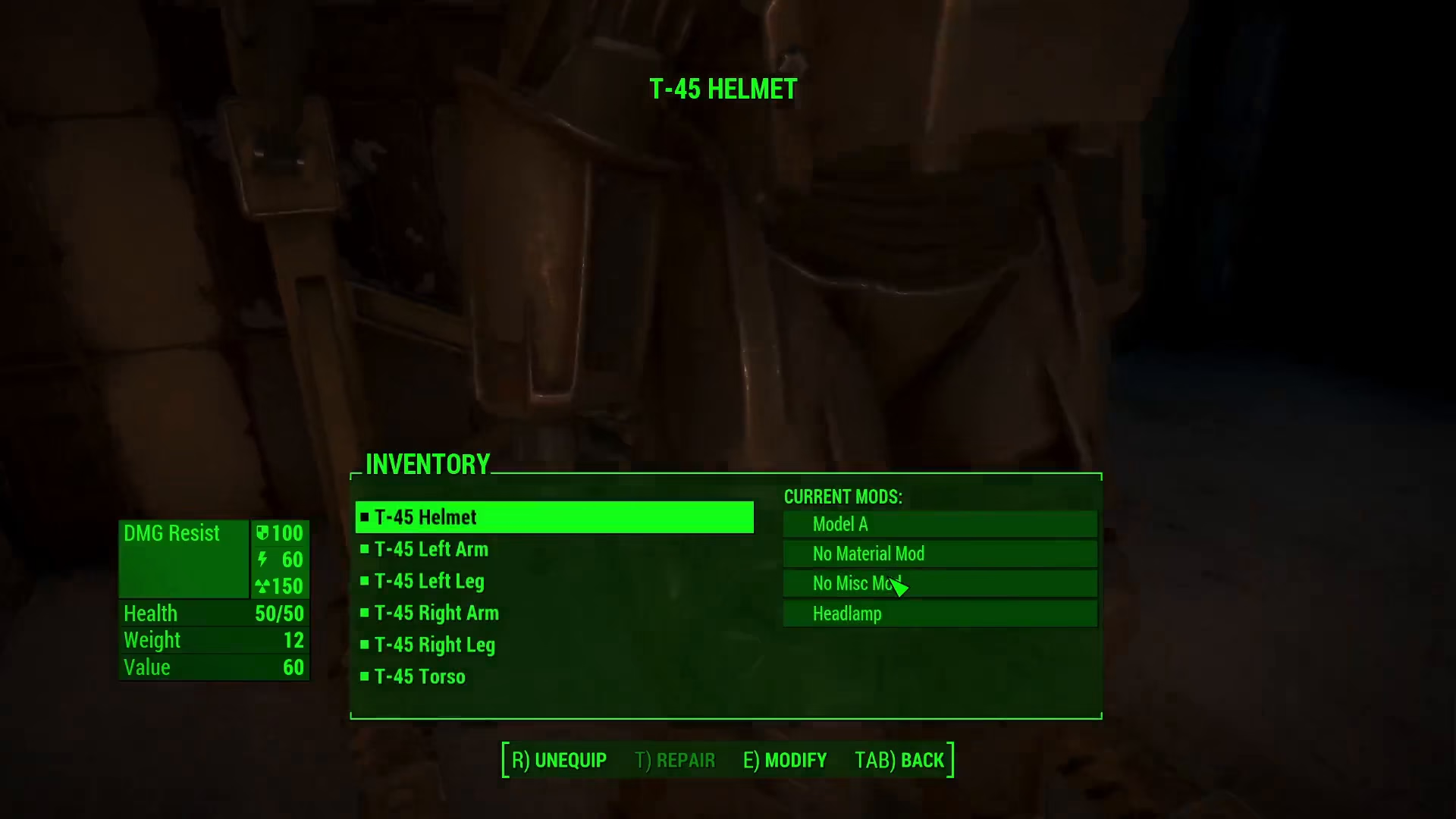
Step 4: Navigate to Miscellaneous Mods
After selecting the torso, navigate to the miscellaneous mod section. Scroll to the very bottom of this menu to find the jetpack crafting option.
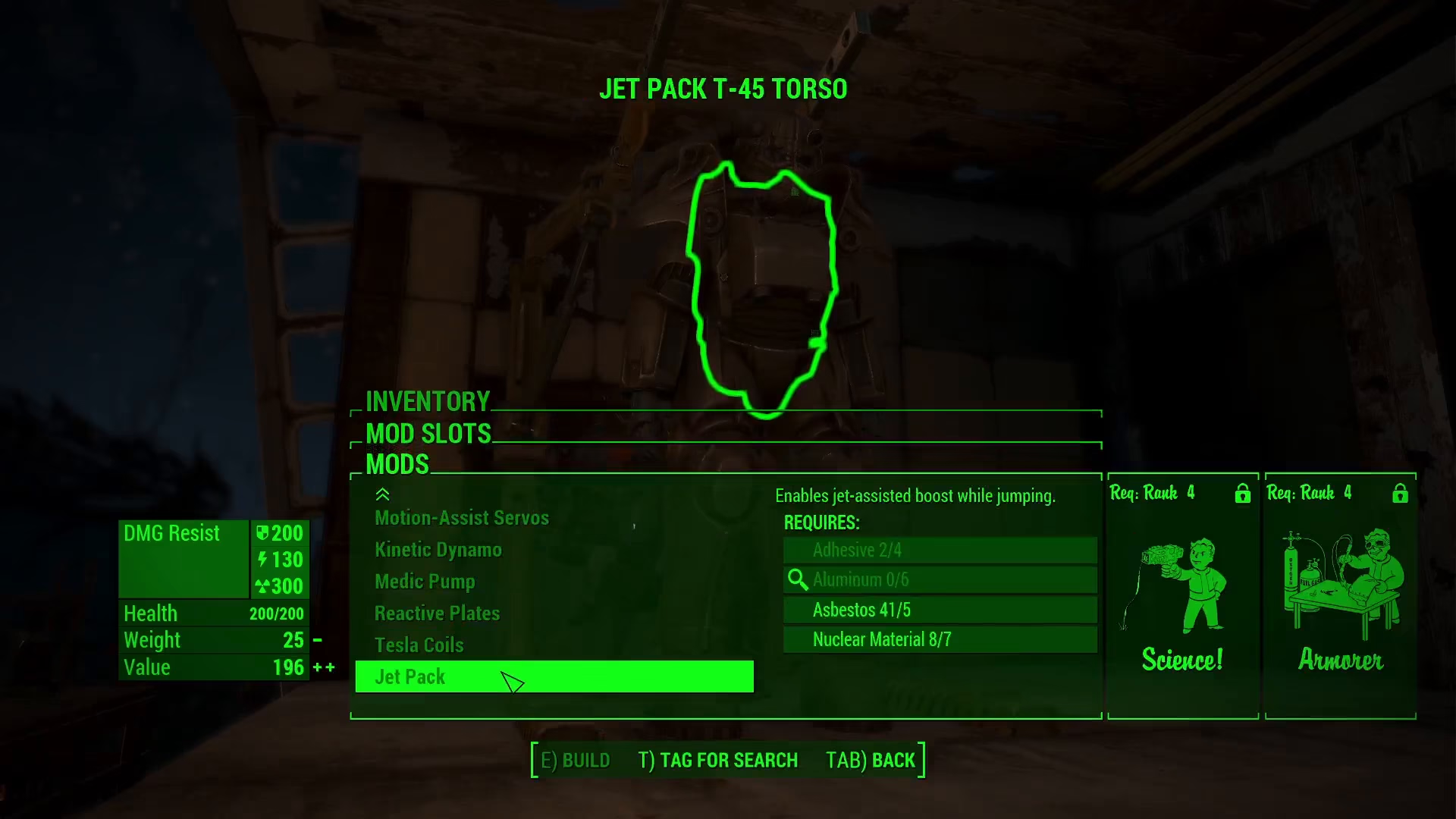
Summary
Getting a jetpack in Fallout 4 without the Brotherhood of Steel is straightforward once you meet the level and perk requirements. Simply visit a power armor station, select your torso piece, and craft the jetpack from the miscellaneous mods section. Now you’re ready to take to the skies and explore the Commonwealth from above!
— Want to Support? —
If you would like to help us continue making these guides – please consider joining our patreon here – https://www.patreon.com/c/JaviHeals
Alternatively – you can join our discord here – https://discord.gg/zD7Gjt6MHF