






How To Get Home Plate For Free In Fallout 4
How To Get Home Plate For Free In Fallout 4
Home Plate is one of the most desirable player homes in Fallout 4, but acquiring it through normal gameplay requires a hefty payment. If you’re playing on PC, there’s a free method using the console command system that allows you to bypass the purchase entirely. This guide will walk you through the process step-by-step.
Using the Console Command Method
In vanilla Fallout 4, there’s no legitimate way to obtain Home Plate without paying the required caps. However, PC players have access to the developer console, which opens up alternative methods to acquire this property.
Step 1: Open the Console
Navigate to the Home Plate door that you wish to unlock. Once you’re facing the door, press the tilde key (~), which is located directly below the Escape key on your keyboard. This will open the developer console interface.
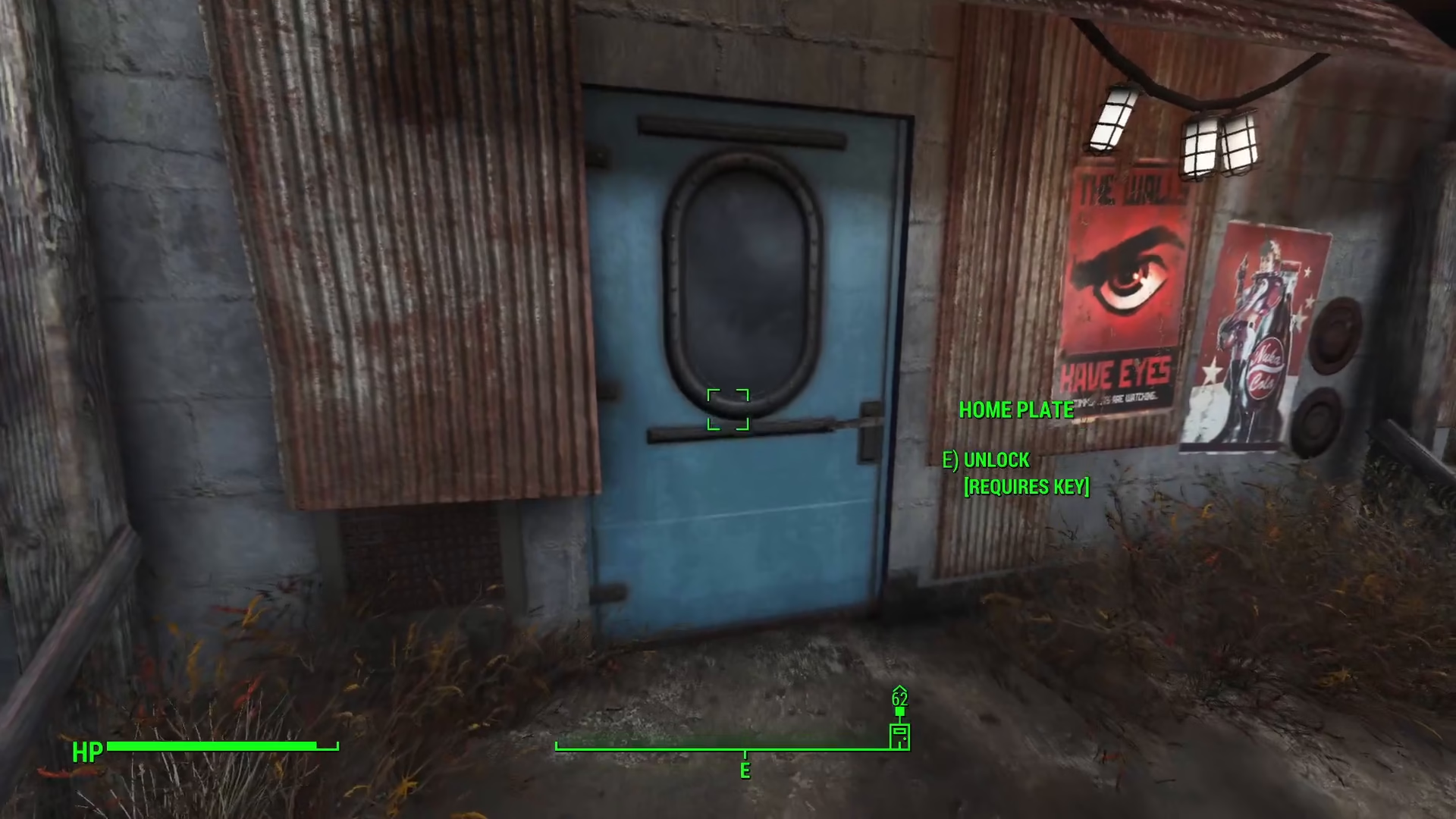
Step 2: Enter the Console Command
With the console now open, type the following command exactly as shown:
player.additem 001419 46
This command will add the Home Plate key to your inventory. Make sure to enter the item ID and quantity precisely to avoid errors.
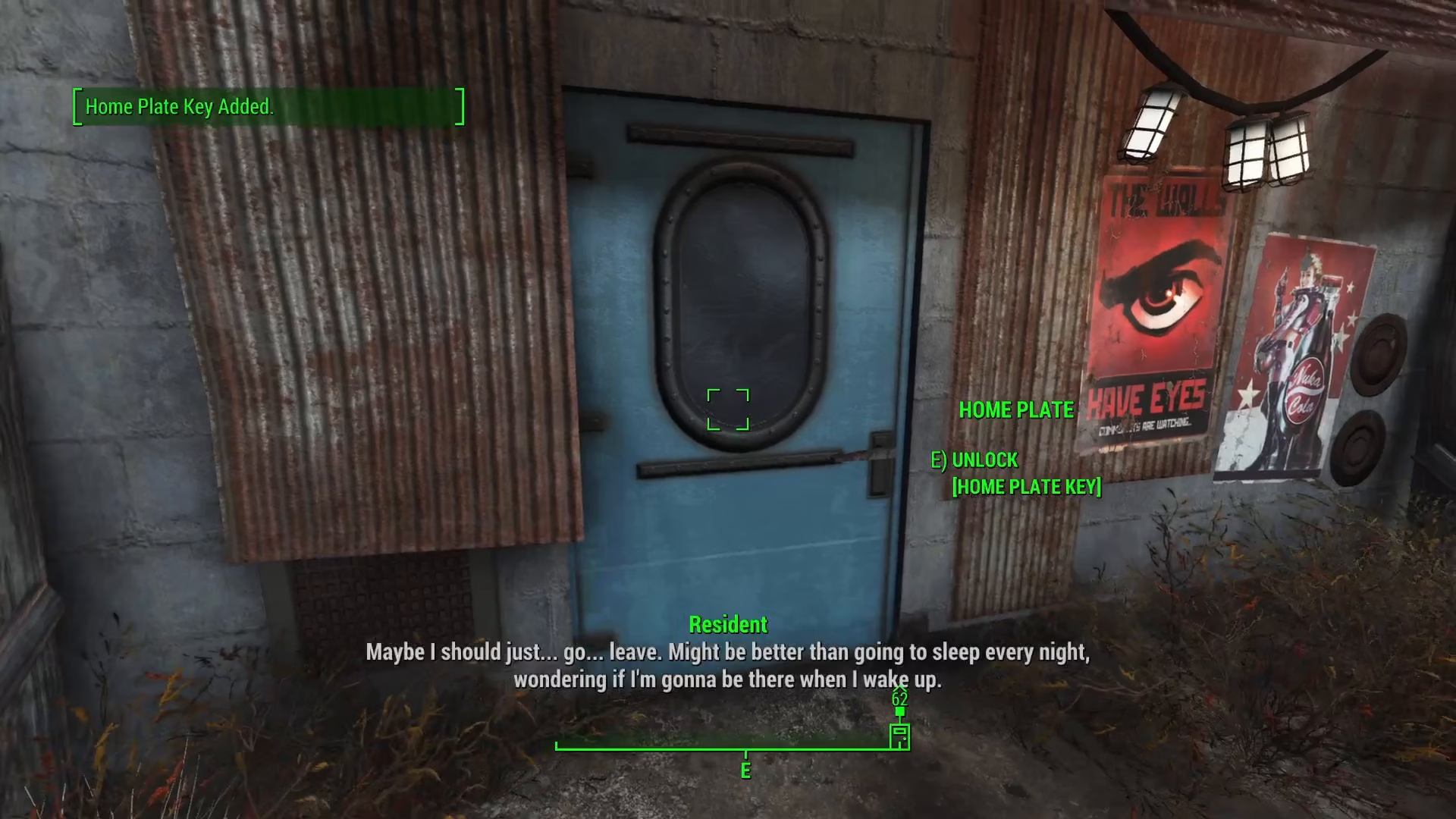
Step 3: Unlock and Access Home Plate
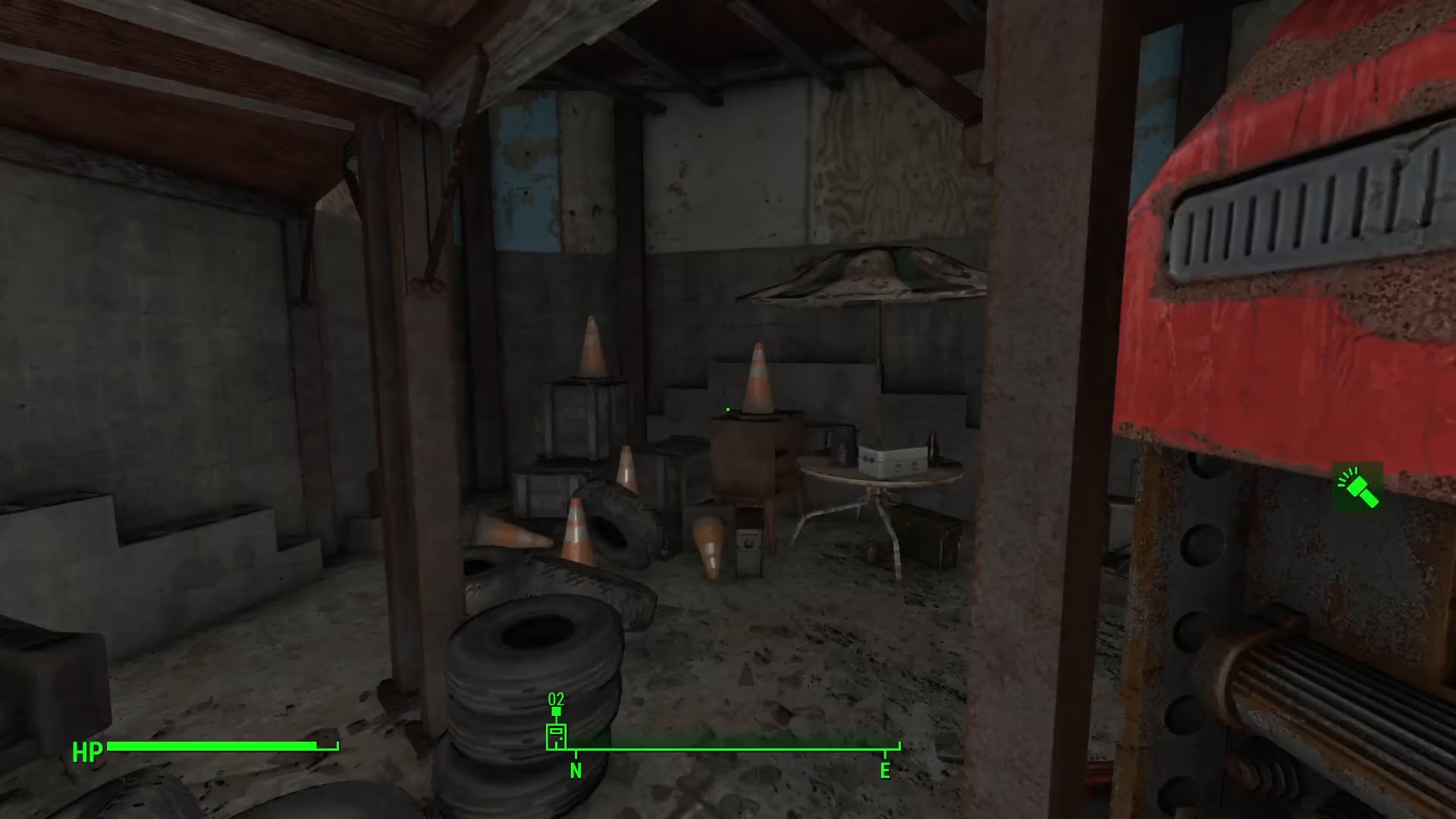
Once you’ve executed the command, close the console by pressing the tilde key again. You’ll now have the Home Plate key in your inventory. Simply interact with the door and select the unlock option using your newly acquired key, and Home Plate will be yours without spending a single cap.
Summary
Getting Home Plate for free in Fallout 4 is straightforward if you’re on PC. By using the console command player.additem 001419 46, you can instantly obtain the Home Plate key and access this premium player home without any cost. Remember that this method only works on PC and requires the developer console to be accessible.
— Want to Support? —
If you would like to help us continue making these guides – please consider joining our patreon here – https://www.patreon.com/c/JaviHeals
Alternatively – you can join our discord here – https://discord.gg/zD7Gjt6MHF