






How To Get Unstuck In Fallout 4
How To Get Unstuck In Fallout 4
Getting stuck in collision geometry is a common issue in Fallout 4, but fortunately there’s a quick and easy fix for PC players. If you find yourself trapped in a weird collision space, you can use a simple console command to enable no-clip mode and free yourself. This guide walks you through the exact steps to unstick yourself and get back to playing.
Opening the Command Prompt
To access Fallout 4’s command console, press the tilde key (~), which is located directly below the Escape key on your keyboard. This will open the command prompt overlay on your screen.
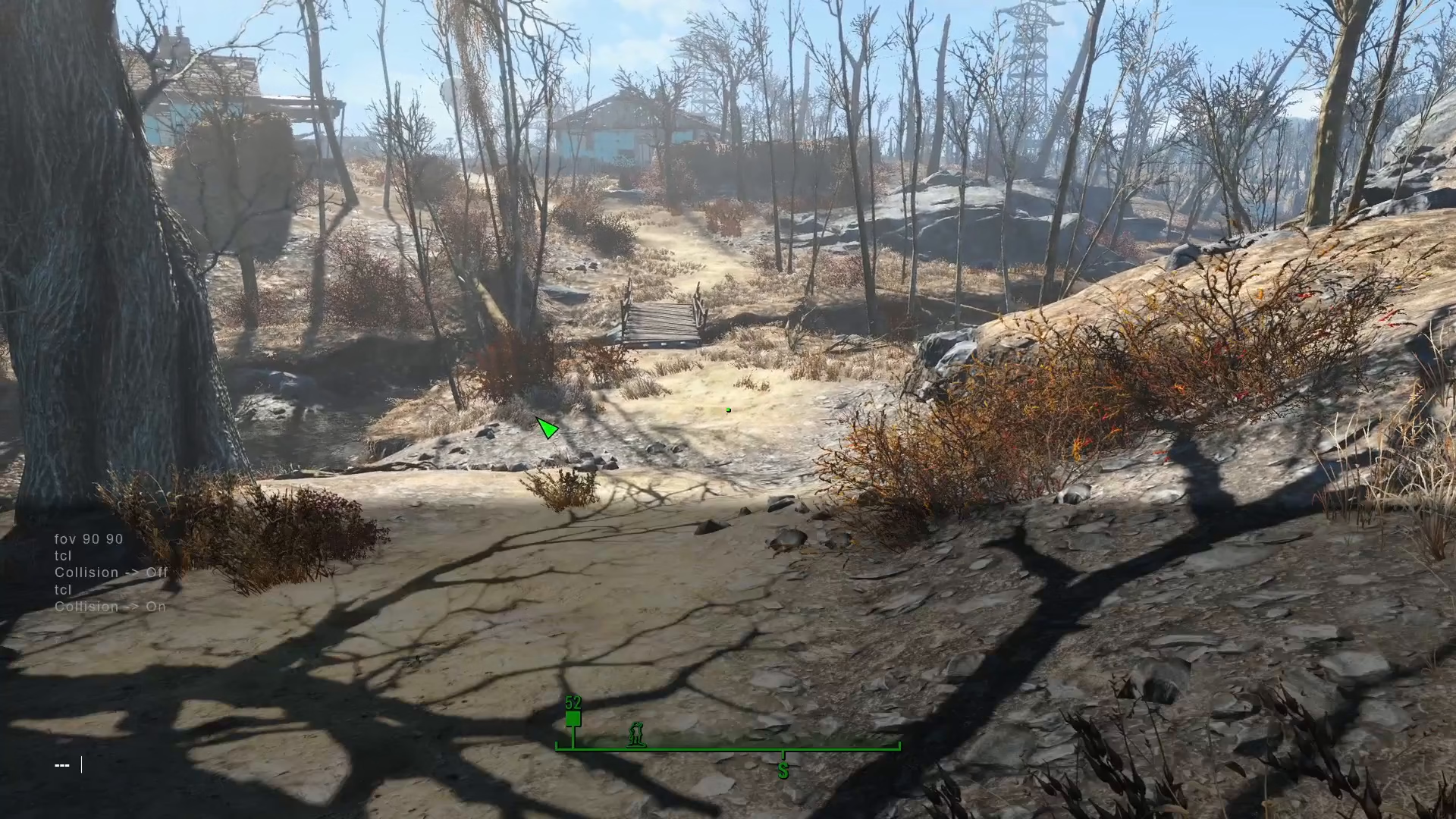
Using the TCL Command
Once the console is open, type TCL into the command prompt. This command enables no-clip mode, which allows you to move freely through any collision geometry or obstacles in the game world.
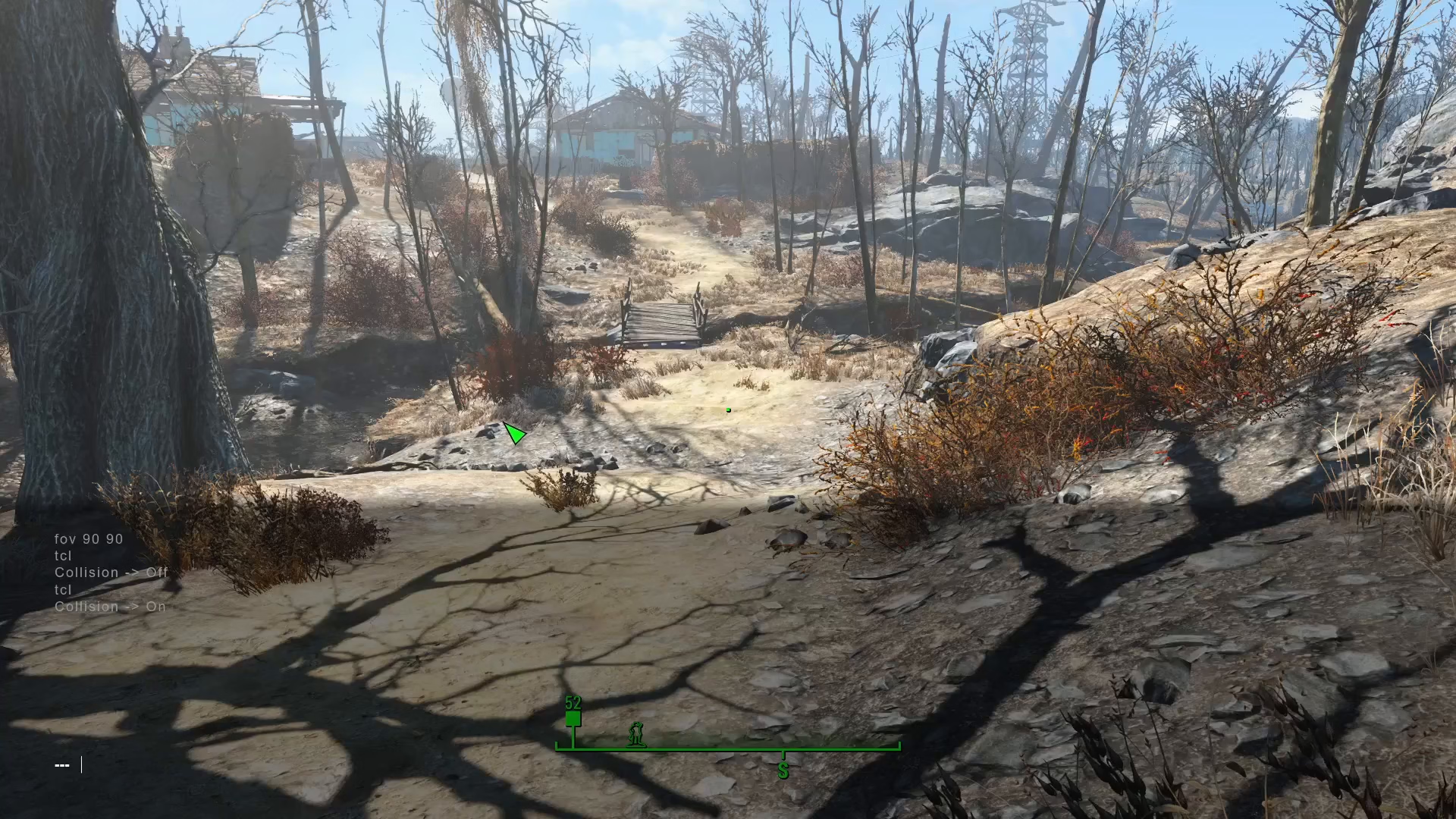
After typing TCL, press the tilde key again to close the console and activate the command.
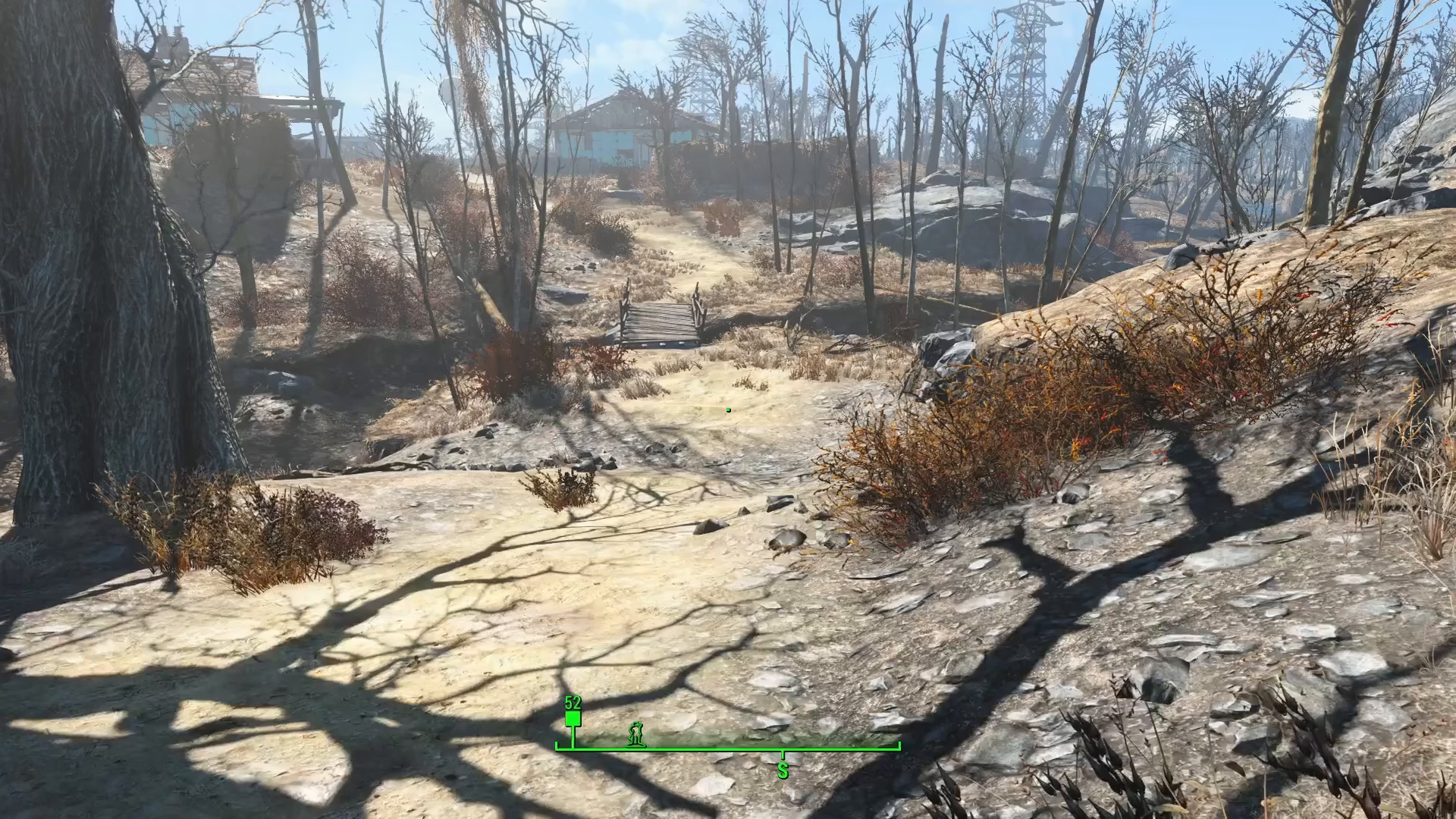
Moving to Safety
With no-clip mode enabled, you can now move freely through walls, floors, and other collision objects. Navigate your character to a safe, open area where you won’t be stuck again.
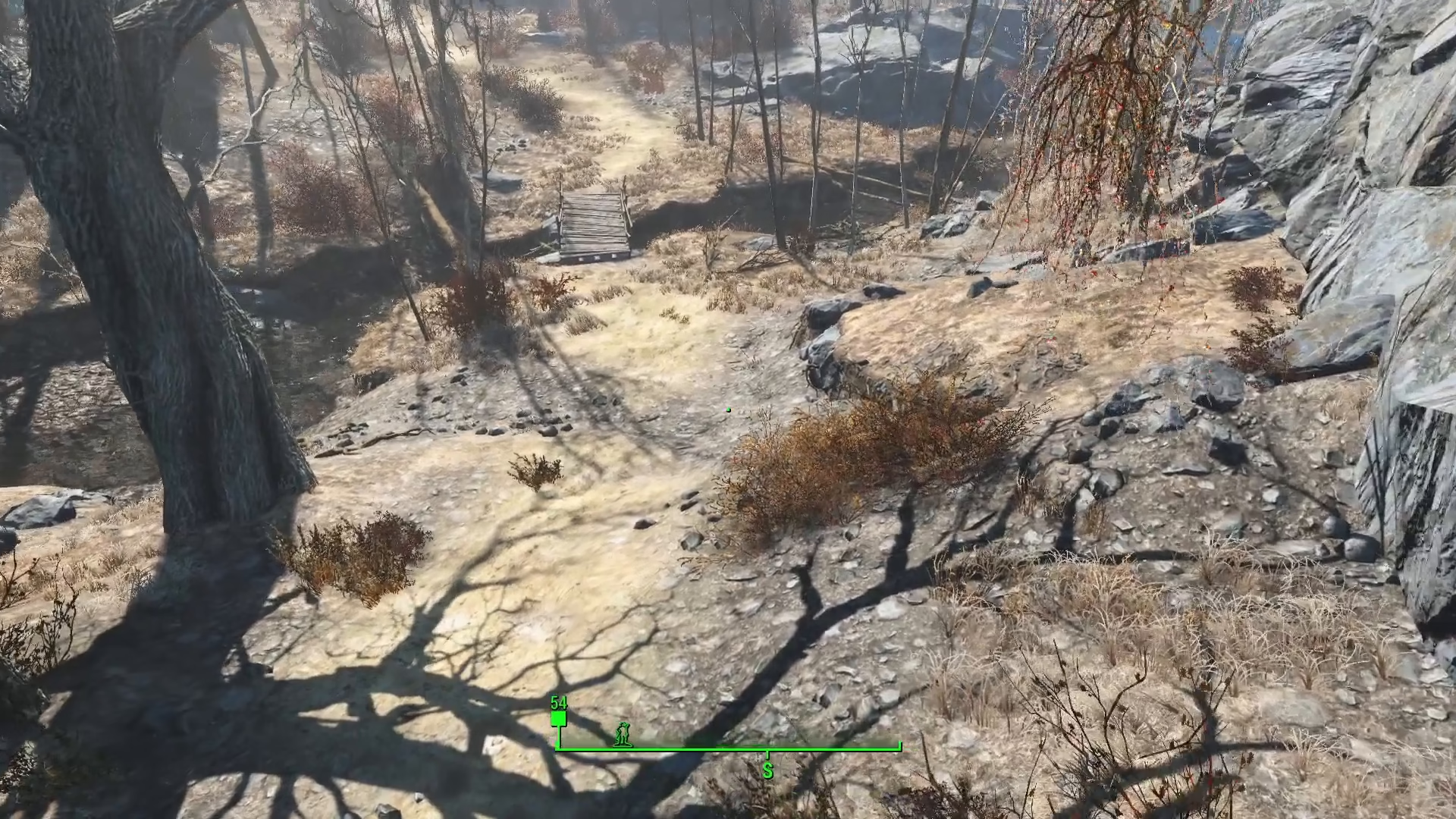
Disabling No-Clip Mode
Once you’ve reached a safe spot, open the command console again using the tilde key and type TCL a second time. This will toggle off no-clip mode and return the collision system to normal.
Compatibility Across Bethesda Games
The TCL command works across most Bethesda games, making it a universal solution for getting unstuck in their titles. Whether you’re playing Fallout 4 or other games in the Bethesda catalog, this console command is a reliable fix.
Summary
Getting unstuck in Fallout 4 is straightforward: press the tilde key to open the console, type TCL to enable no-clip mode, move to safety, and type TCL again to disable it. This quick fix will get you back to adventuring in the Commonwealth without any frustrating collision issues.
Want to Support?
If you would like to help us continue making these guides – please consider joining our patreon here – https://www.patreon.com/c/JaviHeals
Alternatively – you can join our discord here – https://discord.gg/zD7Gjt6MHF