






How To Hide The Pipboy In Fallout 4
How To Hide The Pip Boy In Fallout 4
In vanilla Fallout 4, your Pip Boy is a permanent fixture on your character’s wrist during gameplay. However, if you prefer a cleaner aesthetic without the Pip Boy visible in third-person view, there’s a straightforward solution using a mod. This guide will walk you through the process of hiding your Pip Boy while maintaining full functionality of your inventory and interface systems.
Understanding the Limitation
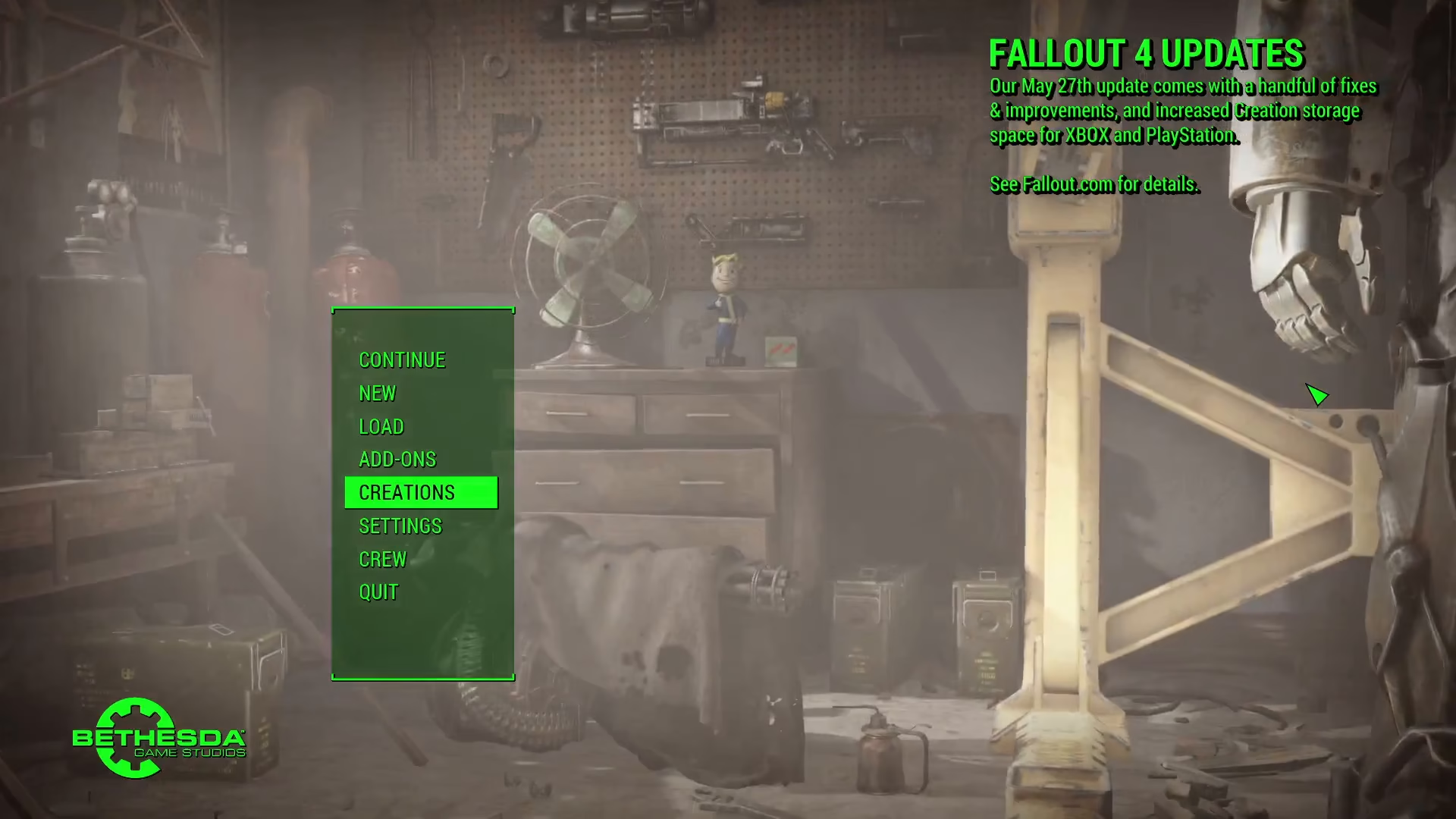
Fallout 4’s vanilla gameplay does not include an option to hide the Pip Boy. To achieve this feature, you’ll need to install a mod. While several mods are available on the Nexus, the most reliable option is available directly from the Creation Club.
Finding and Installing the Hide Pip Boy Mod
Locating the Mod
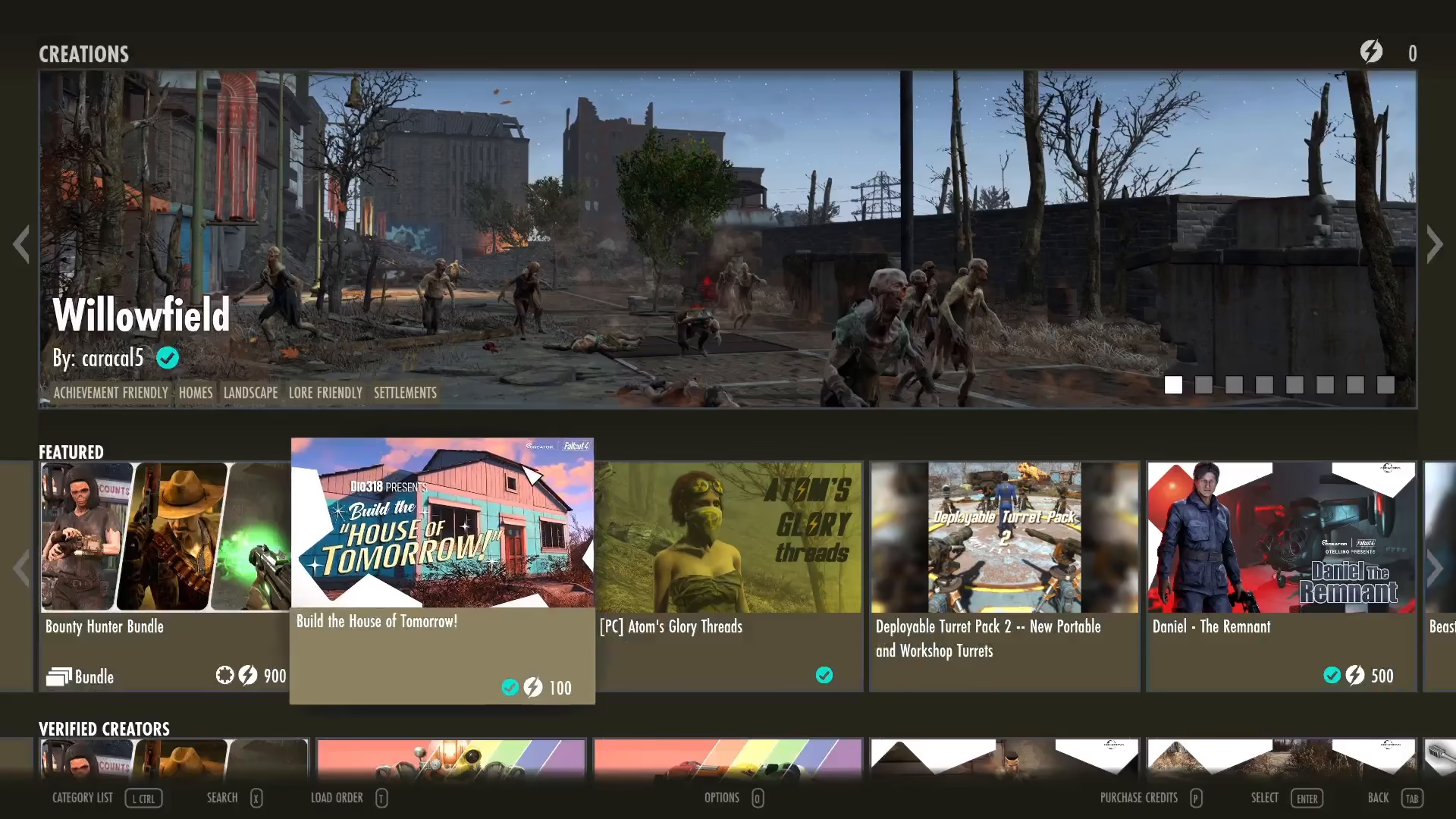
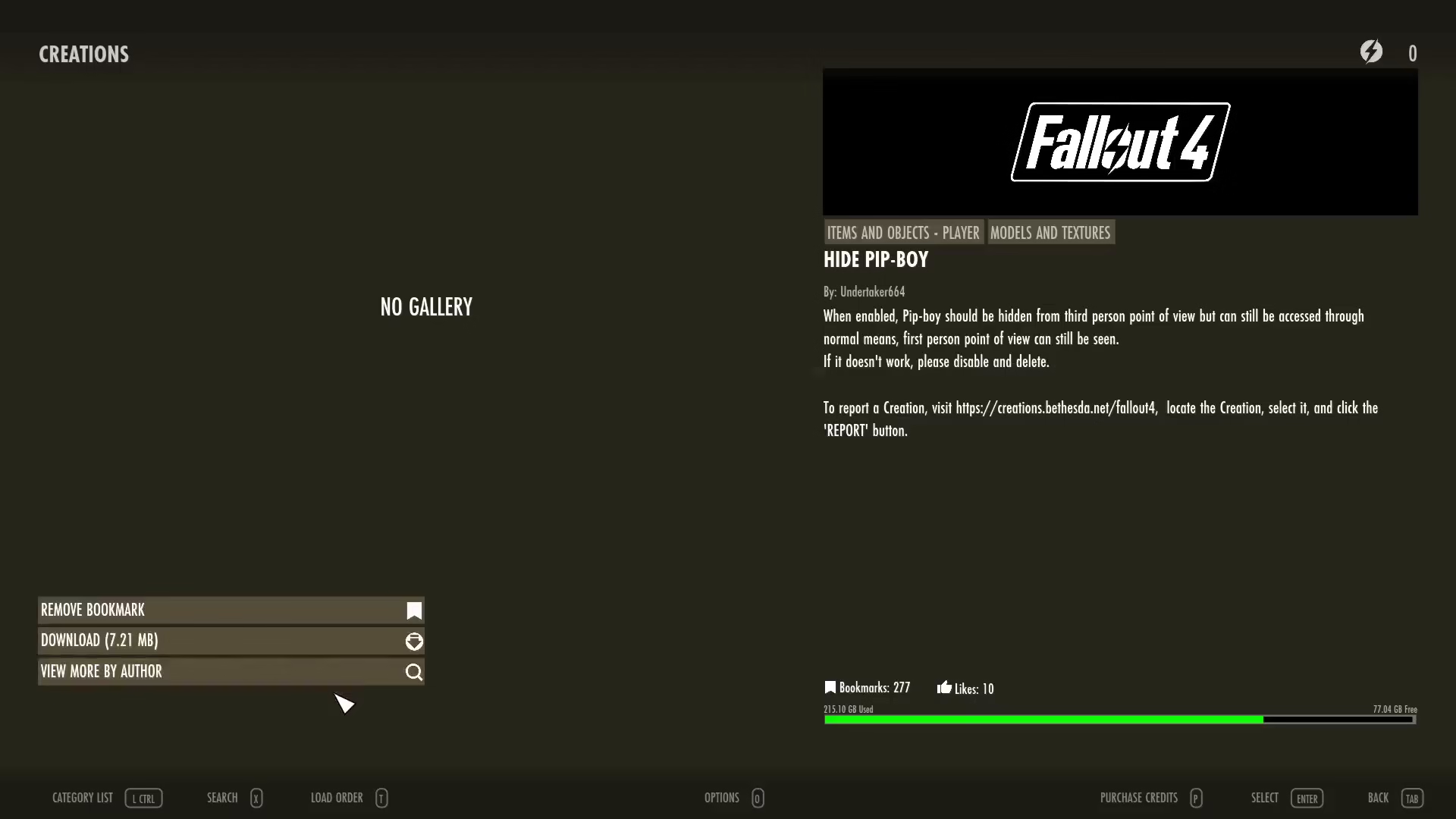
The mod you need is called Hide Pip Boy, and it can be found on the Creation Club. The mod is specifically designed to hide your Pip Boy in third-person view while maintaining all the standard functionality you’d expect from your Pip Boy interface.
What the Mod Does
The Hide Pip Boy mod allows you to remove the visible Pip Boy from your character’s arm in third-person perspective. Everything else remains fully operational—you can still access your inventory, interface with your Pip Boy, and interact with all menu systems exactly as you normally would. The only difference is the cosmetic appearance in third-person view.

Installation and Activation Steps
Once you’ve located the Hide Pip Boy mod, download it and ensure it’s enabled in your mod manager. After enabling the mod, launch Fallout 4. The game will prompt you to reload your data—press OK to proceed.
Note: You may experience a game crash during this process, which is not uncommon when adding new mods. If this occurs, simply relaunch the game. The mod should be properly enabled on your second launch.

Verifying the Mod is Working
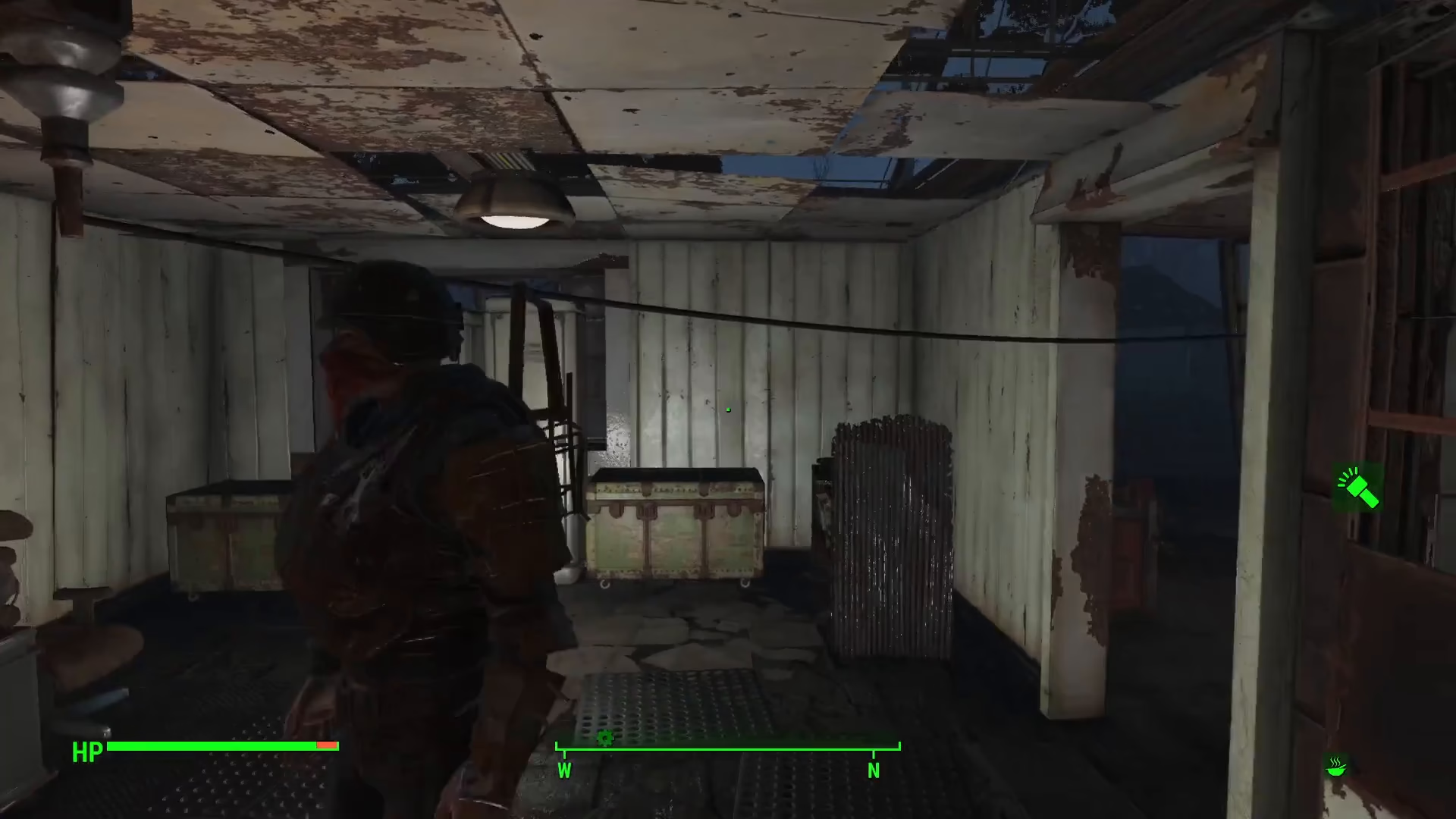
Once you’ve successfully loaded into your game with the mod enabled, you should immediately notice that there is no Pip Boy visible on your character’s arm. Despite this visual change, you can still open and use your Pip Boy normally by accessing it through your interface.

You’ll be able to confirm the mod is working by switching to third-person view and observing that your wrist is clear of the Pip Boy device, while still maintaining full access to all Pip Boy functions when you need them.
Summary
Hiding the Pip Boy in Fallout 4 is a simple process that requires only the Hide Pip Boy mod from the Creation Club. After downloading and enabling the mod, your character will appear without a visible Pip Boy in third-person view, giving your gameplay a cleaner aesthetic. All functionality remains intact, so you can continue to use your Pip Boy’s interface and inventory systems without any limitations. This is an excellent option for players who want a more immersive or streamlined visual experience in Fallout 4.
Want to Support?
If you would like to help us continue making these guides – please consider joining our patreon here – https://www.patreon.com/c/JaviHeals
Alternatively – you can join our discord here – https://discord.gg/zD7Gjt6MHF