






How To Jump Higher In Fallout 4
How To Jump Higher In Fallout 4
Want to defy gravity in Fallout 4? This guide shows you how to increase your jump height using a simple console command. Whether you’re looking to explore hard-to-reach areas or just want to feel superhuman, adjusting your jump height is easier than you think. Read on to learn the exact steps PC players can use to customize their jumping ability.
Console Command Method
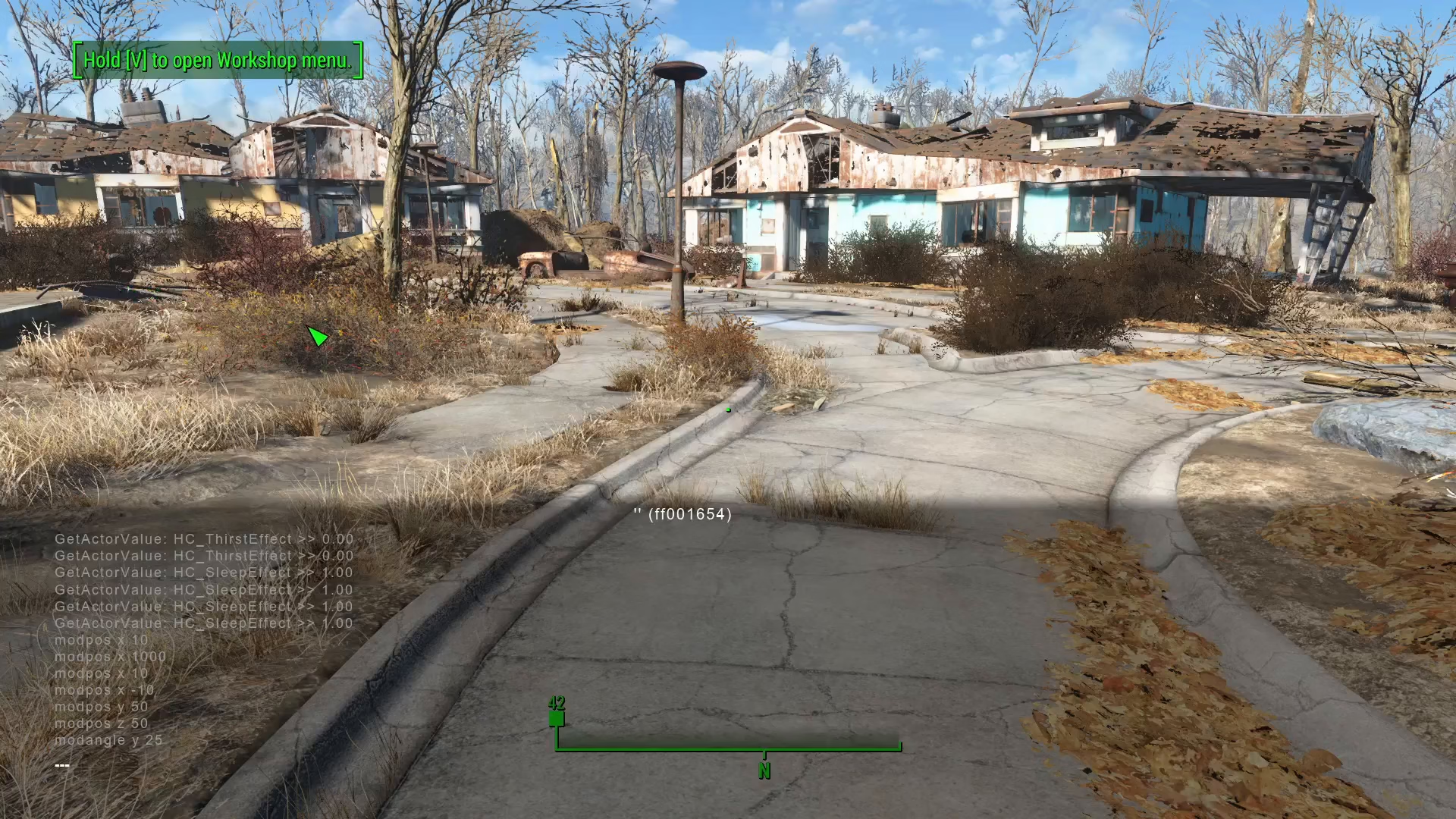
The easiest way to jump higher in Fallout 4 is by using a console command. This method works for PC players and requires no mods. Open the console by pressing the tilde key (~), which is located under the Escape key on your keyboard.
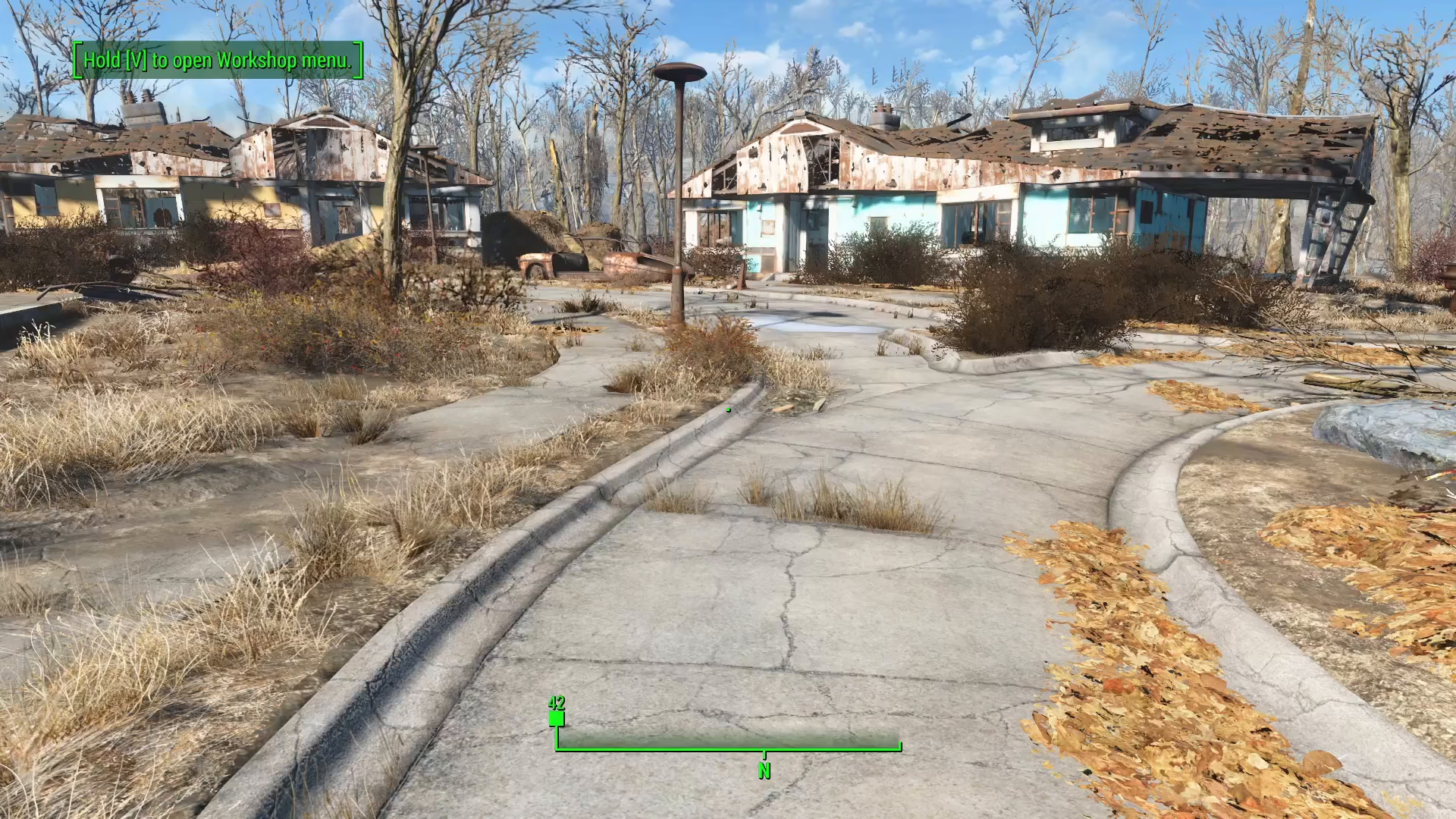
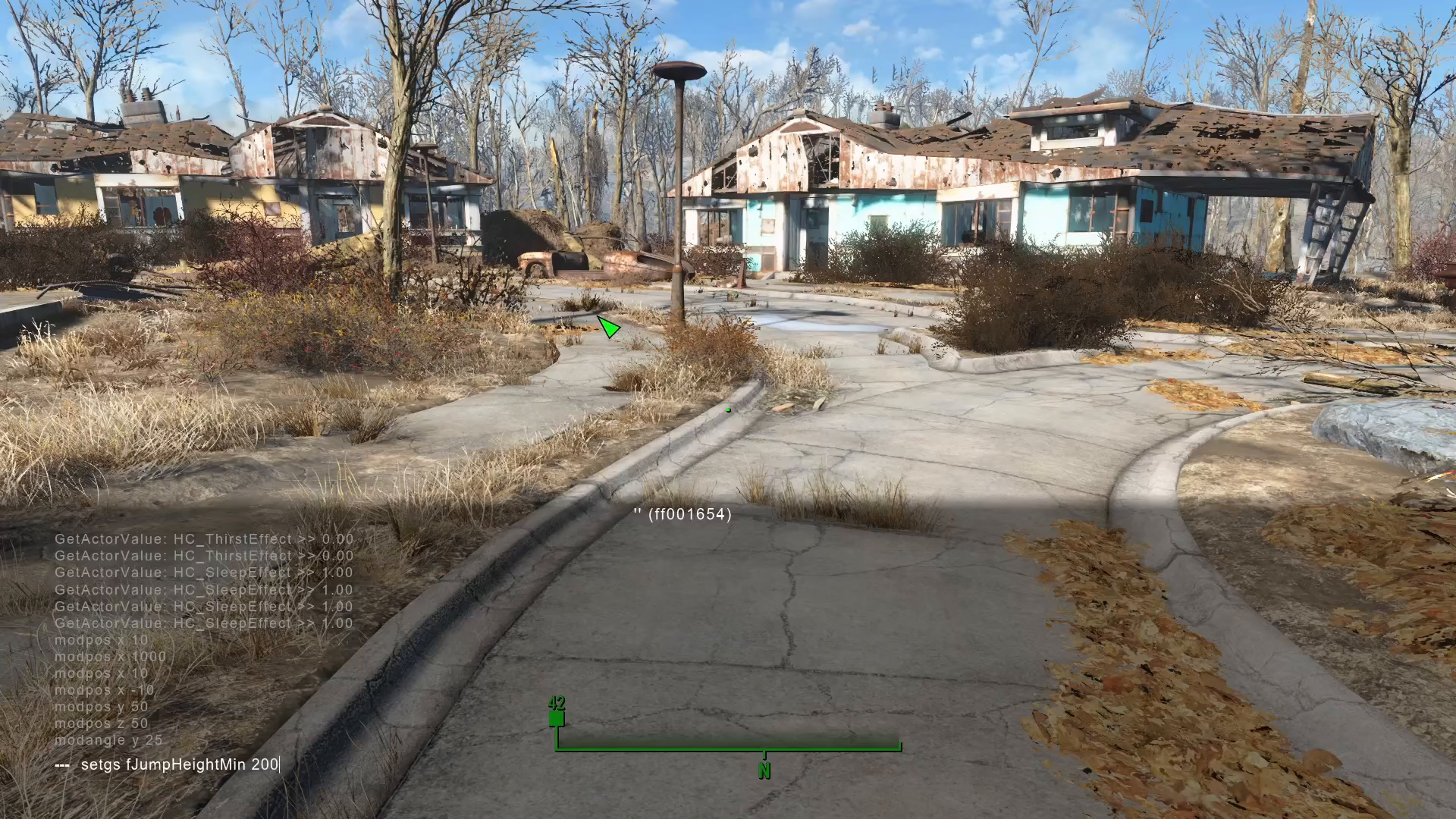
Once the console is open, type the following command:
Set GSFJumpHeightMult [value]
Replace [value] with your desired multiplier. The default jump height value is 100, so you can use this as your baseline for adjustments.
Adjusting Your Jump Height
Doubling Your Jump Height
To double your normal jump height, simply set the value to 200. This gives you a noticeable increase without making jumping feel completely unrealistic.
Extreme Jump Heights
For more dramatic results, you can set the value much higher. For example, setting it to 500 will make you jump like a superhuman, allowing you to reach areas previously inaccessible. Be warned—with extreme jump heights, you may start taking fall damage when you land, so test your settings carefully.
Viewing Your Jump in Third Person
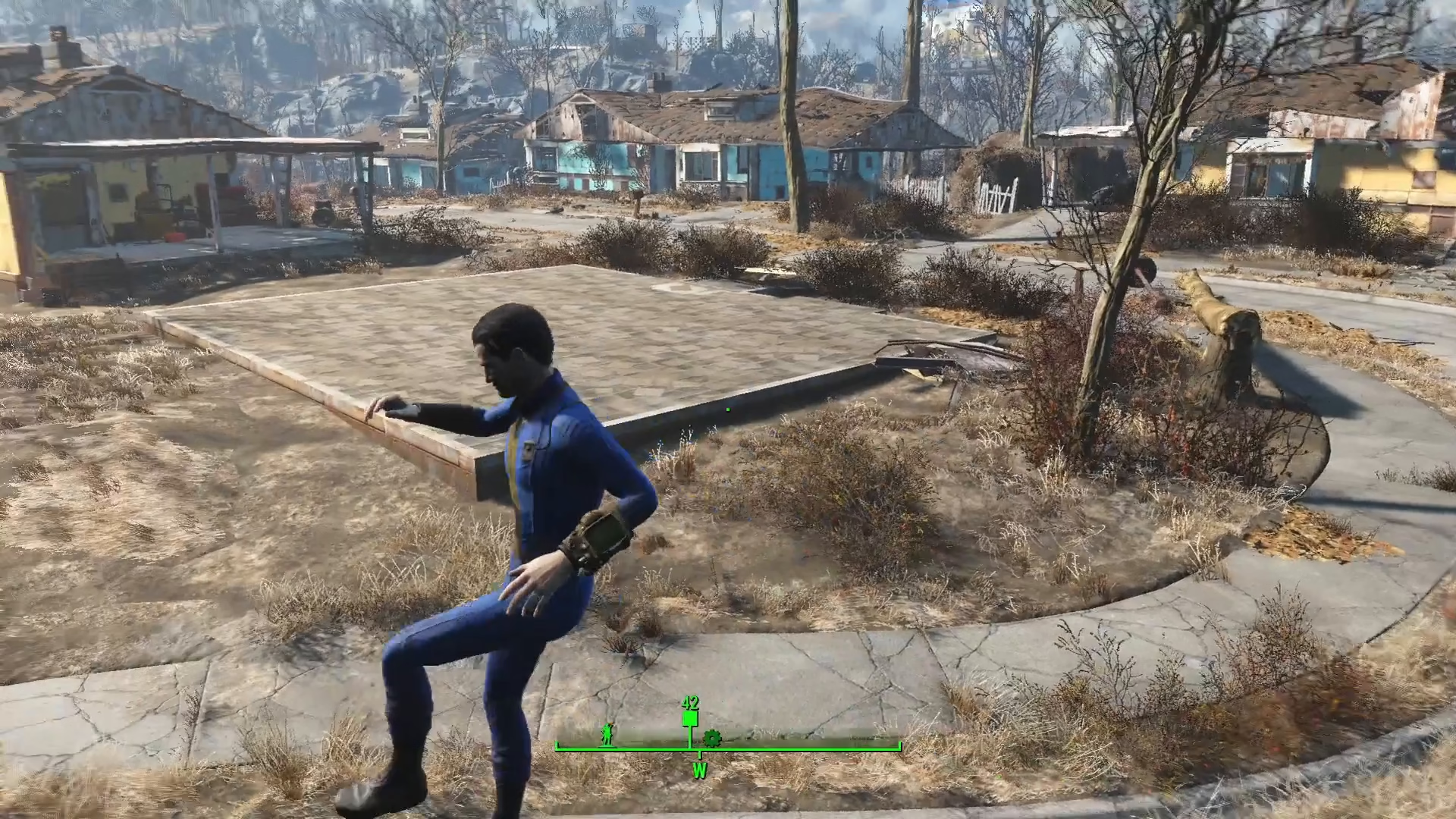
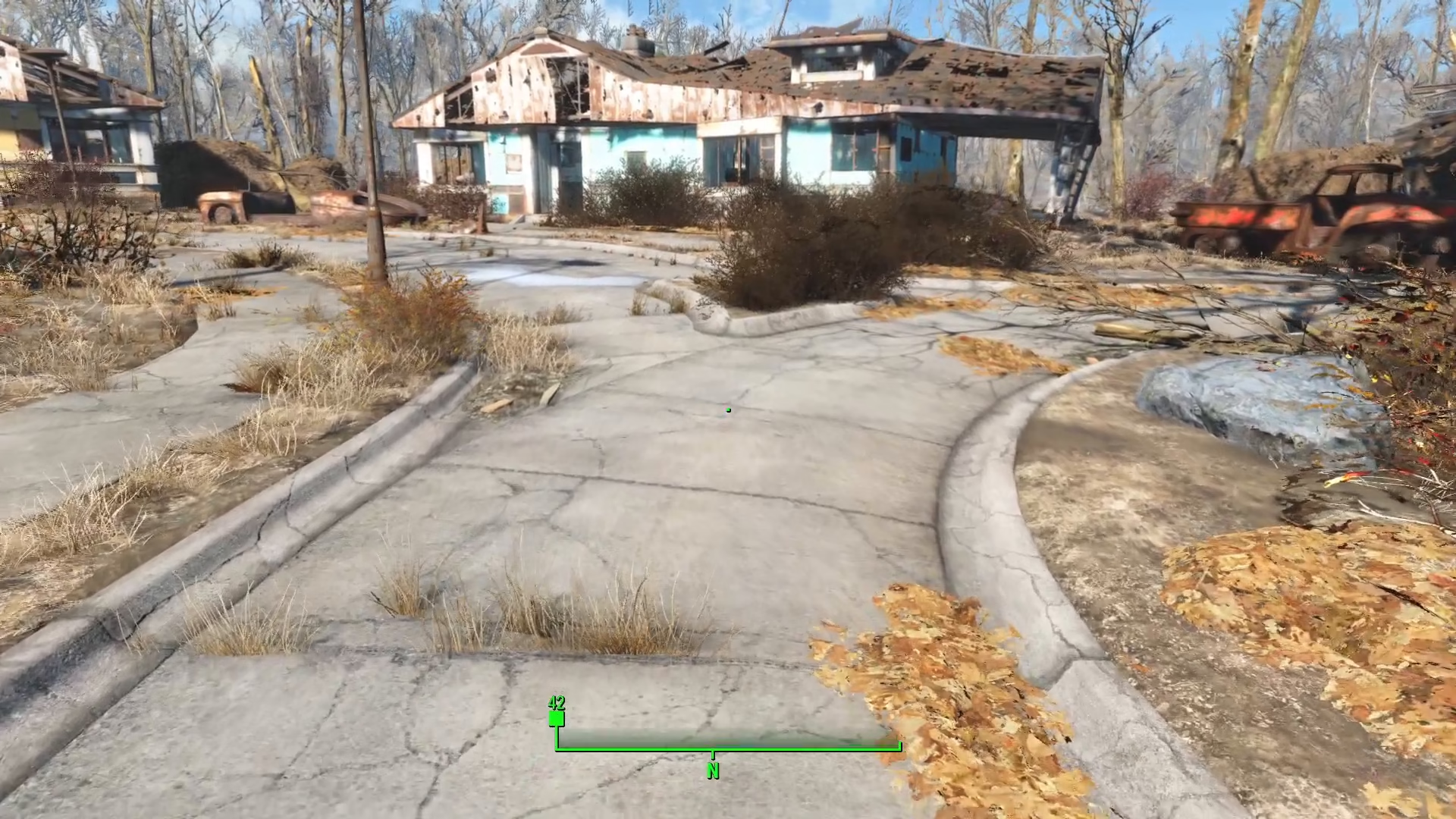
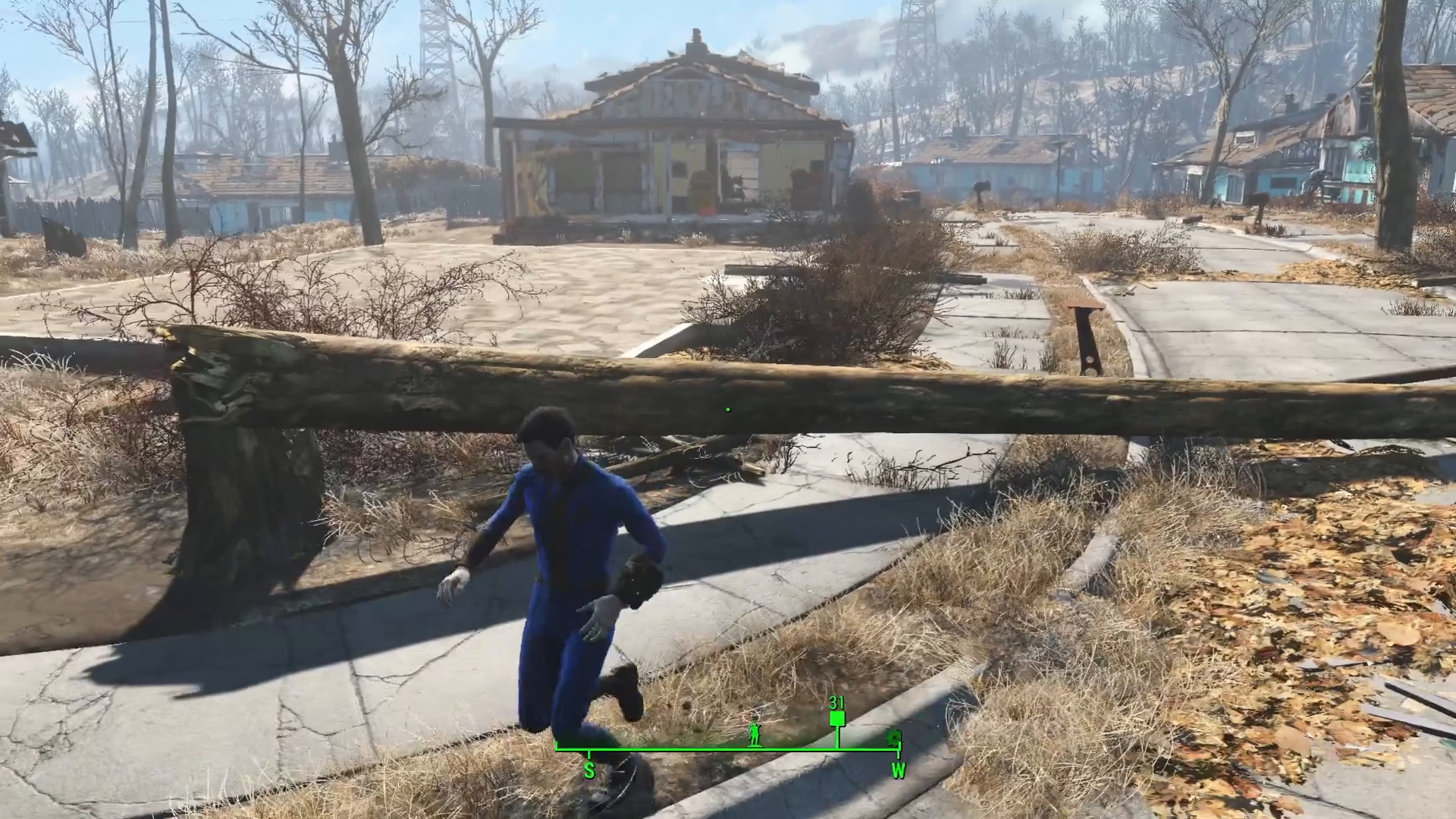
To see your increased jump height in action, switch to third-person view. This perspective makes the exaggerated jumping much more visually impressive and helps you gauge exactly how high you’re jumping.
Resetting to Default
If you want to return to your normal jump height at any time, simply open the console again and enter the command with the value 100. This resets your jump height to Fallout 4’s default setting instantly.
Alternative: Mods from Creation Club
If you prefer not to use console commands, there are mods available on Creation Club that can also adjust your jump height. However, the console command method is free and gives you instant, precise control over this setting.
Summary
Increasing your jump height in Fallout 4 is straightforward thanks to the GSFJumpHeightMult console command. Simply open the console with the tilde key, enter your desired multiplier (default is 100), and you’re ready to jump higher. Experiment with different values to find what feels right for your playstyle—whether that’s a modest 200 or an over-the-top 500. Remember, you can always reset back to 100 if needed.
— Want to Support? —
If you would like to help us continue making these guides – please consider joining our patreon here – https://www.patreon.com/c/JaviHeals
Alternatively – you can join our discord here – https://discord.gg/zD7Gjt6MHF