






How To Place Anywhere Without Mods In Fallout 4
How To Place Anywhere Without Mods In Fallout 4
Looking to break free from Fallout 4’s grid-based placement system? While mods are the recommended solution for most players, there’s a powerful console command method that lets you position objects anywhere in the world with precise control. This guide walks you through using ModPose commands to fine-tune object placement without requiring any mods.
Console Commands For Unrestricted Object Placement
If your platform doesn’t support mods, console commands are your best option for bypassing Fallout 4’s placement restrictions. These commands give you granular control over both position and rotation of any placed object.
Accessing the Console
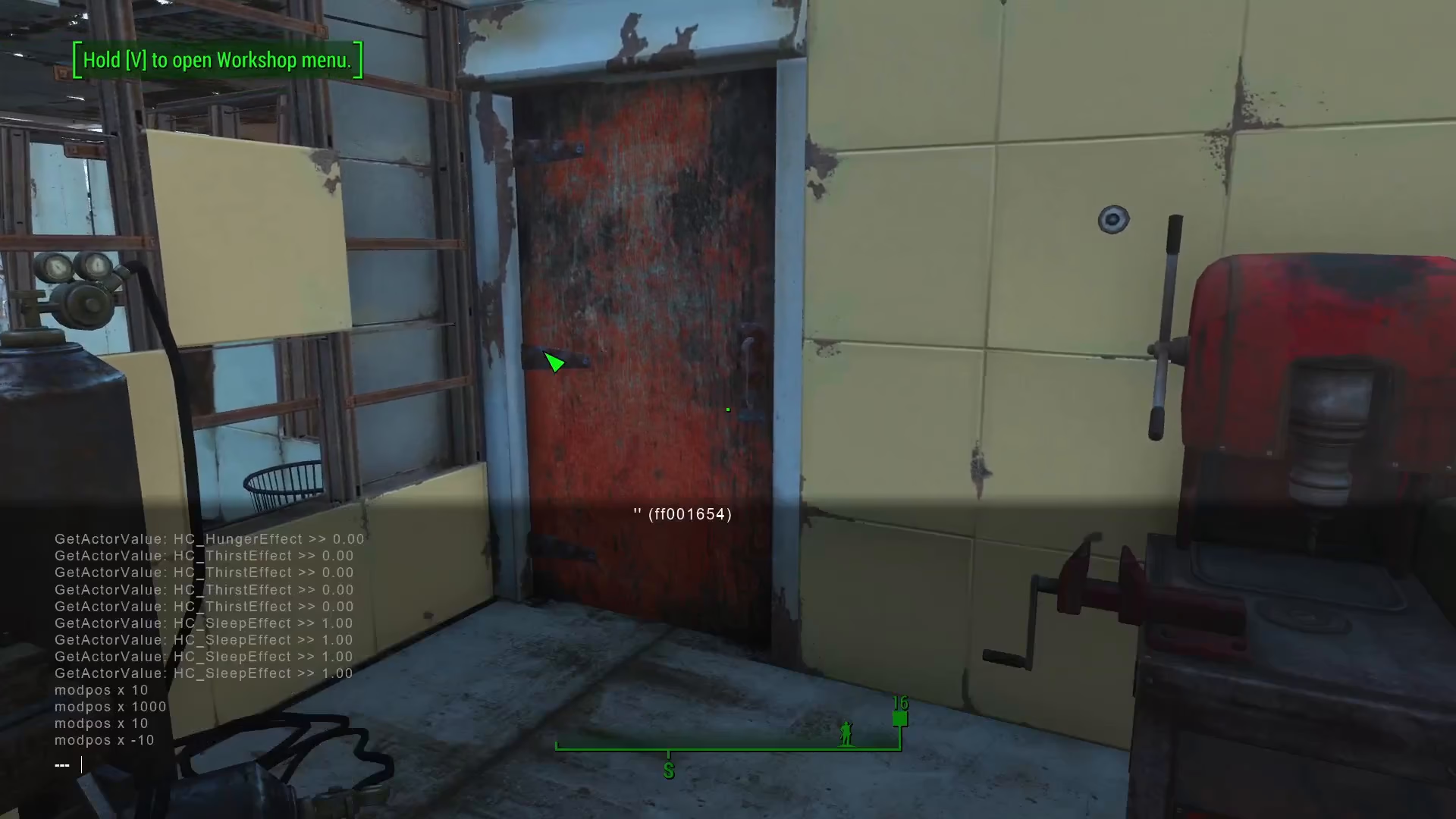
To begin, open the console by pressing the tilde key (~). This will bring up the command interface where you can input placement commands. The console is your gateway to advanced object manipulation in Fallout 4.
Selecting Your Object
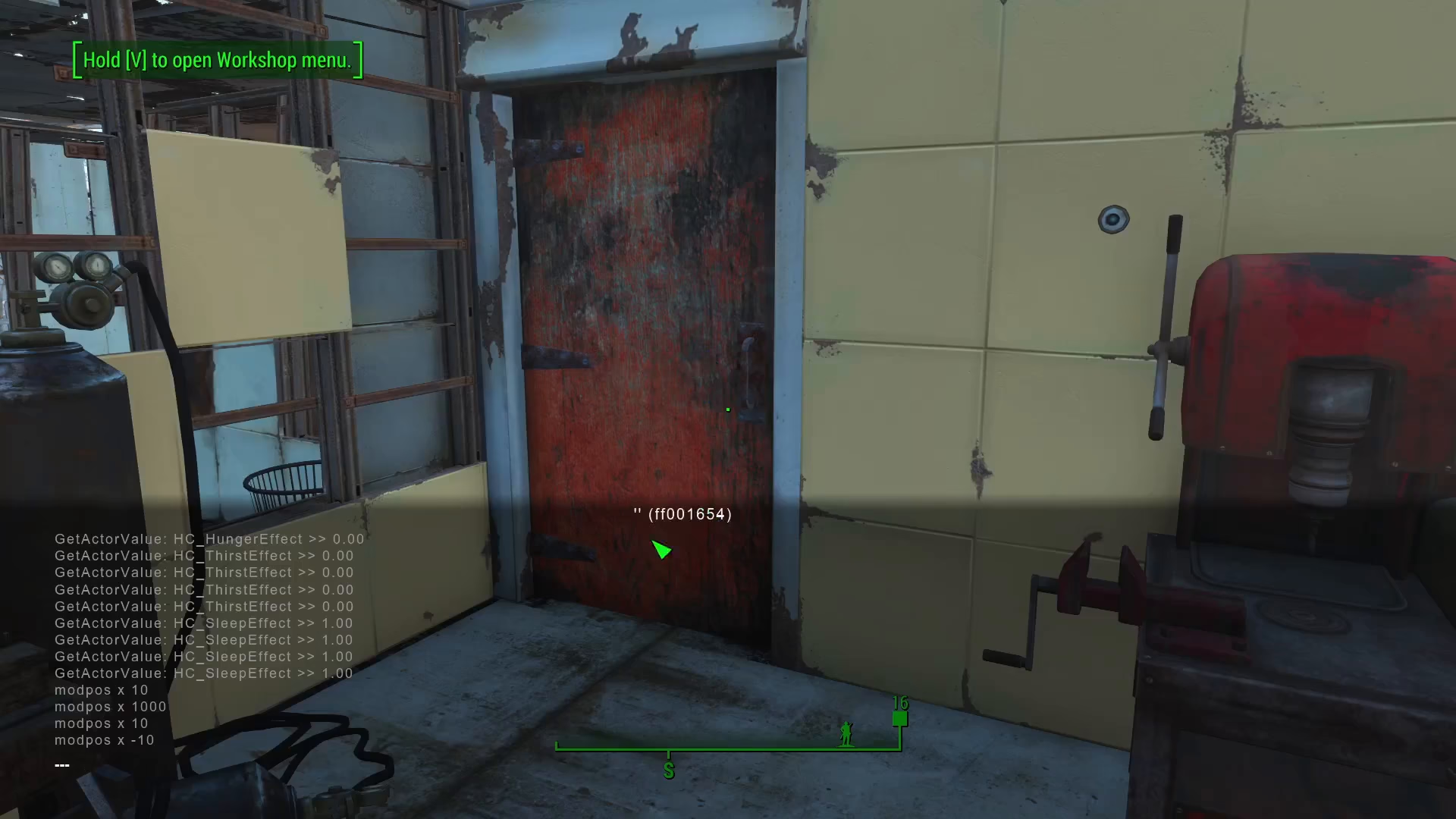
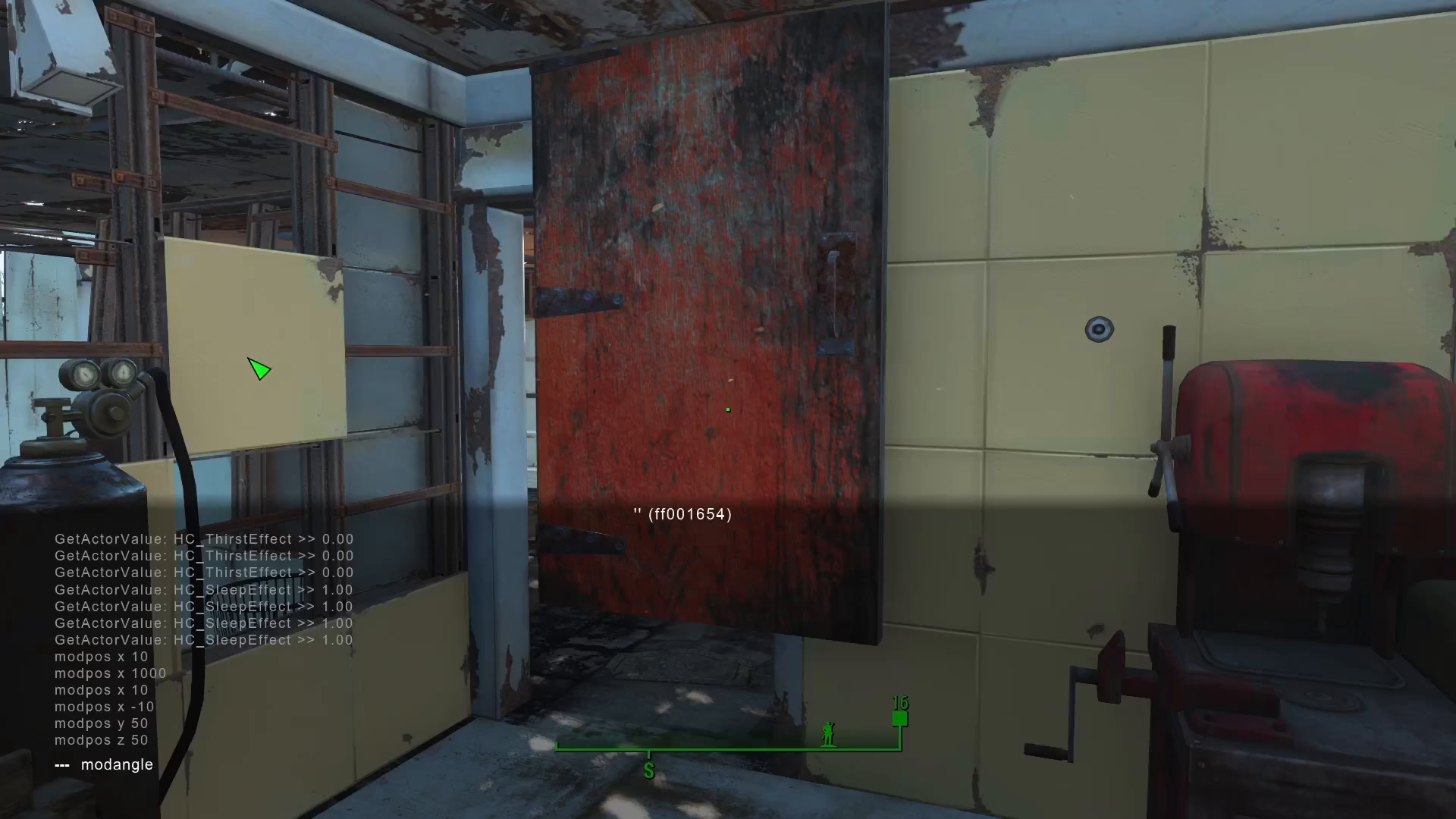
Once the console is open, click on the object you wish to reposition. You’ll see a string of text appear—this is the object ID that the game uses to identify and track that specific item. Make note of this ID, as you’ll reference it in your commands.
Using ModPose For Position Adjustments
The ModPose command allows you to shift objects along any axis using coordinate values. The syntax is straightforward: ModPose XYZ [value], where XYZ represents the three-dimensional planes.
How Coordinates Work
In Fallout 4’s coordinate system:
Y = Vertical axis (up and down)
Z = Forward and backward movement
X = Left and right movement
Adjusting Vertical Position
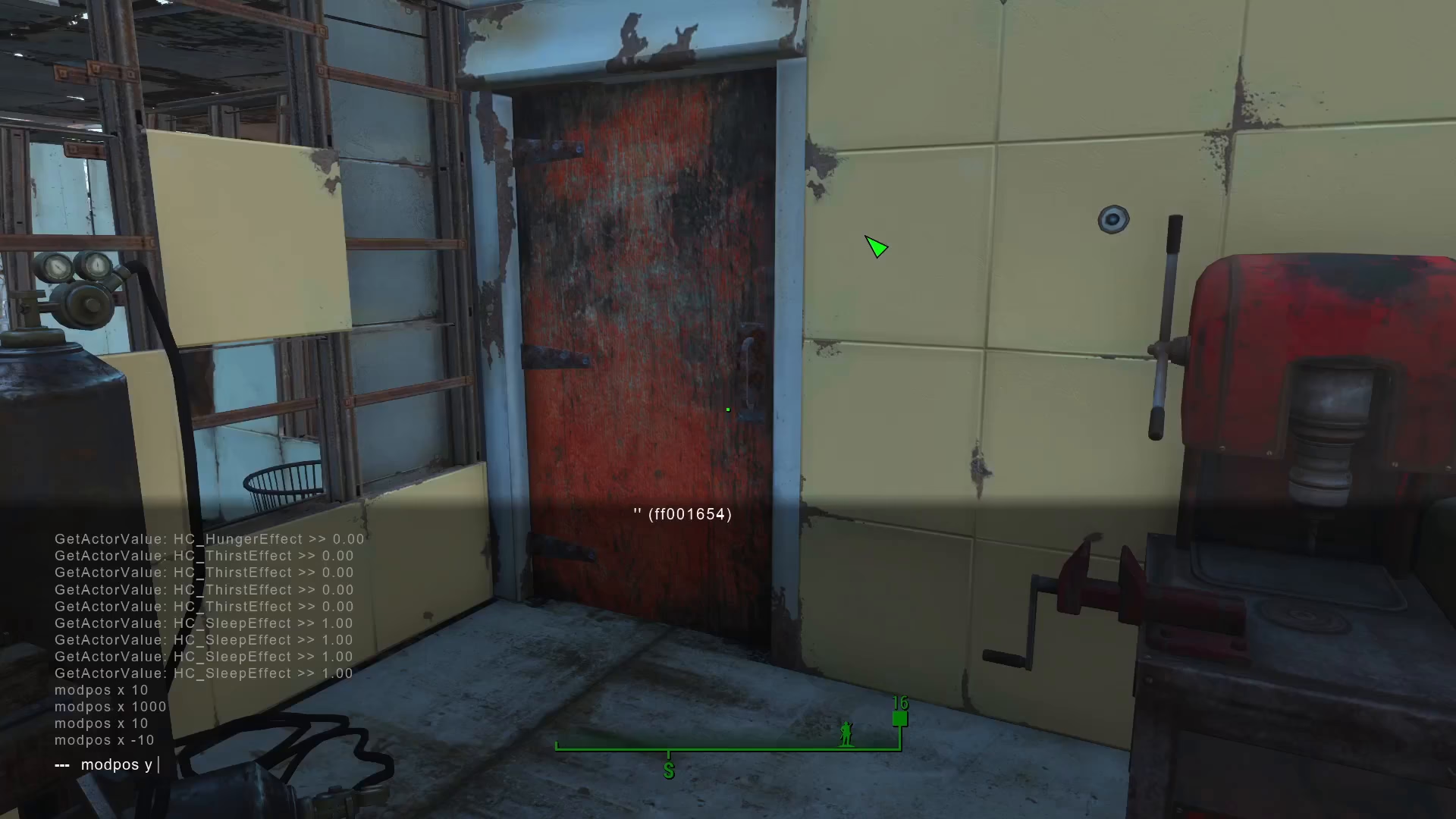
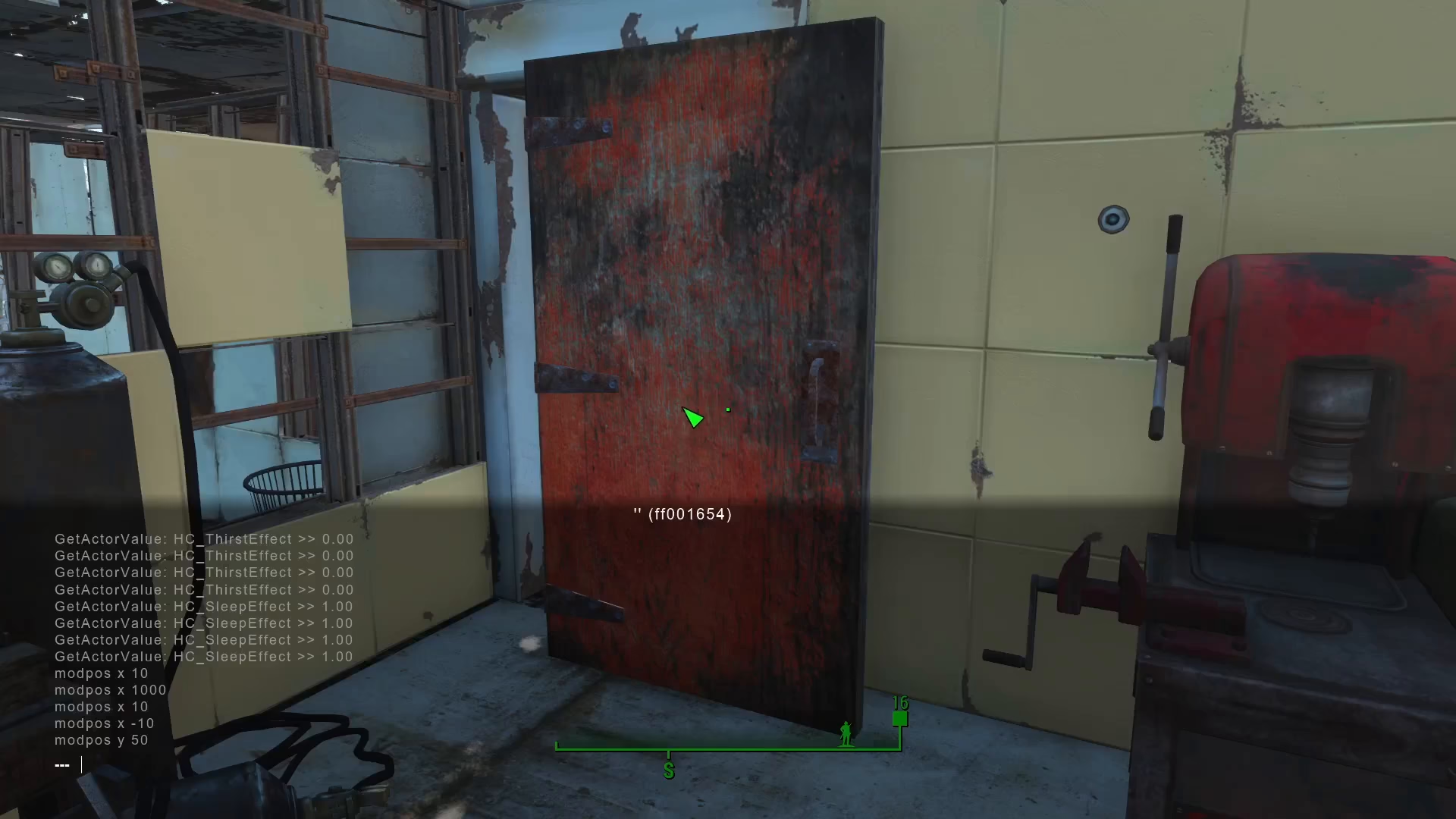
To move an object upward, use the Y coordinate. For example, typing ModPose Y 50 will shift your selected object up by 50 units. This is useful for stacking objects or placing them at different heights without grid constraints.
Moving Objects Forward and Back
The Z coordinate controls forward and backward movement. Use positive or negative values to push your object in the desired direction. This allows you to position items precisely along the depth axis, which is impossible with standard placement tools.
Rotating Objects With ModAngle
Beyond position, you can control object rotation using the ModAngle command. This command uses Euler angles (measured in degrees) to rotate your object on any axis.
Rotation Syntax
The command structure is: ModAngle XYZ [degrees]. You can rotate objects to any angle you need, allowing for creative placement that defies the standard grid system. For example, typing ModAngle Z 25 rotates your object 25 degrees around the Z axis.
Why This Method Matters
These console commands enable placement that would normally be impossible in Fallout 4. You can position doors off the grid, tilt objects at unusual angles, and create custom builds that look exactly how you envision them. While mods remain the recommended approach if available, console commands provide a viable workaround for unrestricted creative building.
Summary
Mastering ModPose and ModAngle console commands gives you complete freedom in Fallout 4’s settlement building. Whether you’re moving objects vertically with Y coordinates, adjusting depth with Z, or rotating items with precise degree measurements, these tools break through the grid-based limitations. Experiment with different values to achieve the exact placement you want.
— Want to Support? —
If you would like to help us continue making these guides – please consider joining our patreon here – https://www.patreon.com/c/JaviHeals
Alternatively – you can join our discord here – https://discord.gg/zD7Gjt6MHF