





How To Remove Markers In Fallout 4
“`html
How To Remove Markers In Fallout 4
Markers in Fallout 4 can clutter your HUD and compass, making navigation confusing. Whether you’re dealing with player-placed markers or quest markers, this guide will show you exactly how to remove them quickly and efficiently.
Removing Player Markers
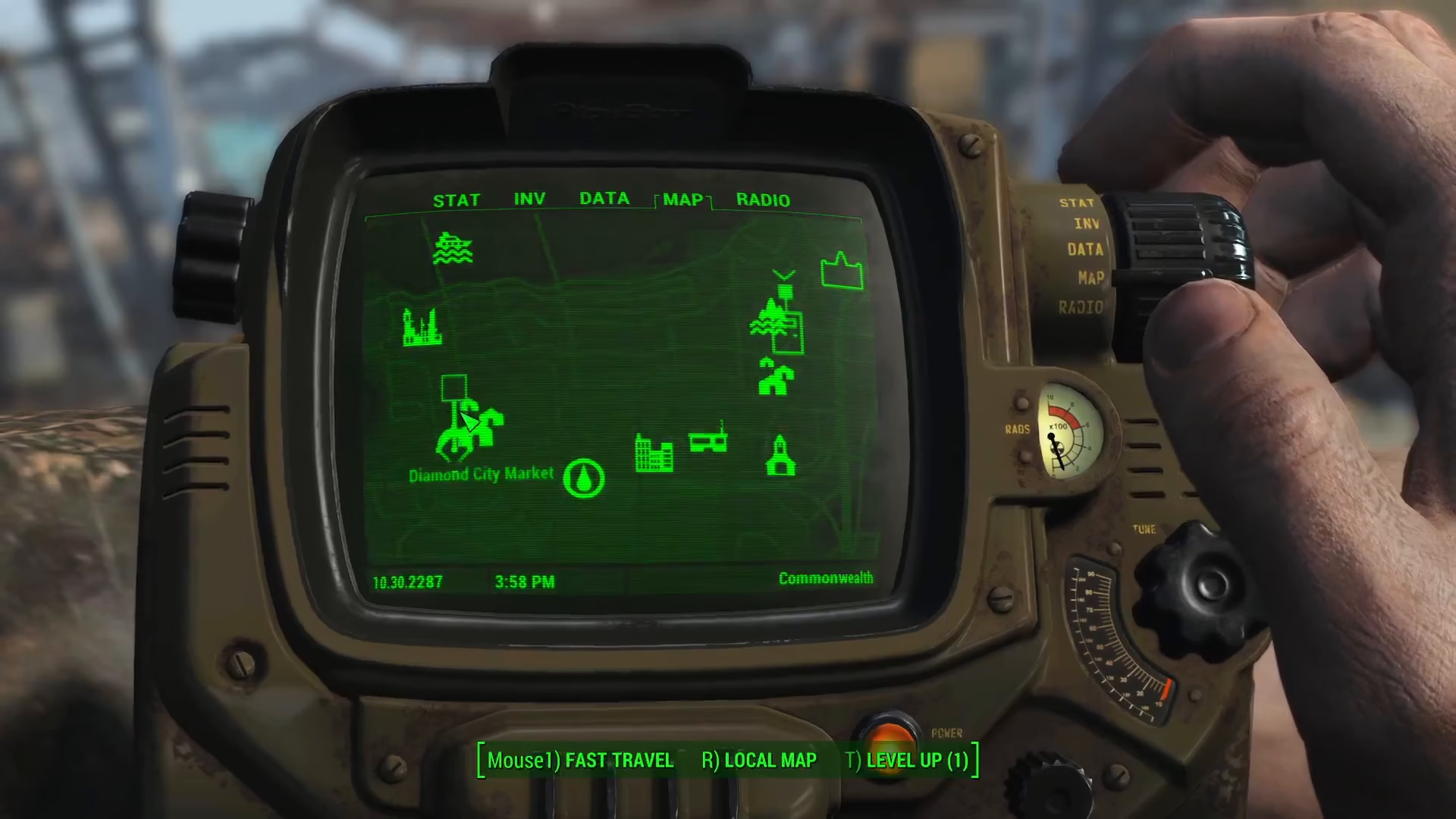
Player markers are custom markers that you’ve placed yourself on the map. To remove a player marker, simply press Mouse 1 (left-click) at a different location on your map. A prompt will appear asking whether you want to move the marker you’ve placed or remove it entirely.
Select the “Remove” option, and your player marker will be deleted from the map.
Removing Quest Markers
Quest markers are automatically placed by active quests in your journal. To remove quest markers, navigate to your Data tab and select Quests.
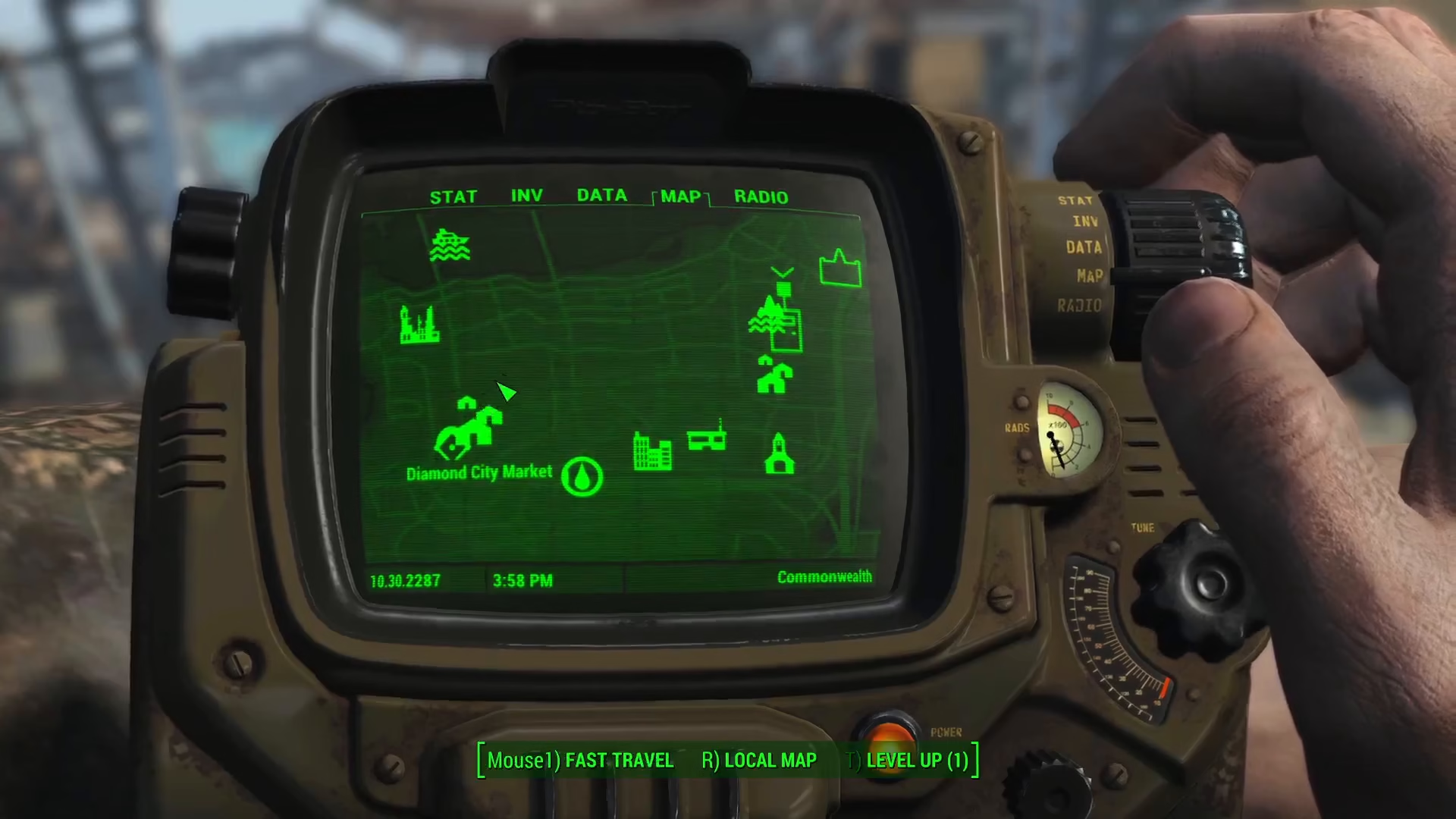
Once in the Quests menu, simply untick any active quests that you no longer want to track. Unchecking a quest will immediately remove its associated marker from your compass and map.
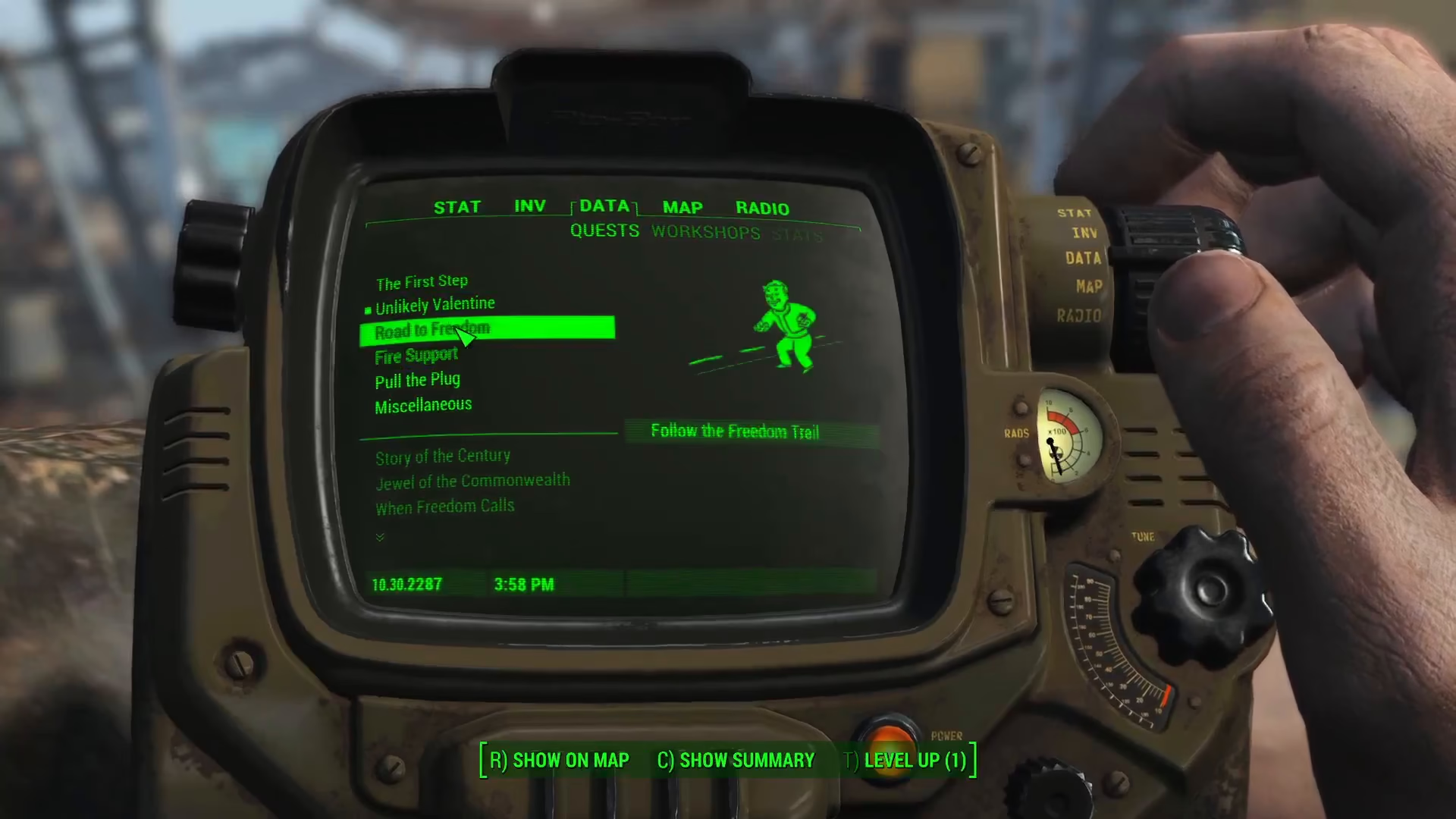
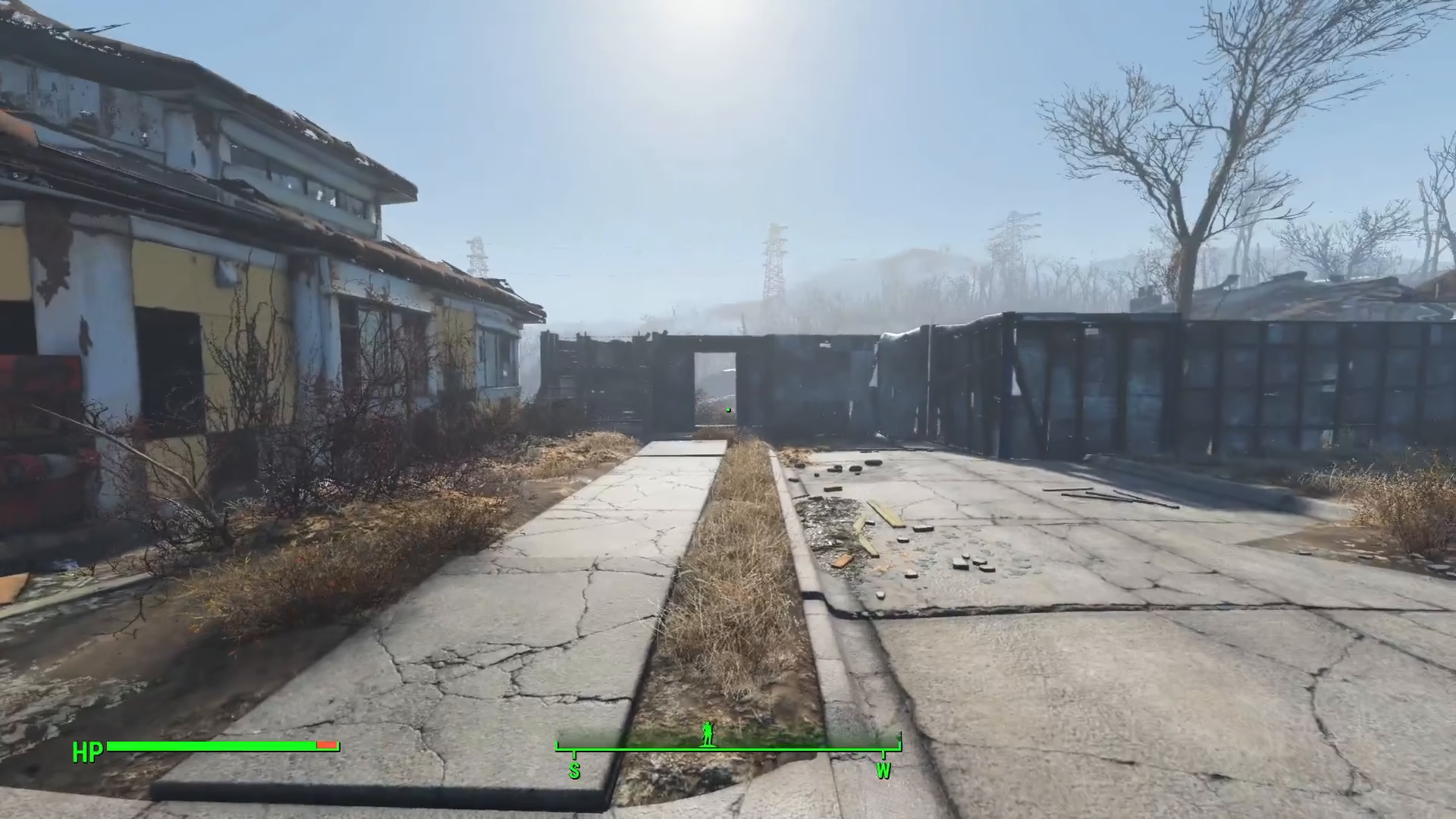
As you can see in your compass display, once you’ve unticked your quests, all quest markers will disappear, leaving your HUD clean and uncluttered.
Summary
Removing markers in Fallout 4 is straightforward. For player markers, simply left-click elsewhere and choose remove. For quest markers, go to your Data tab, select Quests, and untick the active quests you want to deactivate. With these two methods, you’ll have full control over your map and compass display.
Want to Support?
If you would like to help us continue making these guides – please consider joining our patreon here – https://www.patreon.com/c/JaviHeals
Alternatively – you can join our discord here – https://discord.gg/zD7Gjt6MHF
“`