How To Drop Items In Phasmophobia
How To Drop Items In Phasmophobia
Learning how to drop items in Phasmophobia is essential for managing your inventory during ghost hunts. Whether you need to pick up evidence, swap equipment, or lighten your load, understanding the item drop mechanic is quick and straightforward. This guide will walk you through the simple process of dropping items in Phasmophobia.
Basic Item Drop Mechanic
Dropping items in Phasmophobia is incredibly simple and intuitive. The process only requires two basic keyboard inputs to master.
Picking Up Items
To pick up any item in Phasmophobia, simply press E on your keyboard. This works for all pickable items in the game, including equipment from your inventory and items you find throughout the investigation location.
Dropping Items
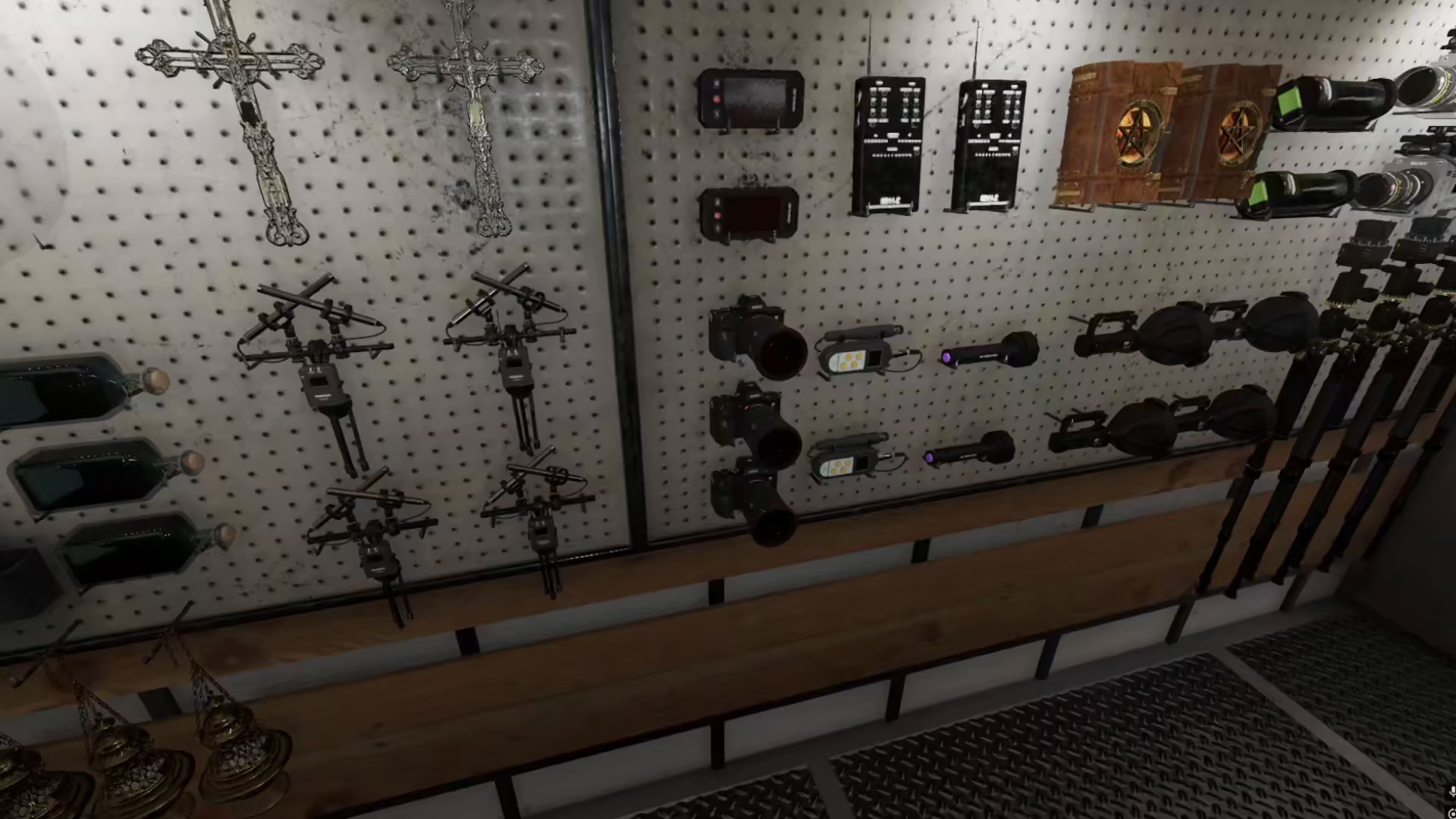
Once you have an item in your possession, press G on your keyboard to drop it. You can drop any item you currently have equipped or in your inventory, whether it’s from your loadout or items you’ve picked up during the investigation.
Item Drop Controls Summary
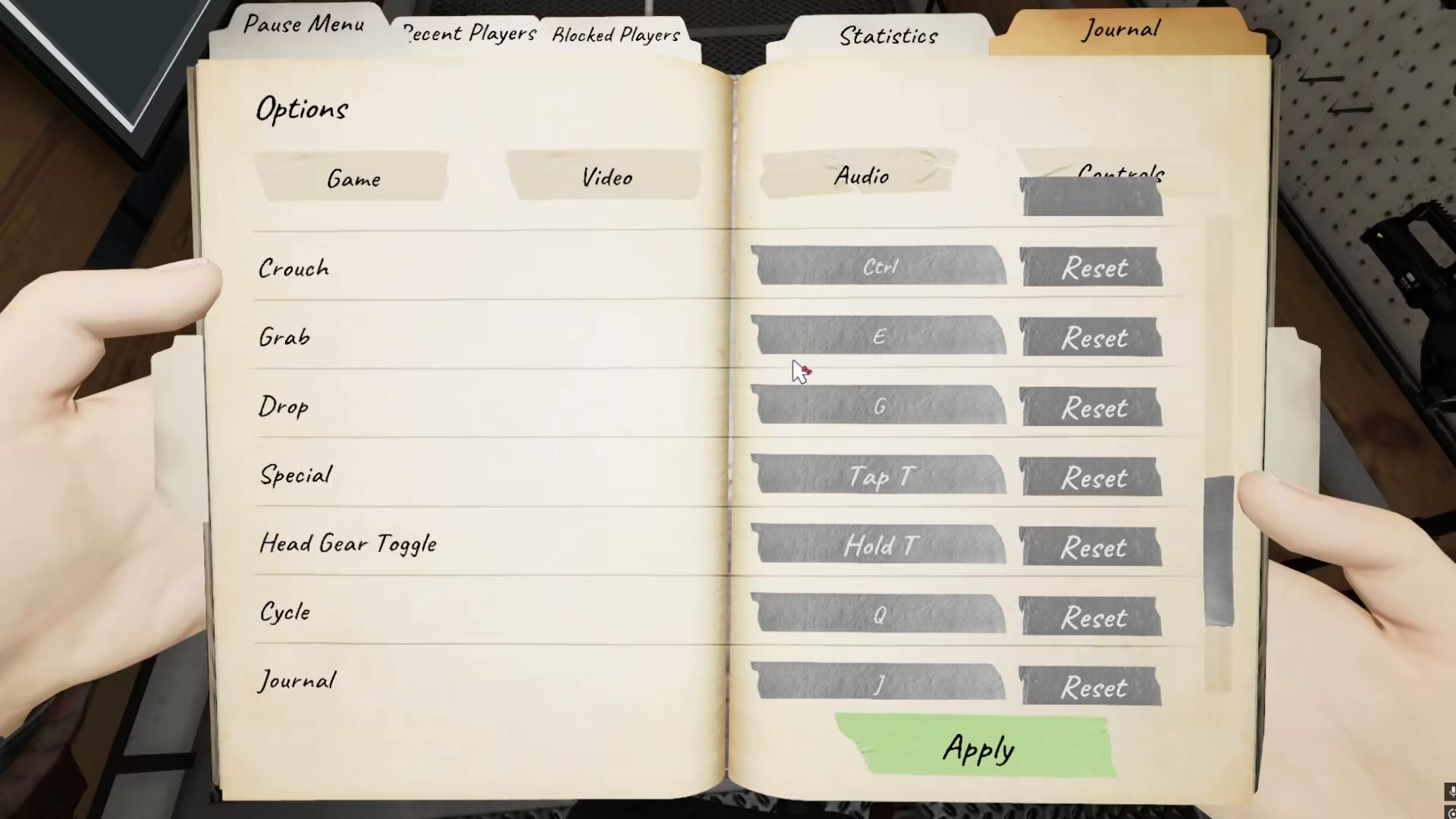
Here’s a quick reference for the default item controls in Phasmophobia:
E Key: Pick up items
G Key: Drop items
Customizing Your Key Binds
If you prefer different key bindings for dropping items, you can easily customize these controls through your game settings. Simply access your control settings and rebind the drop action to whichever key you find most comfortable. This allows you to tailor the controls to match your personal playstyle.
Dropping Shop Items
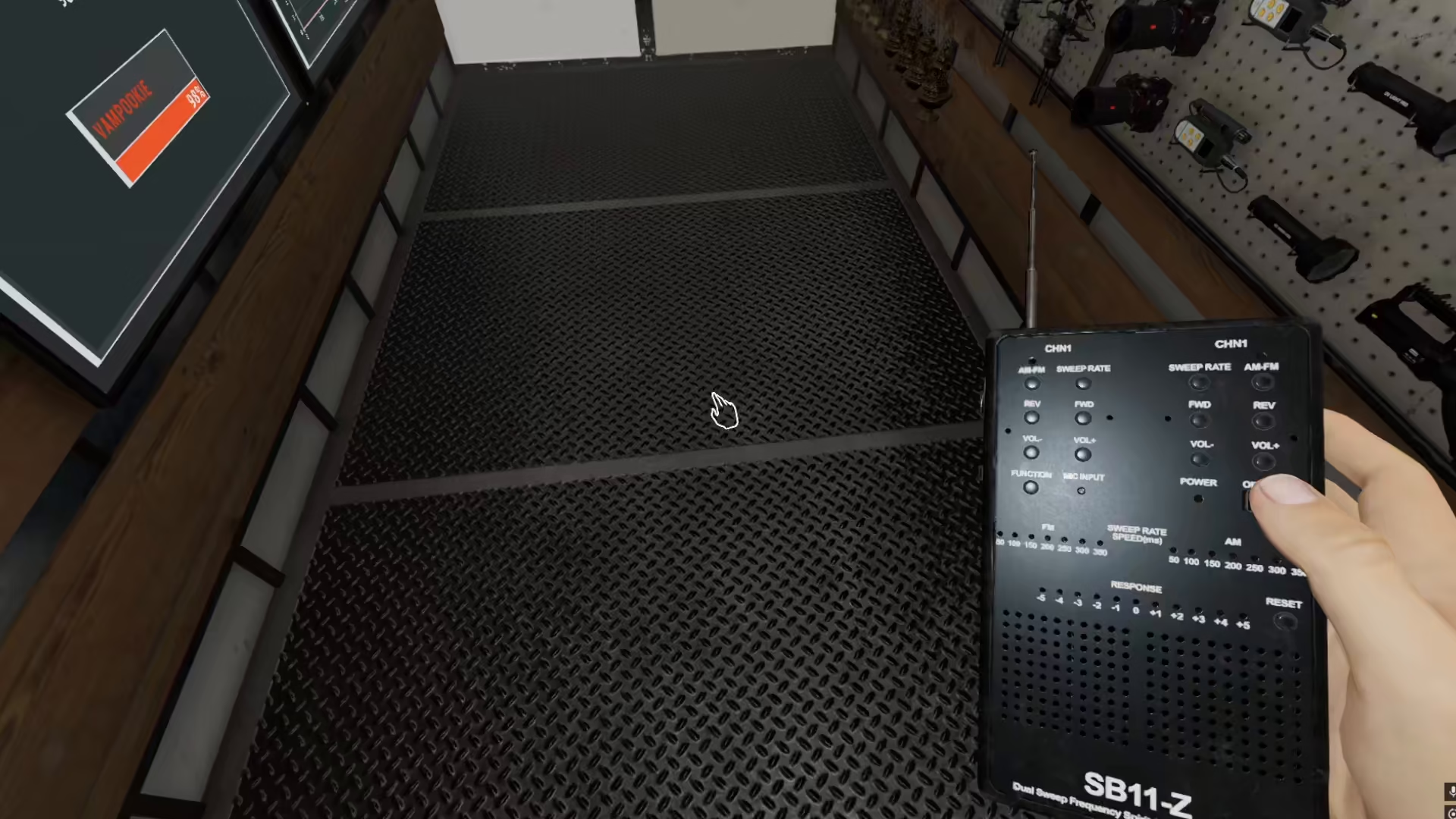
You can also interact with and drop items that you’ve purchased from the shop. Use the same G key to drop any shop items you’ve equipped, giving you flexibility in managing your loadout before and during investigations.
Conclusion
Dropping items in Phasmophobia is one of the easiest mechanics to learn. Remember: press E to pick up and G to drop. Whether you’re managing your inventory, leaving equipment behind, or swapping gear during an investigation, these simple controls will serve you well throughout your ghost-hunting adventures.
Want to Support?
If you would like to help us continue making these guides – please consider joining our patreon here – https://www.patreon.com/c/JaviHeals
Alternatively – you can join our discord here – https://discord.gg/zD7Gjt6MHF