





How to Increase Inventory Size in Disney Dreamlight Valley
How to Increase Inventory Size in Disney Dreamlight Valley
Managing your inventory is essential for success in Disney Dreamlight Valley. If you’re running out of space to carry items, expanding your backpack is a straightforward process. This guide walks you through all the backpack upgrade options available and the total cost to maximize your inventory capacity.
Opening Your Inventory
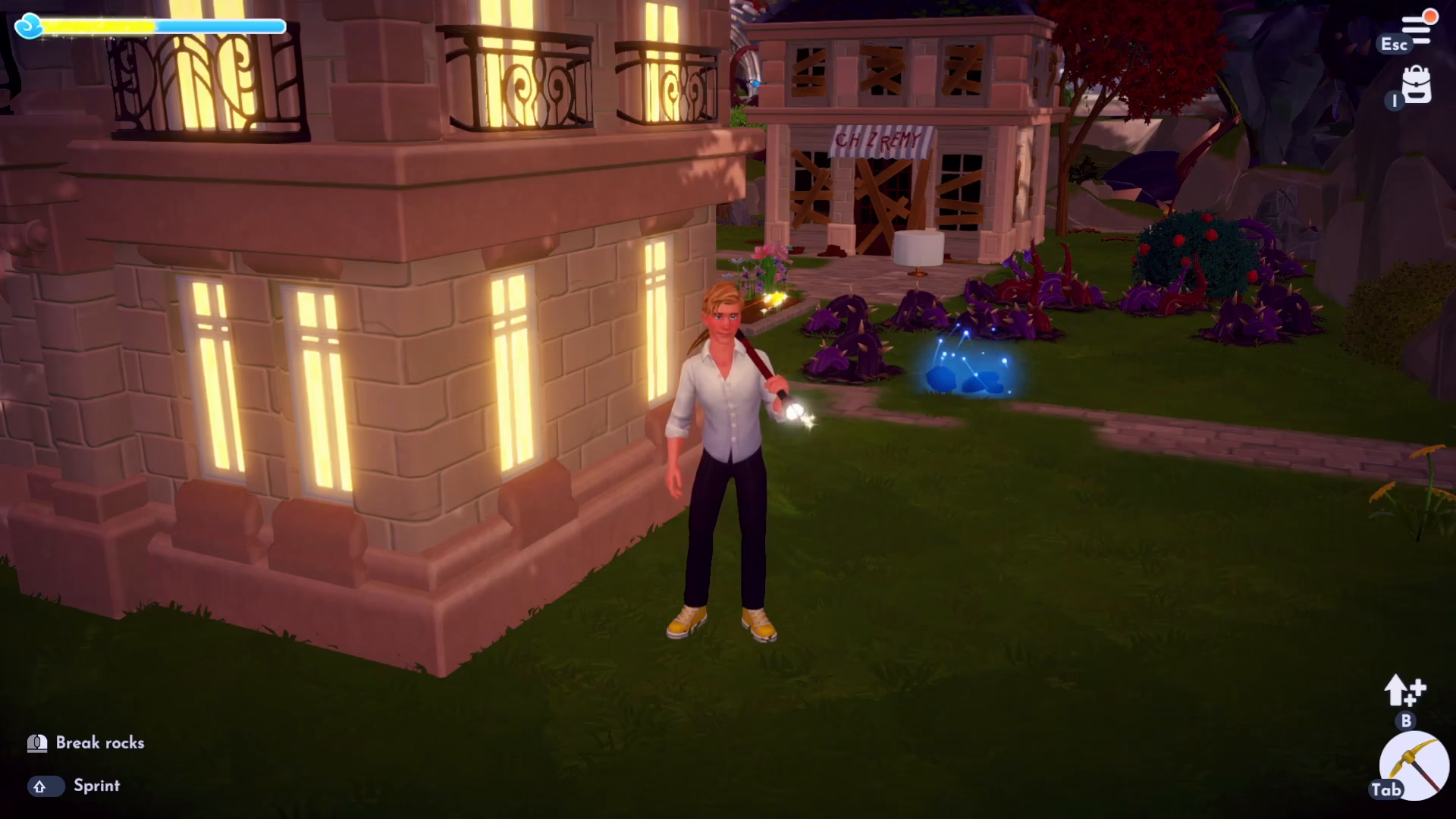
To begin, open your inventory by pressing I on your keyboard if you’re playing on PC. If you’re using a different control setup, use whatever key you have bound for opening your inventory.
Expanding Your Backpack
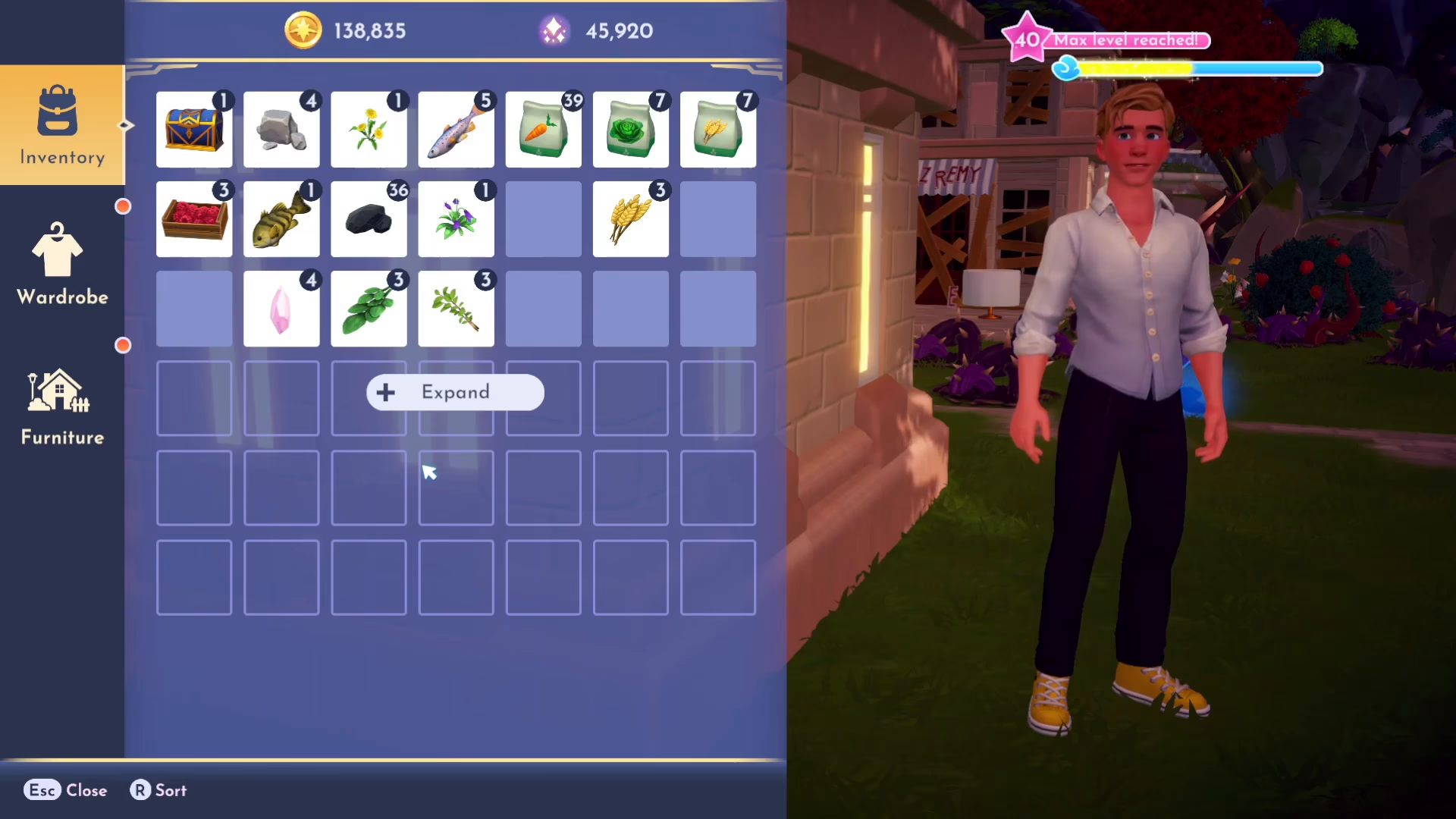
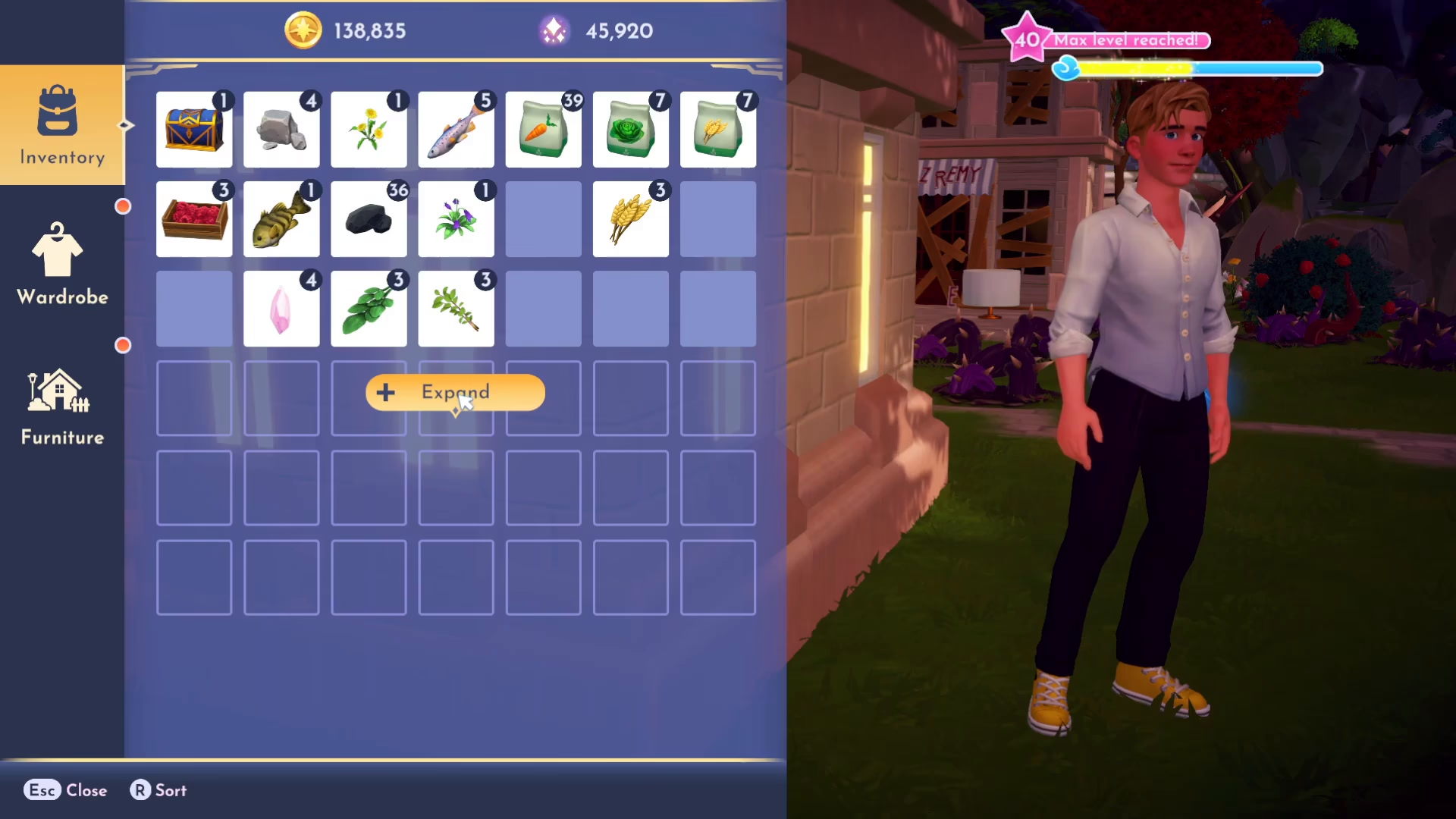
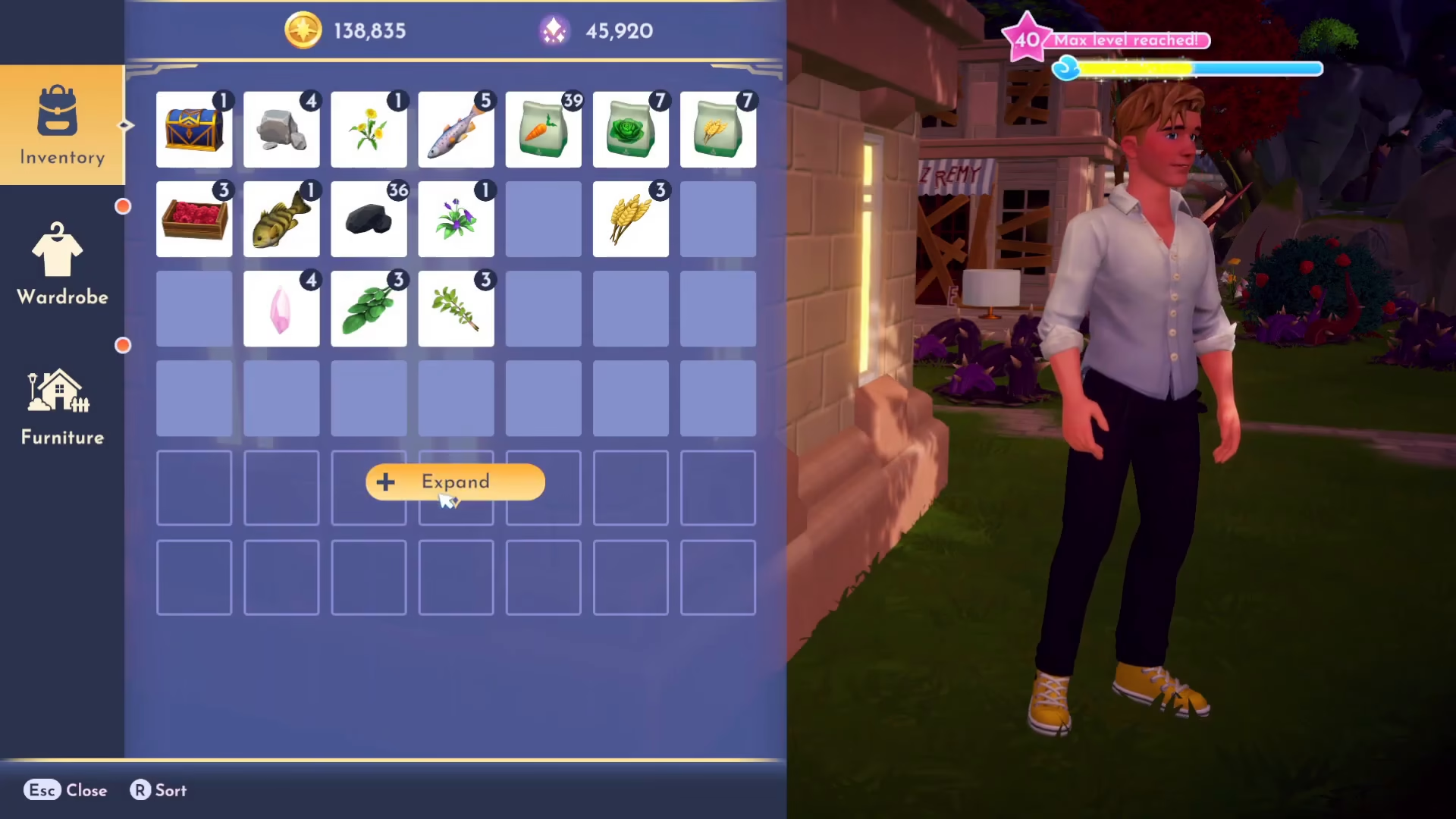
Once your inventory is open, you’ll notice a button labeled Expand. This is your gateway to purchasing larger backpacks.
First Upgrade: 28 Slot Backpack
Click the Expand button to purchase the first backpack upgrade. The 28 slot backpack costs 5,000 gold. Click Purchase to complete the transaction, and your inventory will expand to the next line.
Second Upgrade: 35 Slot Backpack
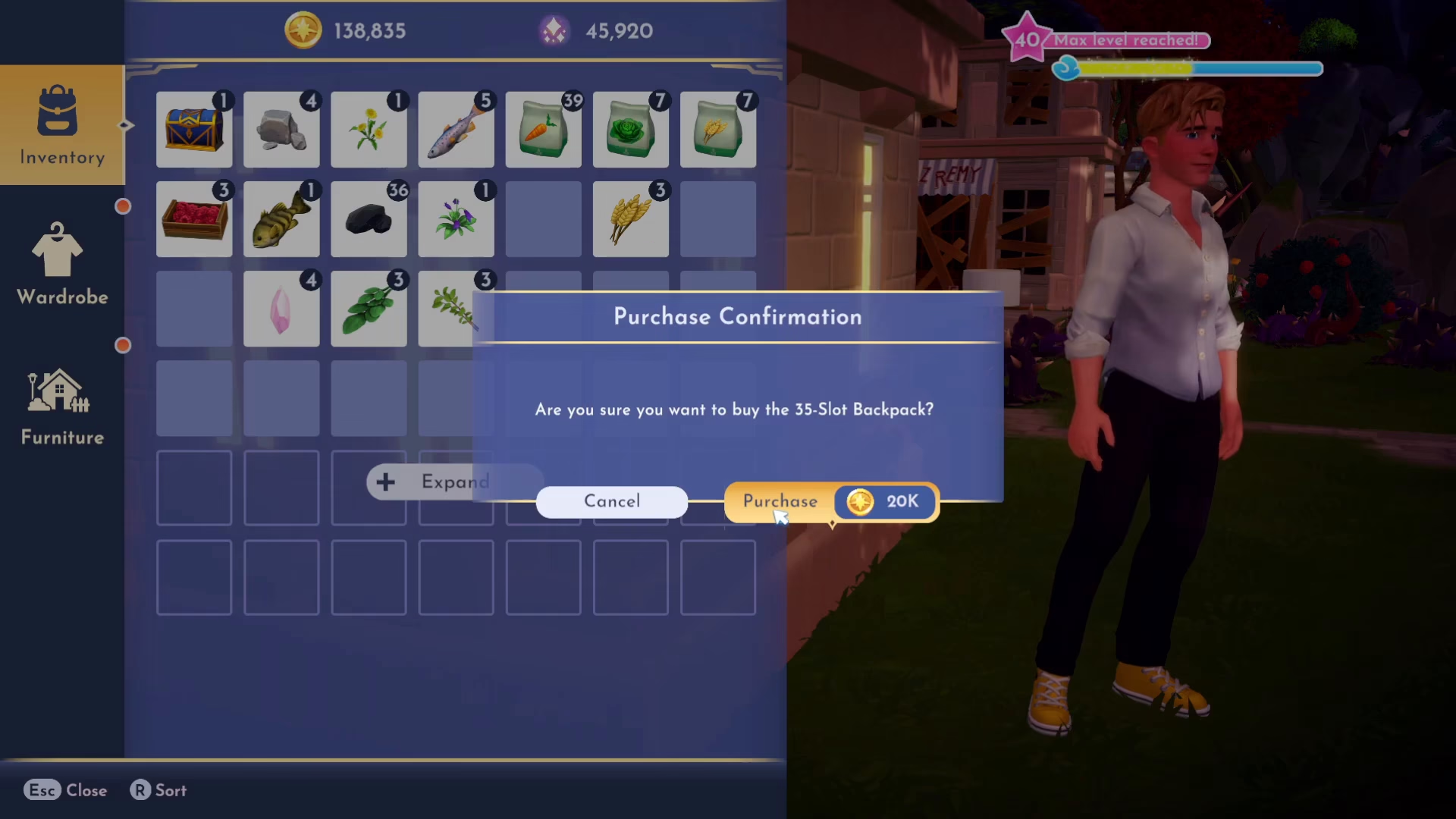
Press the Expand button again to access the second upgrade. The 35 slot backpack will cost you 20,000 gold. This is a significant jump in price but provides a substantial increase in carrying capacity.
Third Upgrade: 42 Slot Backpack
For the final upgrade, press Expand one more time to unlock the 42 slot backpack. This is the largest backpack available, but it comes at a premium cost of 50,000 gold. This is the maximum inventory size you can achieve in Disney Dreamlight Valley.
Summary: Maximum Inventory Capacity
Once you’ve purchased all three backpack upgrades, you’ve reached the maximum inventory size available in Disney Dreamlight Valley. There are no further options to expand your backpack beyond the 42 slot capacity. The total investment to maximize your inventory from the starting minimum is 75,000 gold (5,000 + 20,000 + 50,000).
— Want to Support? —
If you would like to help us continue making these guides – please consider joining our patreon here – https://www.patreon.com/c/JaviHeals
Alternatively – you can join our discord here – https://discord.gg/zD7Gjt6MHF



