






How To Evolve Pikachu in Pokemon Legends Z-A
“`html
How to Evolve Pikachu in Pokemon Legends Z-A
In Pokemon Legends Z-A, evolving Pikachu into Raichu is a straightforward process that requires obtaining a Thunderstone. This guide walks you through each step needed to complete the evolution and add Raichu to your team.
Step 1: Travel to Stone Imperium Shop
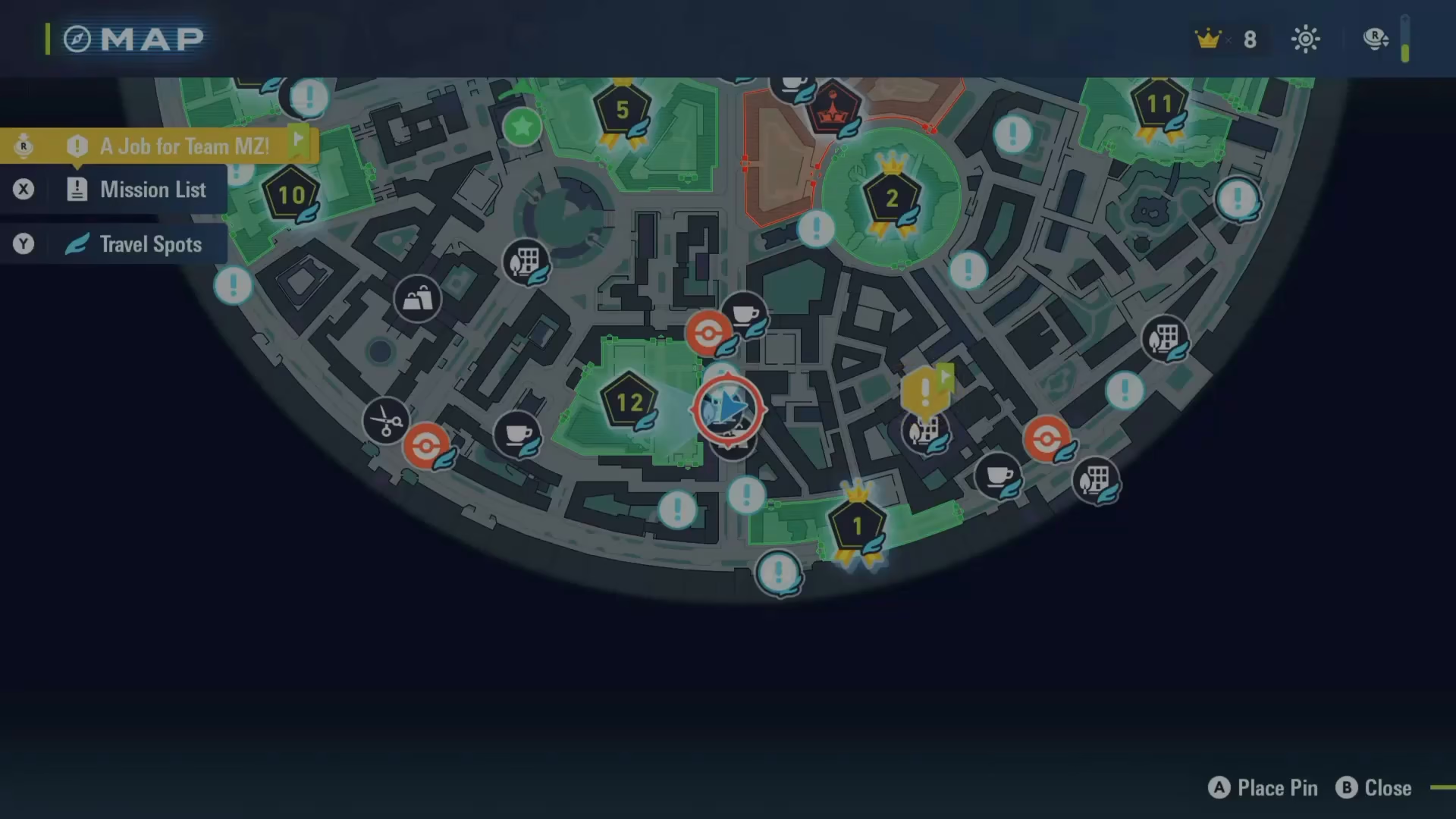
Begin by navigating to the very south of the map. Your destination is a shop called the Stone Imperium, where you’ll be able to purchase the item needed for evolution.
Step 2: Purchase the Thunderstone
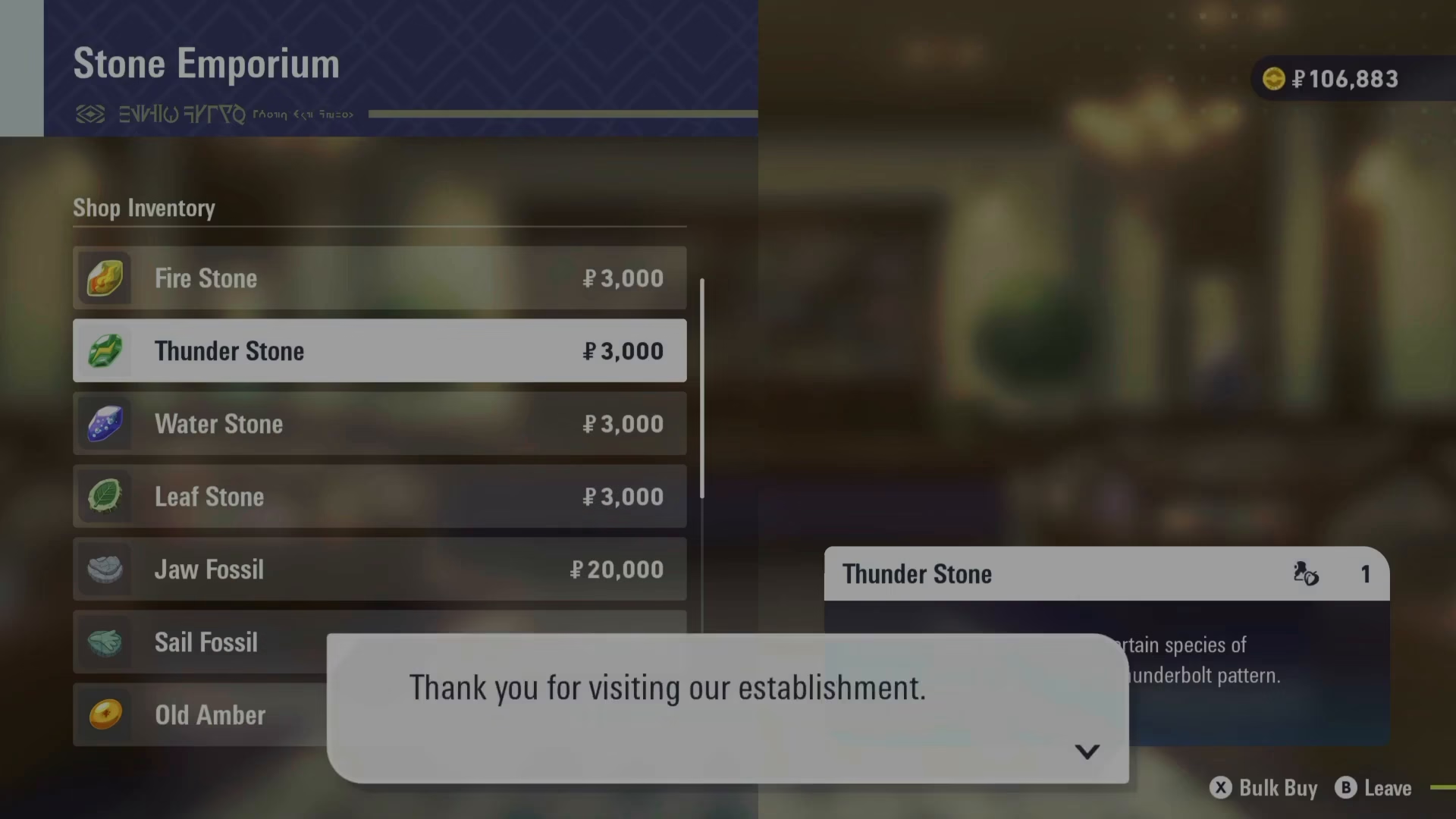
Enter the Stone Imperium shop. You’ll need to purchase a Thunderstone for $3,000 in-game currency. This is the key item required to evolve Pikachu into Raichu.

Step 3: Exit the Shop and Access Your Inventory
After completing your purchase, leave the shop. Open your inventory by accessing your Satchel.
Step 4: Locate the Thunderstone in Your Items
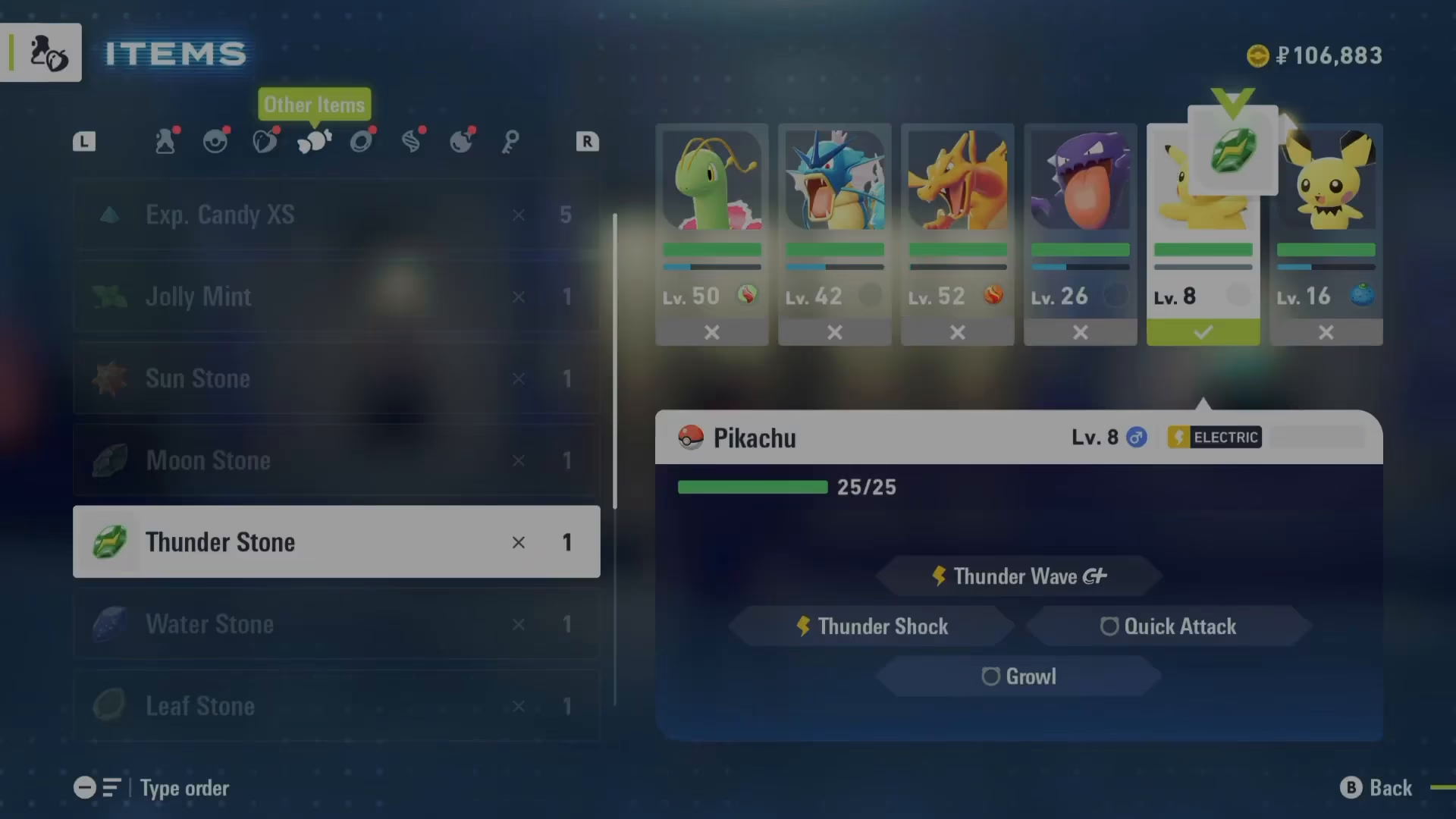
Within your Satchel, navigate to the Other items section (note: this is separate from Megastones). Scroll down until you find the Thunderstone you just purchased.

Step 5: Ensure Pikachu is in Your Active Team
Before using the Thunderstone, make sure Pikachu is in your active team (not in a storage box). This is essential for the evolution to occur.

Step 6: Use the Thunderstone on Pikachu
Select the Thunderstone from your inventory and choose the option to use it. Target Pikachu from your team, and the evolution will trigger immediately. Pikachu will evolve into Raichu.
Summary
Evolving Pikachu in Pokemon Legends Z-A is simple: purchase a Thunderstone from the Stone Imperium for $3,000, ensure Pikachu is in your active team, and use the stone on your Pikachu to instantly evolve it into Raichu. That’s all there is to it!
Want to Support?
If you would like to help us continue making these guides – please consider joining our patreon here – https://www.patreon.com/c/JaviHeals
Alternatively – you can join our discord here – https://discord.gg/zD7Gjt6MHF
“`



