





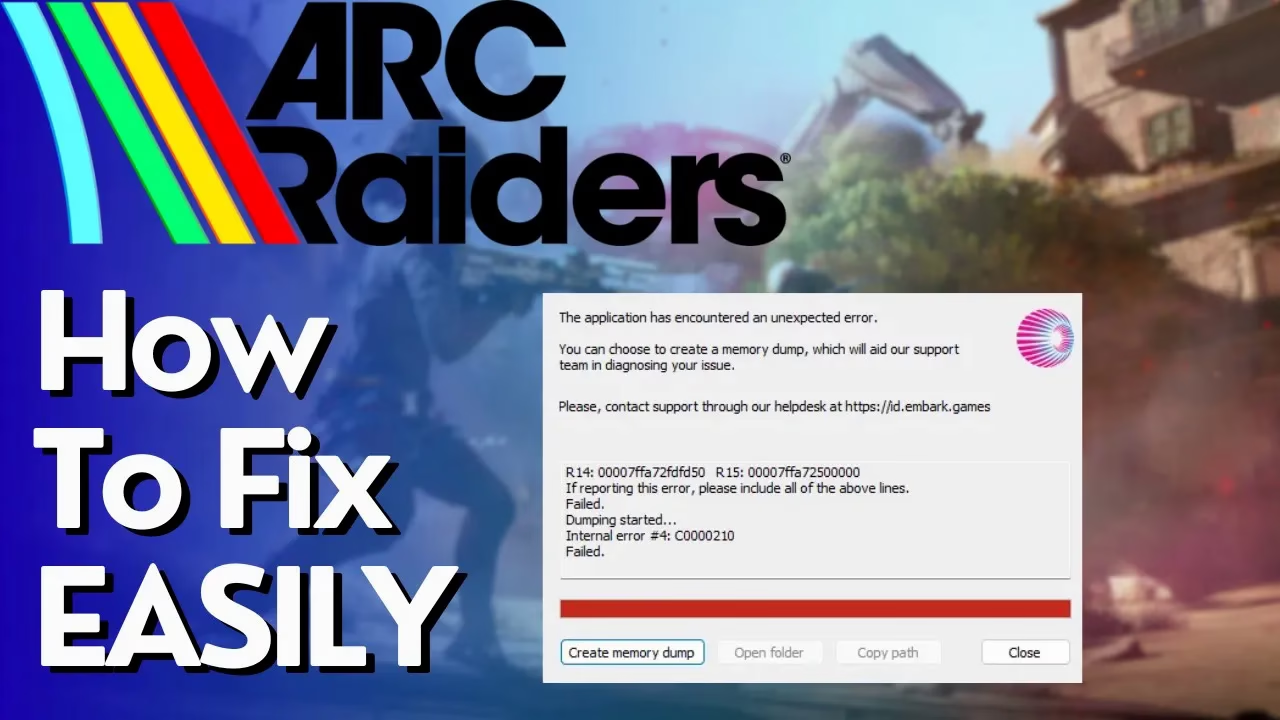
How to Fix Multiple Instances Error for ARC Raiders
How to Fix Multiple Instances Error for ARC Raiders
If you’re experiencing issues launching ARC Raiders with multiple instances, you’re not alone. This guide provides a simple one-step solution that will permanently resolve the problem without requiring restarts or other complex troubleshooting methods.
The Quick Fix: Launch Options Configuration
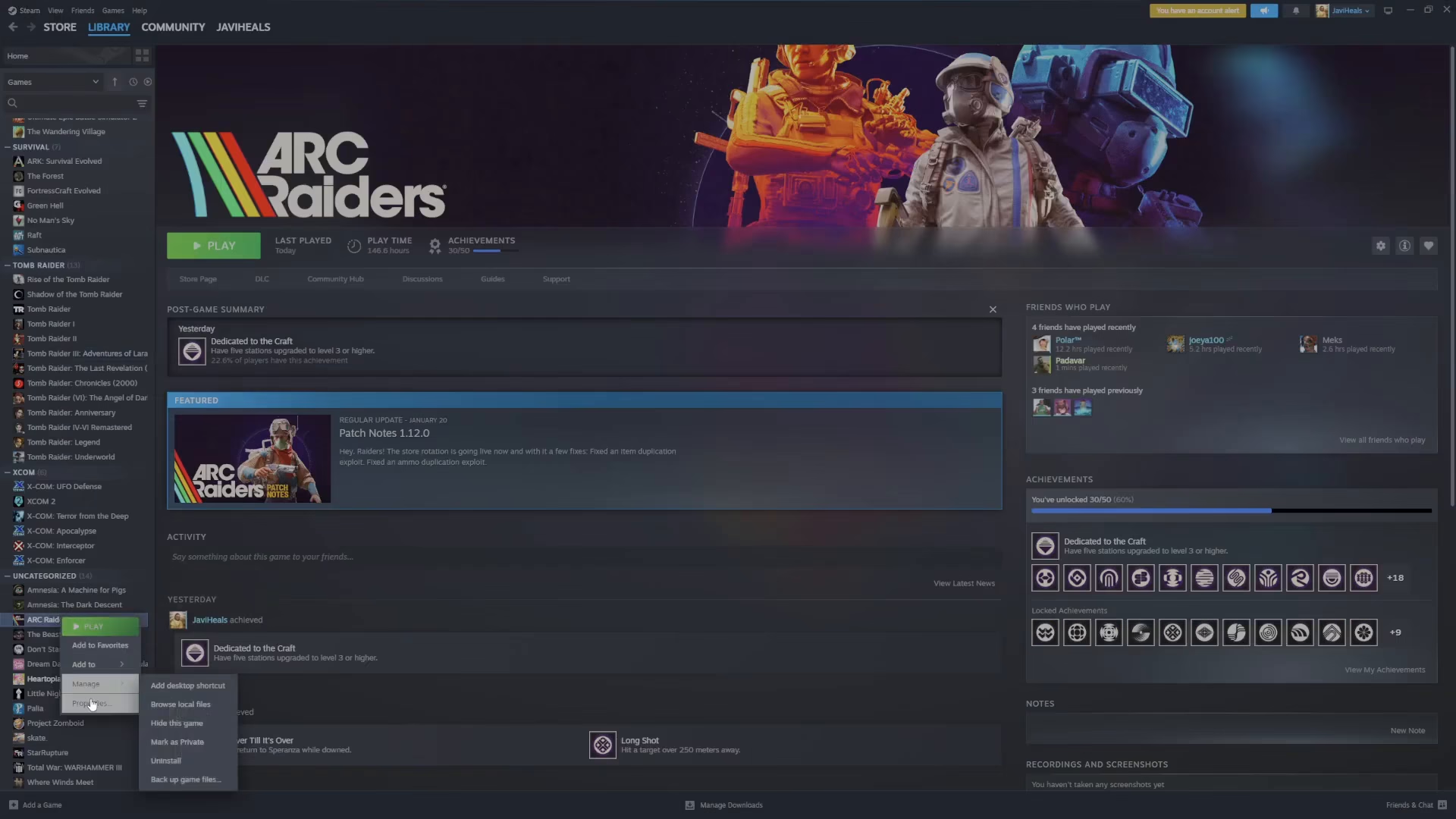
Step 1: Access Game Properties
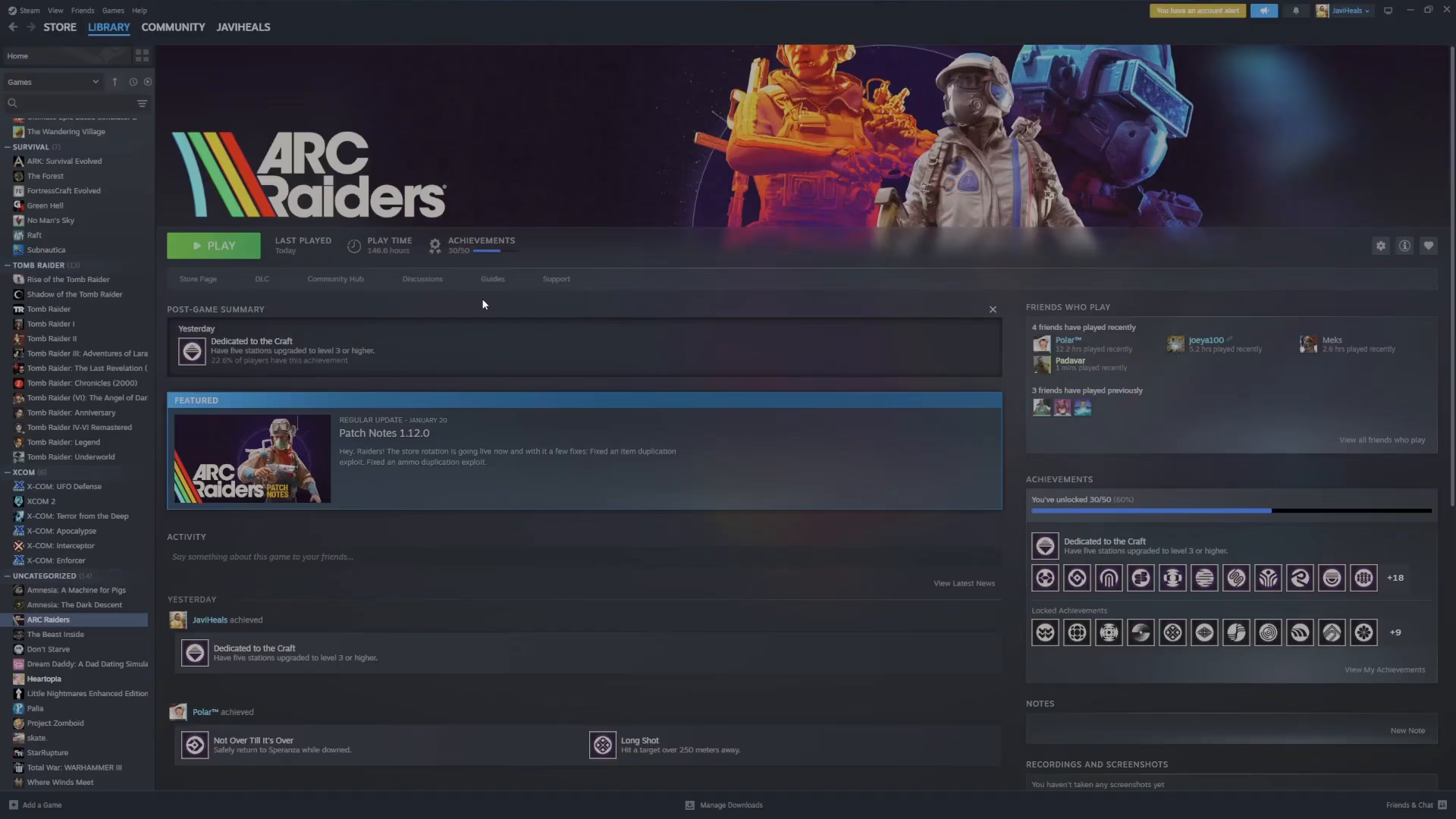
Right-click on ARC Raiders in your game library and select Properties.
Step 2: Add Launch Options
Locate the Launch Options field within the Properties menu. This is where you’ll input the command that fixes the multiple instances error.
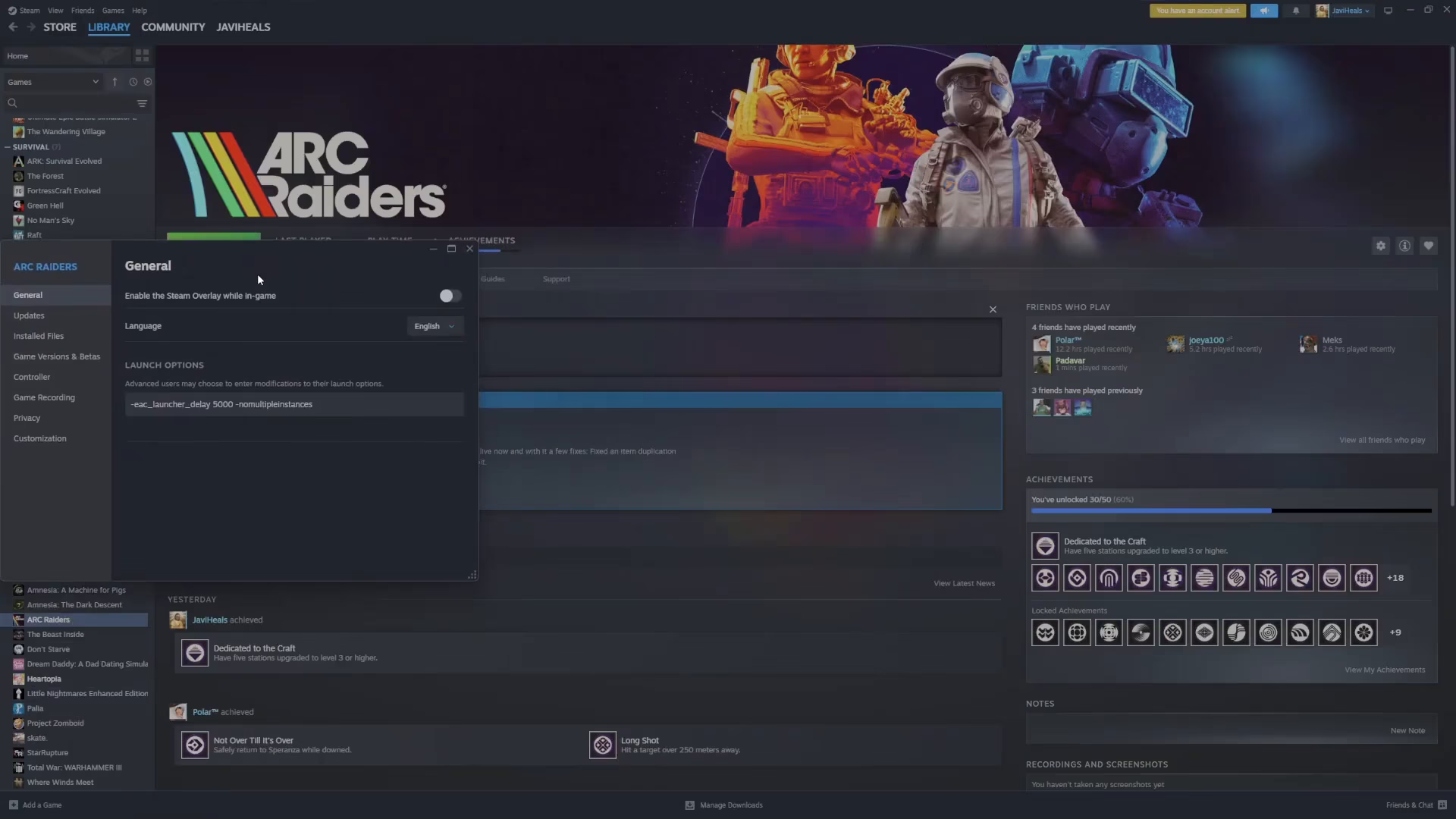
Step 3: Enter the Command
In the Launch Options field, paste the following command exactly:
-EAC_launcher_delay 5000 -no_multiple_instances
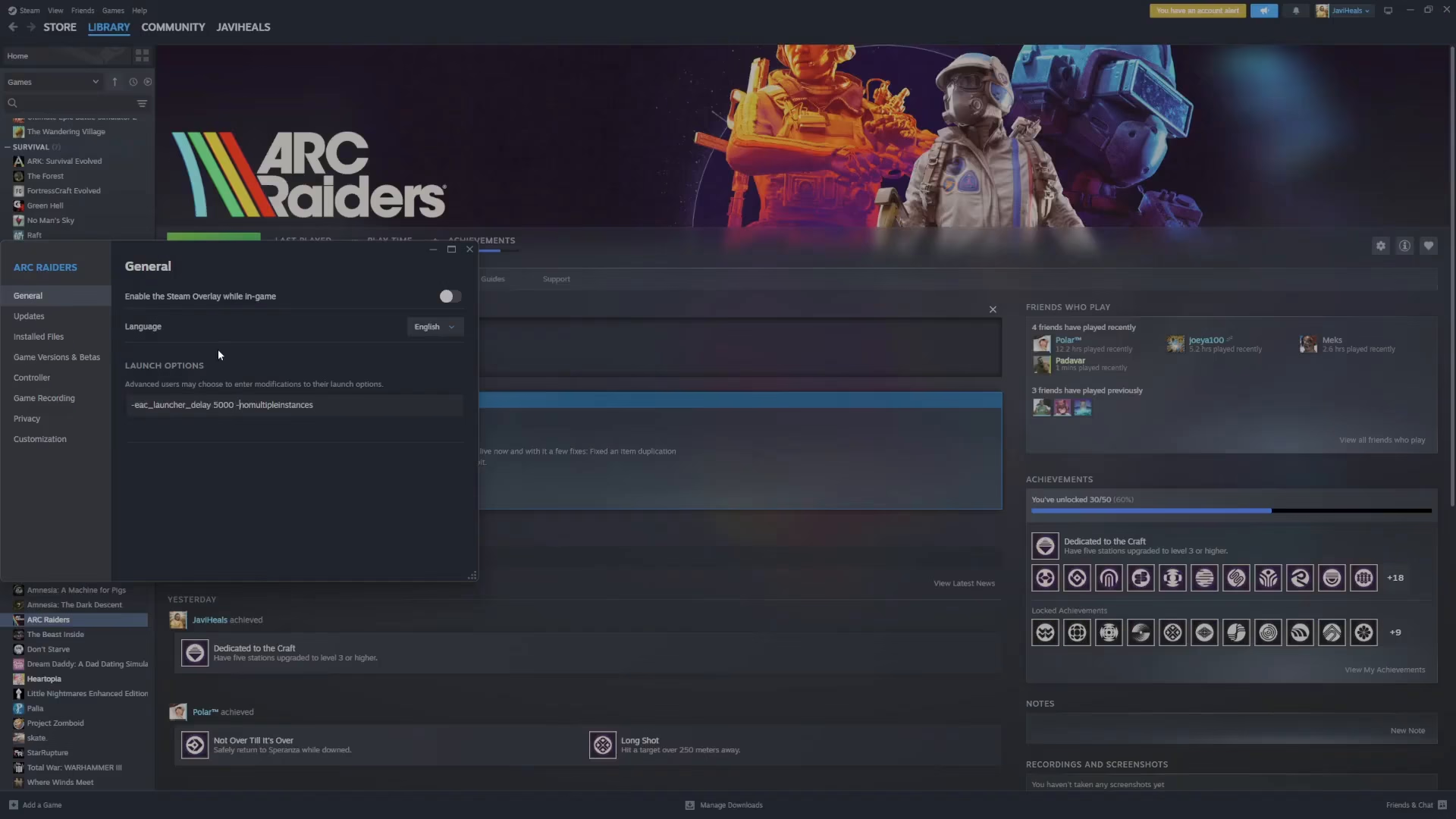
This command works by:
-EAC_launcher_delay 5000 — Adds a 5-second delay to the Easy Anti-Cheat launcher
-no_multiple_instances — Prevents multiple game instances from launching simultaneously
Why This Solution Works
Many players attempt to fix the multiple instances error through other methods such as restarting the game, uninstalling cheat detection software, or modifying system settings. However, this launch option approach directly addresses the root cause by configuring how the anti-cheat system initializes. Once you apply this fix, it will work permanently without requiring any additional restarts or manual intervention.
Summary
Fixing the ARC Raiders multiple instances error is straightforward: access your game’s Properties, add the launch options -EAC_launcher_delay 5000 -no_multiple_instances, and you’re done. No restarts, no workarounds—just a permanent solution that resolves the issue immediately.
— Want to Support? —
If you would like to help us continue making these guides – please consider joining our patreon here – https://www.patreon.com/c/JaviHeals
Alternatively – you can join our discord here – https://discord.gg/zD7Gjt6MHF

