





How to Get & Build a FOB in Wardogs
How to Get & Build a FOB in War Dogs
A Forward Operating Base (FOB) is an essential structure in War Dogs that serves as a strategic deployment point for supplies and operations. This guide walks you through the complete process of acquiring and constructing a FOB, from selecting the right vehicle to placing your base in the field.
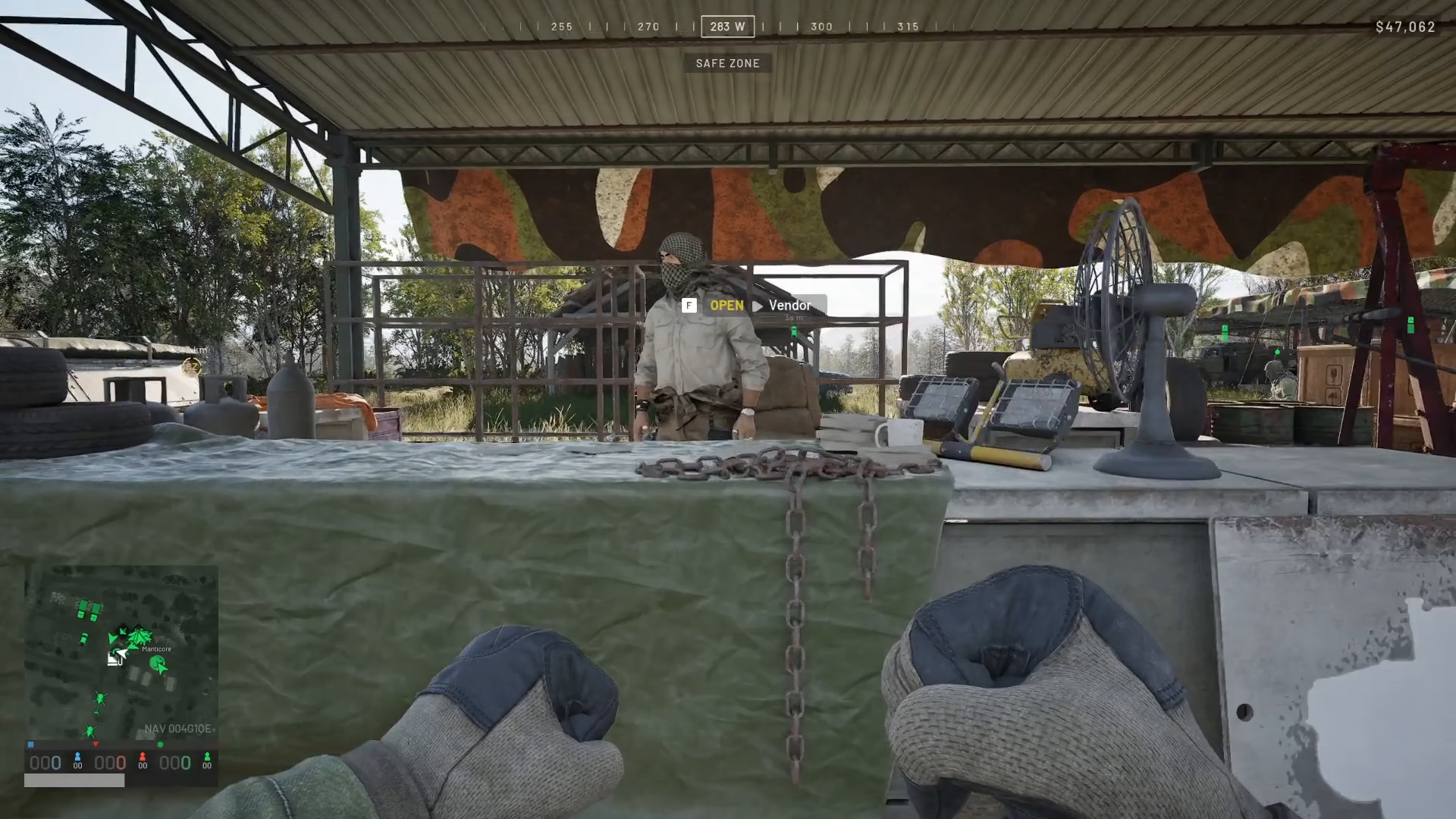
Step 1: Visit the Vehicle Vendor
Your first task is to locate and visit the vehicle vendor. Once there, speak with the vendor to begin selecting your transportation.
Step 2: Choose the Right Vehicle
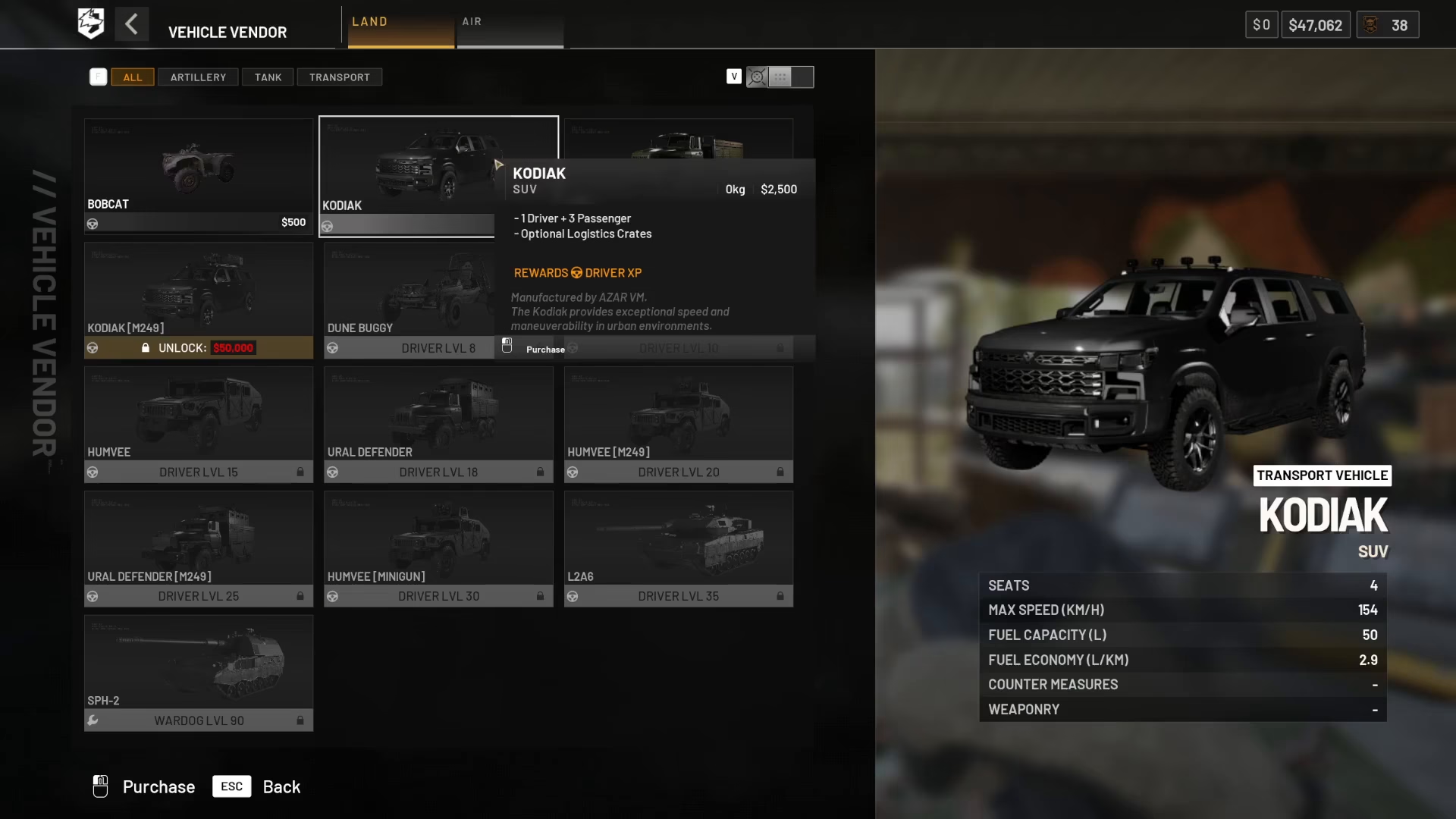
The vehicle you select must be capable of fitting a crate inside it. You have several solid options available:
Vehicle Options
Codiac — Can fit a FOB crate inside
Ural — The preferred choice for this guide, as it can accommodate massive pallets and carries large amounts of space for delivering logistics supplies
For this tutorial, we’ll proceed with the Ural vehicle due to its superior cargo capacity.
Step 3: Load Your Supplies via Logistics
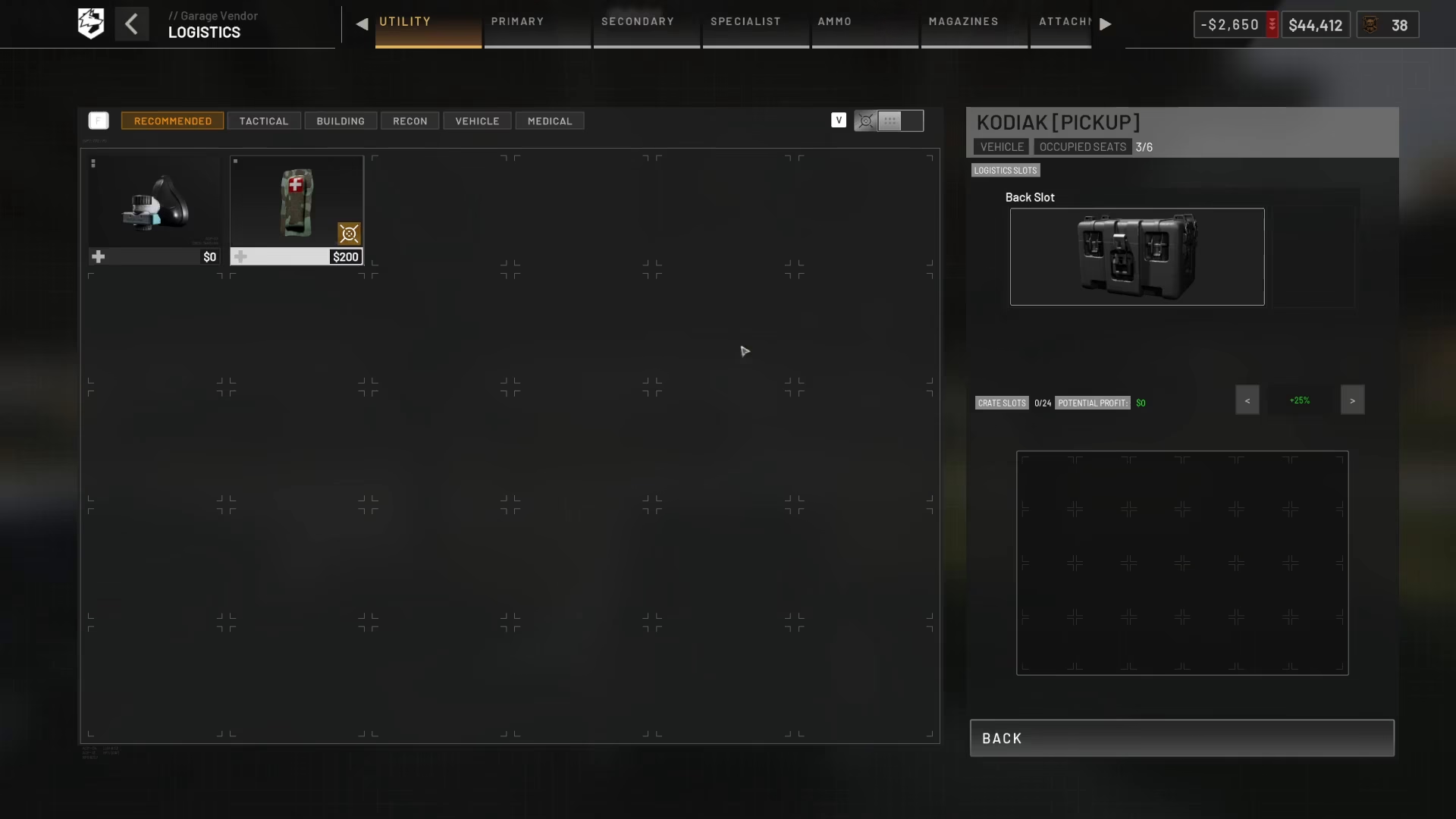
Once you’ve selected your vehicle, access the logistics menu to load the necessary supplies and equipment.
Supply Selection
Small crates are perfectly adequate for transporting your FOB and supporting supplies. From the logistics menu, select Building and then click on Forward Operating Base.
Additional Supplies
In addition to the FOB itself, load the following supplies into your vehicle:
Ammo supplies
Building supplies
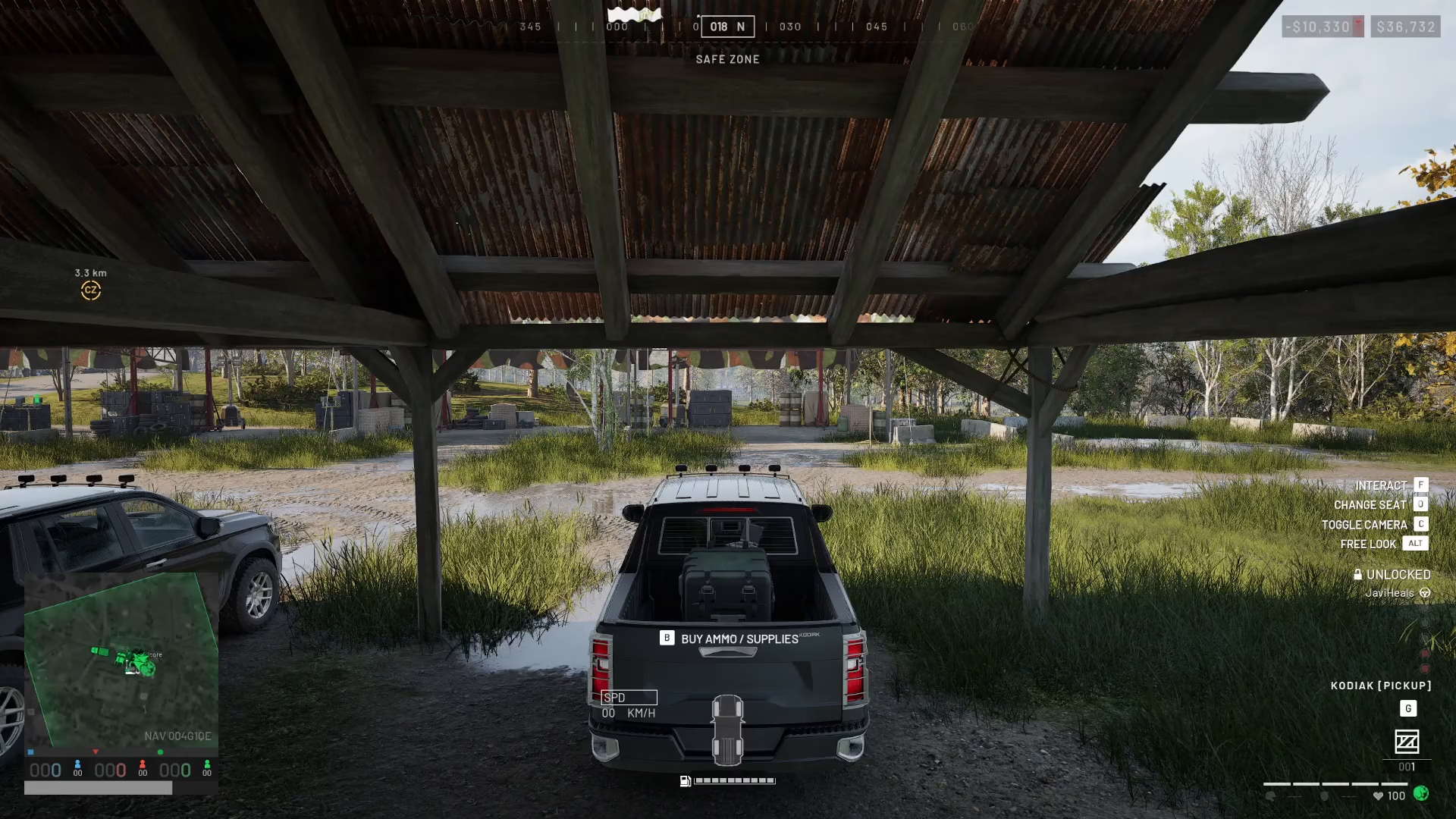
Once you’ve loaded all necessary items, press back to confirm and exit the logistics menu. You’ll now see your cargo secured in the back of the vehicle.
Step 4: Drive to Your Destination
Navigate your vehicle to the location where you want to establish your FOB. Drive carefully to your chosen position in the field.
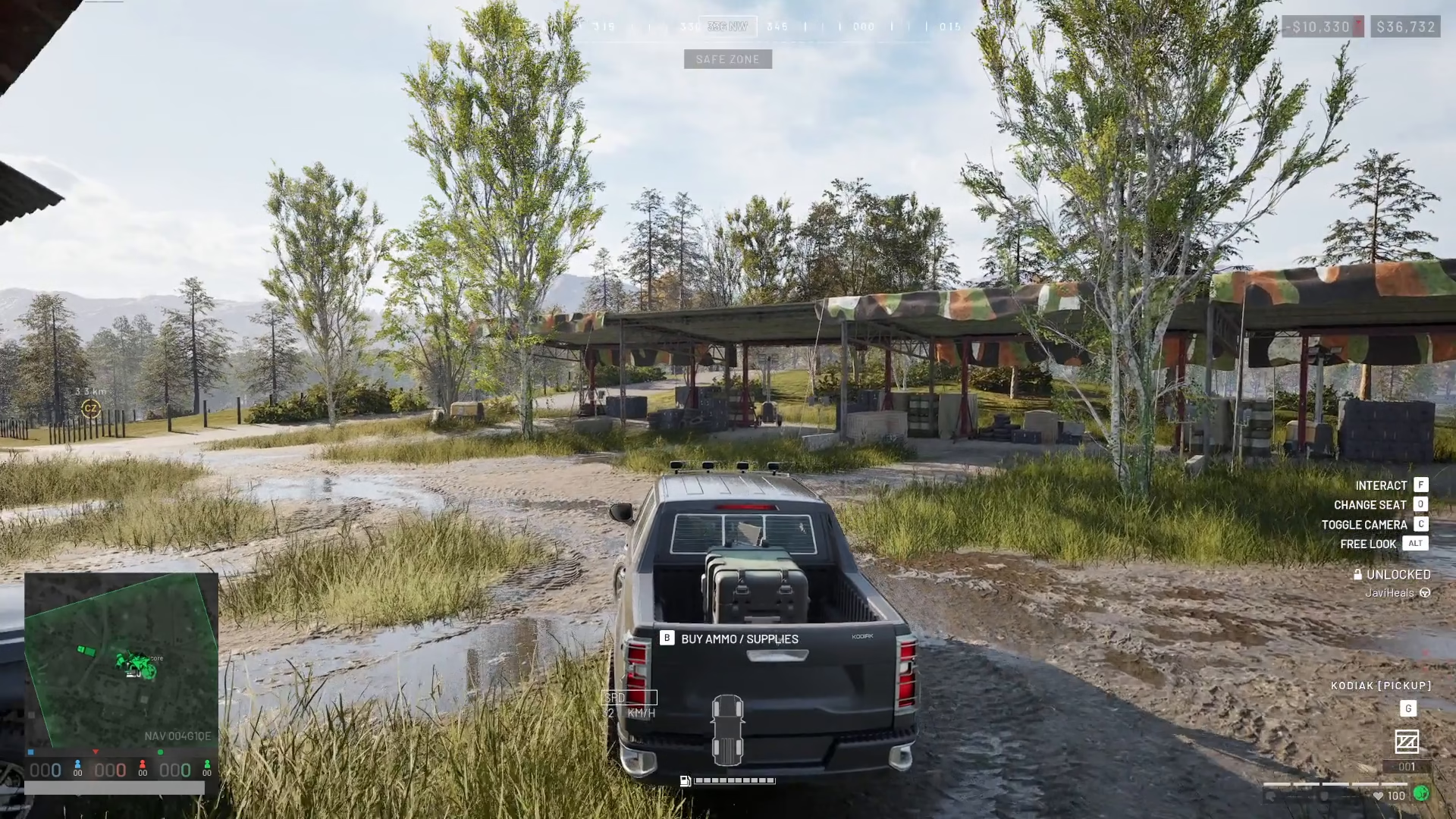
Step 5: Deliver and Retrieve the FOB
Upon arriving at your destination, you’ll see a prompt on the right-hand side of your screen indicating available interactions (for example: “G, Codiac, pick up”).
First, deliver all your supplies to the location. Then, right-click to extract the FOB from the crate.
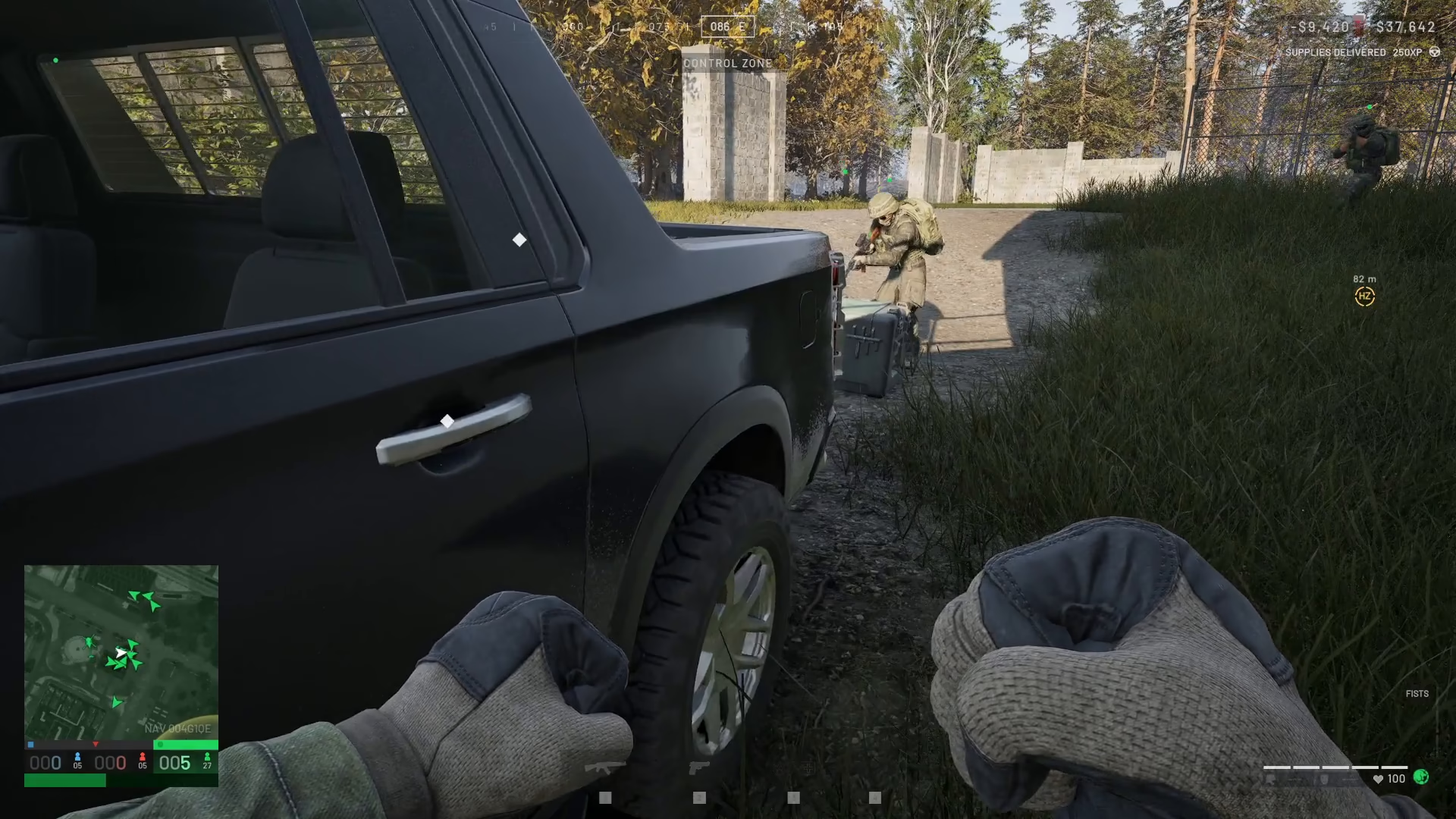
Step 6: Place and Build Your FOB
The Forward Operating Base will now be stored in your backpack as a small crate. To deploy it:
Left-click on the FOB crate to purchase it
The FOB will transfer into your hand
Place it in your equipment slot
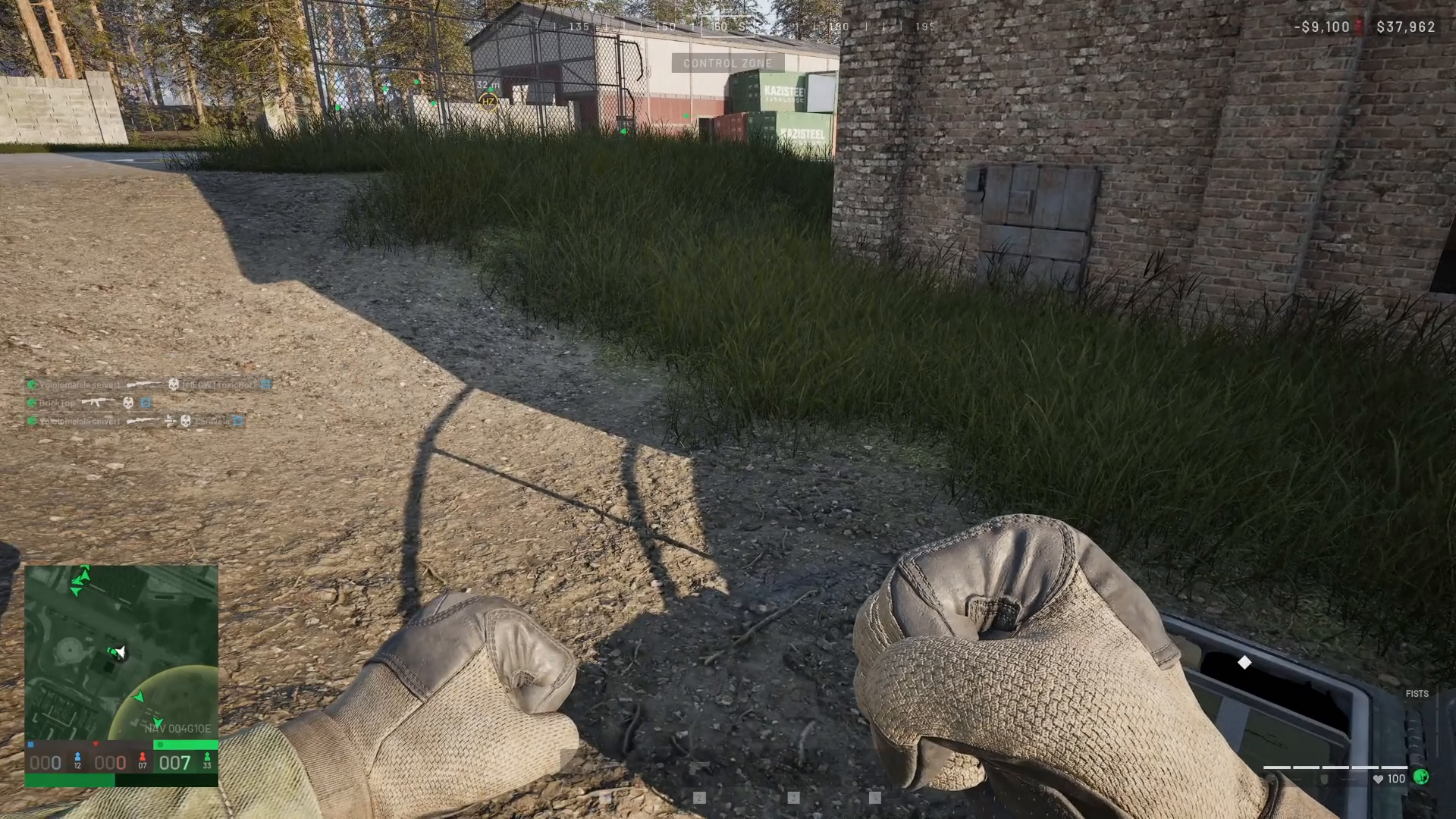
Left-click to place it down at your desired location
The FOB will unfold and automatically begin building in front of you.
Summary
Establishing a FOB in War Dogs is straightforward once you know the process. Simply visit the vehicle vendor, select a cargo-capable vehicle like the Ural, load your FOB and supplies through logistics, drive to your chosen location, and deploy your base. The entire process transforms your portable crate into a fully operational Forward Operating Base ready to support your tactical operations.
— Want to Support? —
If you would like to help us continue making these guides – please consider joining our patreon here – https://www.patreon.com/c/JaviHeals
Alternatively – you can join our discord here – https://discord.gg/zD7Gjt6MHF


