





How To Sell Items in ARC Raiders
How To Sell Items in ARC Raiders
Selling items in ARC Raiders is a straightforward process that helps you earn currency for your progression. This guide will walk you through every step needed to sell your items efficiently, from accessing your inventory to confirming your sale.
Access Your Inventory
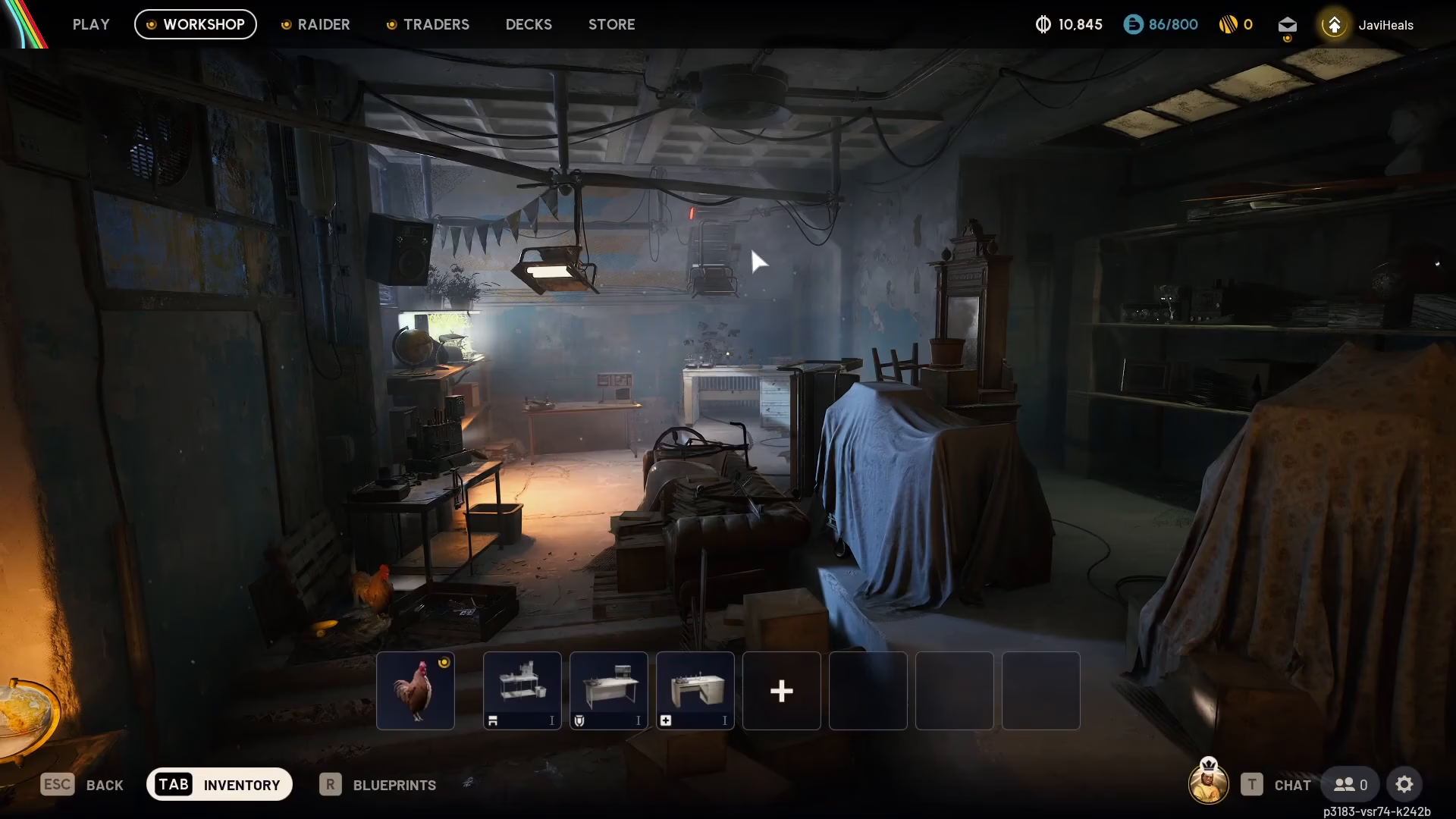
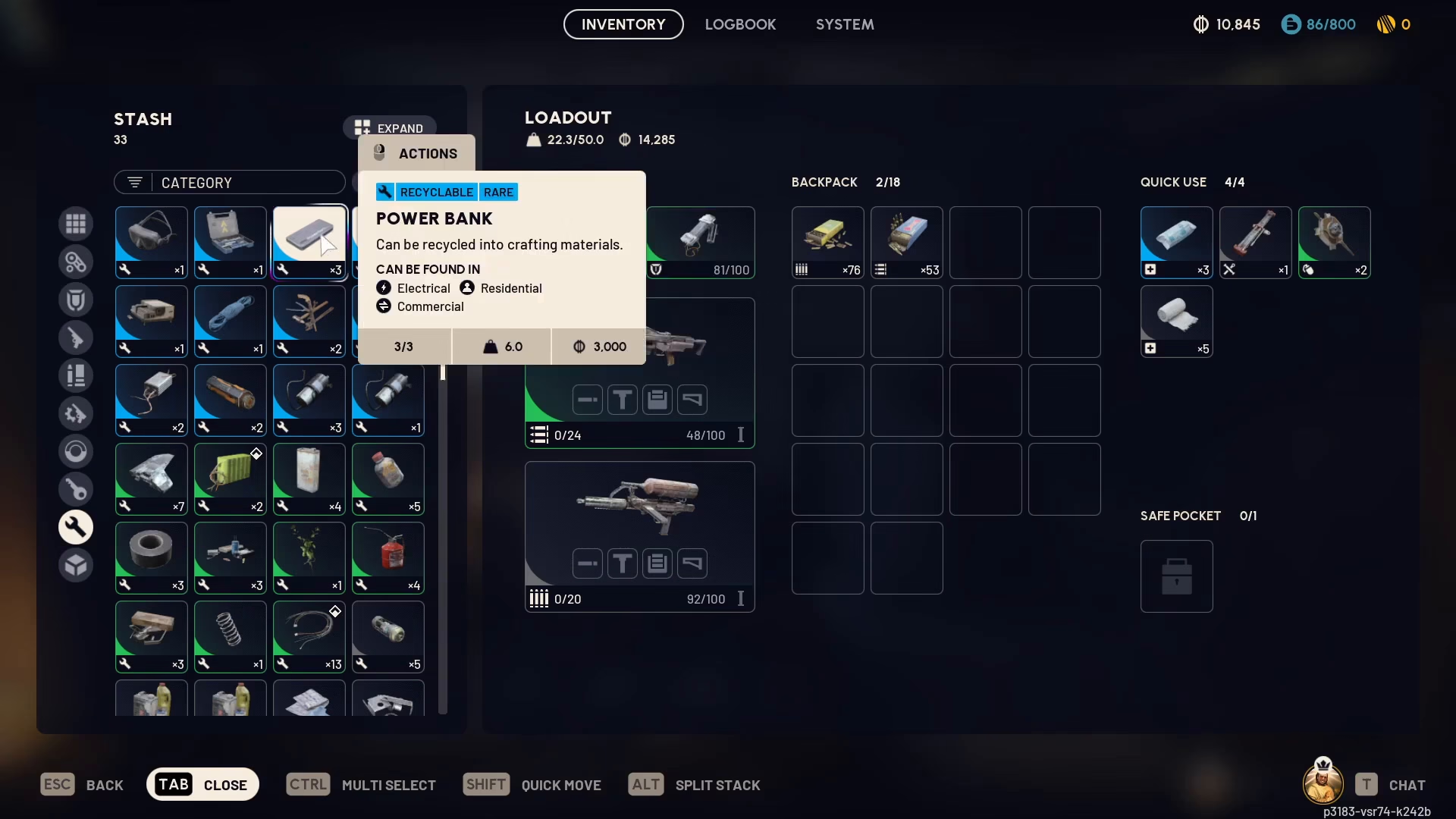
To begin selling items, navigate to any of the screens in the game and press Tab to open your inventory. This is your central hub for managing all items you’ve collected during your raids.
Select Items to Sell
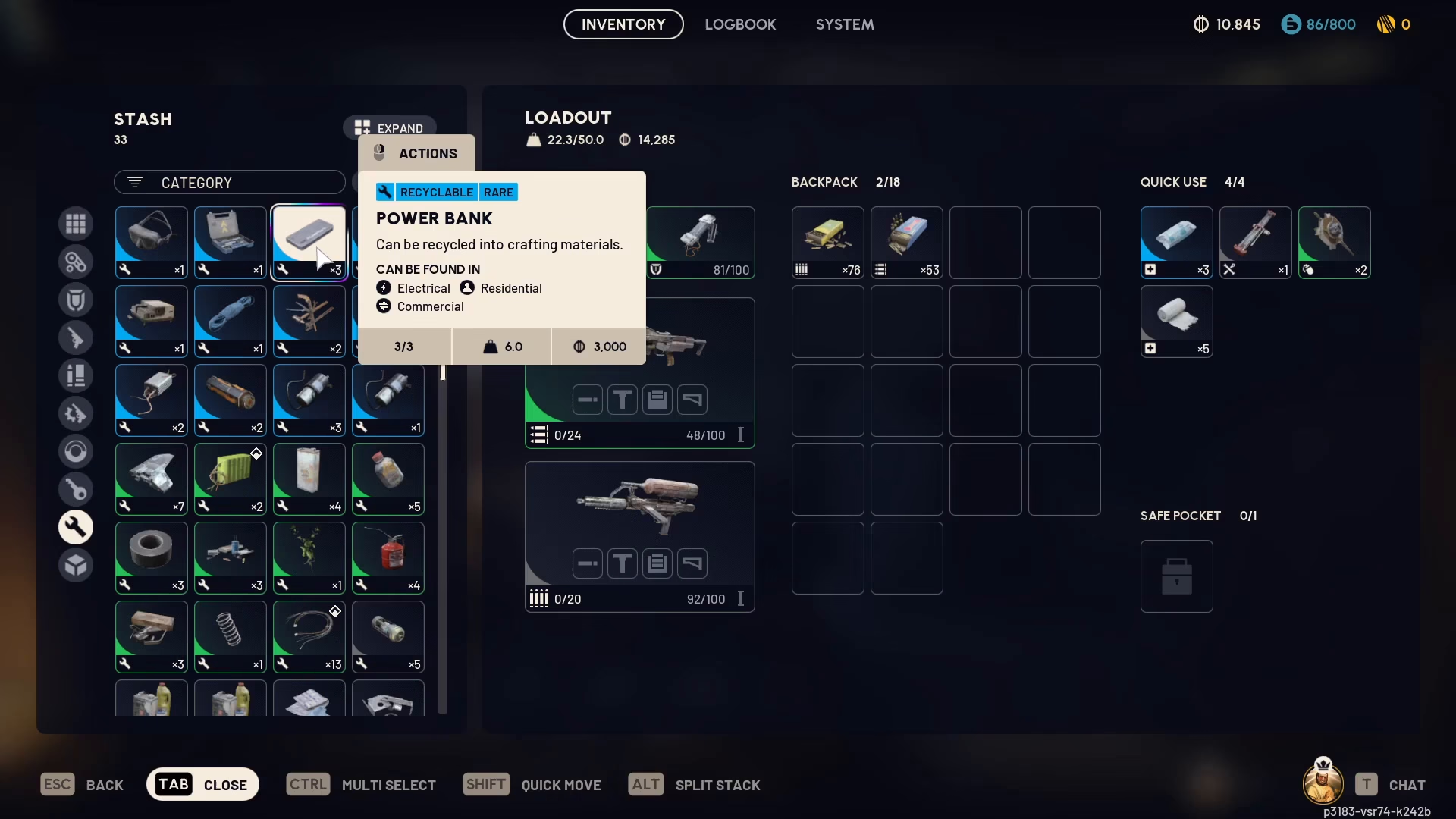
Once your inventory is open, identify the items you want to sell. You can select multiple items at once by holding Ctrl and clicking on each item. For example, you might select a Power Bank and power cables to sell together.
Understanding Item Values
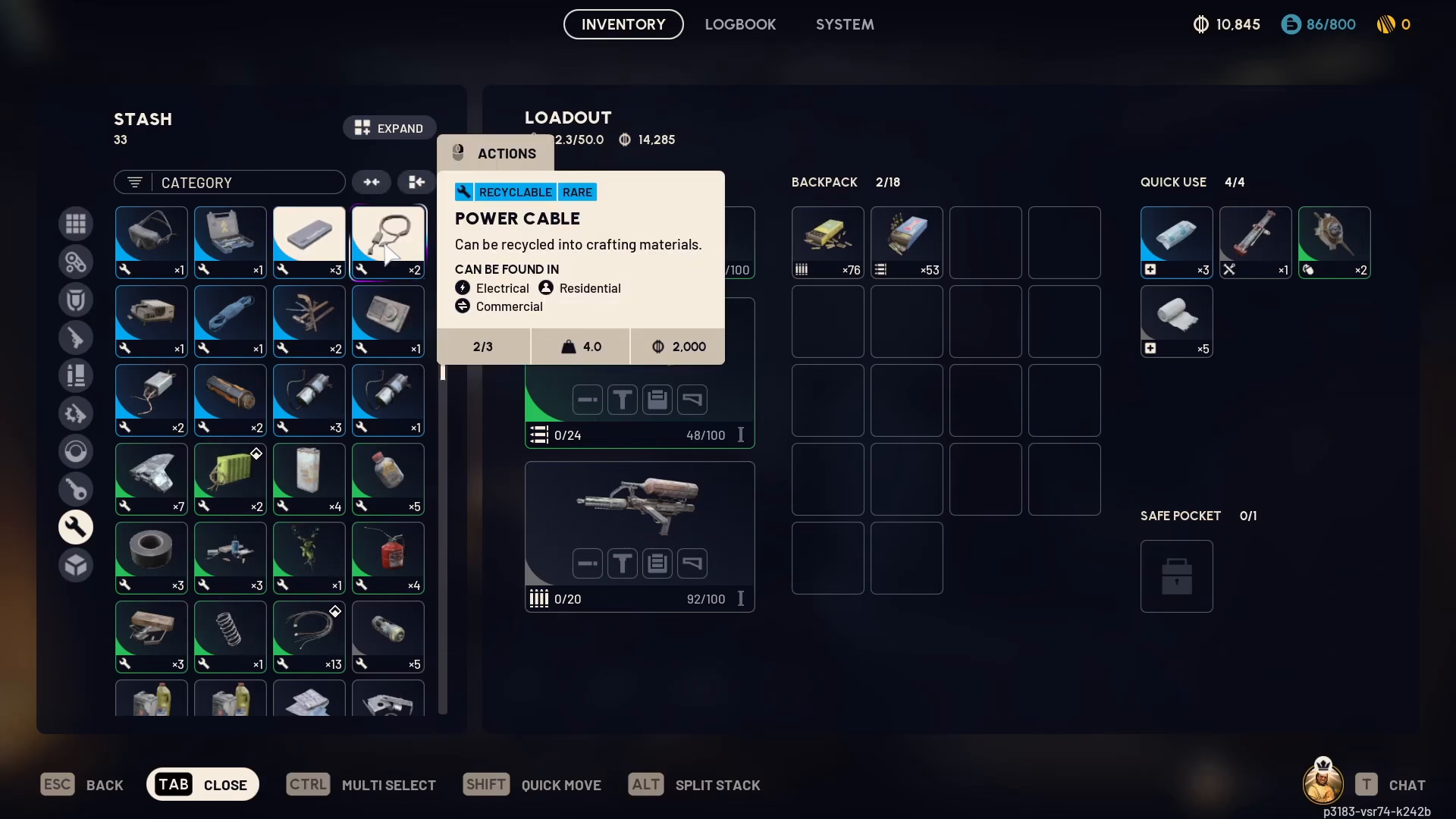
When you select items, their individual values will display in your inventory. For instance, if a Power Bank shows a value of 2,000, this represents 1,000 per unit—meaning you have 2 Power Banks worth 1,000 each. When combined with other selected items like power cables valued at 3,000, your total sale value becomes 5,000.
Complete Your Sale
After selecting all items you wish to sell, right-click on your selection. A context menu will appear giving you several options: move items to your safe, move to backpack, or split the stack. Select the sell option to proceed.
Confirm and Finalize
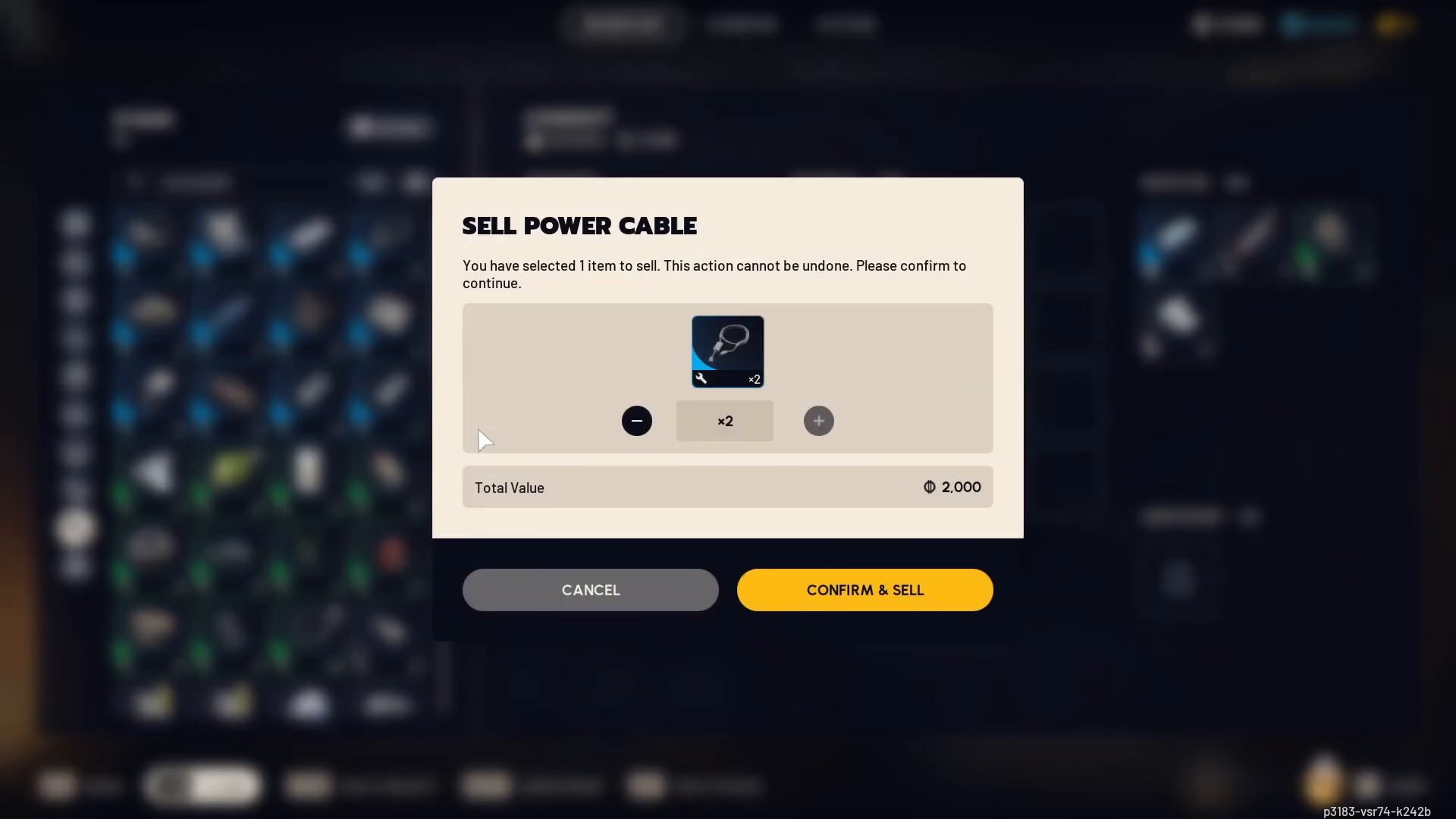
A confirmation dialog will appear asking you to verify how many items you want to sell. Review the quantity and ensure it matches your intention. Once confirmed, select sell again to finalize the transaction. Your items will be converted to currency, and your balance will update immediately.
Summary
Selling items in ARC Raiders is as simple as pressing Tab to open your inventory, selecting multiple items with Ctrl+click, right-clicking to access the sell option, and confirming your sale. With this straightforward process, you can quickly convert your loot into valuable currency for upgrades and progression.
— Want to Support? —
If you would like to help us continue making these guides – please consider joining our patreon here – https://www.patreon.com/c/JaviHeals
Alternatively – you can join our discord here – https://discord.gg/zD7Gjt6MHF

