





How to Use Blueprints in ARC Raiders
How to Use Blueprints in ARC Raiders
Blueprints are a key crafting mechanic in ARC Raiders that allow you to create unique items and gear. In this guide, we’ll walk you through the simple process of obtaining and using blueprints to craft powerful equipment in your various workshops.
Learning a Blueprint
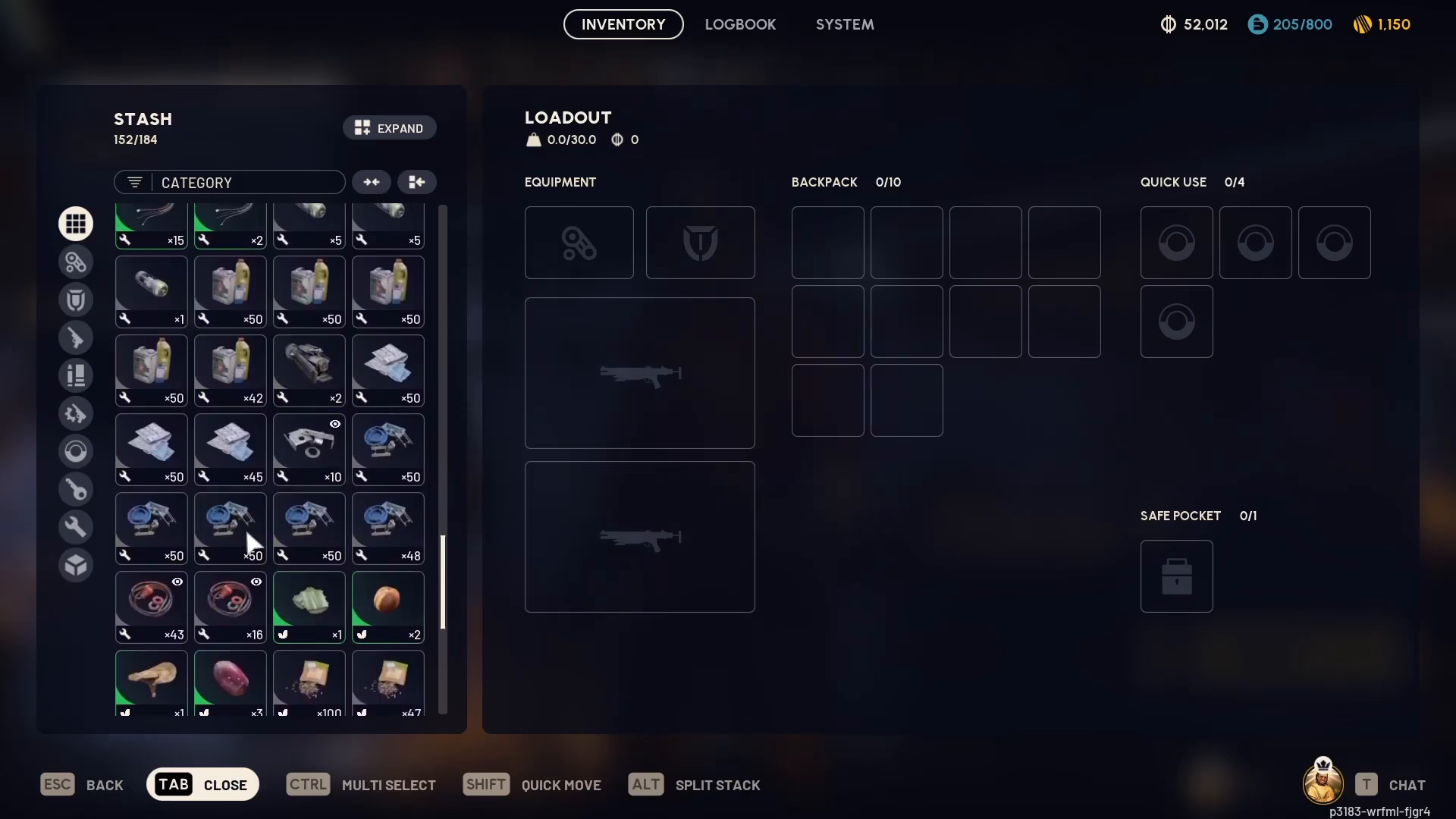
To start using blueprints, you first need to learn them. Open your inventory by pressing Tab.
When you have a blueprint in your inventory, you can right-click on it to bring up the context menu. Select the option that says “Consume and Learn Blueprint” to add it to your collection.
Accessing Blueprints in Workshops
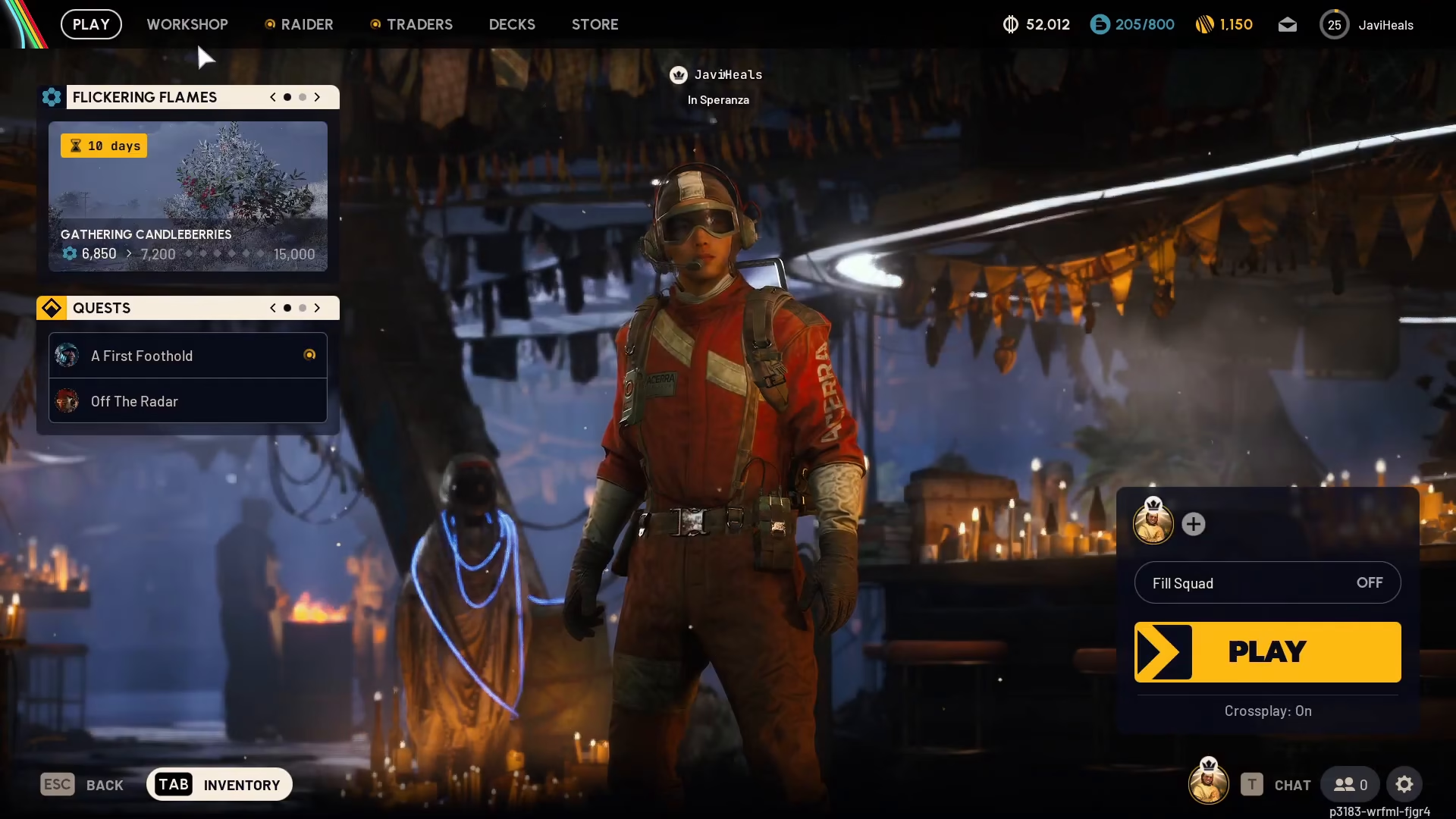
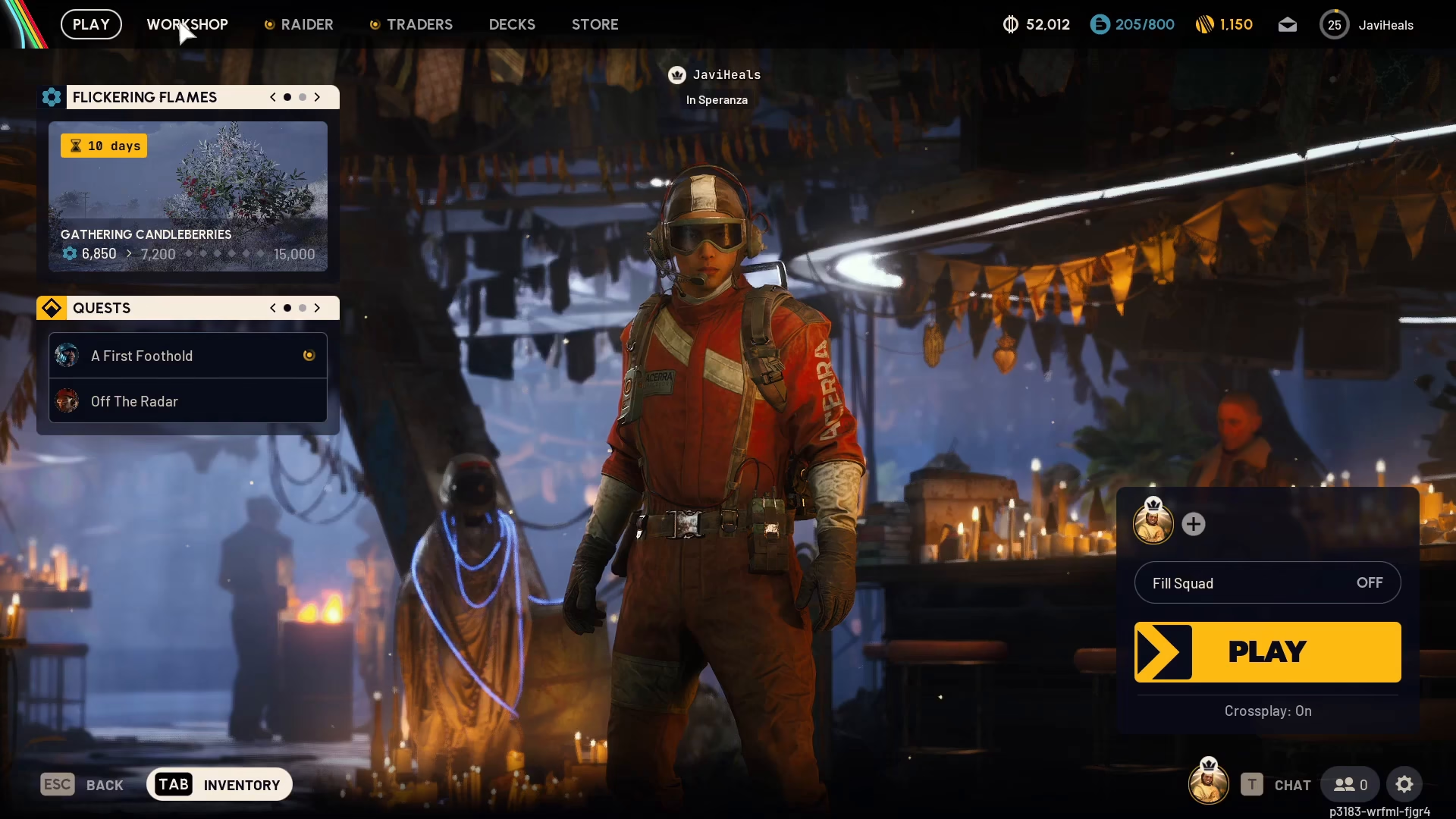
Once you’ve learned a blueprint, you can access it through the relevant workshop. Navigate to the top menu and select “Workshop” to view all available crafting stations.
Workshop Locations
Blueprints are organized by workshop type depending on what kind of item they are. The available workshops include:
Gunsmith
Gear Bench
Medical Lab
Utility Station
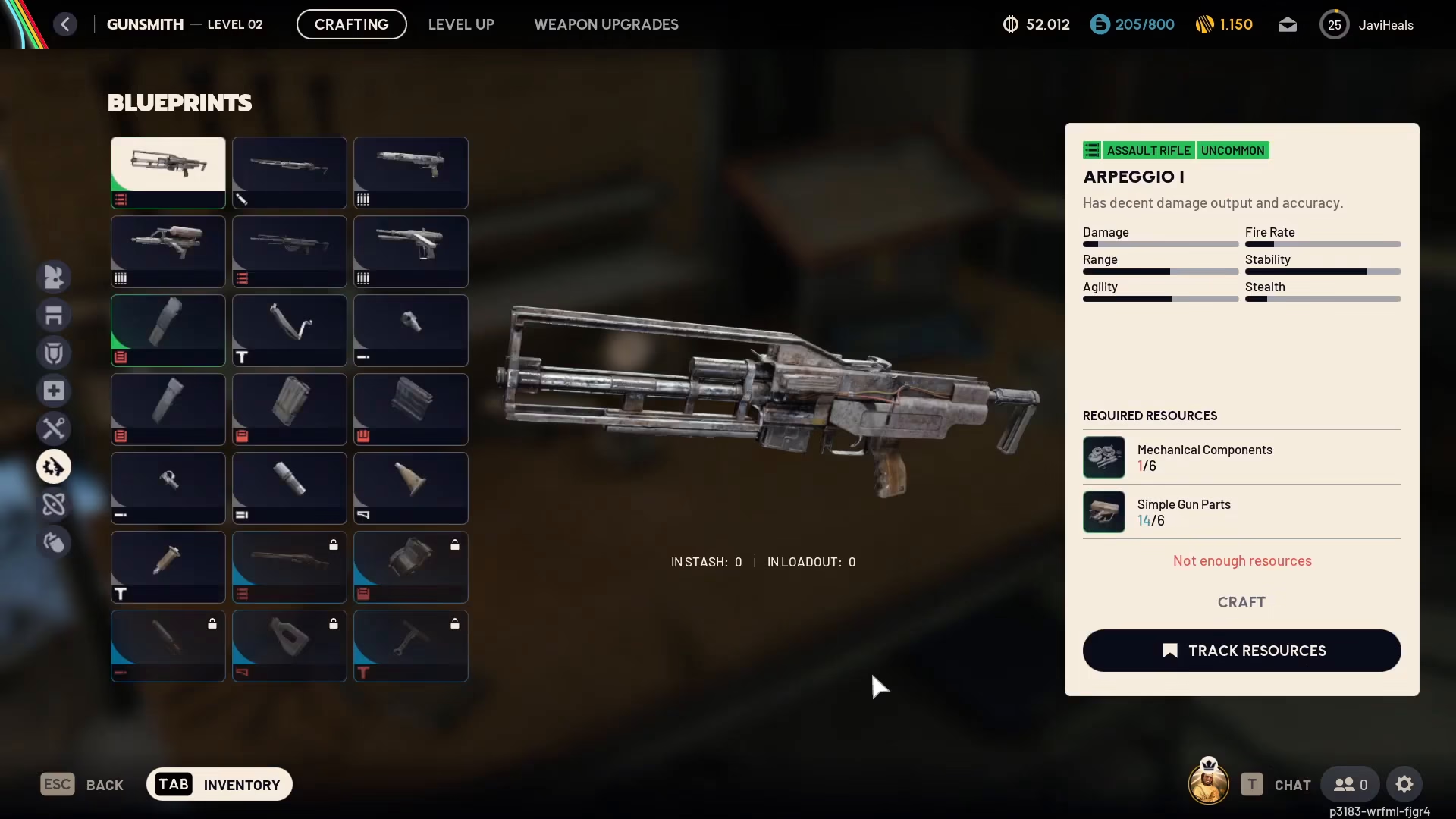
Select the appropriate workshop for the blueprint you want to craft. For example, if you’ve learned a blueprint for the Virtual Grip Free, you would access it through the Gunsmith.
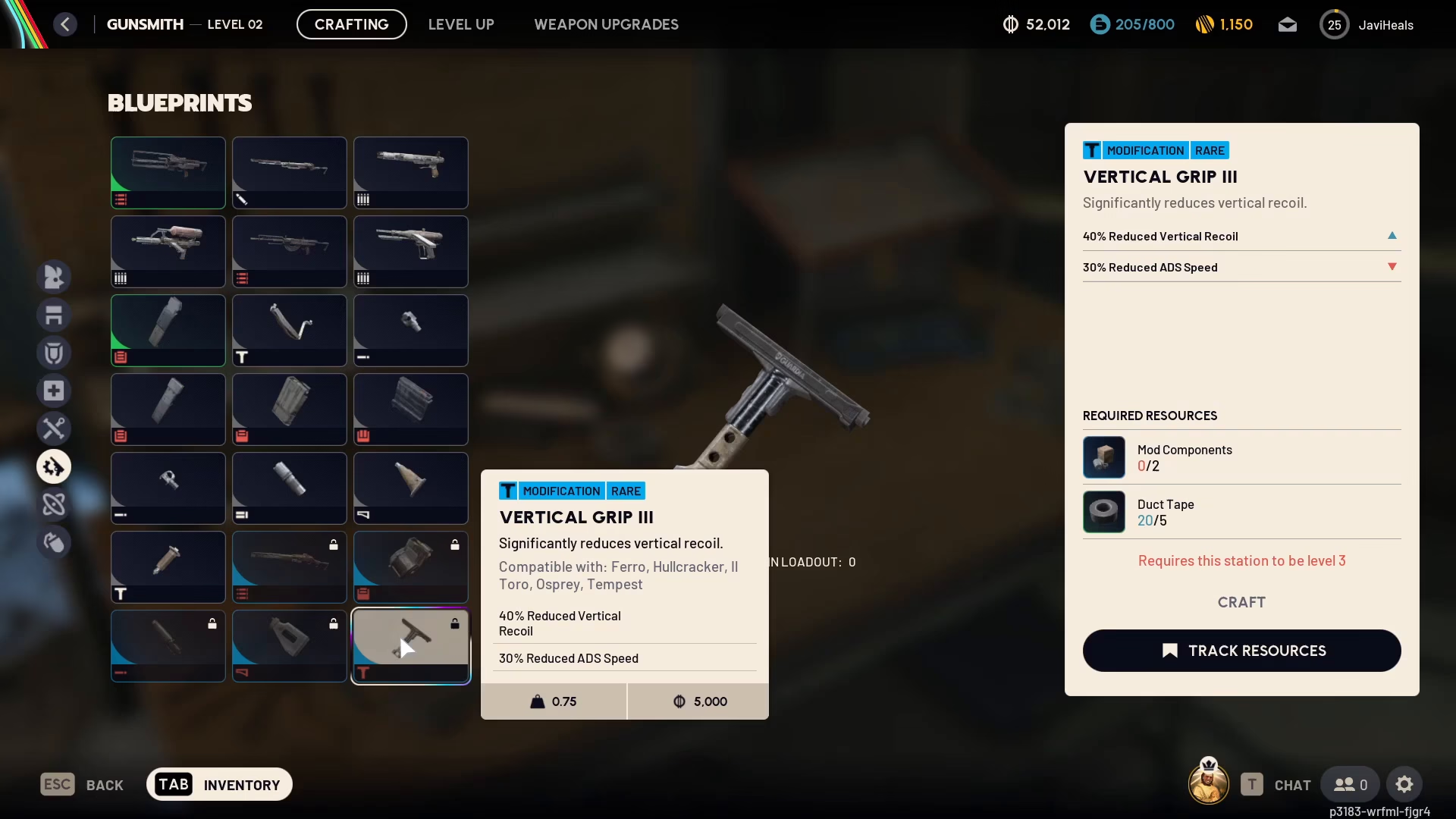
Crafting Your Blueprint
Once you’ve navigated to the correct workshop, you’ll see your learned blueprint available for crafting. On the right side of the screen, you’ll see all the materials required to craft that item.
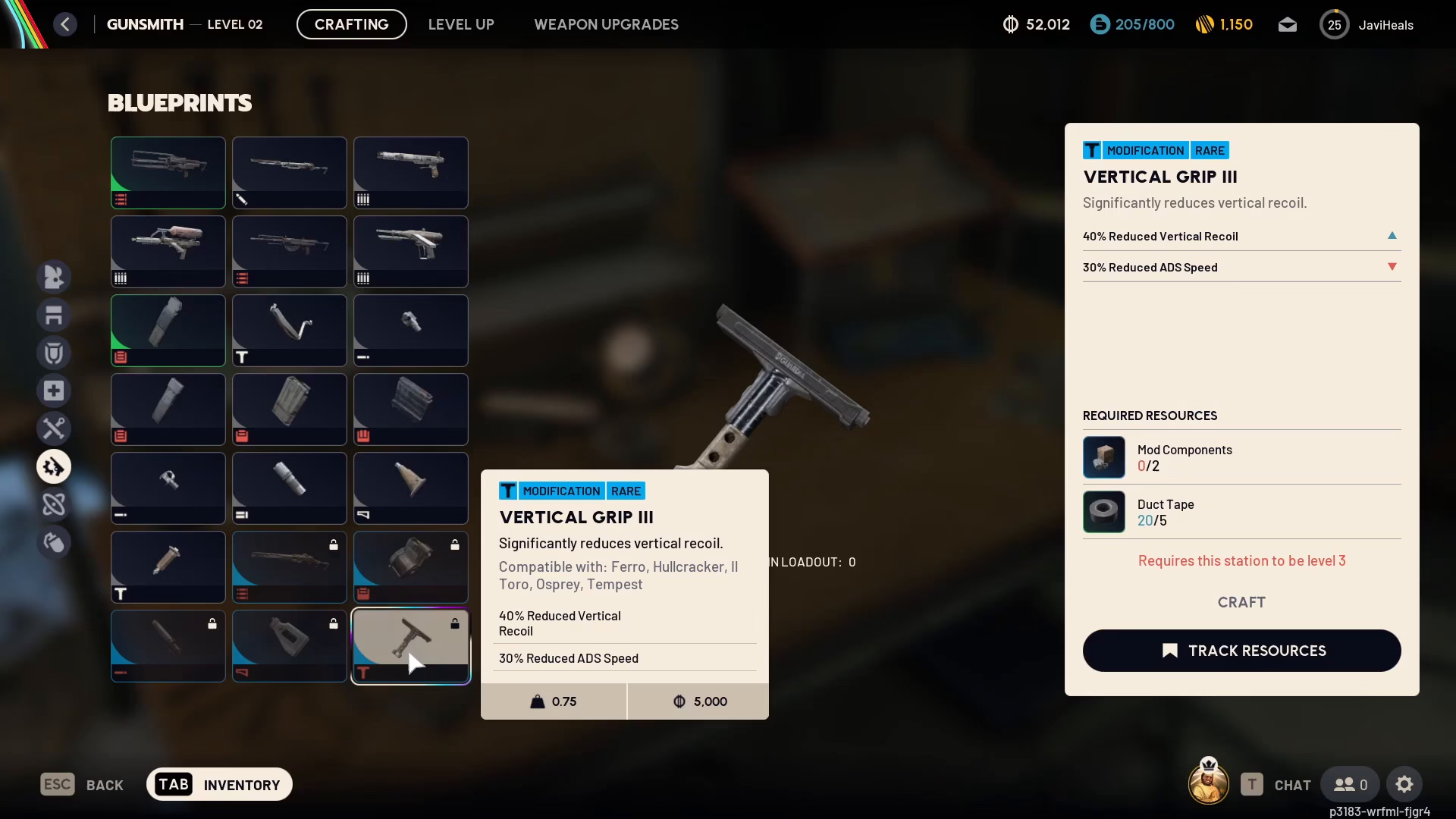
Gather the necessary materials and you’re ready to craft your blueprint item.
Summary
Using blueprints in ARC Raiders is straightforward: obtain a blueprint, right-click it to learn it, navigate to the corresponding workshop (Gunsmith, Gear Bench, Medical Lab, or Utility Station), and craft it with the required materials. Now you’re ready to create custom gear and enhance your arsenal in ARC Raiders!
Want to Support?
If you would like to help us continue making these guides – please consider joining our patreon here – https://www.patreon.com/c/JaviHeals
Alternatively – you can join our discord here – https://discord.gg/zD7Gjt6MHF

