





How to Equip Armour in Valheim
How to Equip Armour in Valheim
One of the first things you’ll notice when starting your adventure in Valheim is that the game doesn’t feature traditional character slots. This can be confusing for new players wondering how to equip their hard-earned armour. Fortunately, the process is straightforward once you know where to look. This guide will walk you through everything you need to know about equipping armour, gear, and tools in Valheim.
Opening Your Inventory
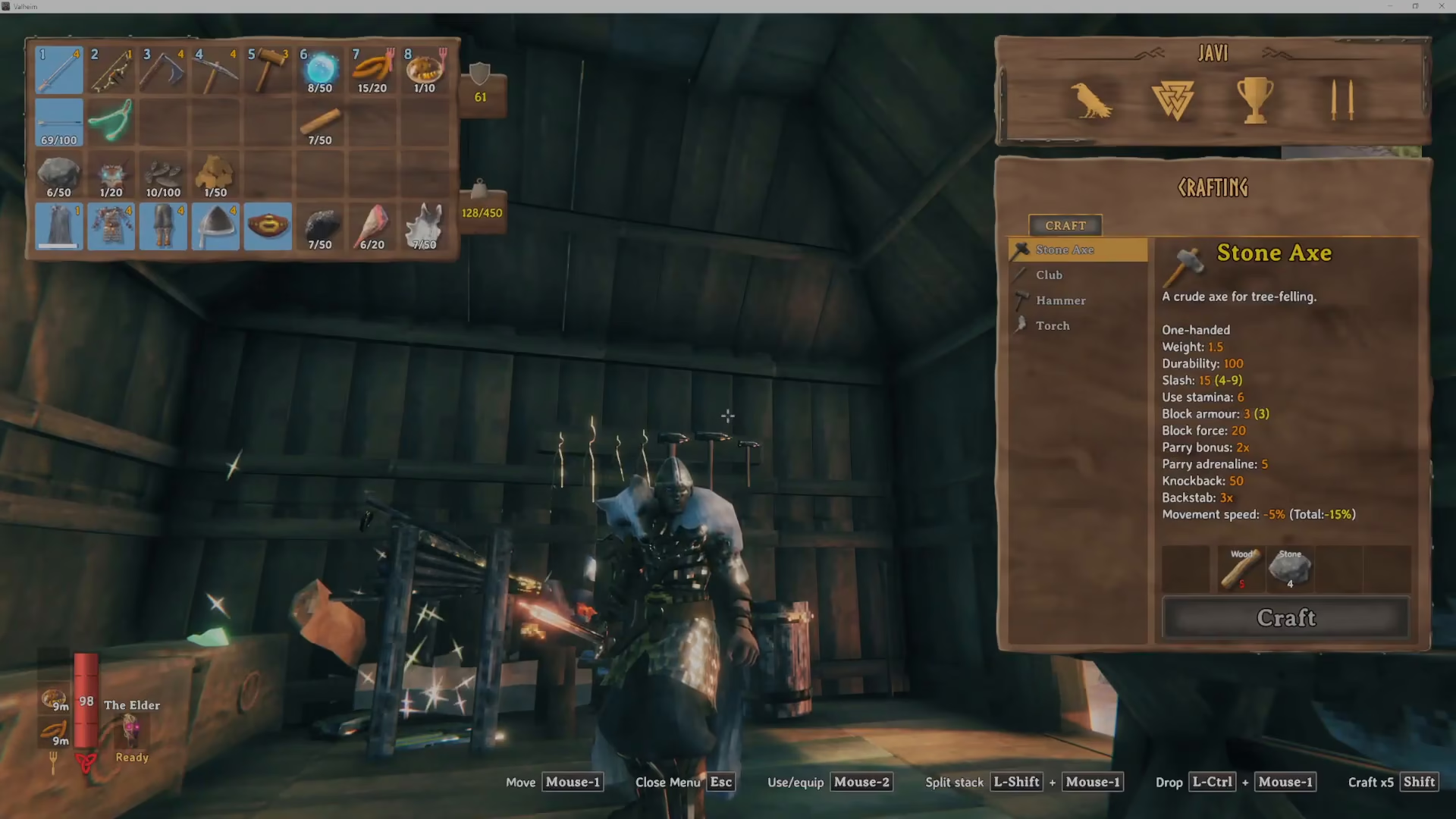
To begin equipping armour in Valheim, you’ll need to access your Inventory. Once you open it, you’ll see all the armour pieces you currently have available to equip.
How to Equip Armour
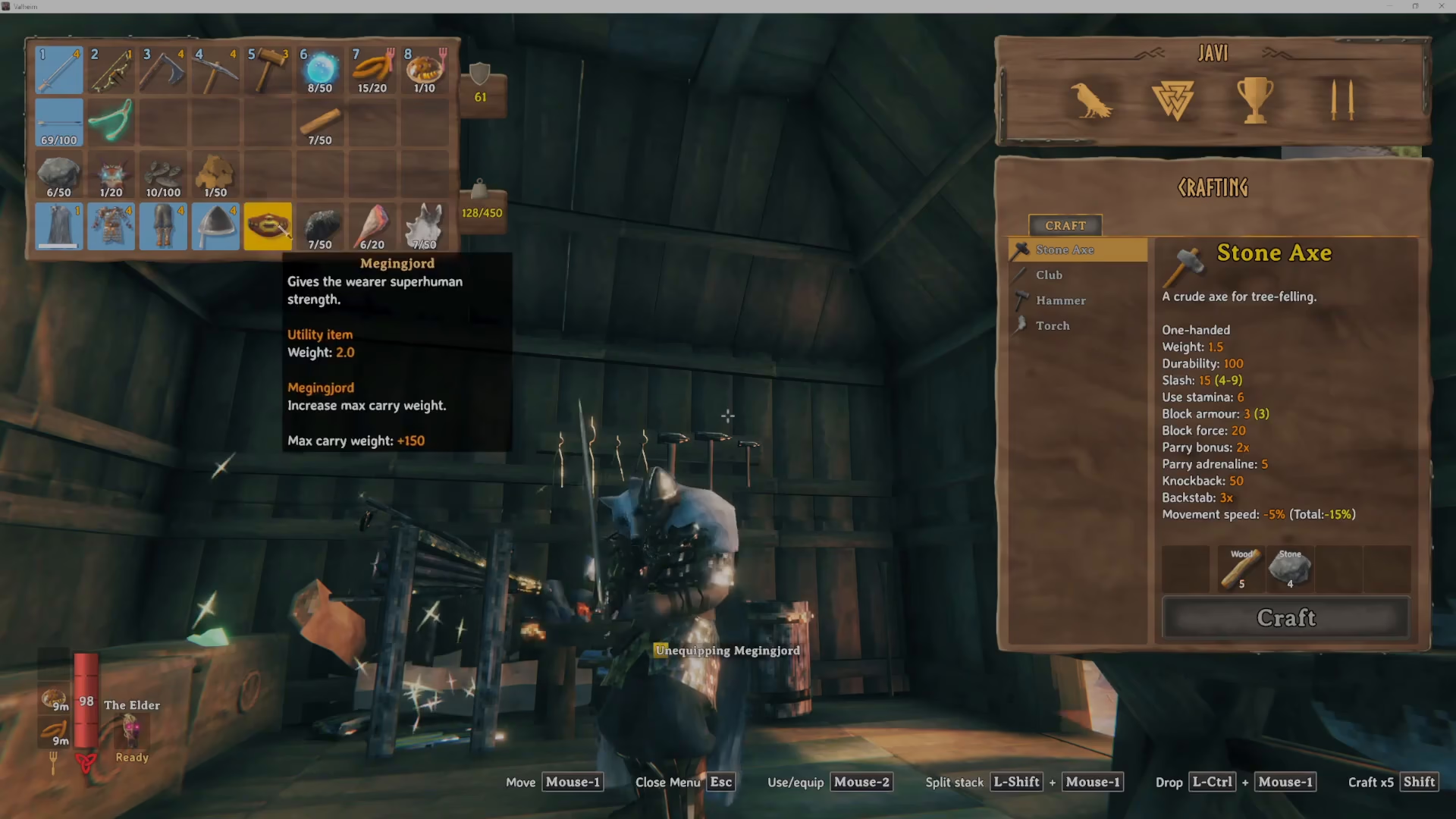
The process of equipping armour is simple and intuitive. To equip any armour piece, simply right-click on it in your inventory. When you do this, the game will display an “equipping” message, confirming the action. Once an item is successfully equipped, it will appear highlighted in blue in your inventory, making it easy to see what you’re currently wearing at a glance.
Available Equipment Slots
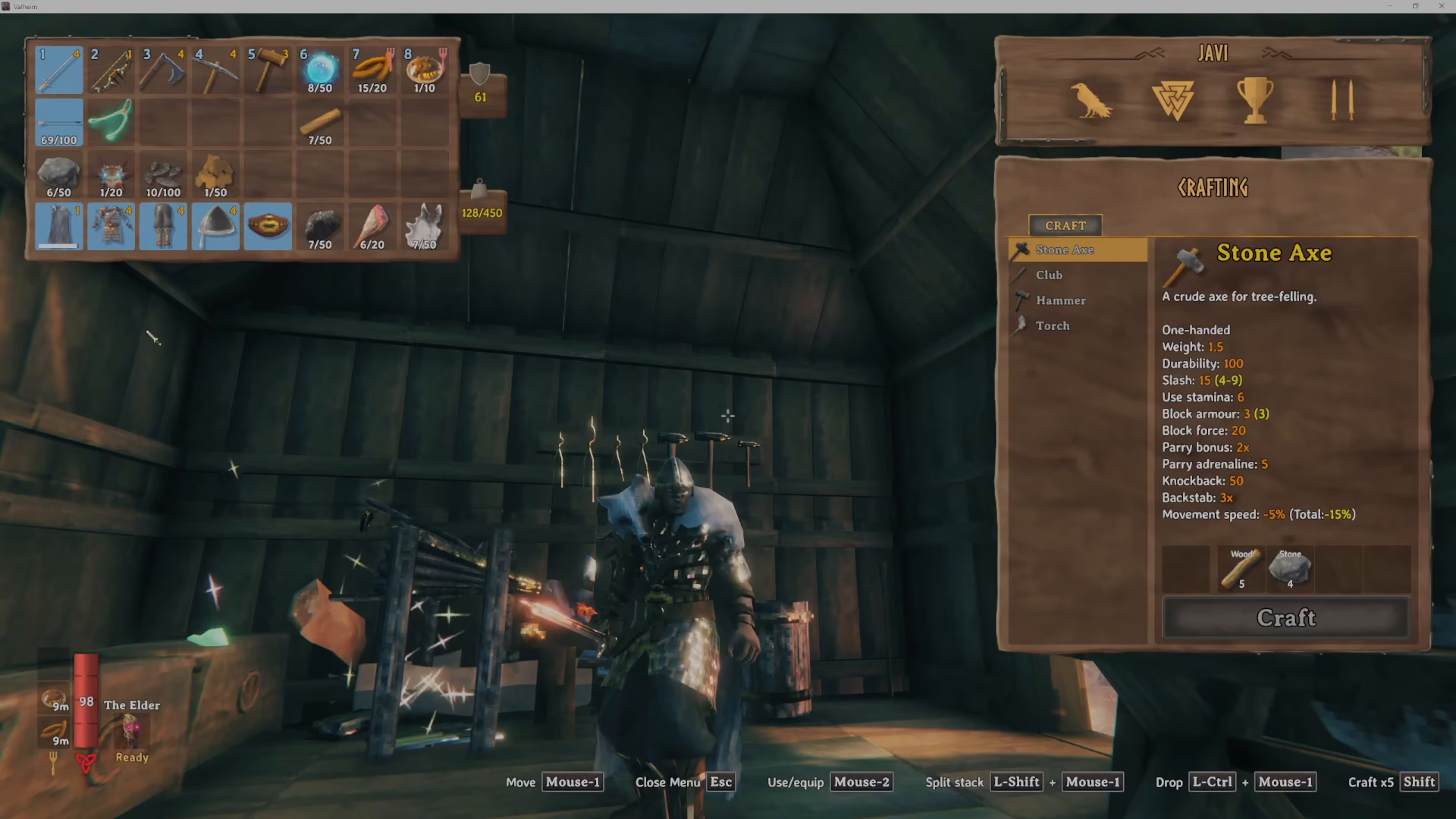
Valheim features multiple equipment slots to customize your character. Here’s a breakdown of all the slots available:
Armour Slots
Cape — A cosmetic and functional slot for capes
Chest — Your main body armour
Legs — Leg protection and armour
Helmet — Head protection
Utility and Tool Slots
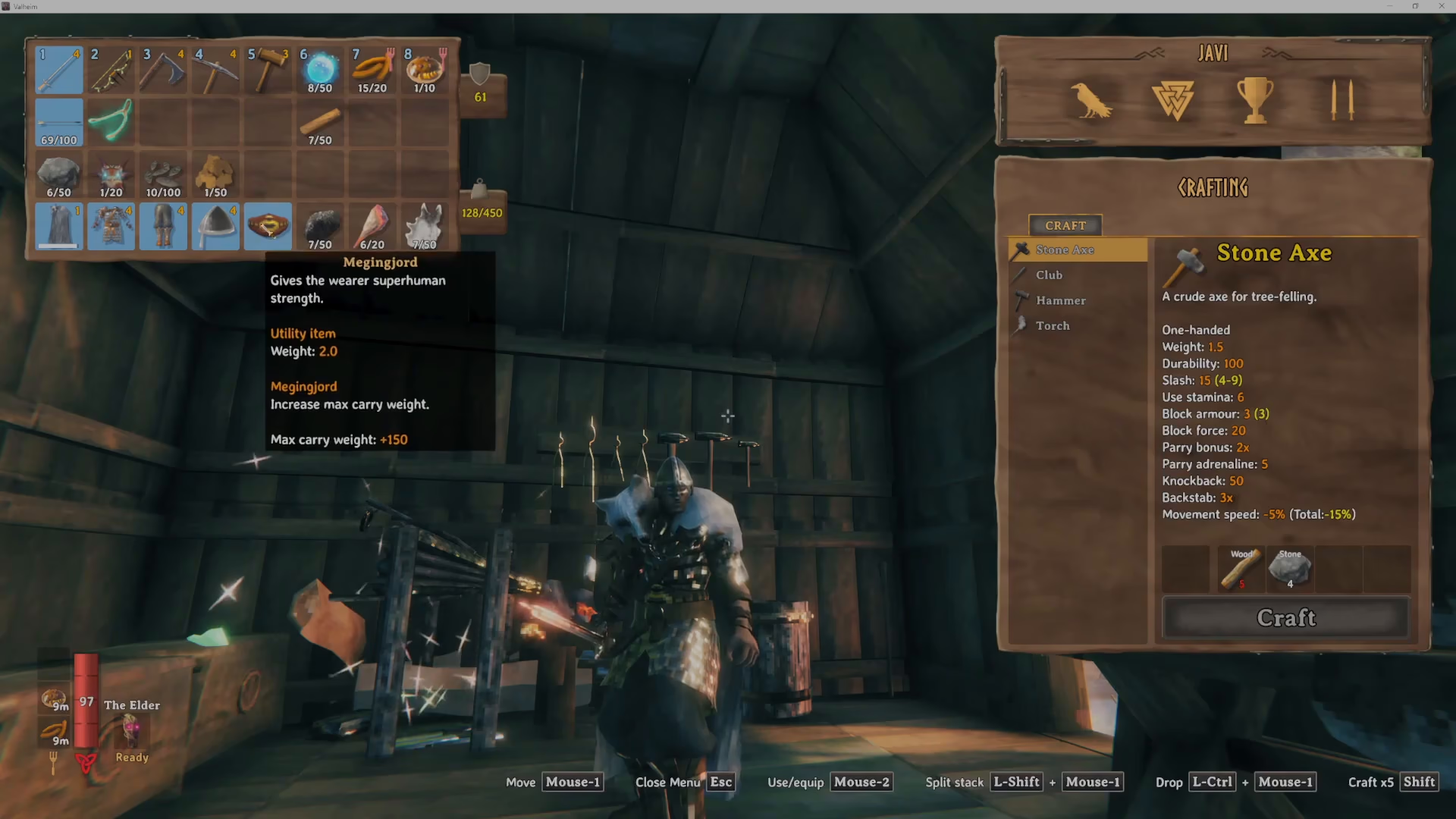
Utility Item Slot — Equip special items that provide bonuses. For example, the Megingjord (a trader item) significantly increases your carry weight capacity, allowing you to transport more resources.
Arrows — You can equip one type of arrow at a time for your ranged attacks
Main Hand Tool/Weapon — The primary tool or weapon you’ll hold in your hand
Offhand Torch — You can equip a torch in your offhand for additional light when needed
Summary
Equipping armour and tools in Valheim is a simple right-click process. With multiple slots available for chest, legs, helmet, cape, utility items, arrows, weapons, and torches, you have plenty of customization options to prepare for your adventures. Remember to check your blue-highlighted equipped items in your inventory to confirm what you’re currently wearing. Now that you know how to equip gear, you’re ready to face whatever challenges Valheim throws your way!
Want to Support?
If you would like to help us continue making these guides – please consider joining our patreon here – https://www.patreon.com/c/JaviHeals
Alternatively – you can join our discord here – https://discord.gg/zD7Gjt6MHF



