How to aim and modify a gun in Project Zomboid
How to Aim and Modify a Gun in Project Zomboid
Weapon modification in Project Zomboid is a straightforward process that can significantly improve your combat effectiveness. By adding appropriate attachments and learning proper aiming techniques, you’ll be better prepared to handle threats in the zombie apocalypse. This guide walks you through the essential steps to modify your firearms and aim effectively.
Modifying Your Weapon
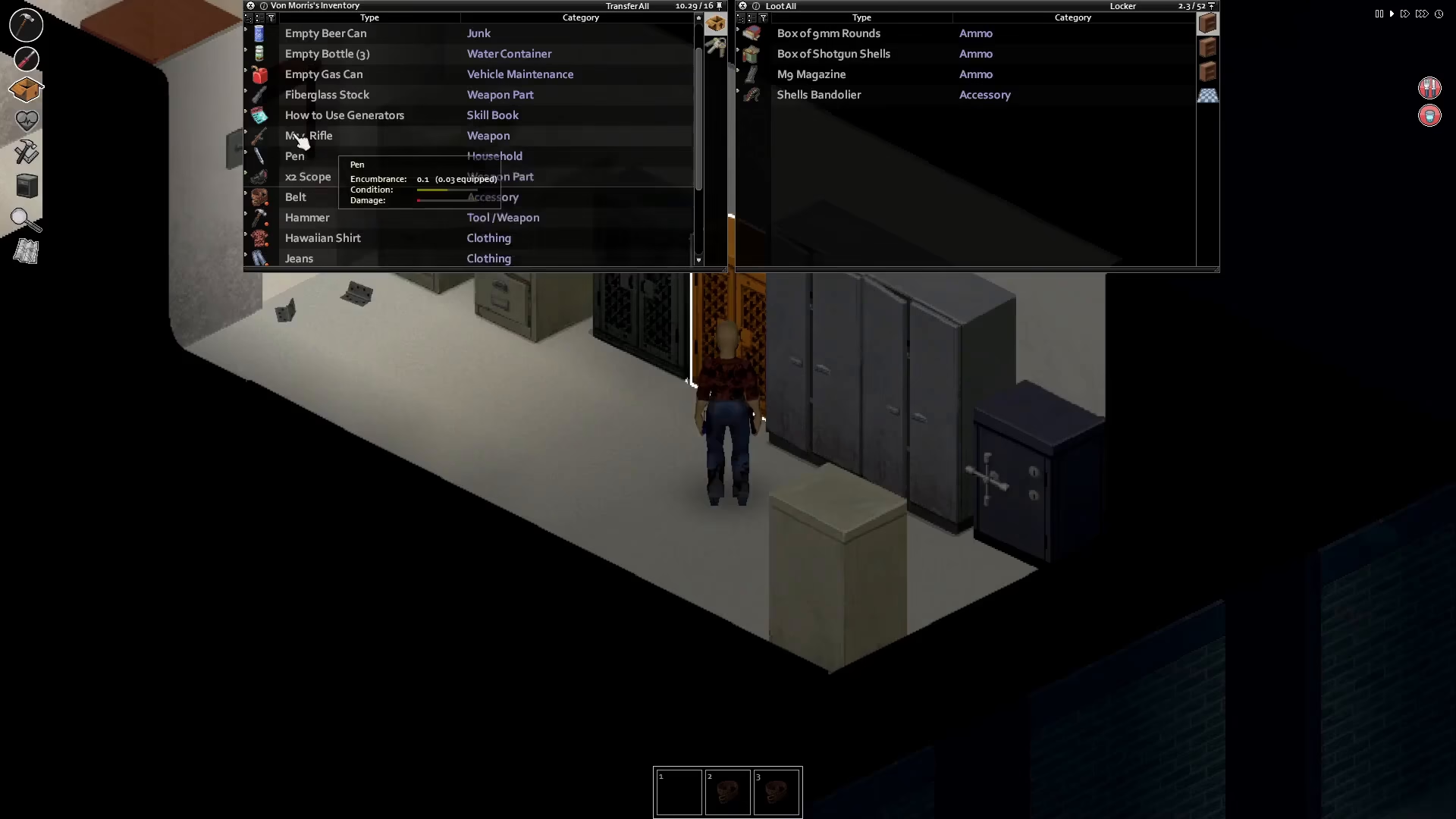
To modify your weapon, you first need to have the appropriate add-on available in your inventory. Common attachments include the 2.5 scope, which is compatible with 5 various rifles. One of the most valuable upgrades is the M14, which serves as an excellent platform for scope attachments.
Once you have your weapon and the desired attachment, simply click on the weapon in your inventory. This will bring up the upgrade option. Select the attachment you want to add—in this case, the scope—and your character will automatically install it onto the gun.
Equipping and Aiming Your Modified Gun
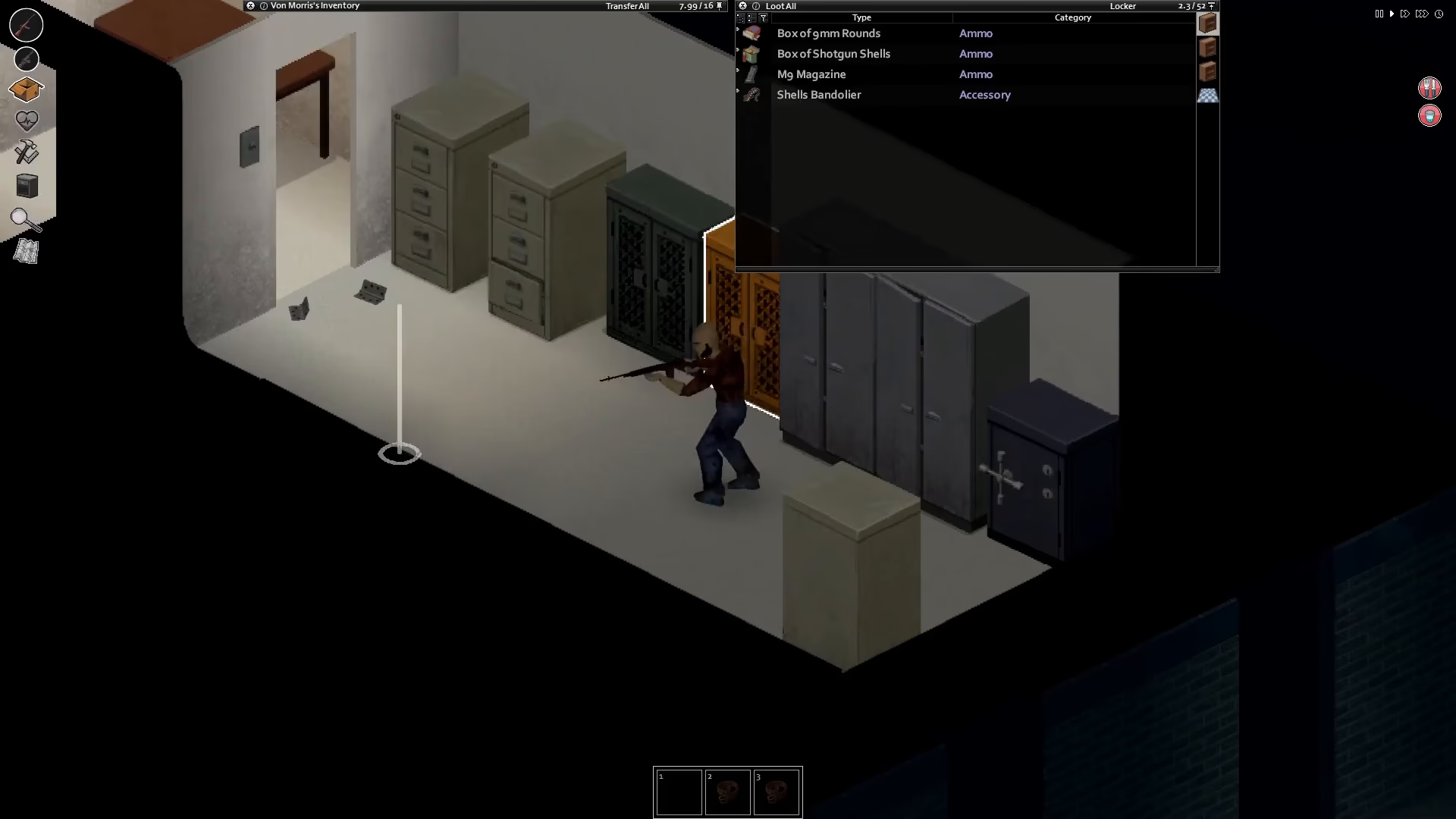
After successfully attaching the scope to your weapon, you can now equip the gun from your inventory. Once equipped, you’re ready to aim.
To aim down the sights of your modified gun, simply right-click. This action will allow you to look through the scope, and you’ll immediately notice a significant improvement in your aiming accuracy. The scope attachment dramatically enhances your targeting capability, making it easier to land precise shots on distant targets.
Summary
Modifying weapons in Project Zomboid is an essential skill for survival. By equipping your rifles with scopes and attachments like the M14, you gain a substantial advantage in combat situations. Remember: click to upgrade, equip your weapon, and right-click to aim. With these techniques mastered, you’ll be a more effective survivor in the game.
— Want to Support? —
If you would like to help us continue making these guides – please consider joining our patreon here – https://www.patreon.com/c/JaviHeals
Alternatively – you can join our discord here – https://discord.gg/zD7Gjt6MHF