




How To Repair Buildings in Valheim
How To Repair Buildings in Valheim
After your base in Valheim has been attacked by demonic entities, you’ll likely notice damage to your buildings. Fortunately, the repair process is straightforward once you know where to look. This guide walks you through the simple steps to get your structures back in perfect condition.
Accessing the Repair Function
To begin repairing your buildings, equip your hammer as you normally would for building. Once you have it equipped, right-click to open your build menu.
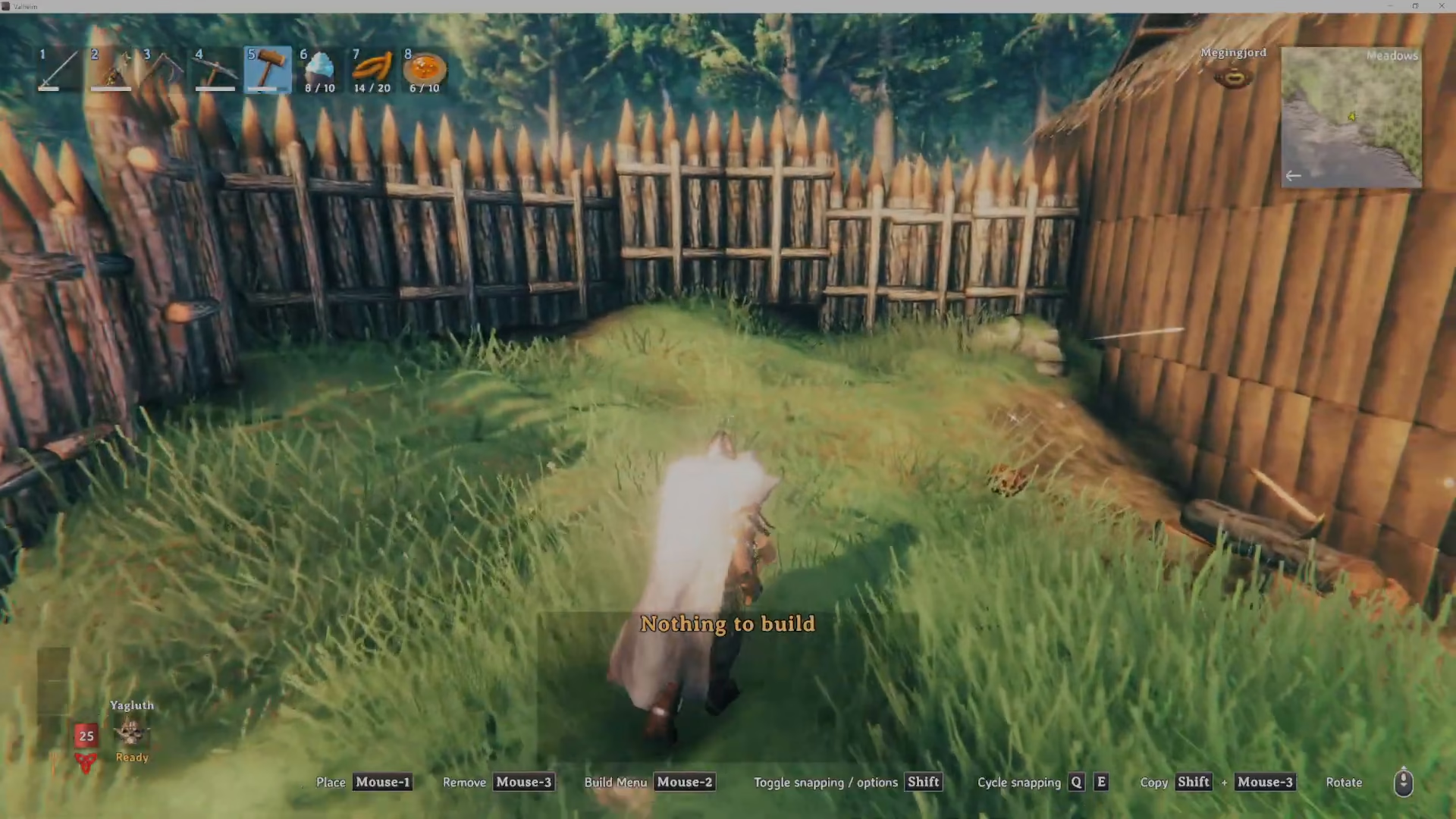
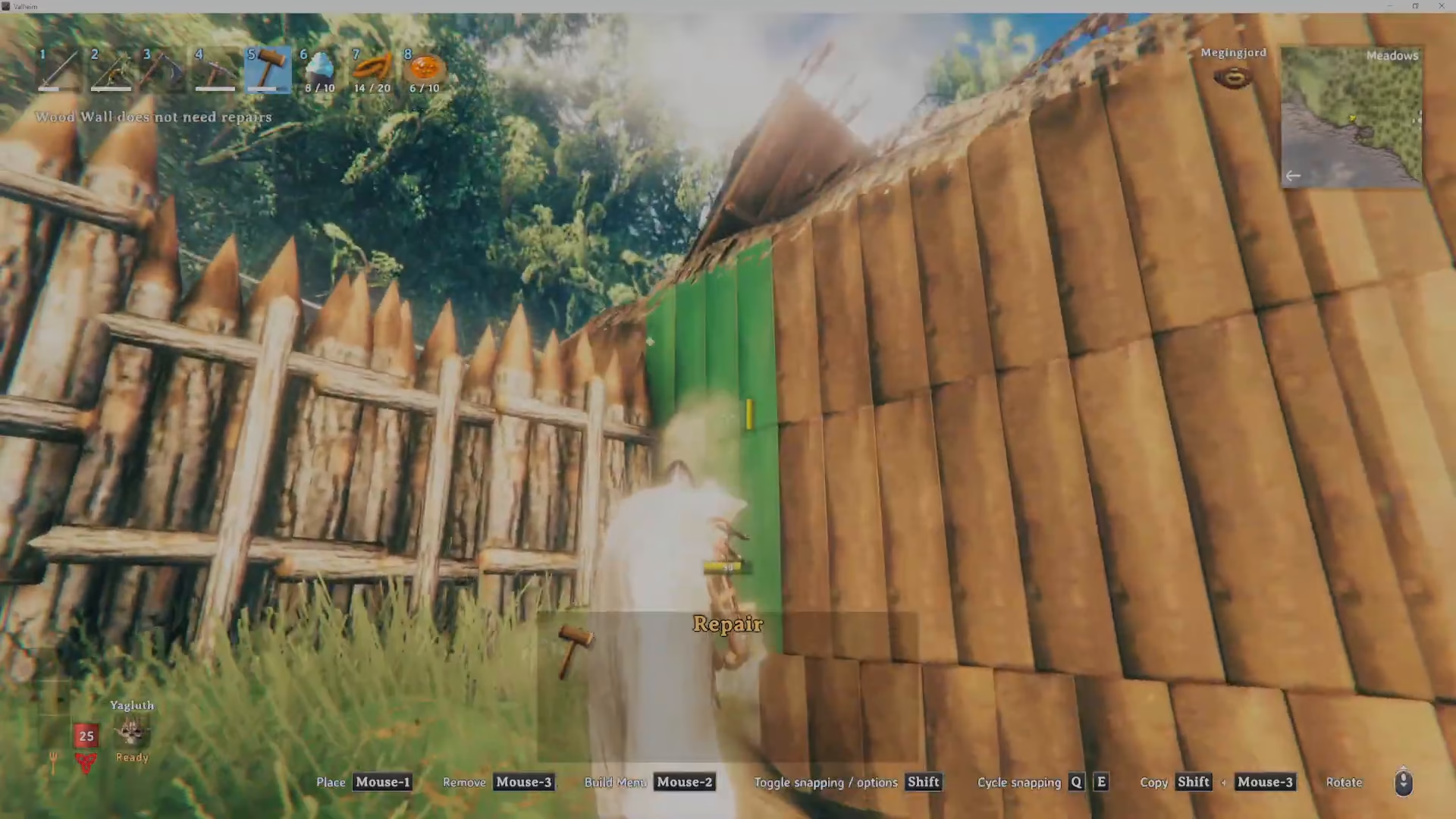
Look at the left side of your build menu. You’ll see a hammer icon—this is your repair tool. While it may seem like an obvious feature, many players miss it at first glance, which is why the repair mechanic can feel “deceptively simple.”
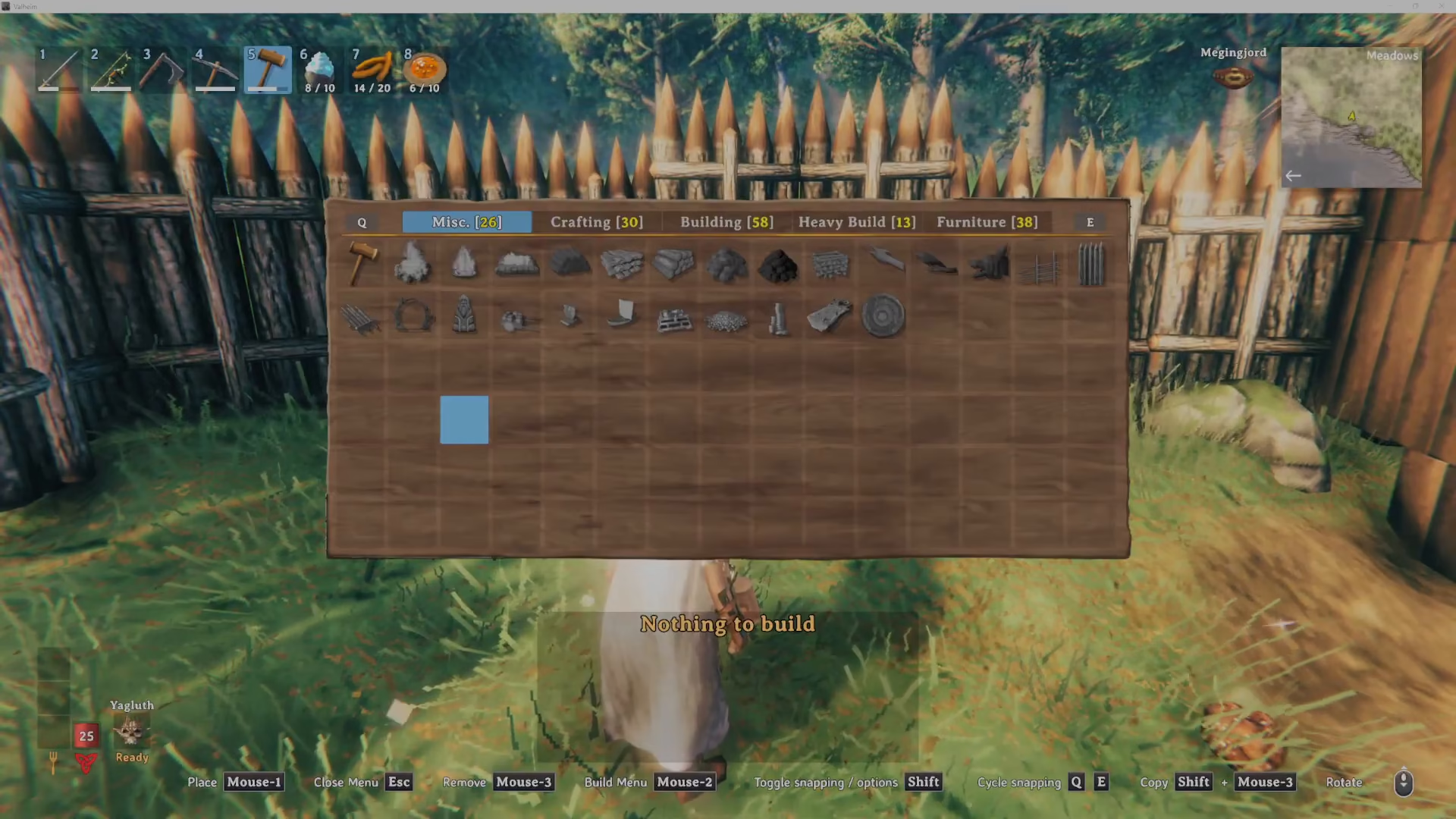
Repairing Your Structures
Hover over or click the hammer icon to activate repair mode. Once active, look at your buildings and left-click on any damaged structures you want to fix.
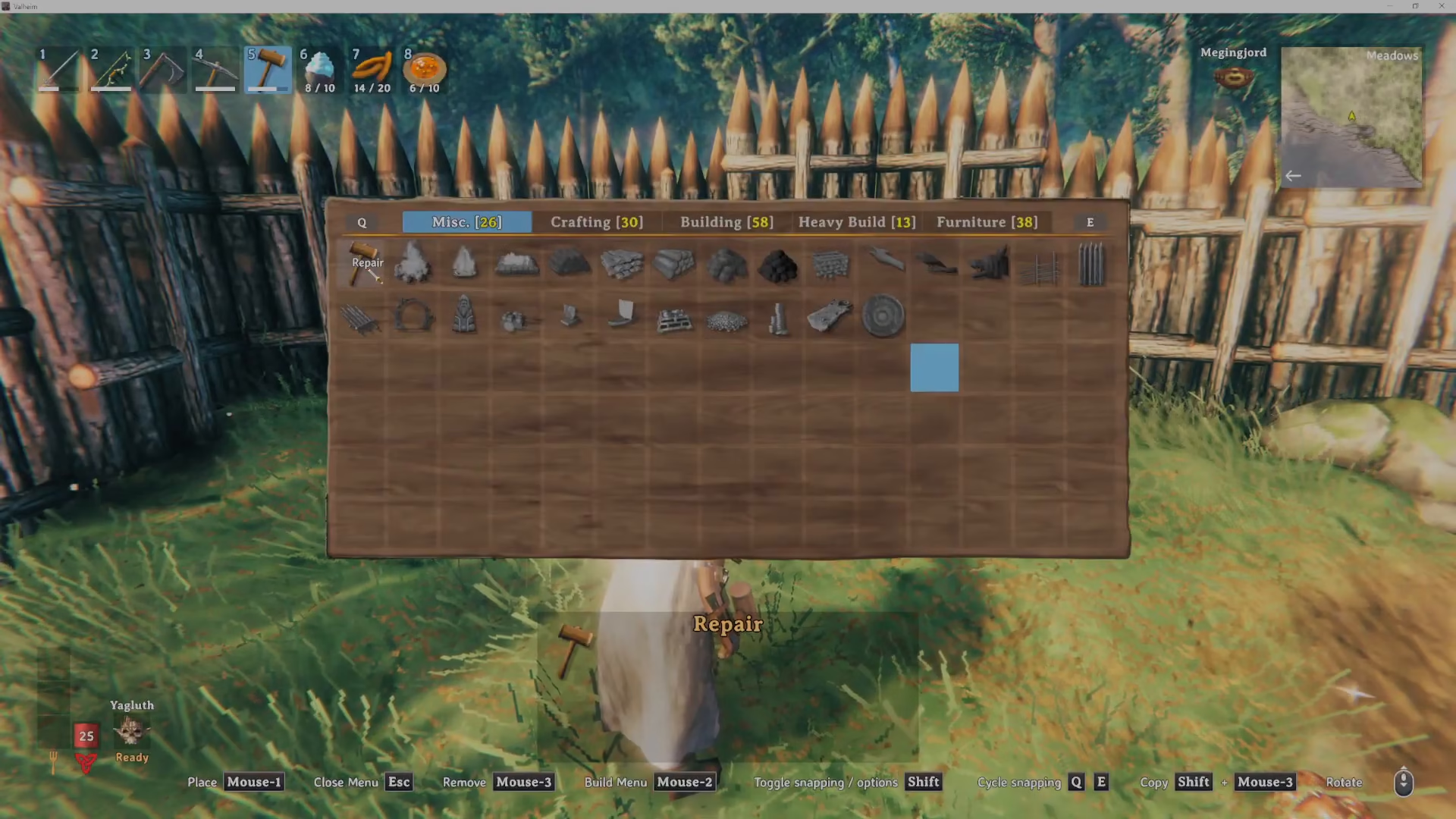
The game will display helpful feedback on the top left of your screen. If a structure doesn’t need repairs, it will indicate this status. When a structure does require repair, you’ll see the repair option available. The item will display in green when it’s eligible for repair.
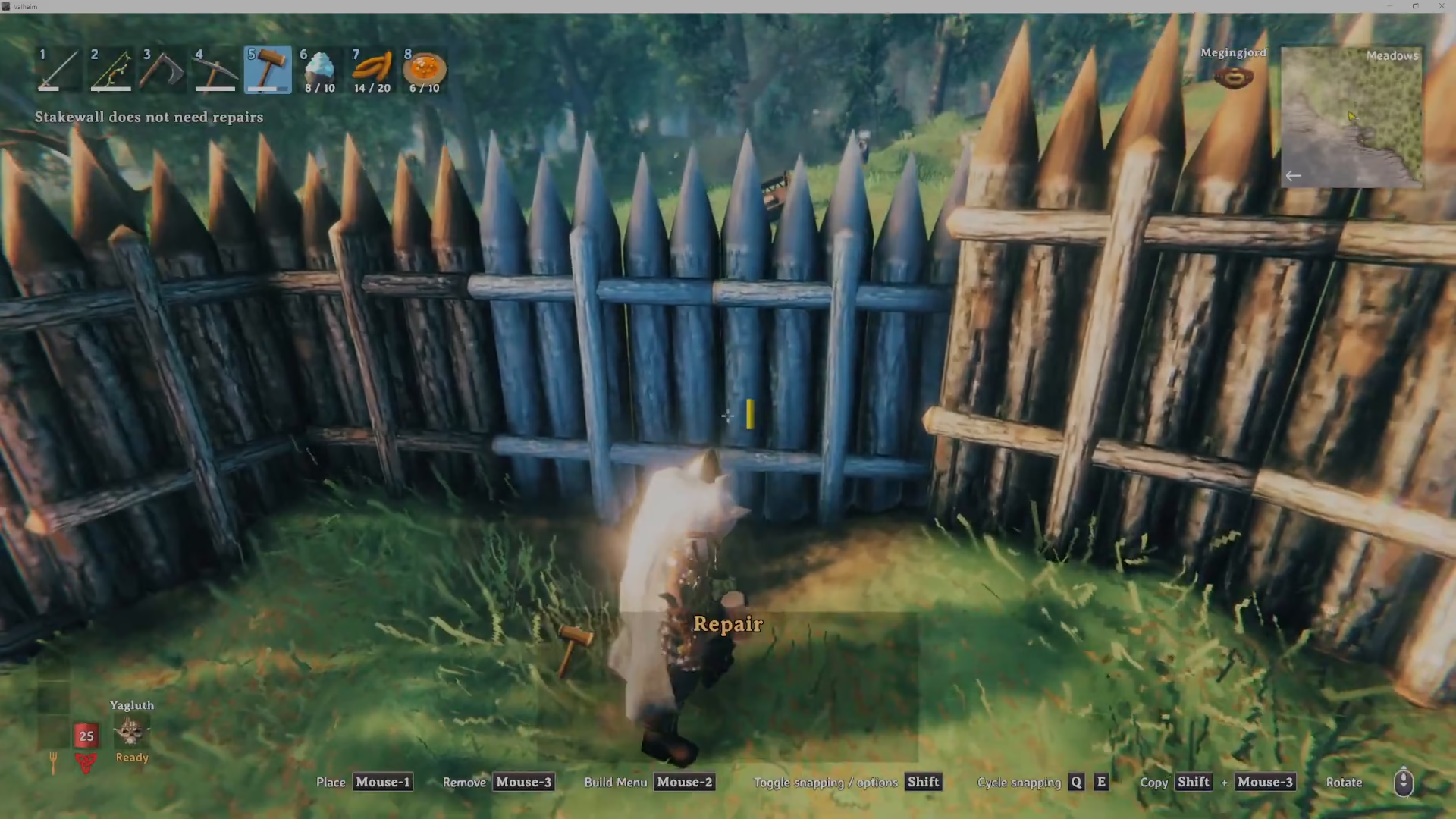
Simply continue left-clicking on each damaged building piece. The hammer will automatically repair them as you work through your base. Each successful repair is quick and satisfying.
Summary
Repairing buildings in Valheim is one of the easiest mechanics in the game once you know the trick. Equip your hammer, right-click to open the build menu, click the hammer icon for repair mode, and then left-click on damaged structures. That’s all there is to it! Keep your base maintained and ready for the next demonic attack.
— Want to Support? —
If you would like to help us continue making these guides – please consider joining our patreon here – https://www.patreon.com/c/JaviHeals
Alternatively – you can join our discord here – https://discord.gg/zD7Gjt6MHF