





How to Change Appearance In Onimusha Way of the Sword
How to Change Appearance in Onimusha Way of the Sword
Customizing your character’s appearance is an important part of personalizing your experience in Onimusha Way of the Sword. This guide will walk you through the simple steps needed to change your character’s outfit, including your sword, how coat, and clothing options. By following these instructions, you’ll be able to access the appearance menu and select your preferred look in just a few moments.
Accessing the Appearance Menu
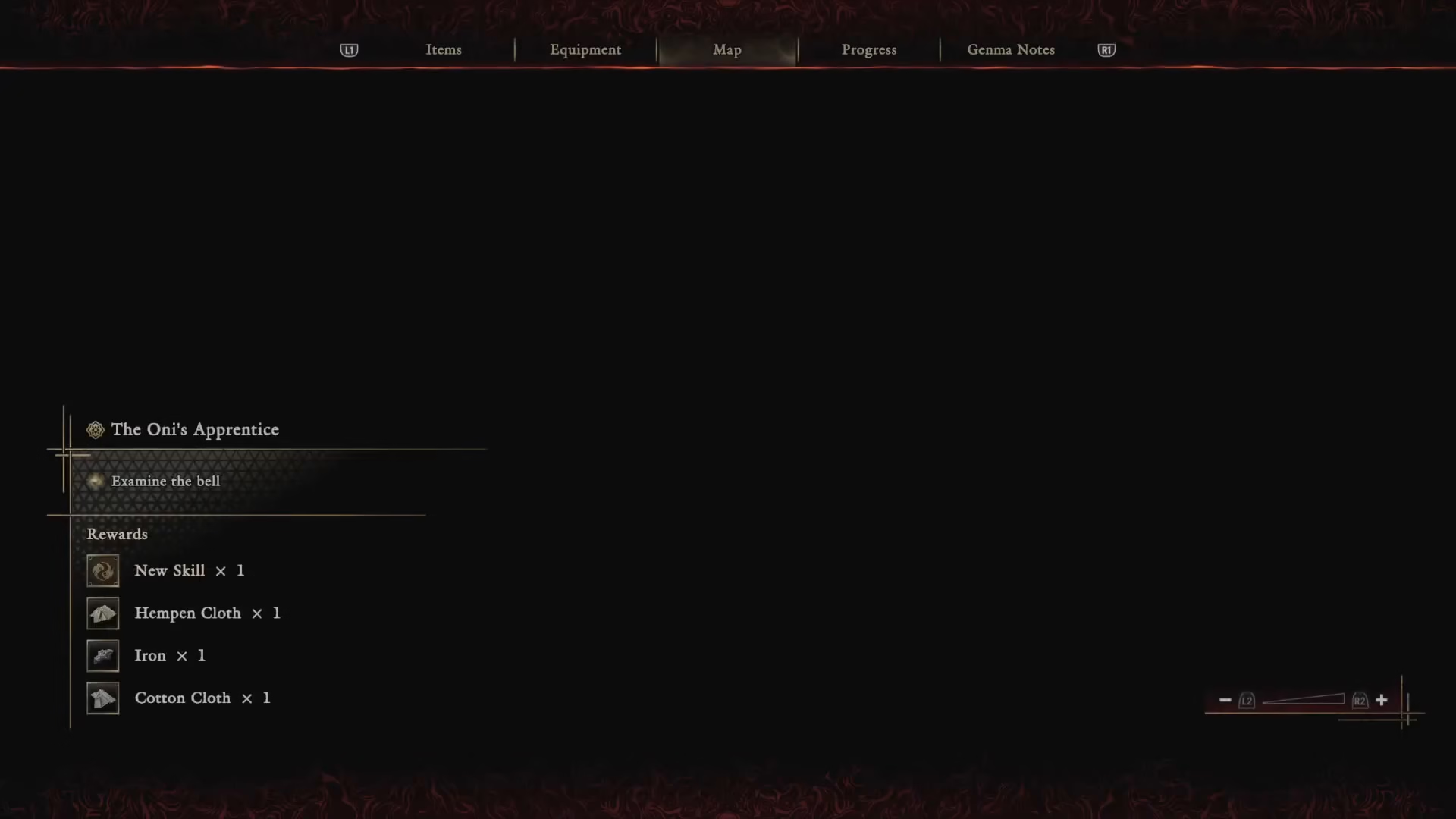
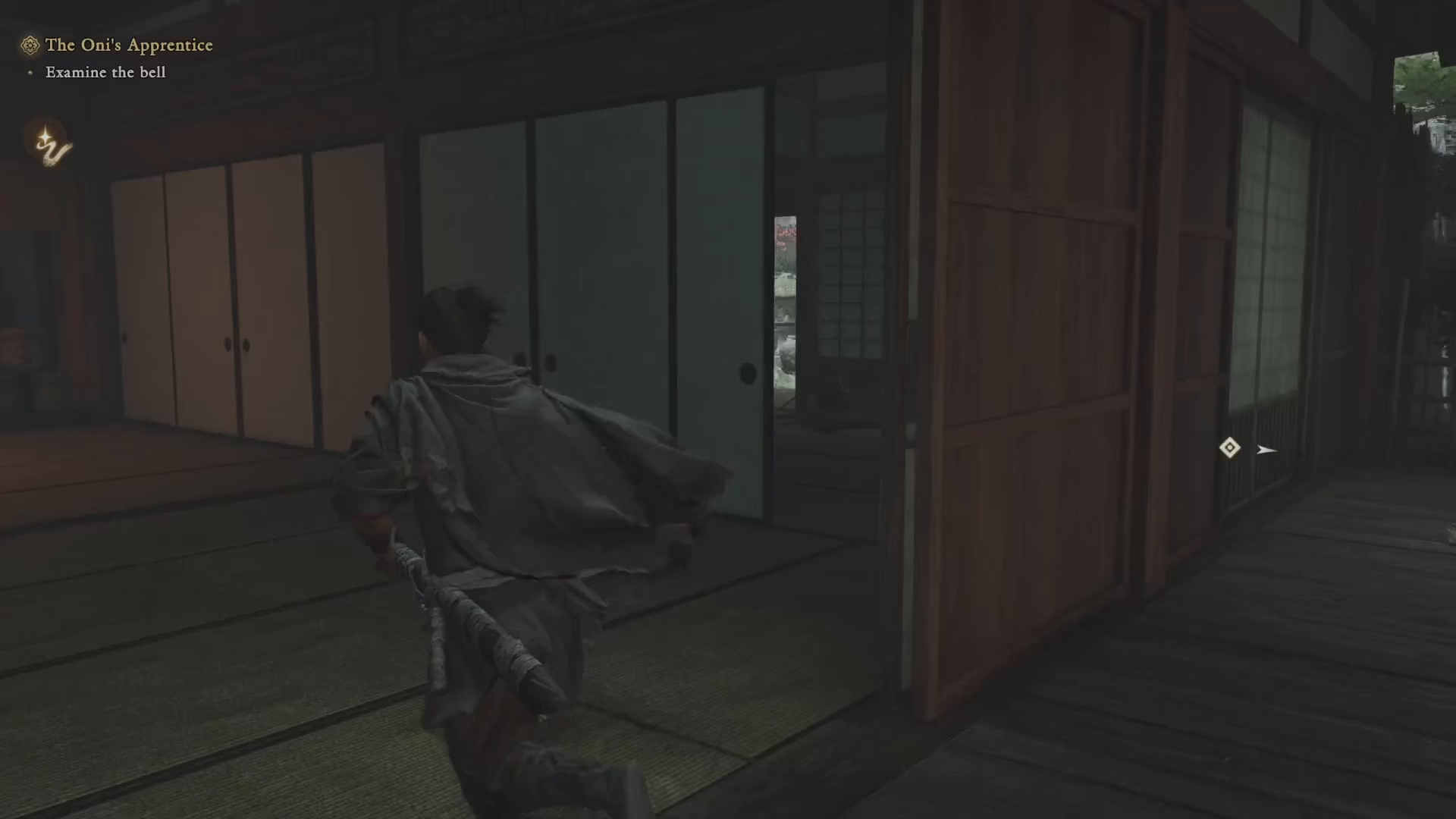
To begin changing your appearance, you first need to complete the Kiyomizu stage quest. Once you’ve finished this stage, head back to Takamura’s place.
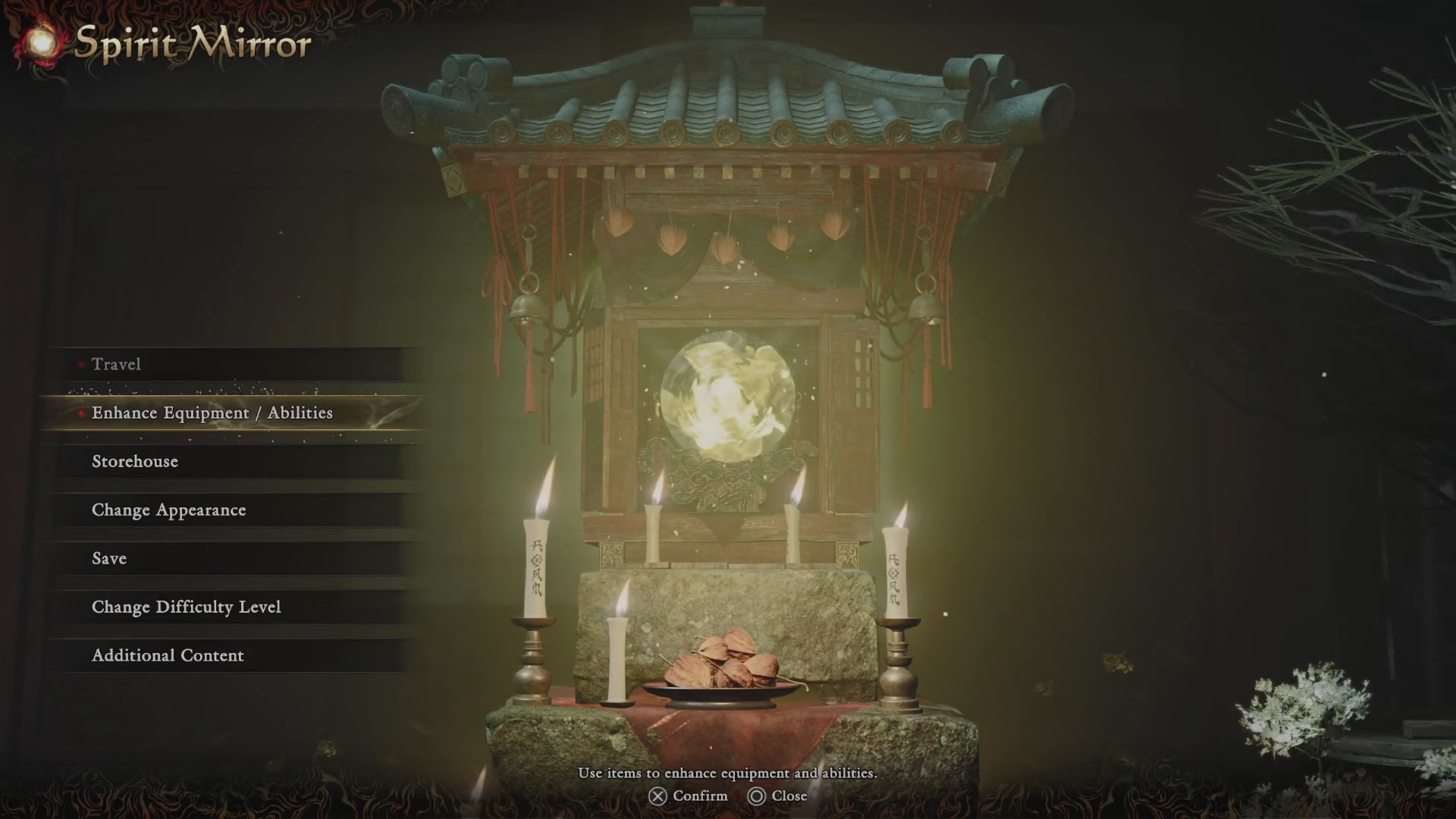
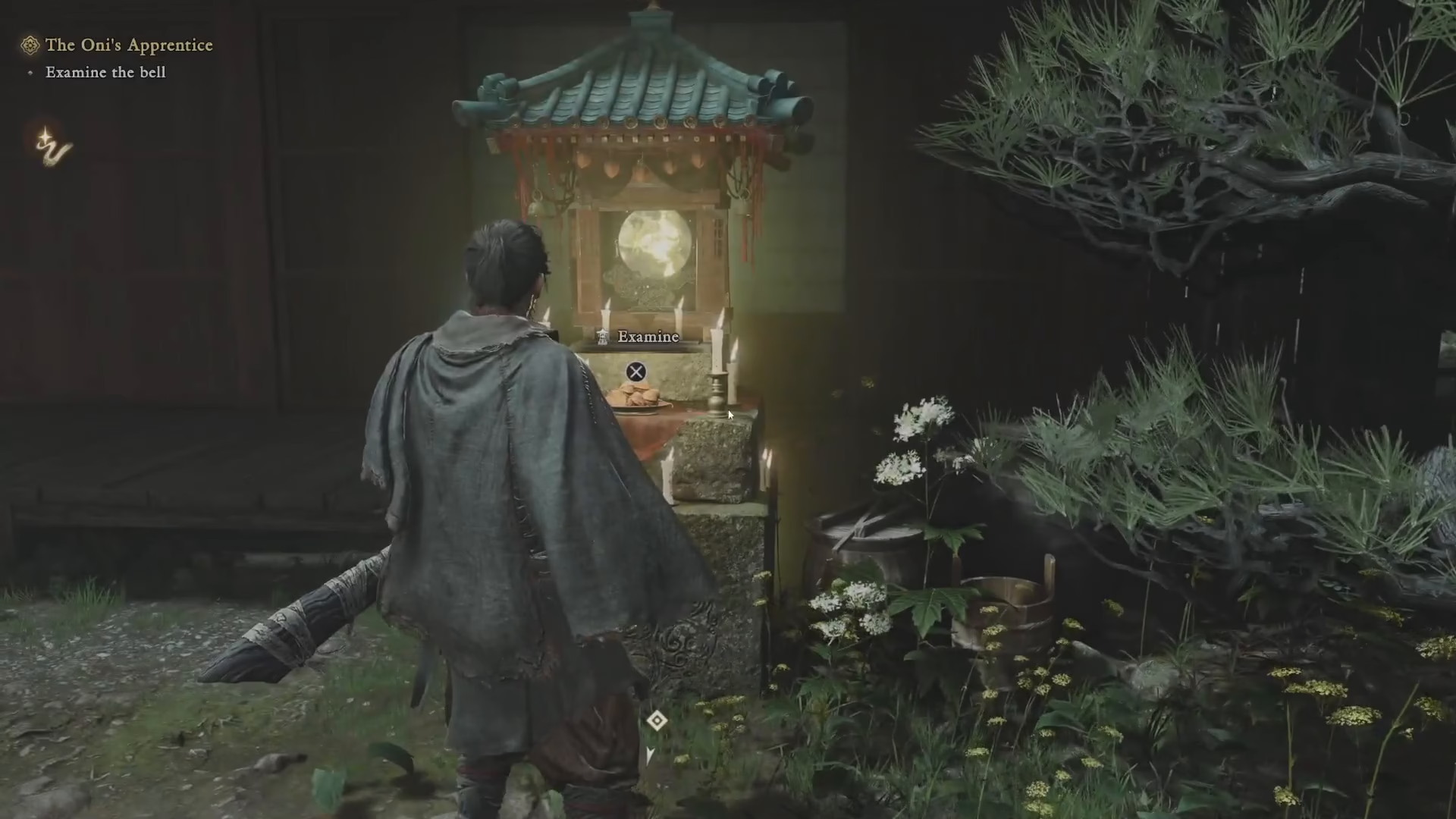
Upon arrival at Takamura’s location, look for the spirit mirror. Interact with this mirror to access the appearance customization menu. This will prompt a selection screen showing you the “change appearance” option.
Customizing Your Character
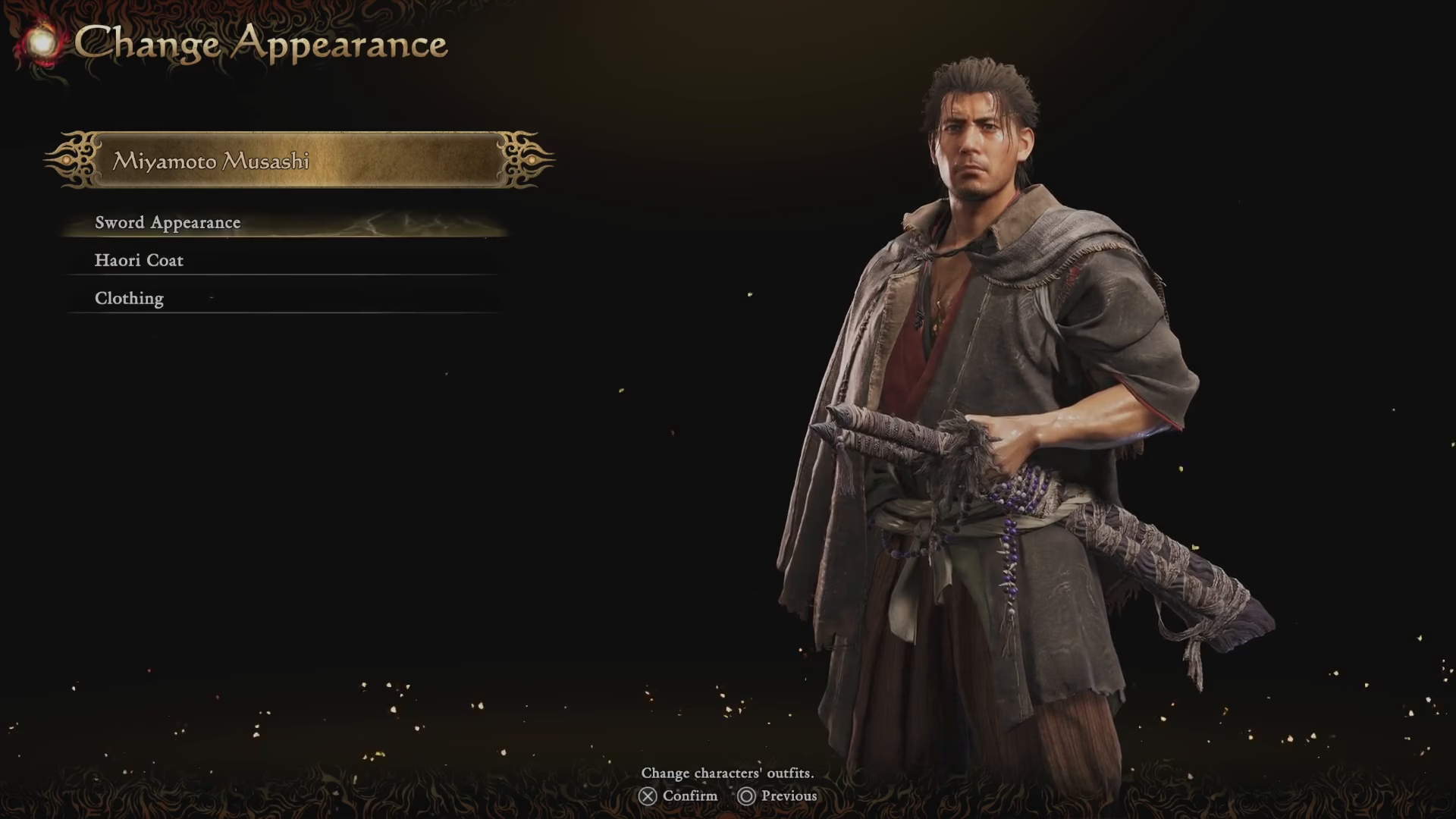
Once you’ve selected the change appearance option, you’ll be presented with several customization choices. You can modify:
Your sword
Your how coat
Your clothing
Browse through the available options for each category and select the appearance that best suits your preference.
Applying Your Changes
After you’ve made your selections, simply navigate back and select the “apply” option to confirm your new appearance. Your character will now display the customized look you’ve chosen.
Summary
Changing your appearance in Onimusha Way of the Sword is straightforward: complete the Kiyomizu stage, return to Takamura’s place, interact with the spirit mirror, select your preferred sword, how coat, and clothing options, then apply your changes. With these simple steps, you can personalize your character exactly how you want them to look.
Want to Support?
If you would like to help us continue making these guides – please consider joining our patreon here – https://www.patreon.com/c/JaviHeals
Alternatively – you can join our discord here – https://discord.gg/zD7Gjt6MHF



