




How to Change Car Color in CyberPunk 2077
How to Change Car Color in Cyberpunk 2077
Want to customize your vehicle’s appearance in Cyberpunk 2077? Changing your car’s color is a quick and easy process that works on both PC and consoles. This guide will walk you through the simple steps to personalize your ride with custom color schemes and lighting options.
Accessing the Color Customization Menu
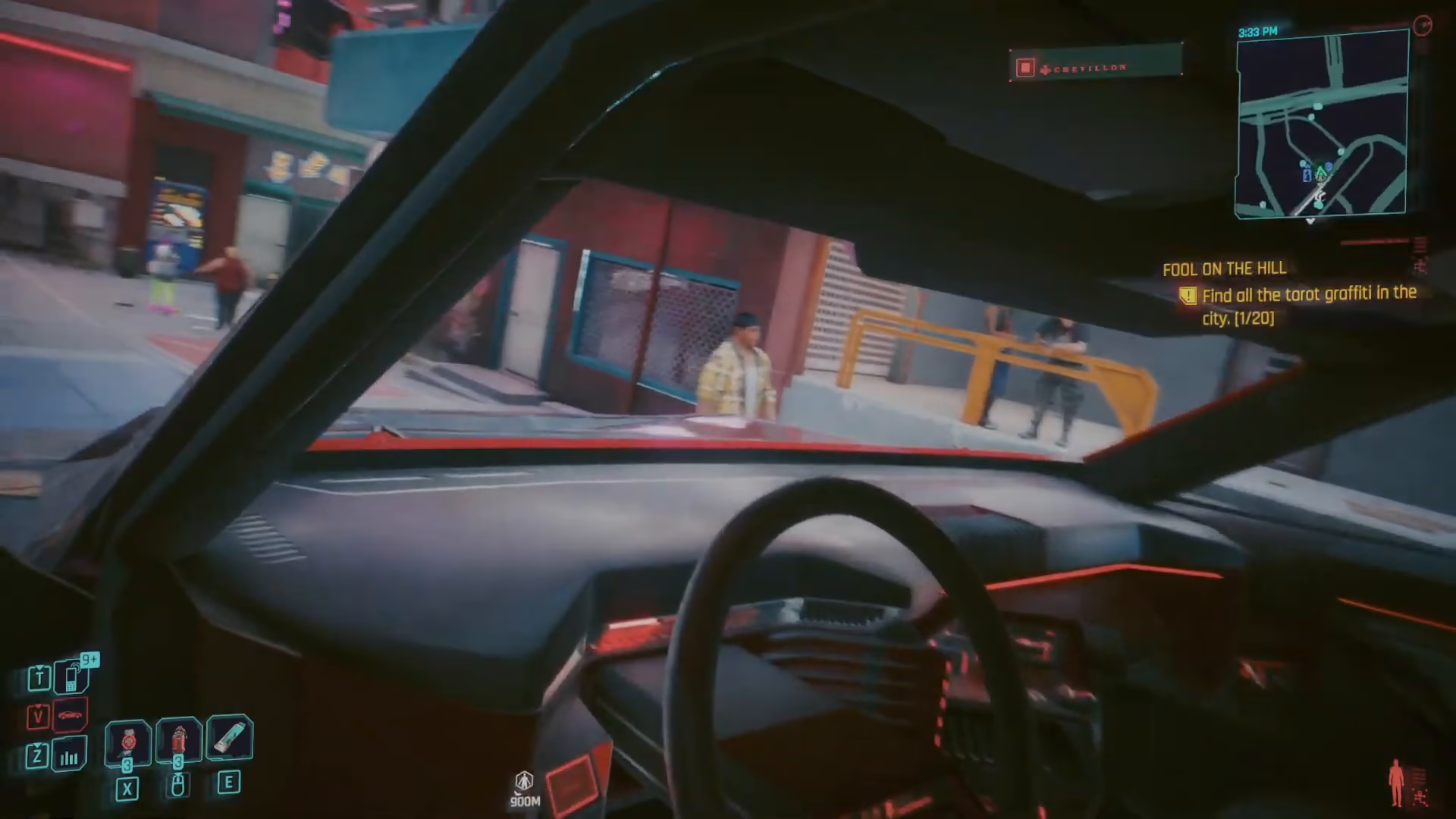
To begin customizing your car’s color, first enter the vehicle you want to modify. Once you’re inside, look to the left-hand side of your controller or keyboard.
On PC, hold down the Y button to bring up the color wheel menu. A beautiful color customization interface will appear, giving you full control over your vehicle’s appearance.
Customizing Car Colors and Lighting
The color wheel menu offers two primary customization options:
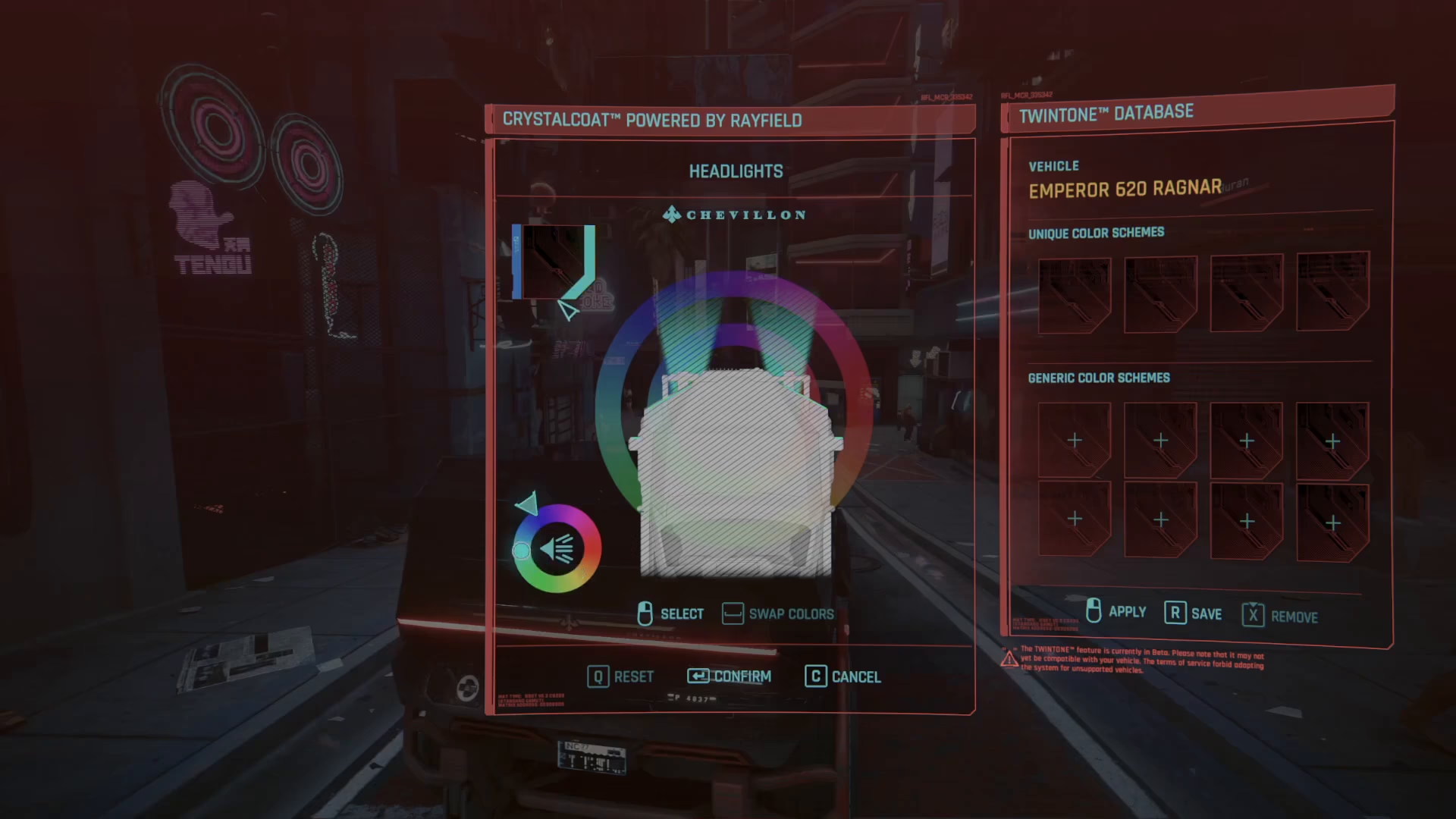
Lighting Colors
You can change the color of the lights on your car. This affects the literal color of the vehicle’s lighting elements, allowing you to match or contrast with your car’s body color.
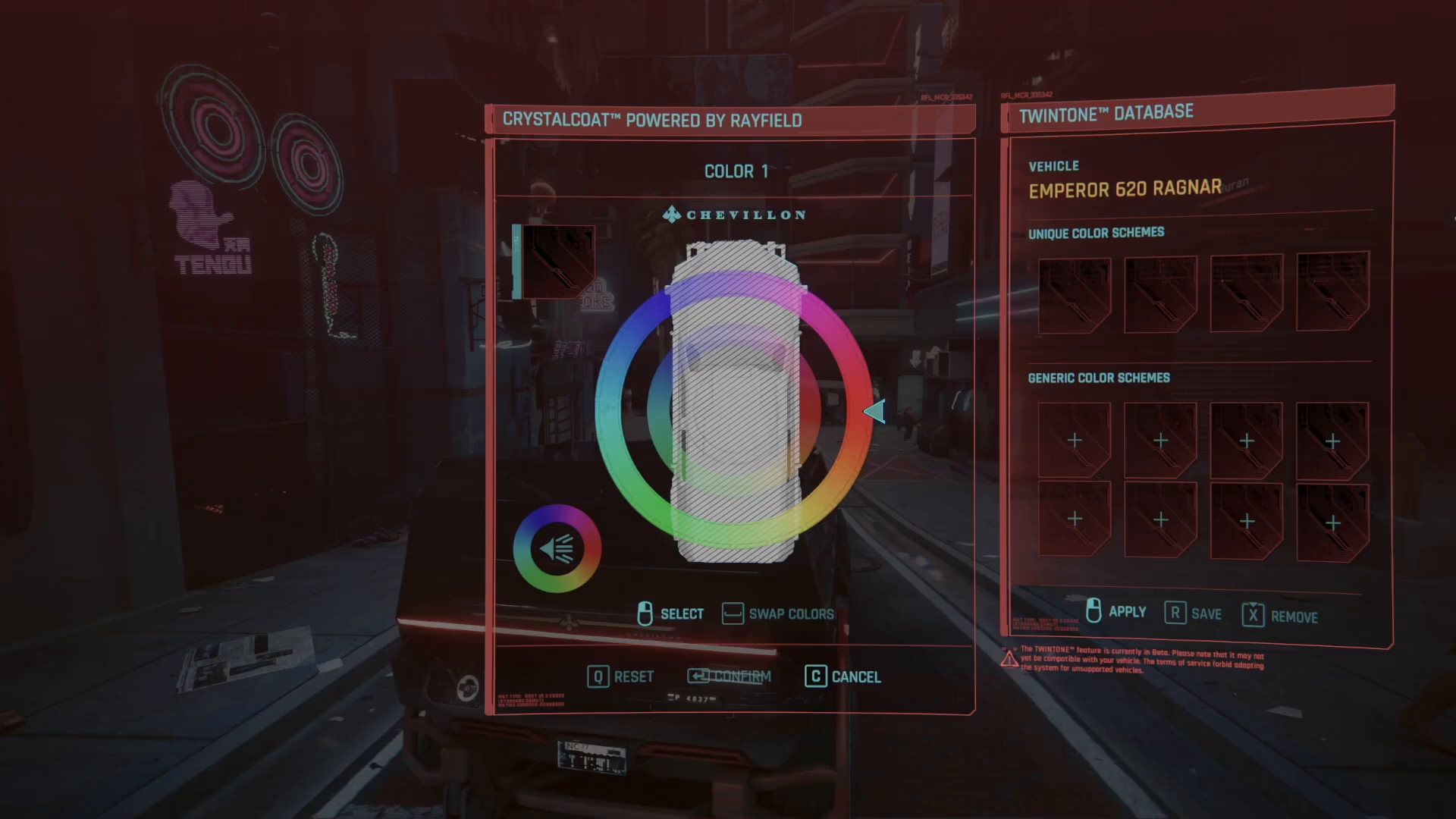
Body Color Schemes
The menu provides access to both unique color schemes and generic color schemes. This gives you flexibility in choosing either distinctive or standard color options for your vehicle.
Applying Your Custom Colors
To apply a specific color to your car, click on the color option in the circle menu. You’ll see the color options displayed, and you can select different sections of your vehicle to customize them individually.
For more precise color control, use the scroll up and down function to fine-tune your selected color to your exact preference. This allows you to achieve any shade you desire—whether you want a complete black finish or any other custom color variation.
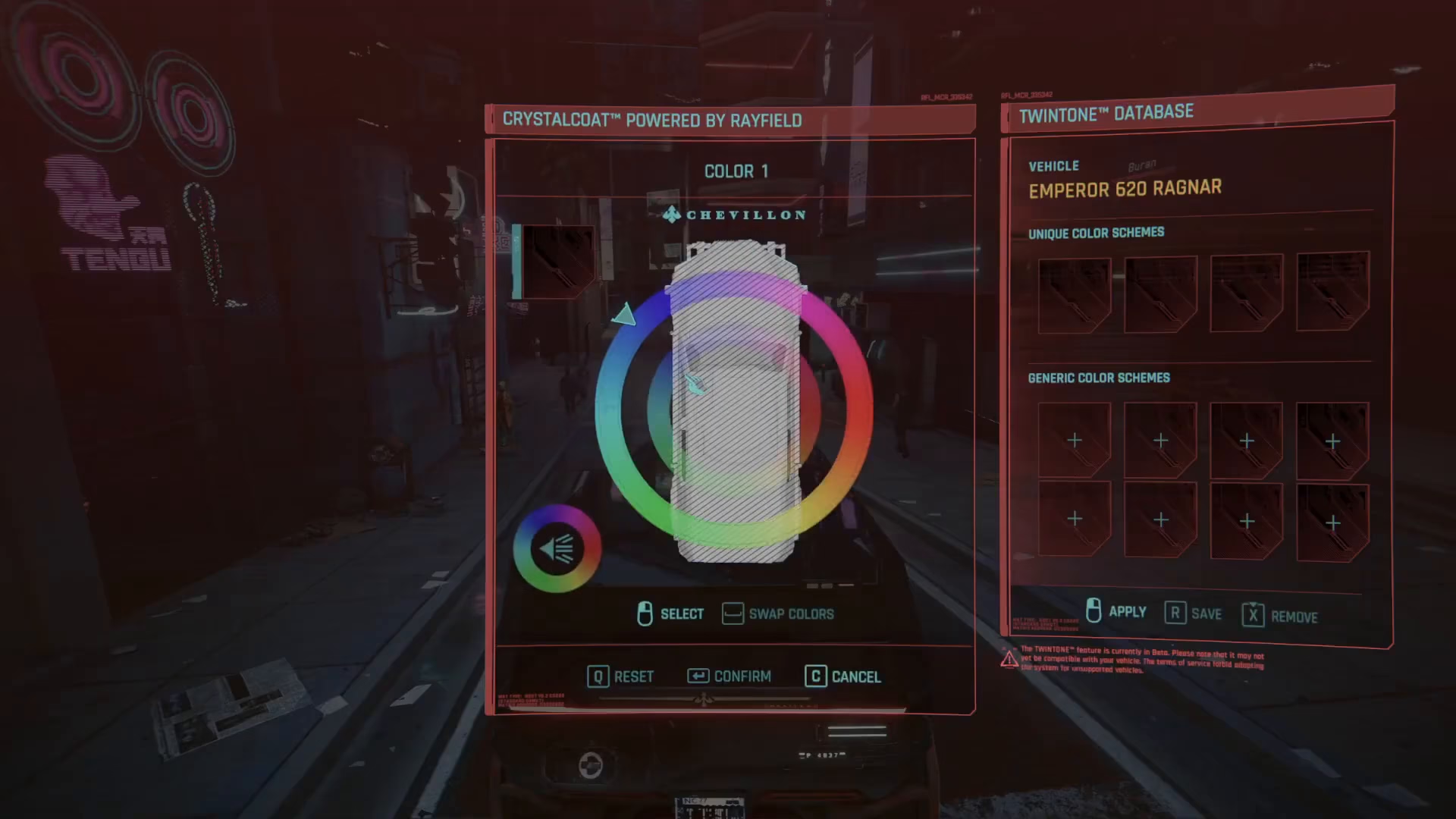
Once you’ve selected your desired color, simply click to apply the changes. The system will automatically save your new color customization, and your car’s appearance will update immediately.
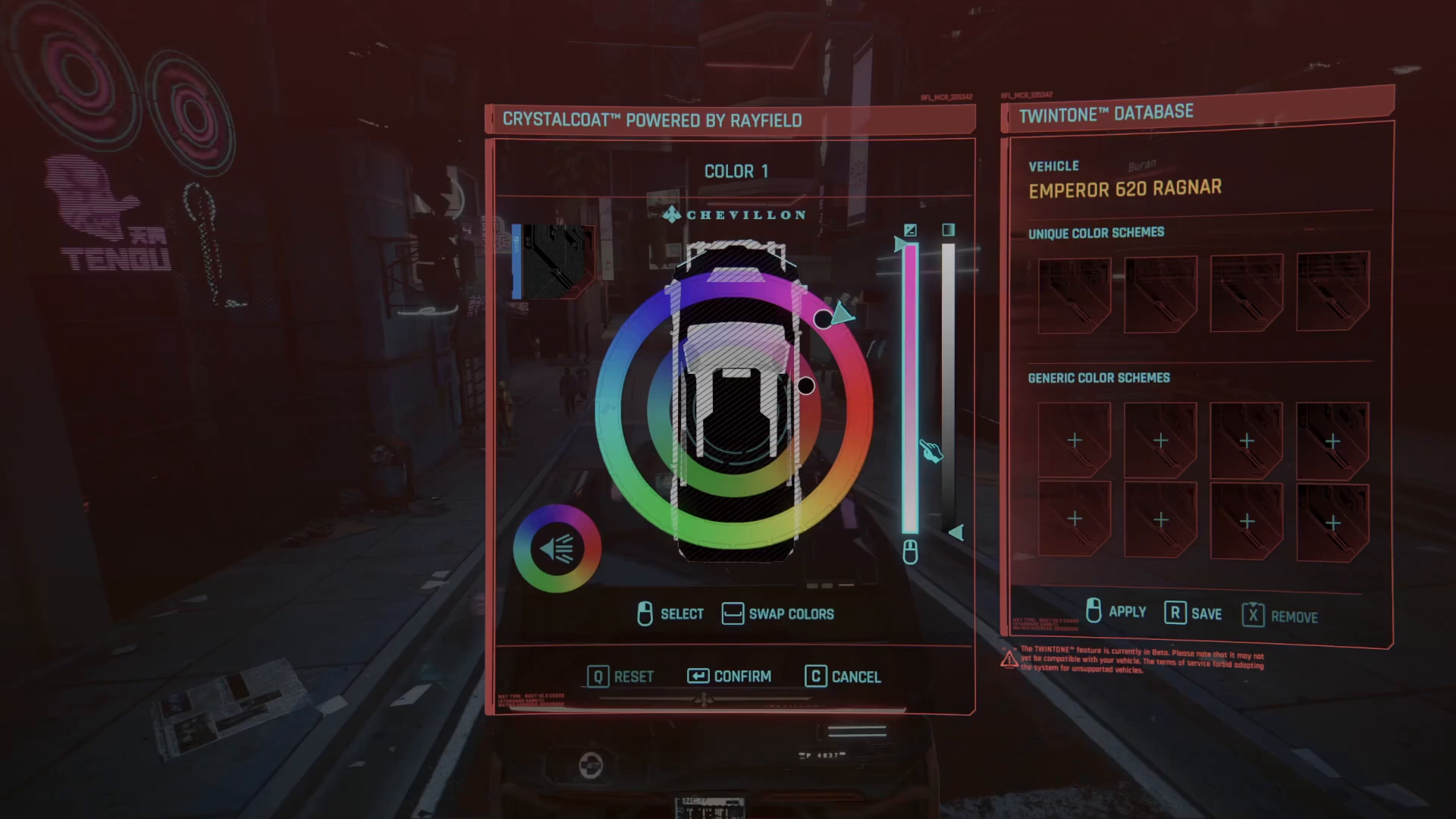
Summary
Changing your car color in Cyberpunk 2077 is straightforward and takes just a few seconds. Whether you’re on PC or console, enter your vehicle, hold Y, access the color wheel, select your preferred colors from the unique or generic schemes, fine-tune with the scroll function, and apply your changes. Now you can ride around Night City in a vehicle that truly represents your personal style.
— Want to Support? —
If you would like to help us continue making these guides – please consider joining our patreon here – https://www.patreon.com/c/JaviHeals
Alternatively – you can join our discord here – https://discord.gg/zD7Gjt6MHF