






How To Change Your Clothes in CyberPunk 2077
How To Change Your Clothes in Cyberpunk 2077
Changing your clothes in Cyberpunk 2077 is a straightforward process that can be done directly from your inventory screen. Whether you want to swap out your top, pants, or any other clothing item, the game makes it simple and accessible. This guide will walk you through the exact steps needed to customize your character’s outfit.
Accessing the Inventory Screen
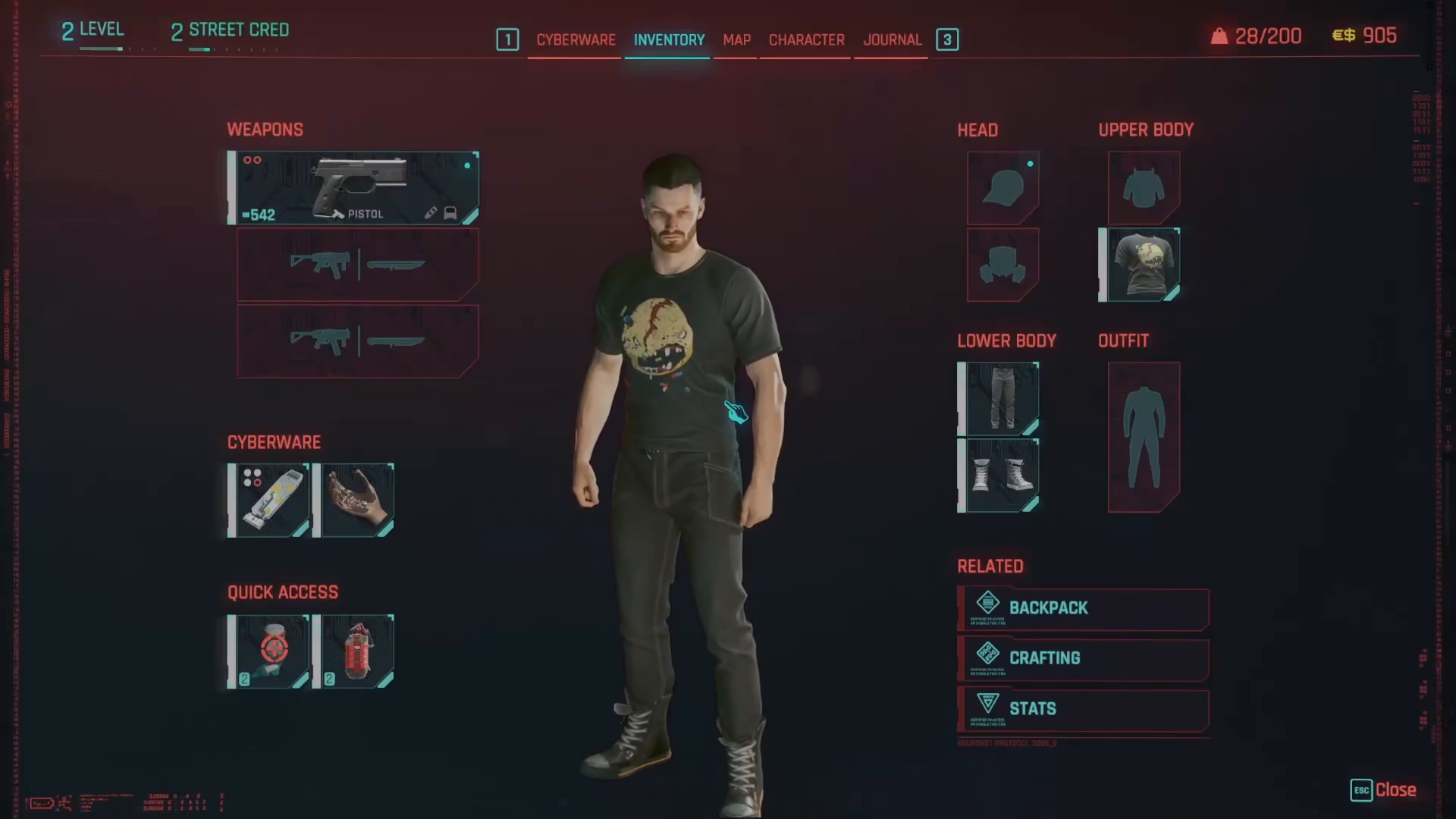
To begin changing your clothes, you’ll need to open your inventory screen. On PC, simply press the I key to bring up your inventory menu.
Selecting a Clothing Slot
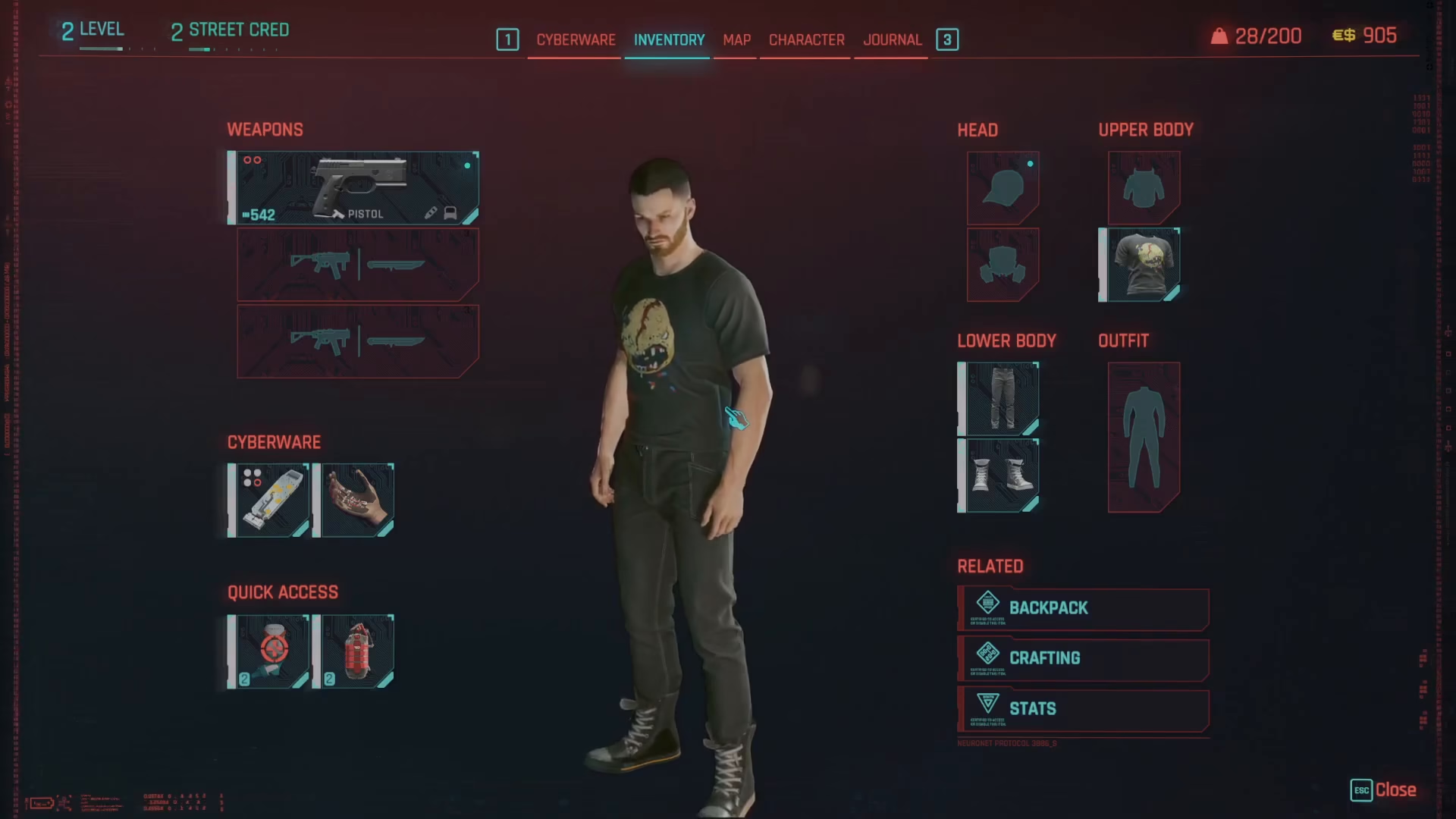
Once your inventory is open, locate the clothing slot you want to modify. For example, if you want to change your top, click on the top slot. This will display all available clothing items you currently have in your inventory on the right side of the screen.
Equipping a New Item
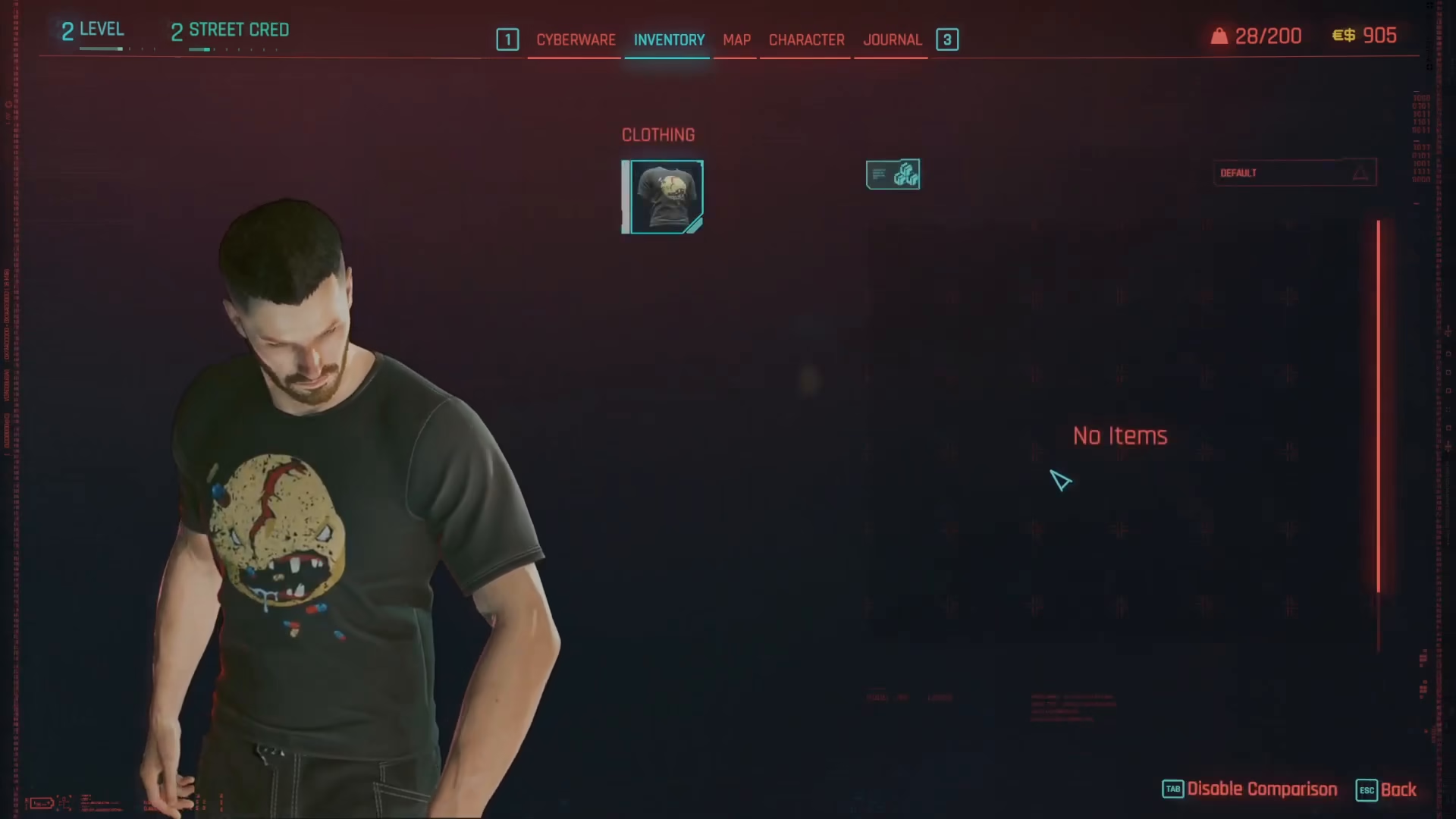
After clicking on the clothing slot, a list of available items will appear on the right side of your screen. Simply select which item you want to wear from this list, and it will automatically equip to your character.
Removing Clothing Items
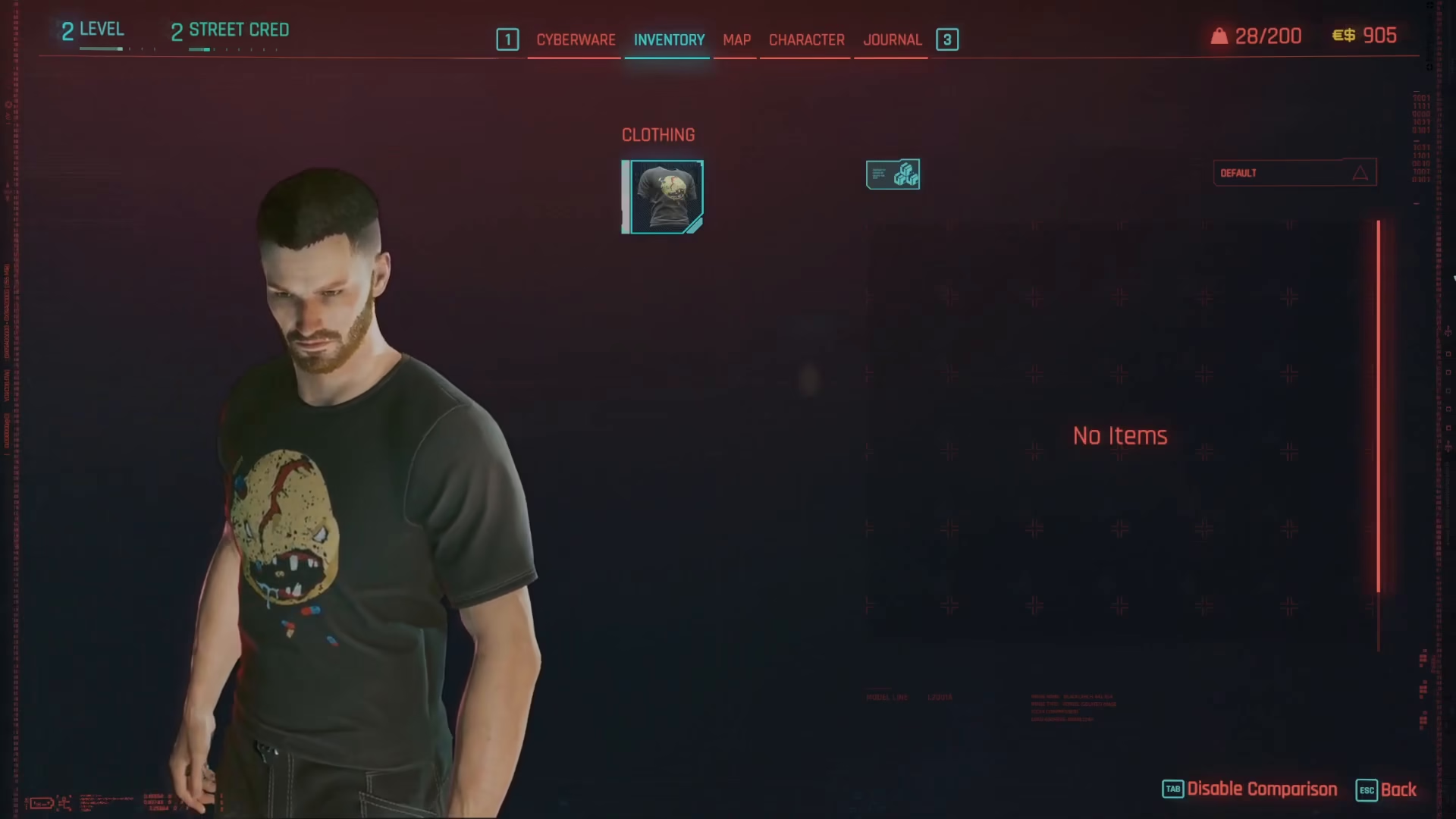
If you want to remove a clothing item without replacing it with something else, you can do so easily. Simply middle-click on the item you want to take off, and it will be removed from that clothing slot.
Summary
Changing your clothes in Cyberpunk 2077 is that simple! Just open your inventory with the I key, click on any clothing slot, choose an item from your available options, or middle-click to remove an item entirely. With these quick steps, you can customize your character’s appearance whenever you like.
— Want to Support? —
If you would like to help us continue making these guides – please consider joining our patreon here – https://www.patreon.com/c/JaviHeals
Alternatively – you can join our discord here – https://discord.gg/zD7Gjt6MHF