





How To Change Your Appearance in CyberPunk 2077
How To Change Your Appearance in Cyberpunk 2077
Since Update 2, Cyberpunk 2077 has introduced the ability to change your character’s appearance at any time during gameplay. This feature allows you to customize everything from your hairstyle to eye color without starting a new game. In this guide, we’ll walk you through the simple steps to access and modify your character’s appearance.
Accessing the Appearance Menu
Go to V’s Apartment
Start by heading to V’s apartment, which serves as your main safe house in the game.
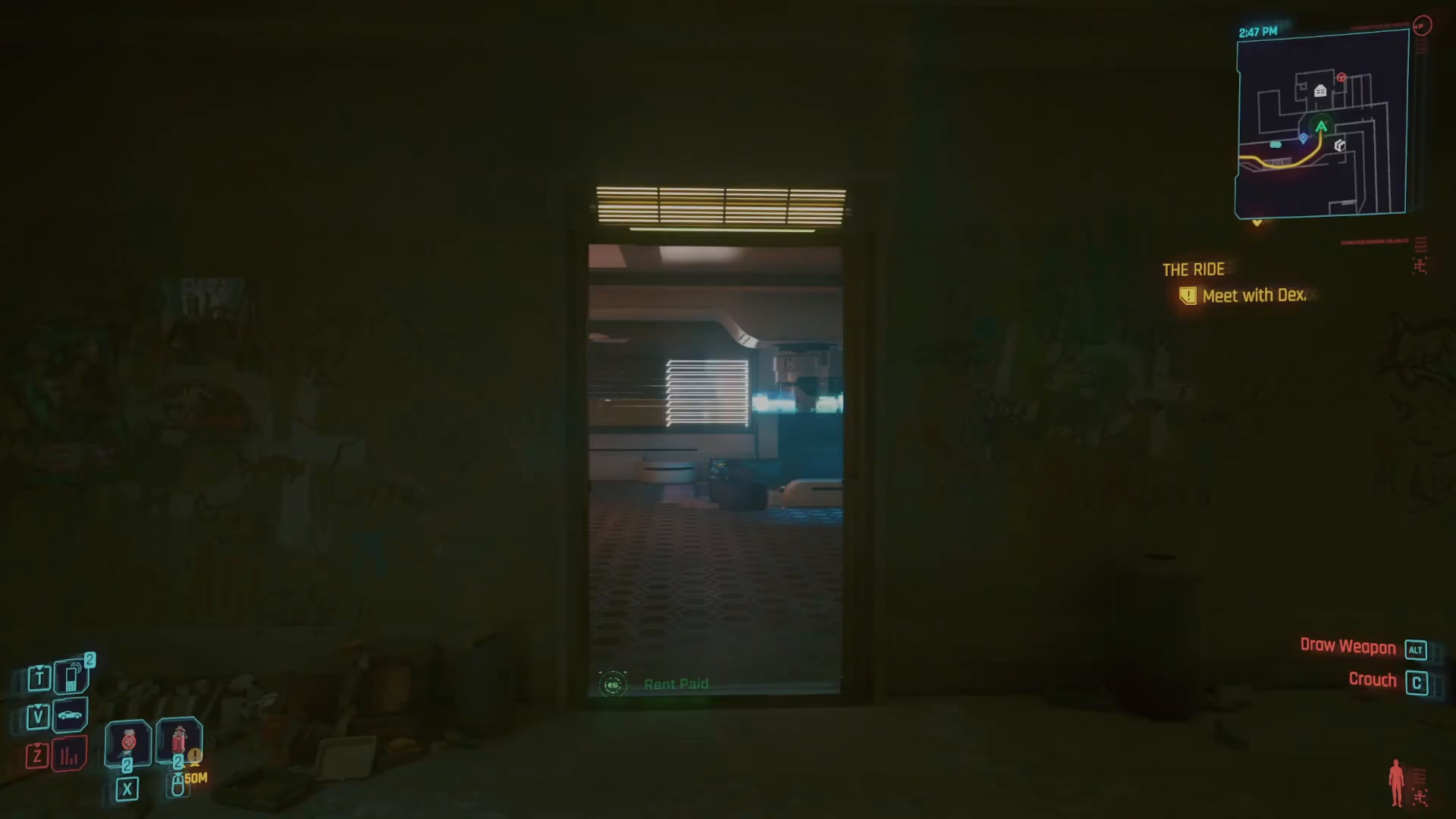
Navigate to the Bathroom
Once inside your apartment, make your way to the bathroom.
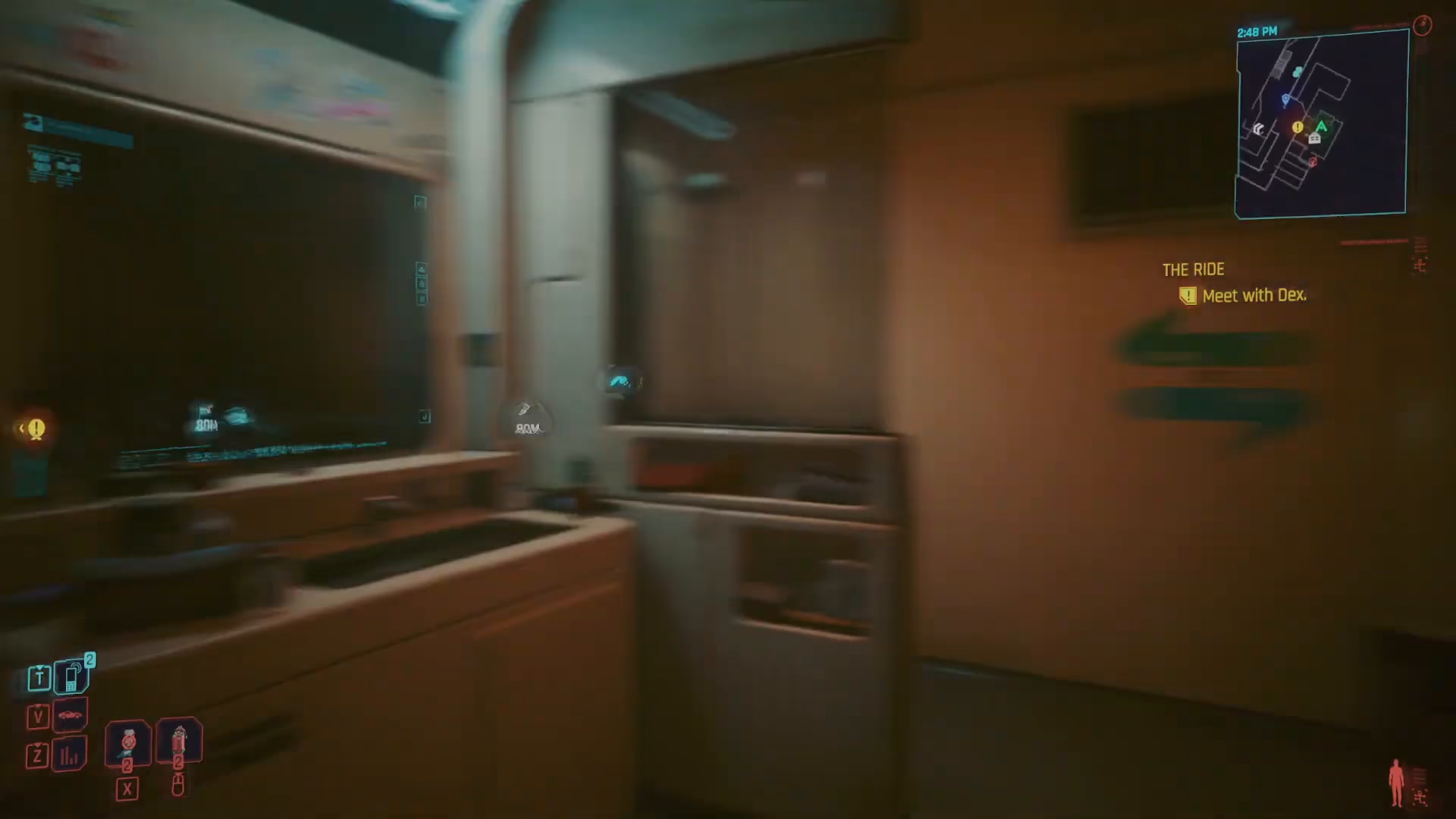
Look in the Mirror
Approach the mirror in the bathroom and interact with it by looking into it.
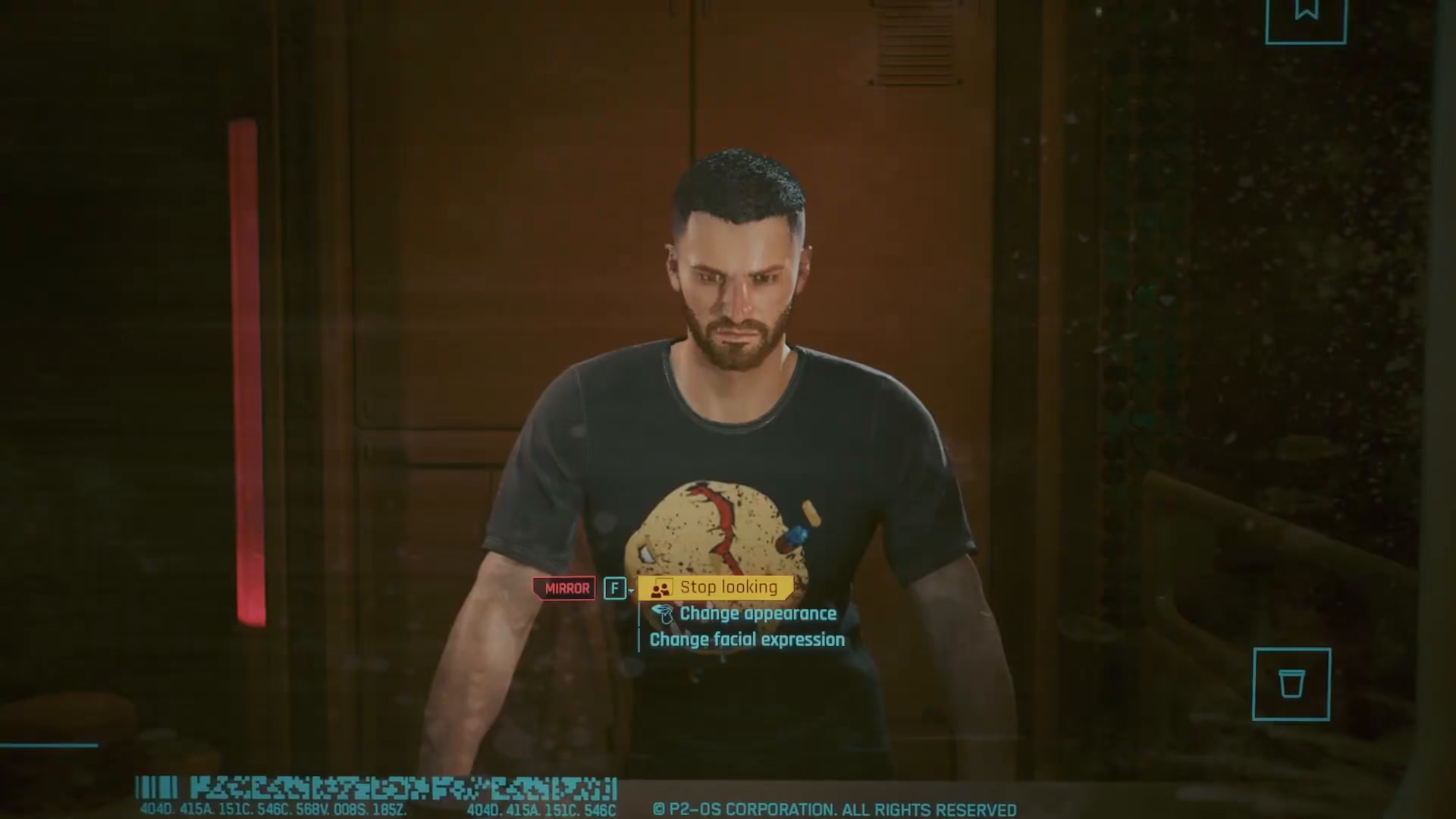
Customizing Your Appearance
After interacting with the mirror, you’ll see the “Change Appearance” option appear. This menu gives you access to all the customization features you had during initial character creation. You can modify:
Hair style
Hair colour
Eye colour
And many other facial features
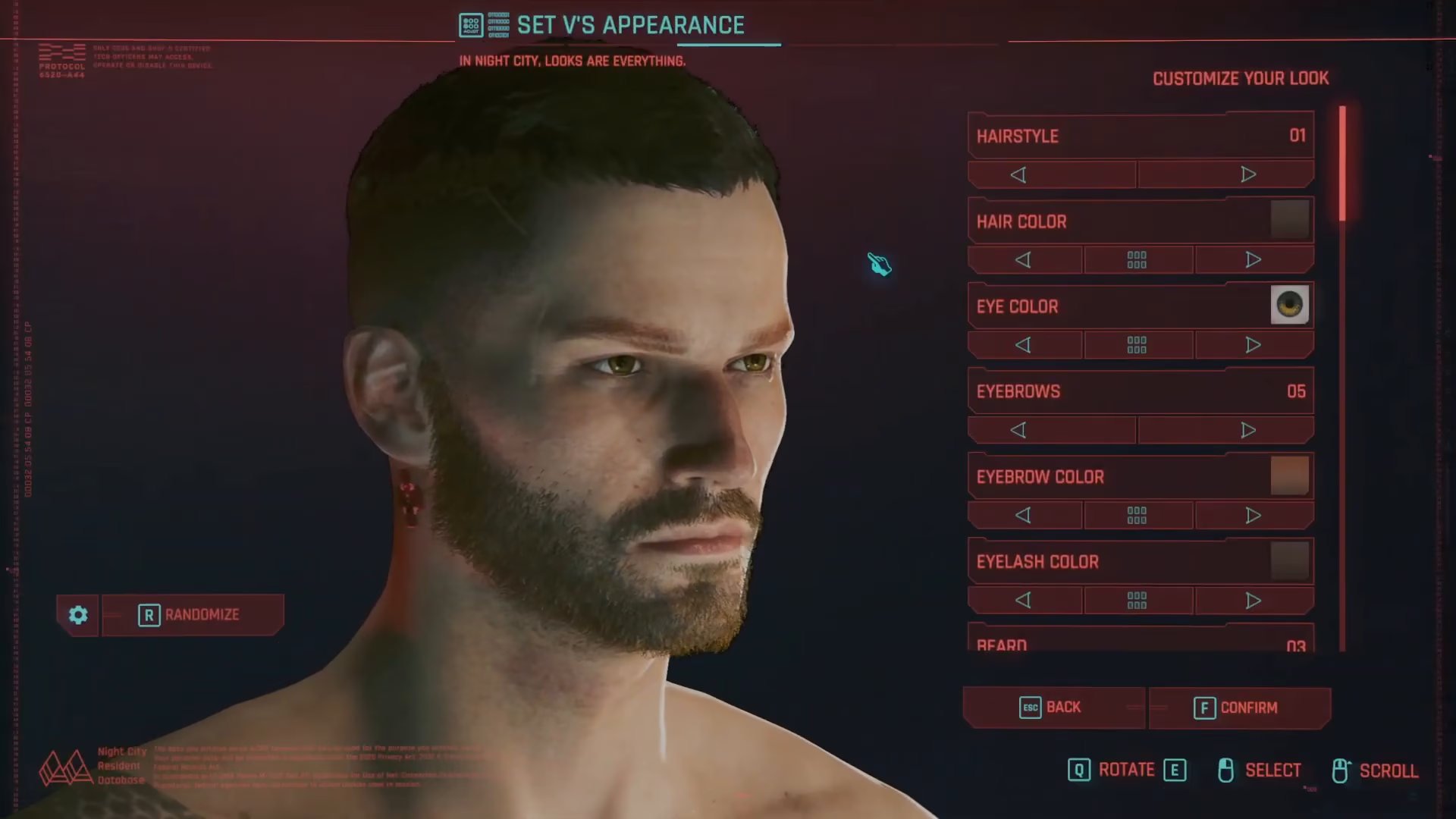
The customization process works exactly like it did when you first made your character, so if you’re familiar with character creation, you’ll have no trouble navigating these options.
Summary
Changing your appearance in Cyberpunk 2077 (Update 2 and beyond) is straightforward: simply visit V’s apartment bathroom, look in the mirror, and select the “Change Appearance” option. From there, you can customize any aspect of your character’s look just as you did during initial character creation. This feature gives you the freedom to refresh your character’s style whenever you’d like without any limitations.
Want to Support?
If you would like to help us continue making these guides – please consider joining our patreon here – https://www.patreon.com/c/JaviHeals
Alternatively – you can join our discord here – https://discord.gg/zD7Gjt6MHF