




How To Sell Items in CyberPunk 2077
How To Sell Items in Cyberpunk 2077
If you’ve been accumulating items in your inventory and wondering how to convert them into eddies (currency), you’re in the right place. Selling items in Cyberpunk 2077 is straightforward once you know where to go and how to use drop points effectively. This guide will walk you through the entire process step-by-step.
Understanding Drop Points
Drop points are special locations scattered throughout the game world where you can manage your inventory items. They serve a dual purpose: selling items you no longer need and depositing items into storage. On your map, drop points appear as small cardboard box icons, making them easy to identify and locate.
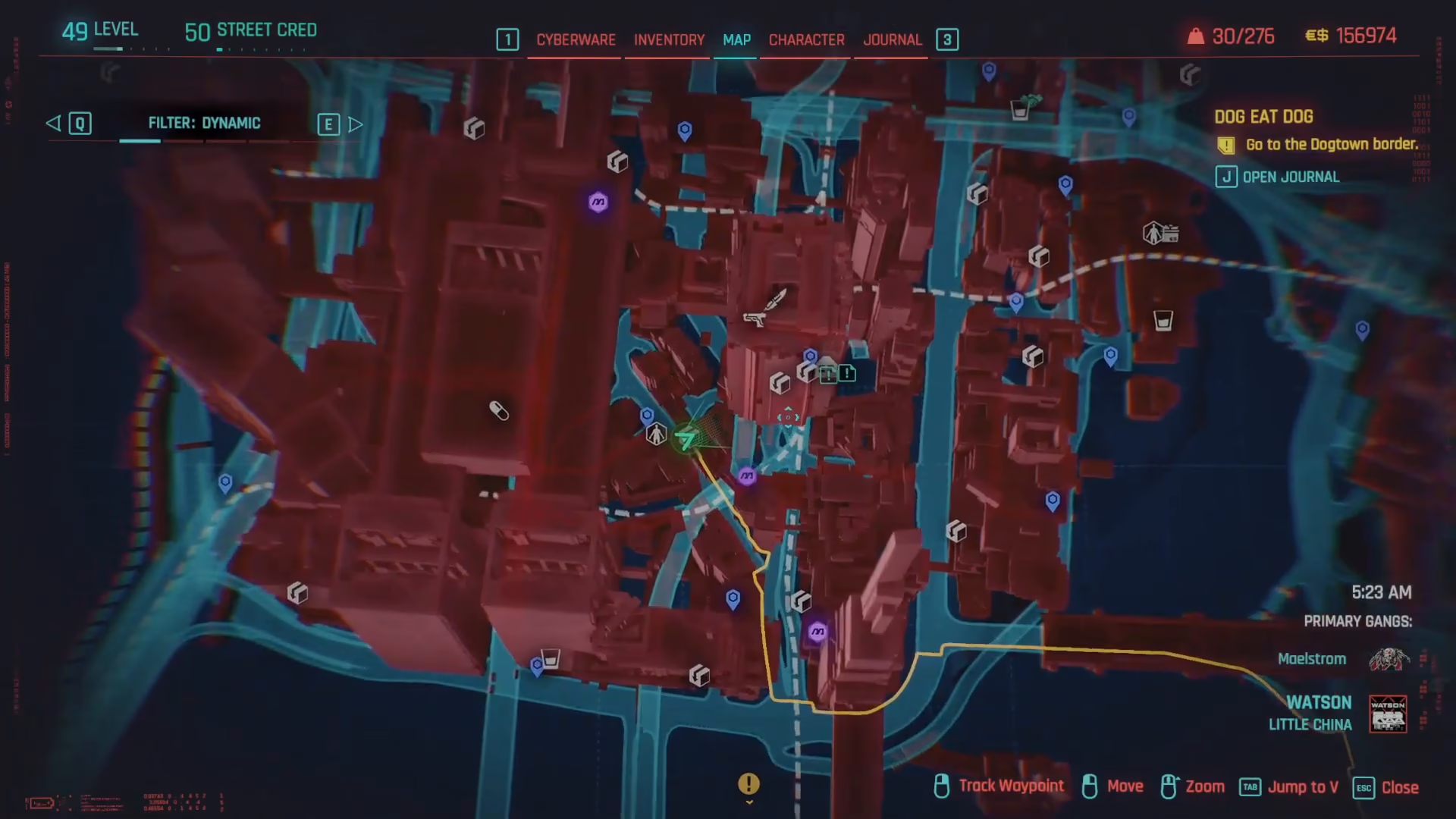
You’ll find that there are tons of drop points conveniently placed across different areas in Cyberpunk 2077, ensuring you’re never far from a place to sell your gear.
How To Sell Items
Step 1: Approach a Drop Point
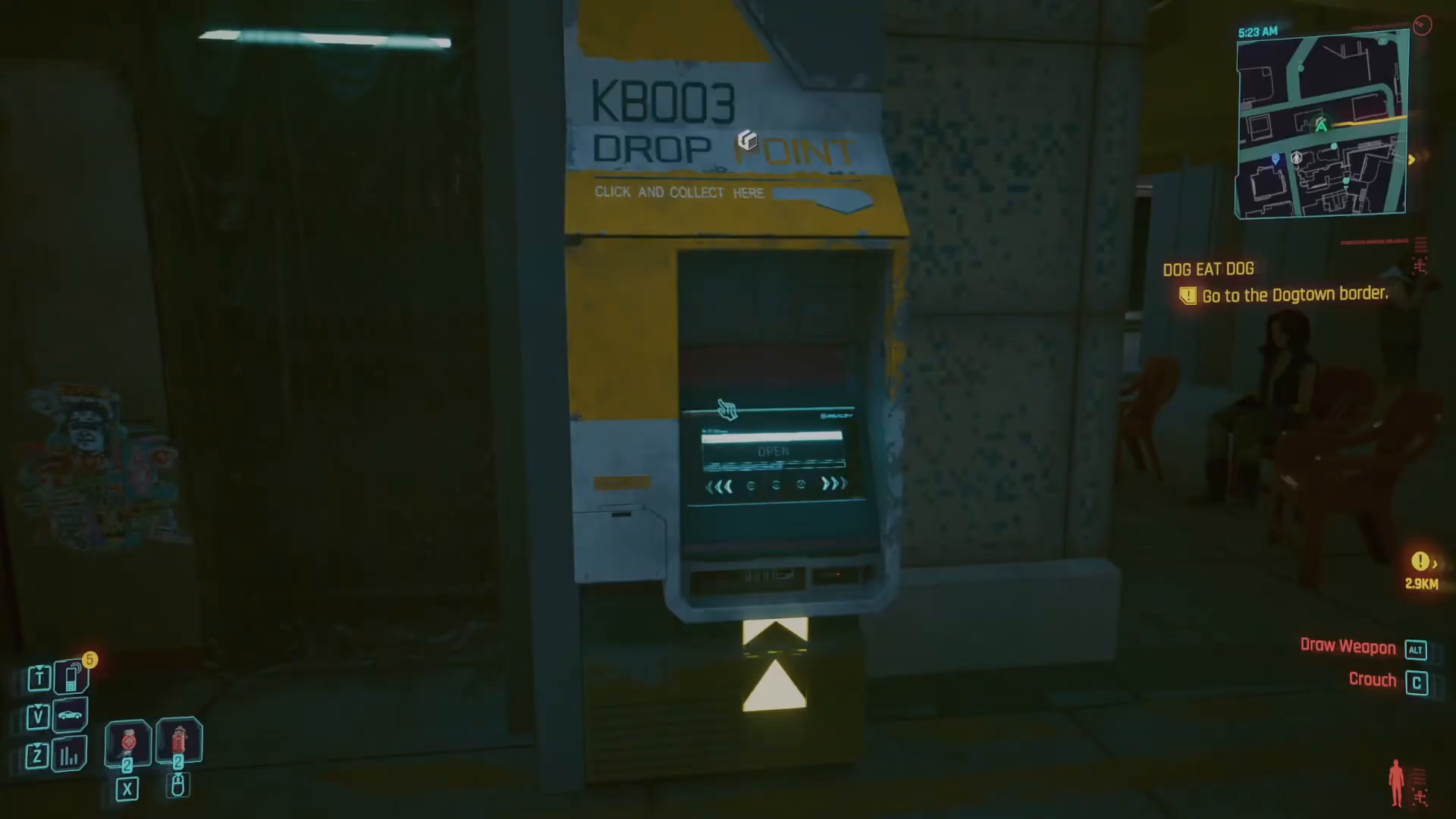
Navigate to any drop point on your map and approach it.
Step 2: Initiate the Sell Menu
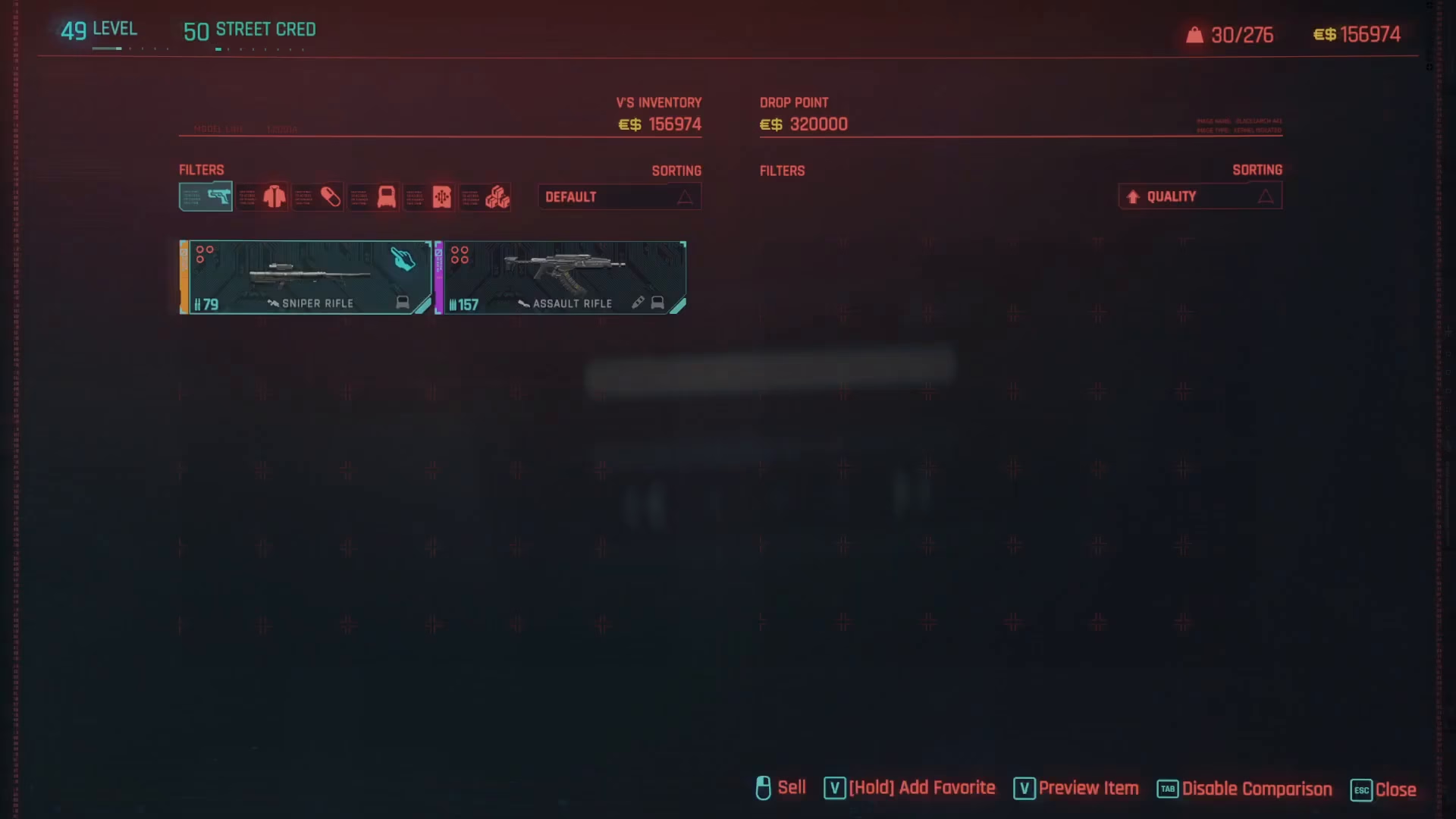
Once you’re at the drop point, press R to open the selling interface. This will display all of the items currently in your inventory.
Step 3: Select an Item to Sell
Browse through your inventory and choose which item you want to sell. For example, you might select a sniper rifle or any other unwanted gear.
Step 4: Confirm the Sale
Left click on the item to select it for sale. The interface will display exactly how much eddies you’ll receive for that item. Review the price and confirm the transaction to complete the sale.

Once confirmed, the item is sold and the currency is added to your account immediately.
The Buyback Option
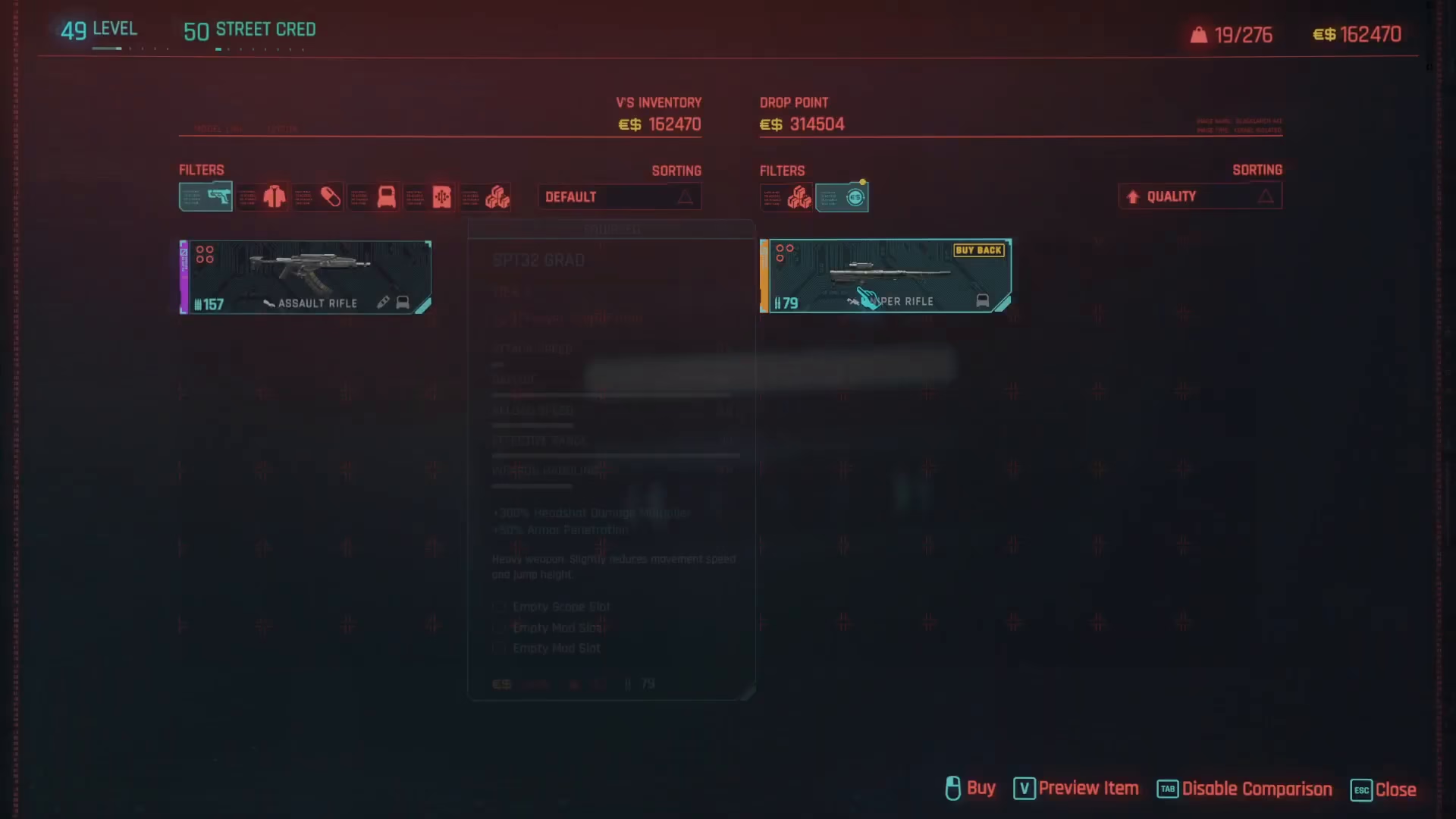
Don’t panic if you accidentally sell something you didn’t mean to. Cyberpunk 2077 includes a helpful buyback feature that allows you to repurchase any item you’ve just sold for the exact same price you sold it for. This safety net means you can sell items without worrying about making irreversible mistakes.
Summary
Selling items in Cyberpunk 2077 is a simple and efficient process once you understand the mechanics. Locate any drop point on your map (marked with cardboard box icons), press R to open the sell menu, select your unwanted items, and confirm the sale. With the buyback option available, you can confidently manage your inventory without fear of losing valuable gear. Start clearing out that inventory and accumulating eddies today!
Want to Support?
If you would like to help us continue making these guides – please consider joining our patreon here – https://www.patreon.com/c/JaviHeals
Alternatively – you can join our discord here – https://discord.gg/zD7Gjt6MHF