





How to Emote In Palworld
How to Emote In Palworld
Emotes and dancing are fun ways to express yourself in Palworld, but the feature isn’t immediately obvious to new players. This guide will walk you through the simple steps to unlock and perform emotes in the game, including dance moves, waves, and ground sitting animations.
Accessing the Command Pal Menu
To perform emotes in Palworld, you’ll need to access the Command Pal menu. This menu is located on the right side of your screen and is typically assigned to the number 4 key on your keyboard (though this may vary depending on your control setup).
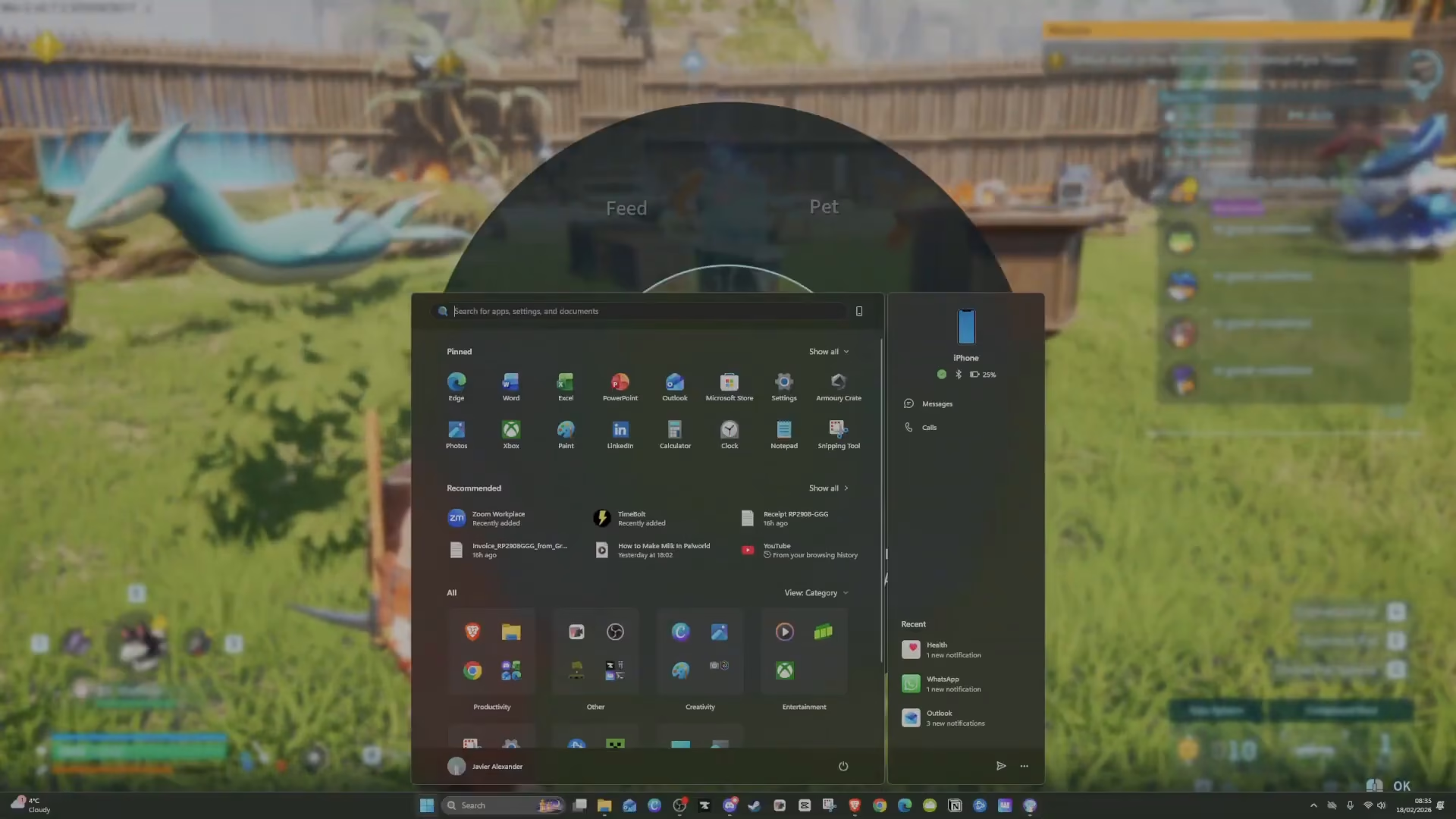
When you activate Command Pal, a wheel will appear on your screen. This wheel provides access to multiple character and pet interactions, including feeding your pet, petting your pet, entering photo mode, and commanding your companions.
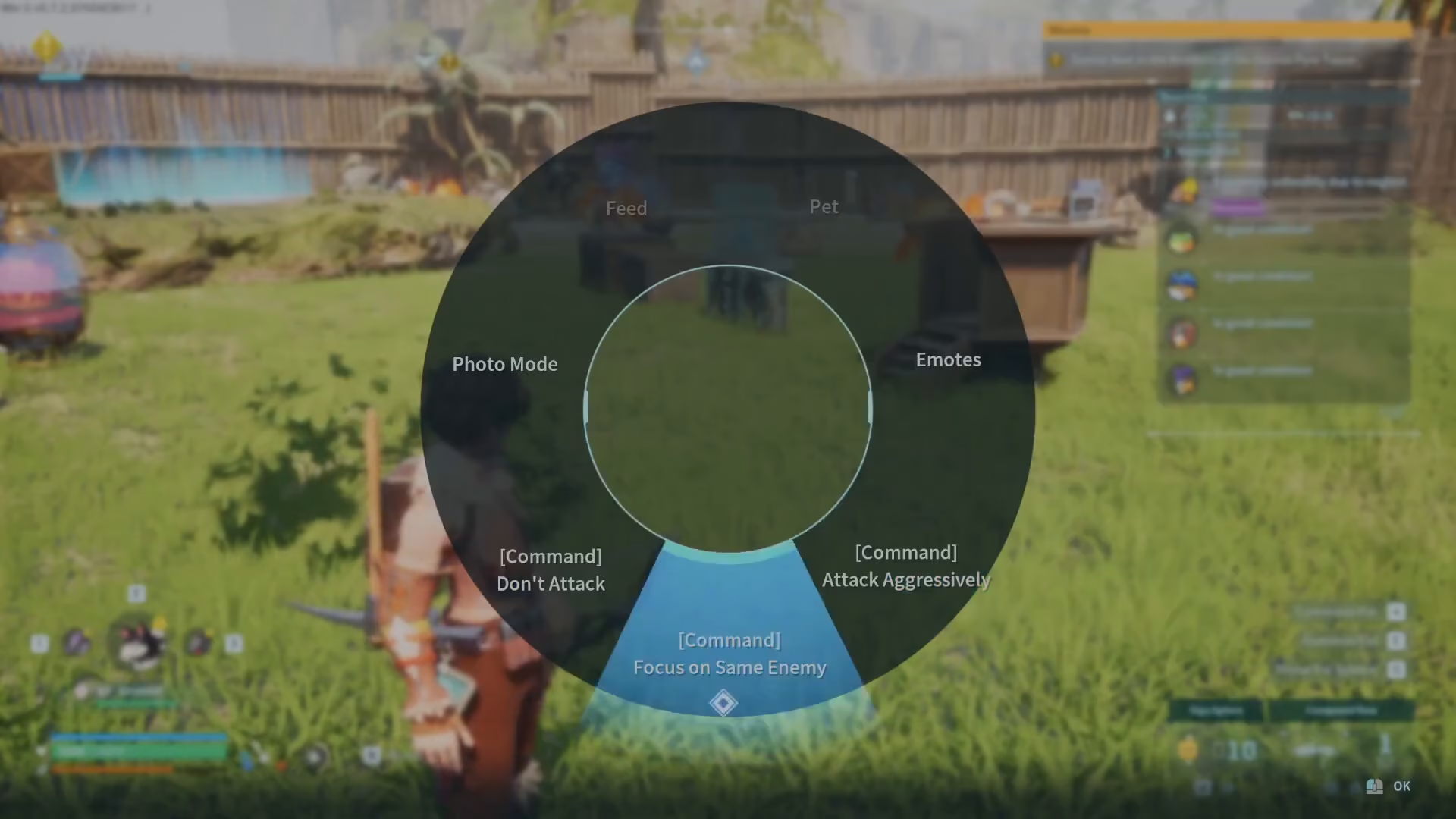
Finding the Emotes Option
Within the Command Pal wheel, you’ll notice an emotes option located on the right-hand side of the menu. This is your gateway to all available character animations.
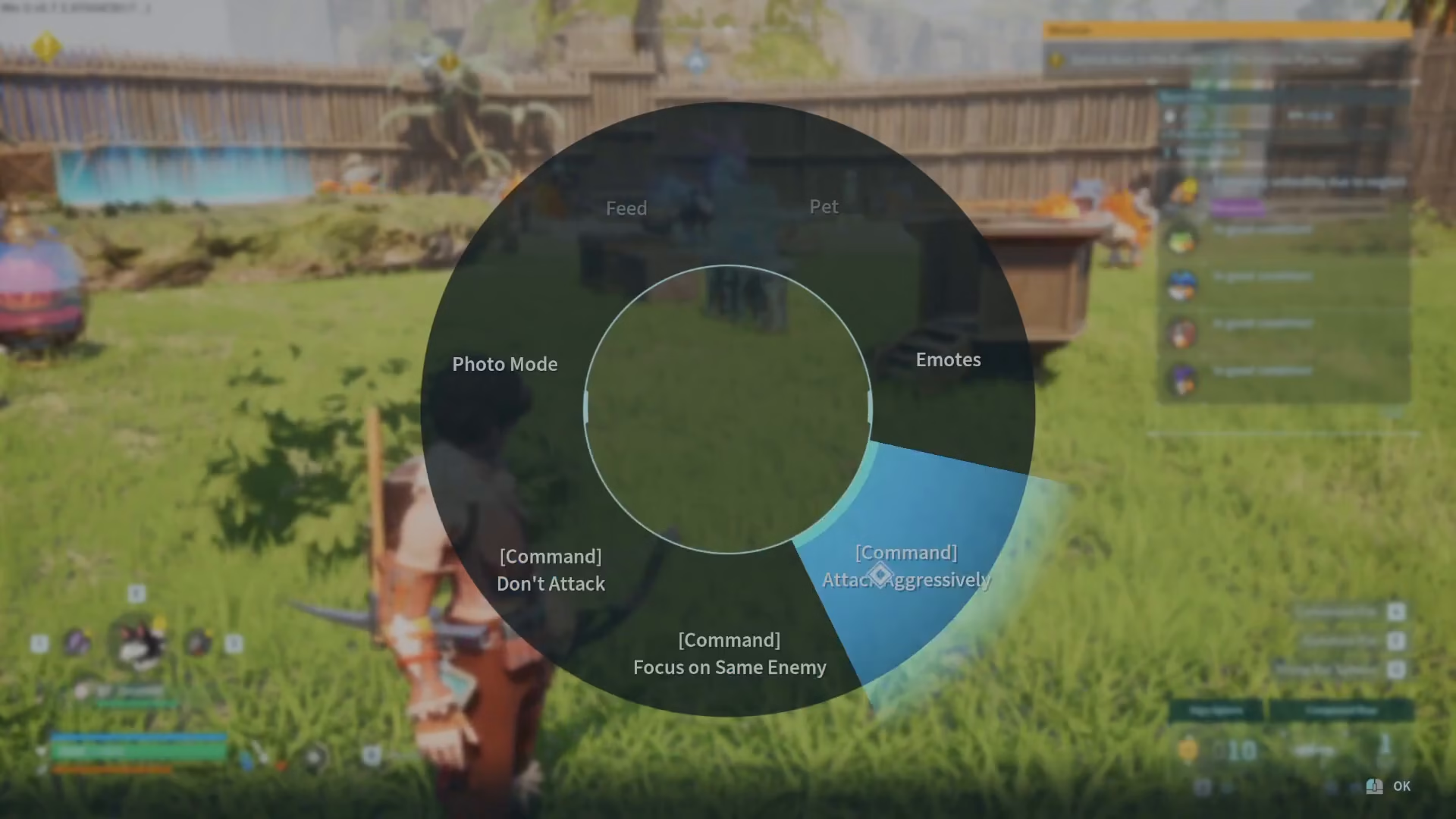
Performing Emotes
Once you click on the emotes option, you’ll see several animation choices available to you:
Dance
Wave
Sit on Ground
Simply select any of these options, and your character will immediately begin performing the corresponding animation. The dance emote, in particular, will have your character properly dancing with a full animation sequence.
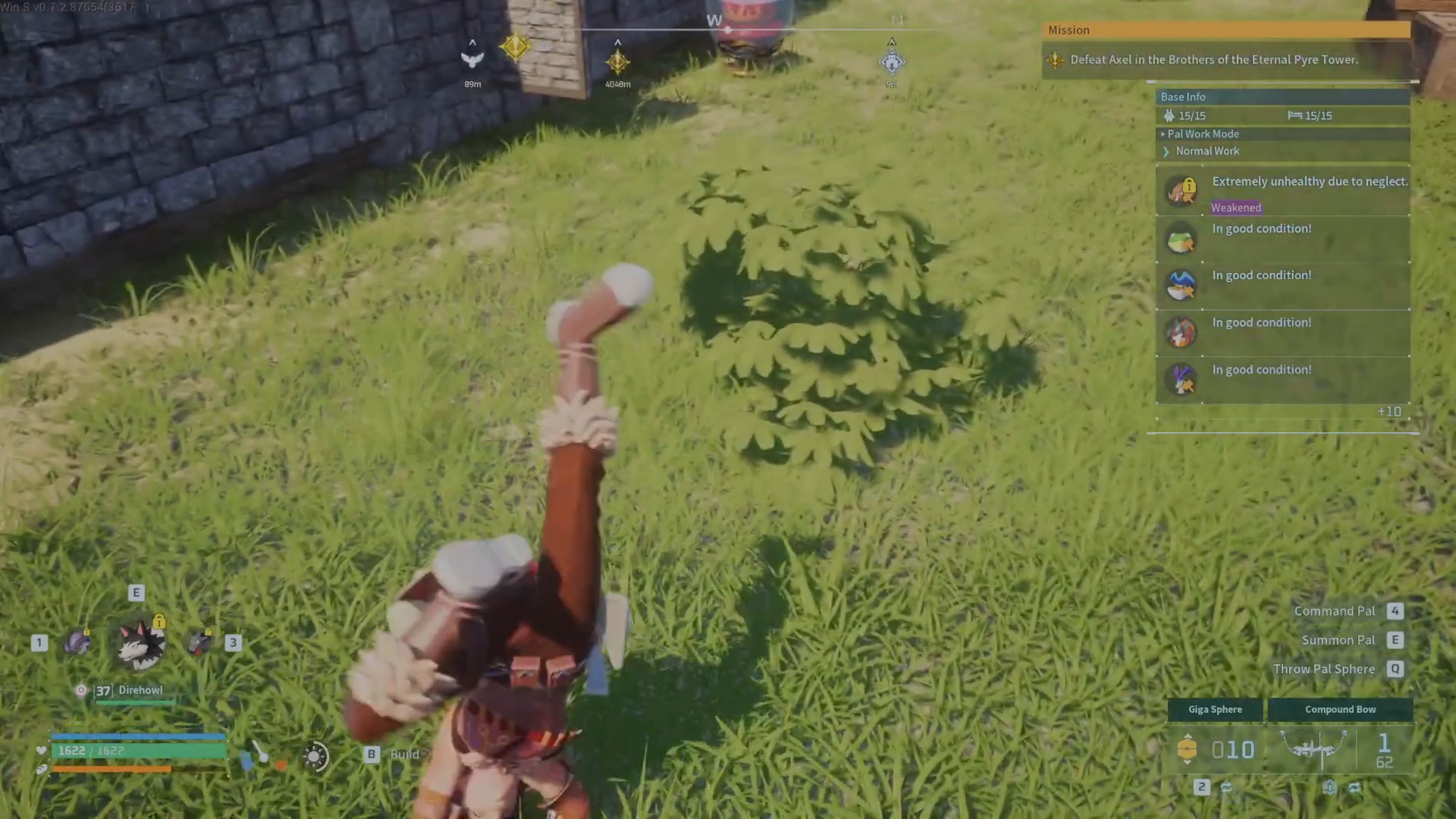
Summary
Performing emotes in Palworld is straightforward once you know where to look. Access the Command Pal menu (number 4), navigate to the emotes option on the right side, and select from the available animations like dance, wave, or sit on ground. Now you’re ready to express yourself and interact with other players in style!
Want to Support?
If you would like to help us continue making these guides – please consider joining our patreon here – https://www.patreon.com/c/JaviHeals
Alternatively – you can join our discord here – https://discord.gg/zD7Gjt6MHF



