






How to Feed Pals In Palworld
How to Feed Pals in Palworld
Keeping your pals well-fed is essential in Palworld to ensure they stay healthy and productive. In this guide, we’ll walk you through the simple process of setting up a feed system for your pals, from unlocking the feed box to automating food production.
Unlocking the Feed Box
To begin feeding your pals, you’ll need to unlock the feed box technology. Navigate to your inventory and select the technology tab. Look for the feed box option at technology level 4. Once you’ve unlocked it in the technology tree, you’ll be able to craft and place feed boxes in your base.
Crafting and Placing the Feed Box
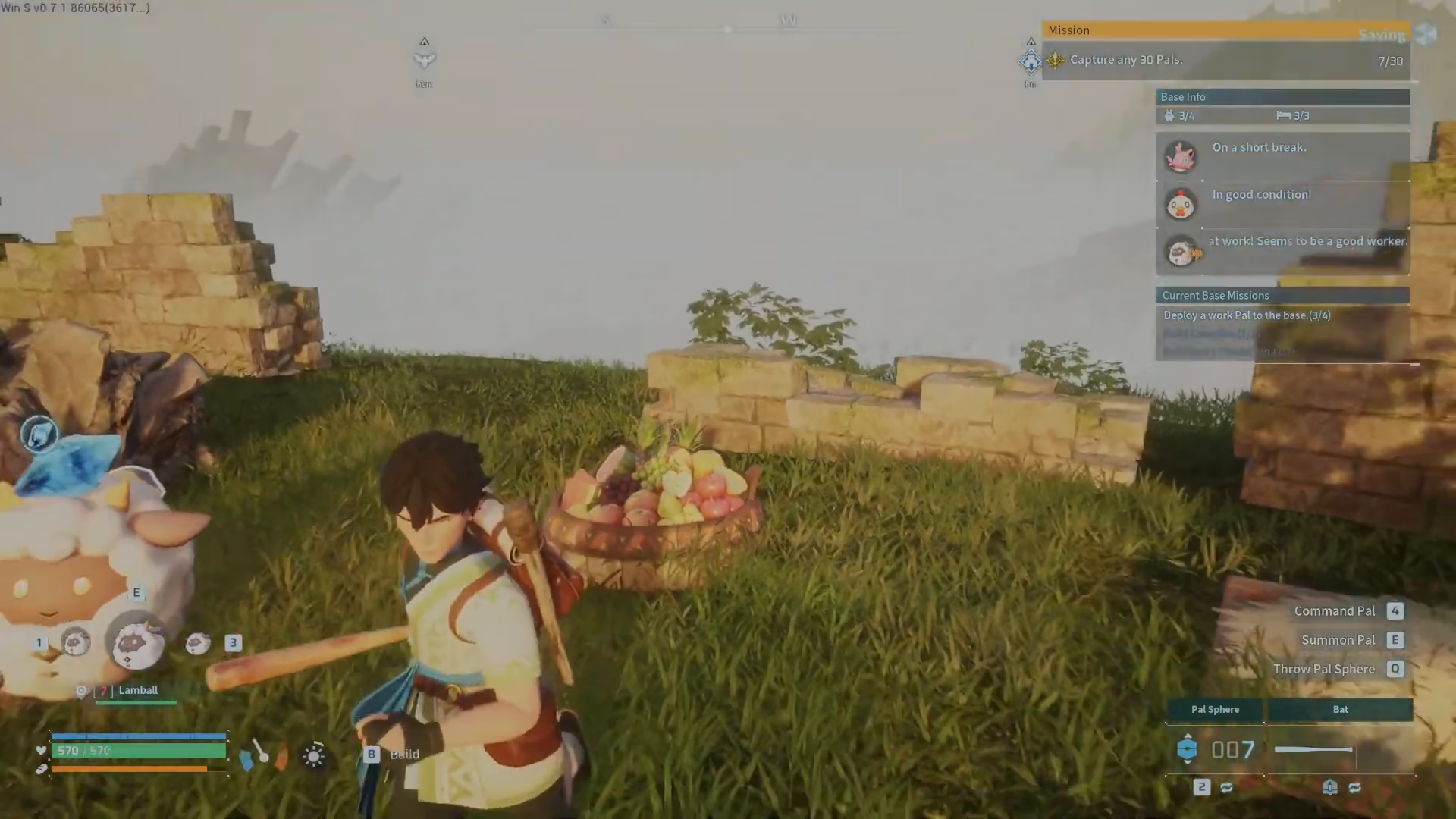
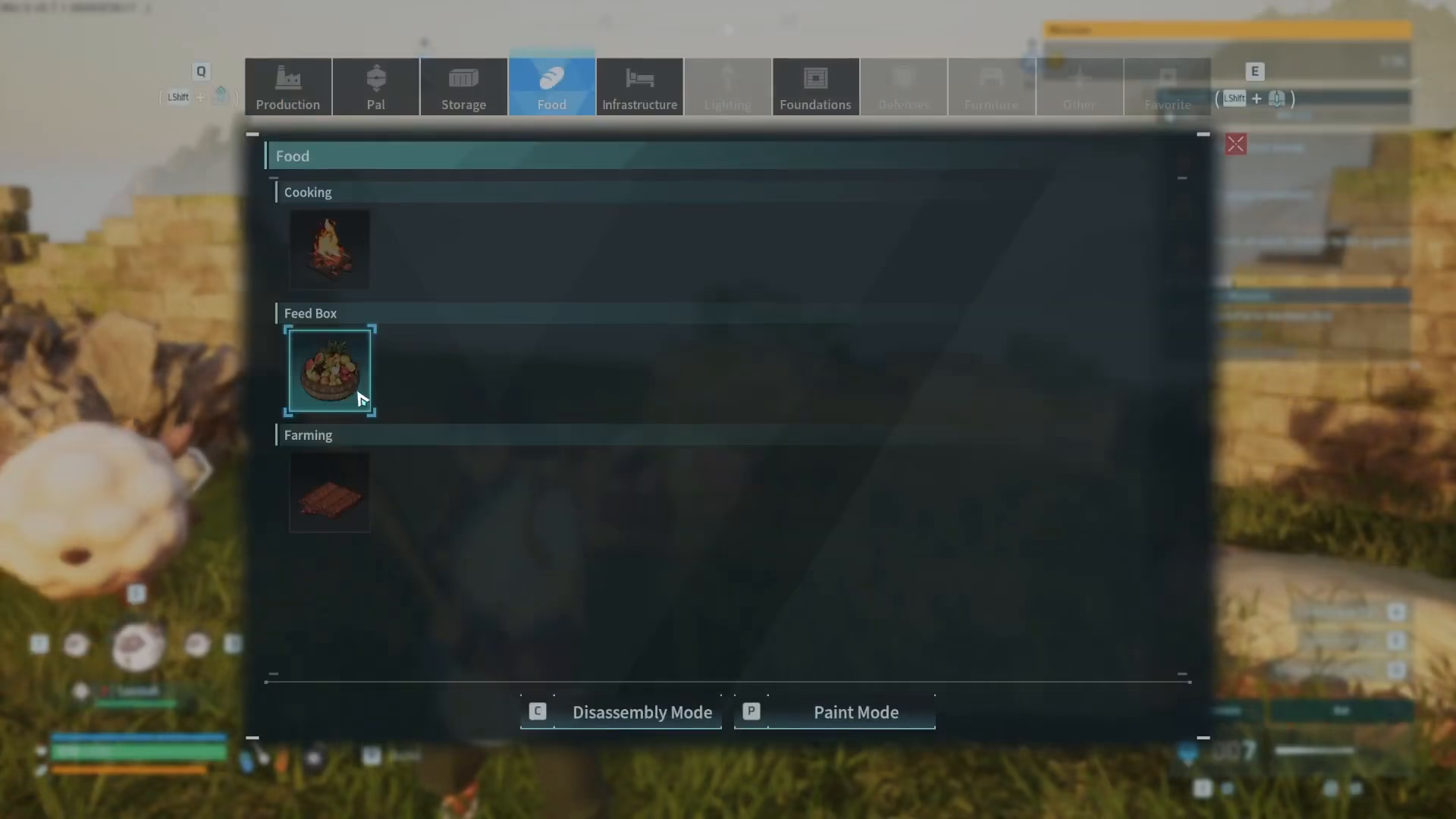
After unlocking the feed box, you can now build it. The feed box is located under the food category in your crafting menu. You’ll only need a small amount of wood to craft it. Once crafted, simply place the feed box down in your base wherever you’d like your pals to eat.
Adding Food to the Feed Box
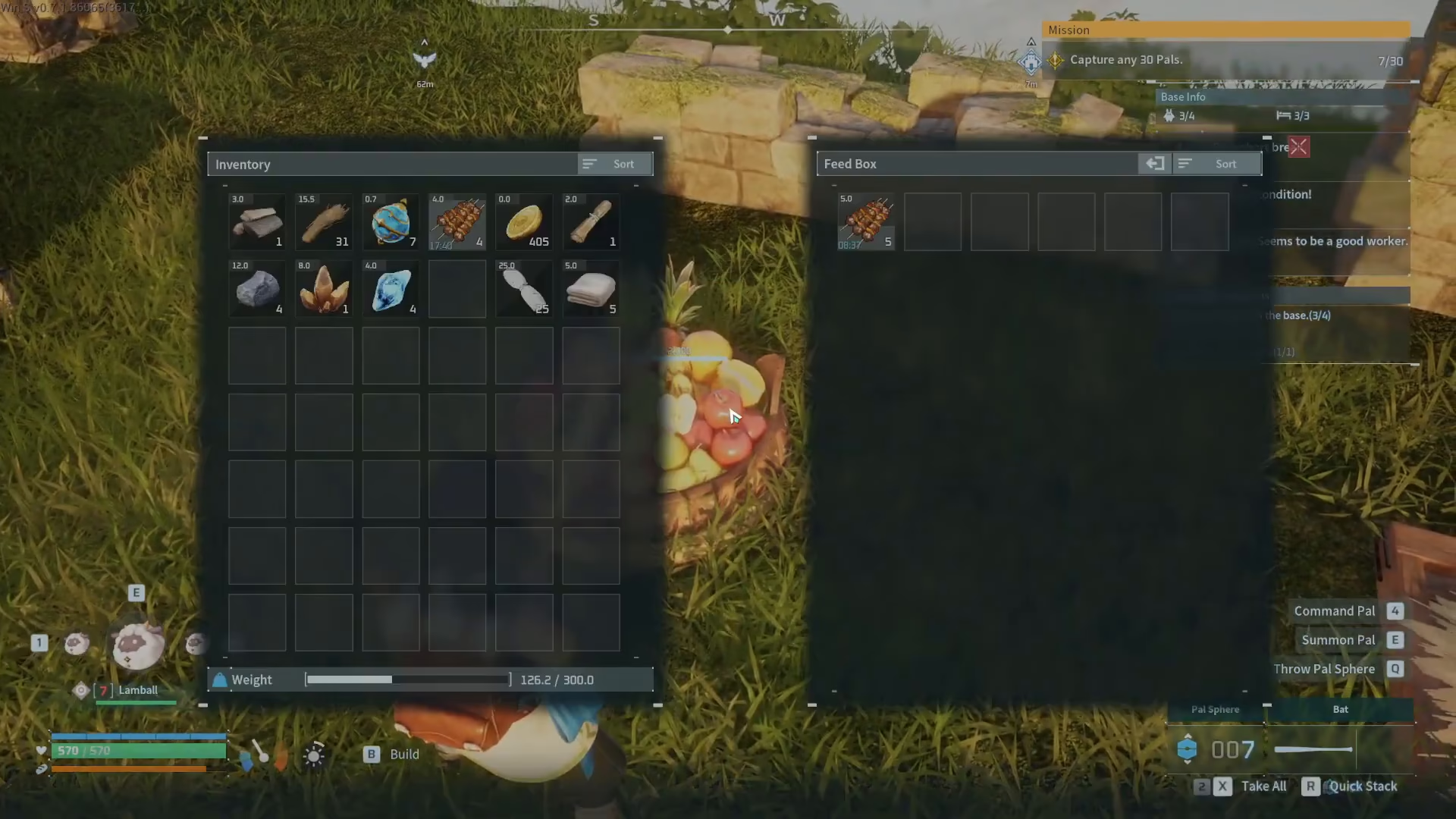
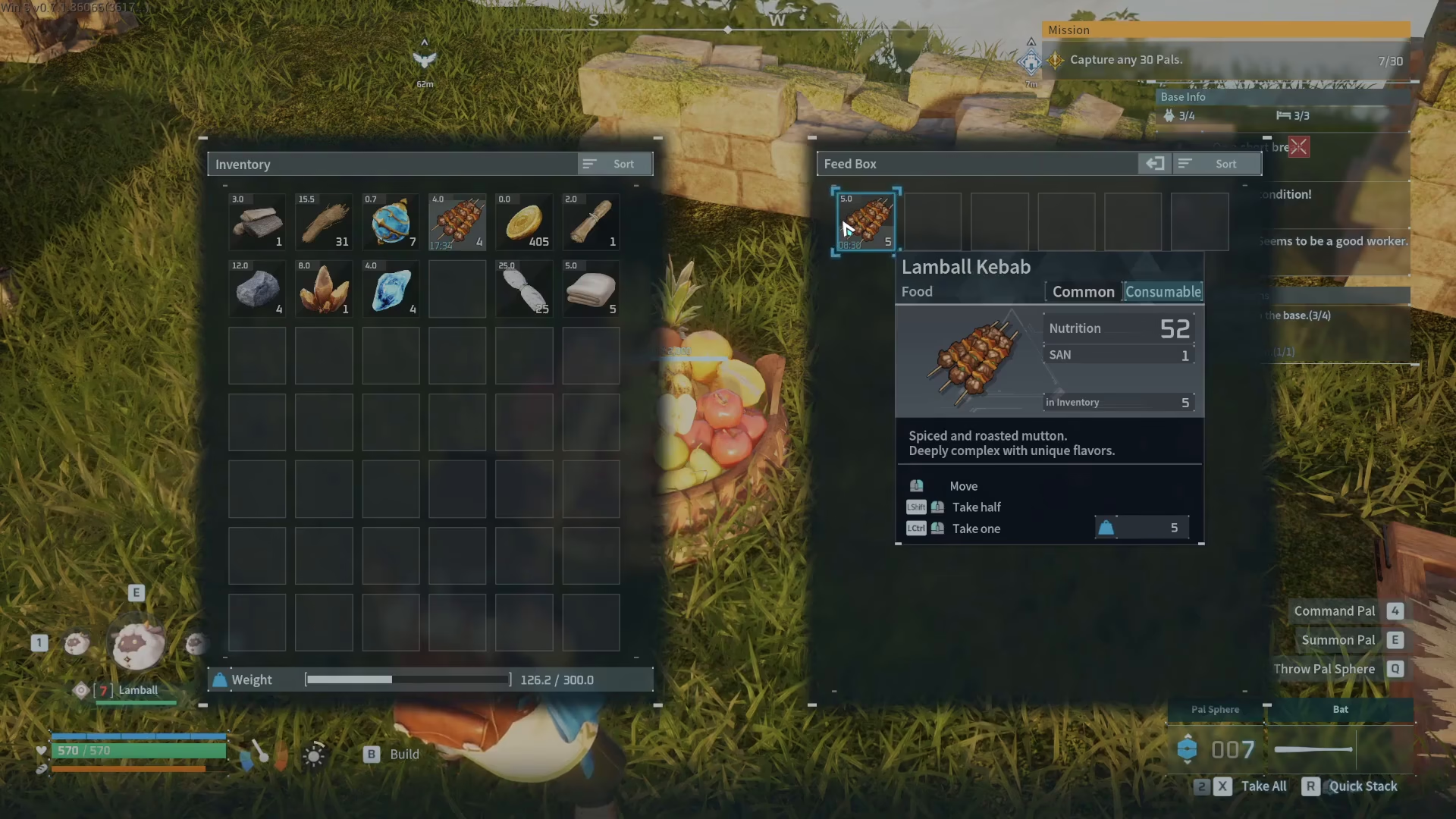
With your feed box placed, open it by interacting with it. You can then drag food items directly into the feed box. Once food is available, your pals will automatically visit the feed box and eat whenever they’re hungry. This hands-off approach makes early-game feeding incredibly convenient.
Automating Food Production
While the feed box is a great early-game solution, you can take your feeding system further by building a berry plantation. With proper progression, your pals can automatically farm and produce their own food, eliminating the need to manually stock the feed box. This requires more advanced setup, so be sure to check out additional guides and playlists for detailed instructions on automating food production.
Summary
Feeding your pals in Palworld is straightforward: unlock the feed box at technology level 4, craft it with wood, place it in your base, and add food to it. Your pals will automatically eat when needed. For long-term automation, consider setting up a berry plantation once you’ve progressed further in the game.
— Want to Support? —
If you would like to help us continue making these guides – please consider joining our patreon here – https://www.patreon.com/c/JaviHeals
Alternatively – you can join our discord here – https://discord.gg/zD7Gjt6MHF



