






How to Give Nicknames to Pals In Palworld
How to Give Nicknames to Pals in Palworld
In Palworld, your pals are your companions, and personalizing them with custom nicknames is a fun way to build your connection with them. Fortunately, renaming your pals is incredibly straightforward and can be done in just a few simple steps. Whether your pals are out in the field or stored in your party, this guide will show you exactly how to give them the nicknames you want.
Renaming Pals in the Field
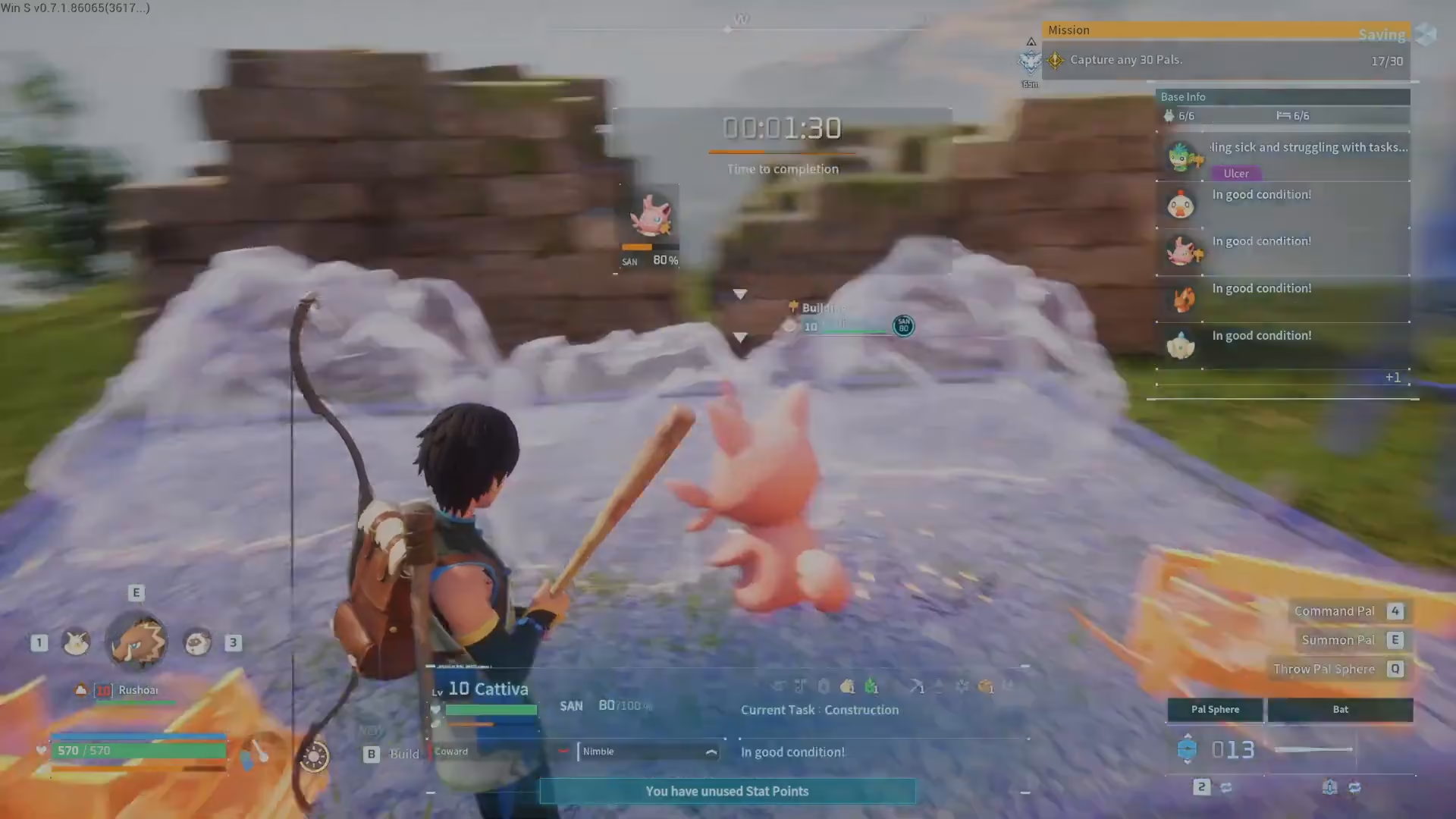
The quickest way to rename a pal is when they’re out with you in the open world. Simply approach your pal and open the menu by pressing the designated button. From the menu options, select “View Details.”
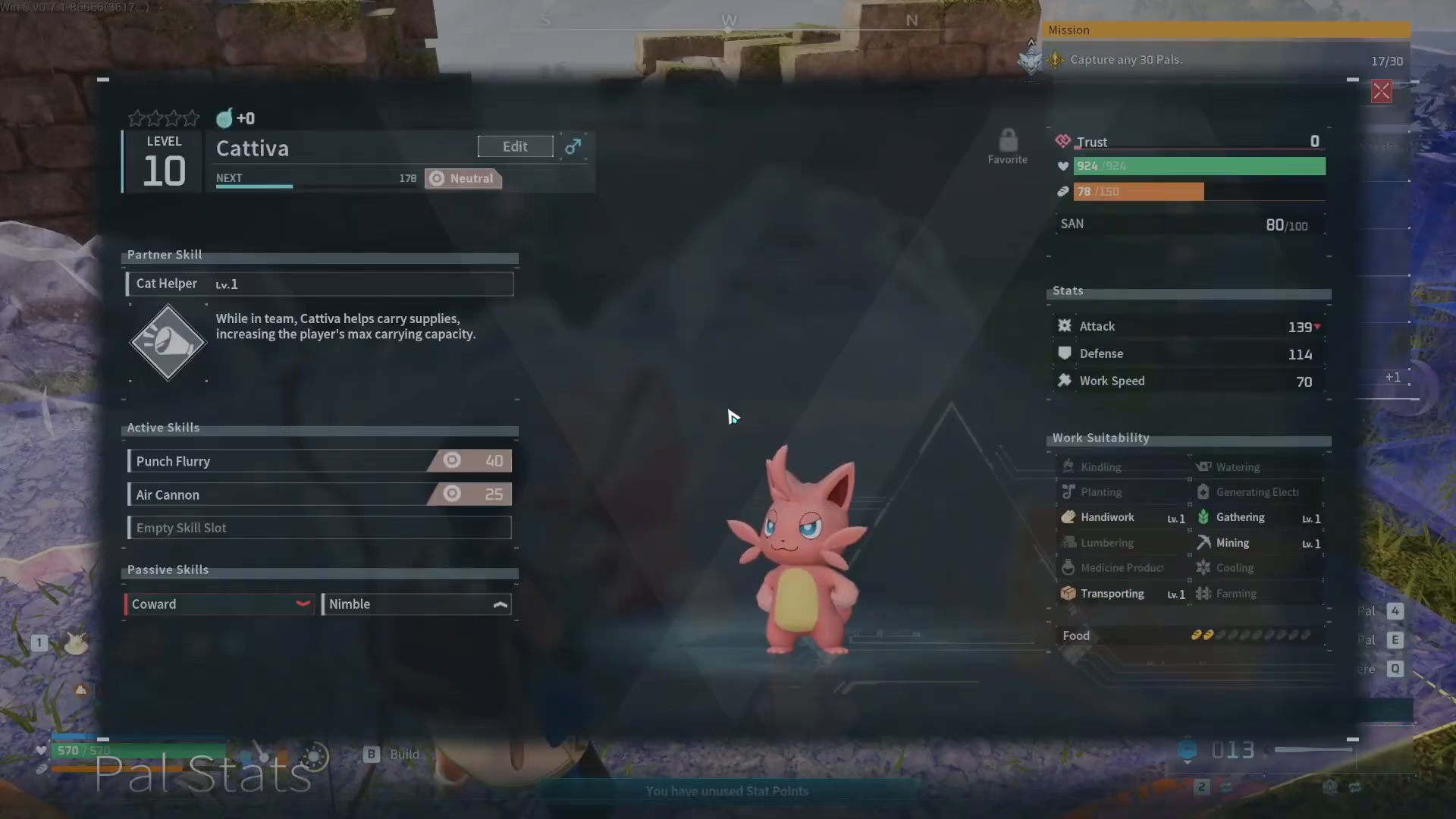
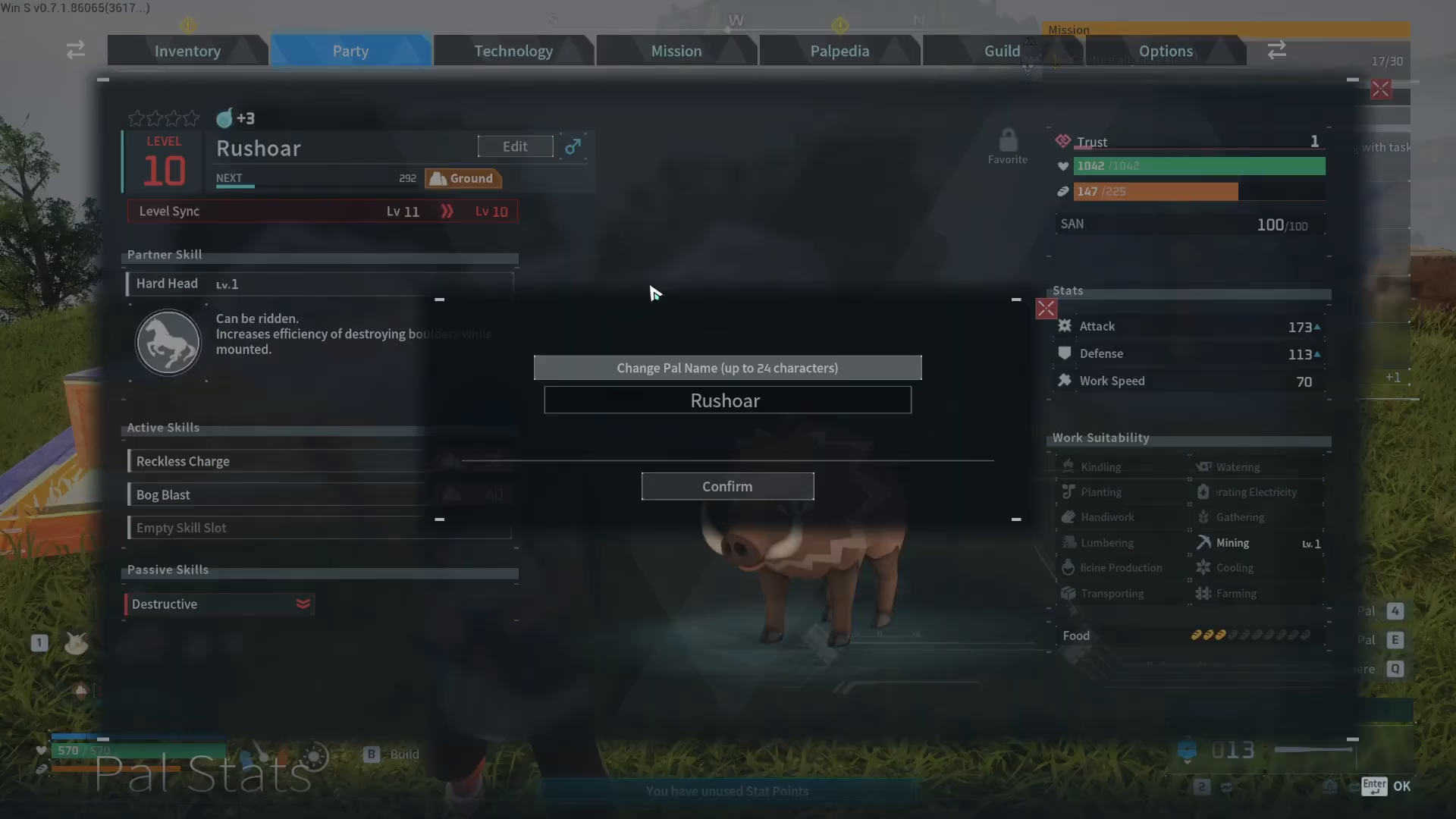
Once you’re in the details screen, you’ll see your pal’s current name displayed. Look for the “Edit” option and select it. You can now change the name to whatever you’d like—be as creative as you want with your custom nickname.
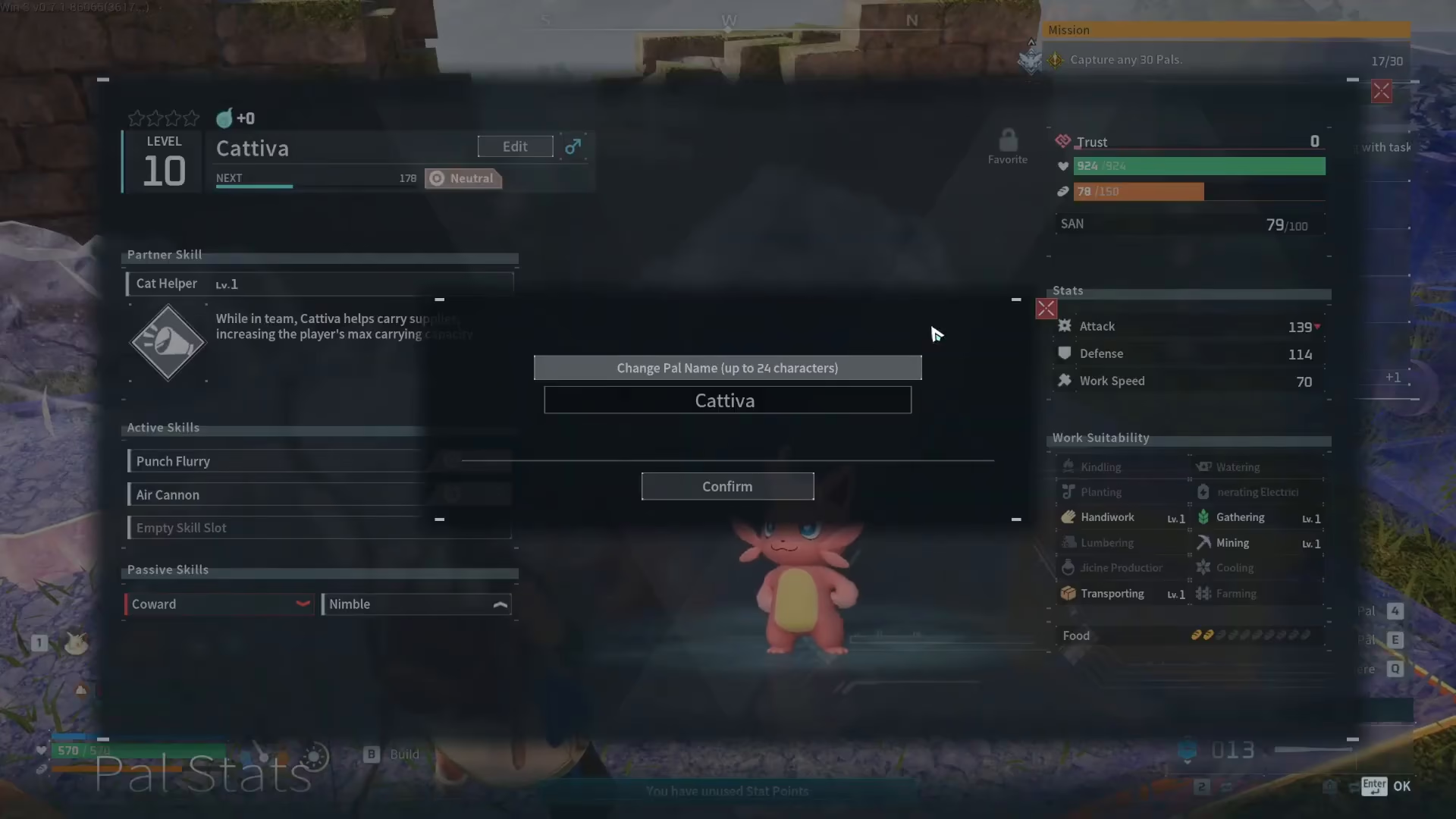
After you’ve entered your new nickname, confirm the change and you’re done. Your pal will now be known by their new name.
Renaming Pals Through Your Inventory
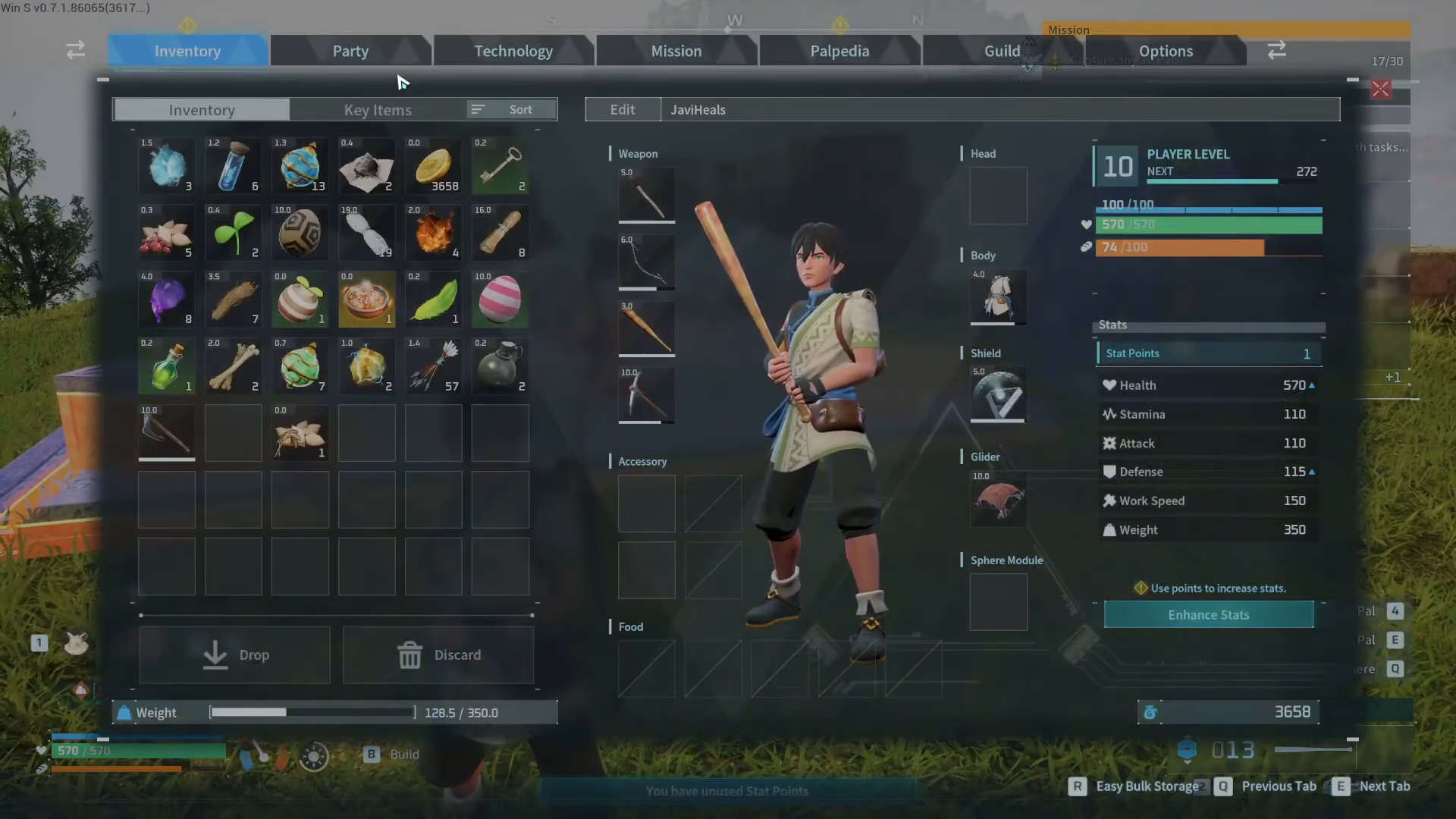
If your pal is stored in your party rather than out in the field, you can rename them just as easily through your inventory. Open your inventory and navigate to the “Party” section.
Select the pal you want to rename from your party list. Once you’ve selected them, you’ll be taken to their details screen—the same interface you’d see when renaming a pal in the field.
From here, use the “Edit” option to change their name. The process is identical to renaming pals in the open world, making it consistent and easy to remember.
Summary
Renaming your pals in Palworld is one of the easiest customization features in the game. Whether your pal is adventuring with you or waiting in your party, you can access the details screen and edit their name in seconds. Give your pals nicknames that reflect their personality, their role in your team, or anything else that matters to you. It’s a small feature that adds a personal touch to your Palworld experience.
— Want to Support? —
If you would like to help us continue making these guides – please consider joining our patreon here – https://www.patreon.com/c/JaviHeals
Alternatively – you can join our discord here – https://discord.gg/zD7Gjt6MHF



