





How to Pick Up Doors Once Placed Down in Rust
How to Pick Up Doors Once Placed Down in Rust
One of the most frustrating aspects of Rust building is figuring out how to retrieve doors you’ve already placed. Fortunately, the process is straightforward once you know the steps. This guide will walk you through picking up placed doors in Rust quickly and efficiently.
Preparation: Equip Your Hammer
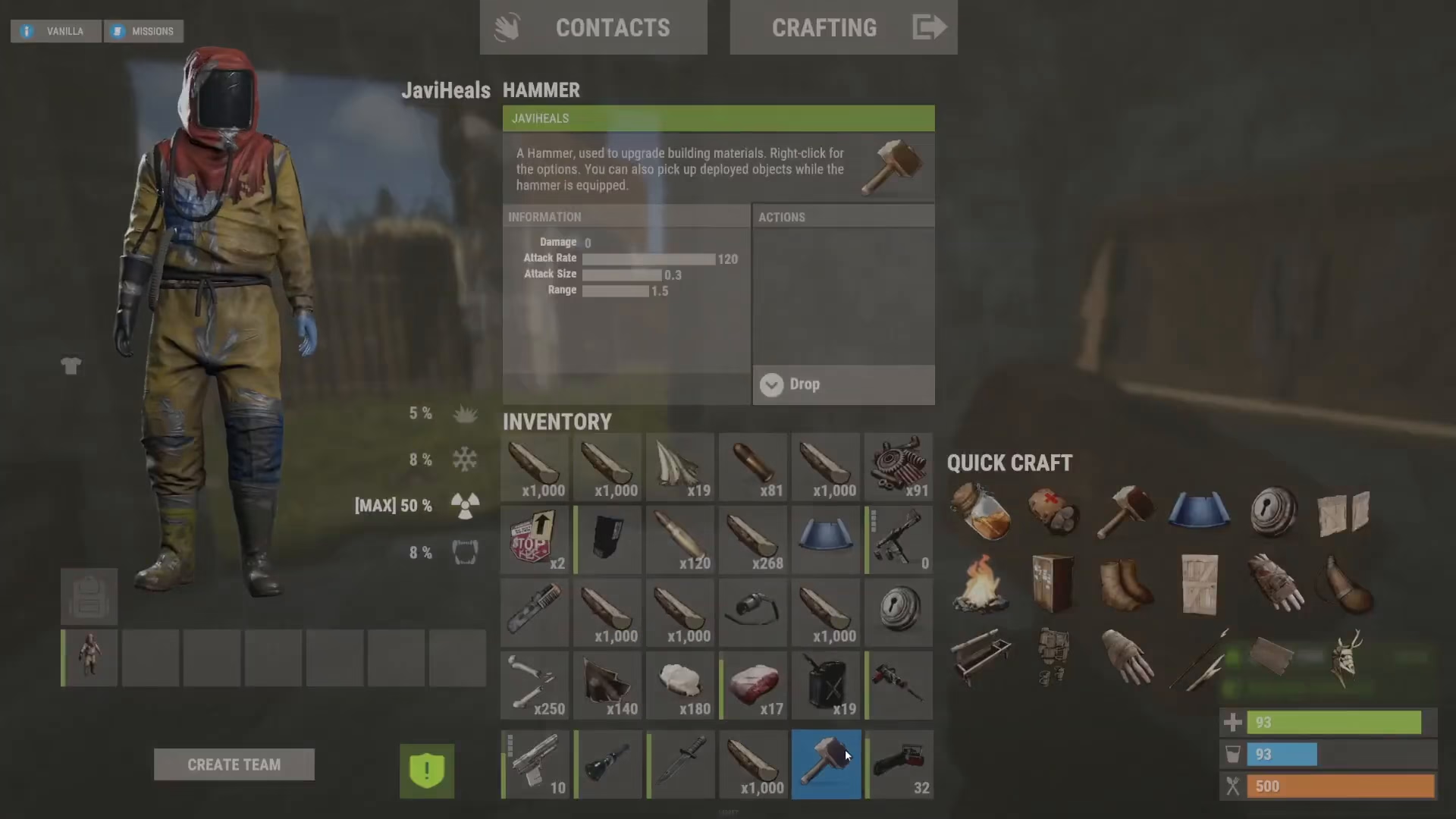
Before you can pick up a door, you’ll need to have your hammer in your hand or in your toolbelt slot. This is the essential tool for removing placed doors from Rust.
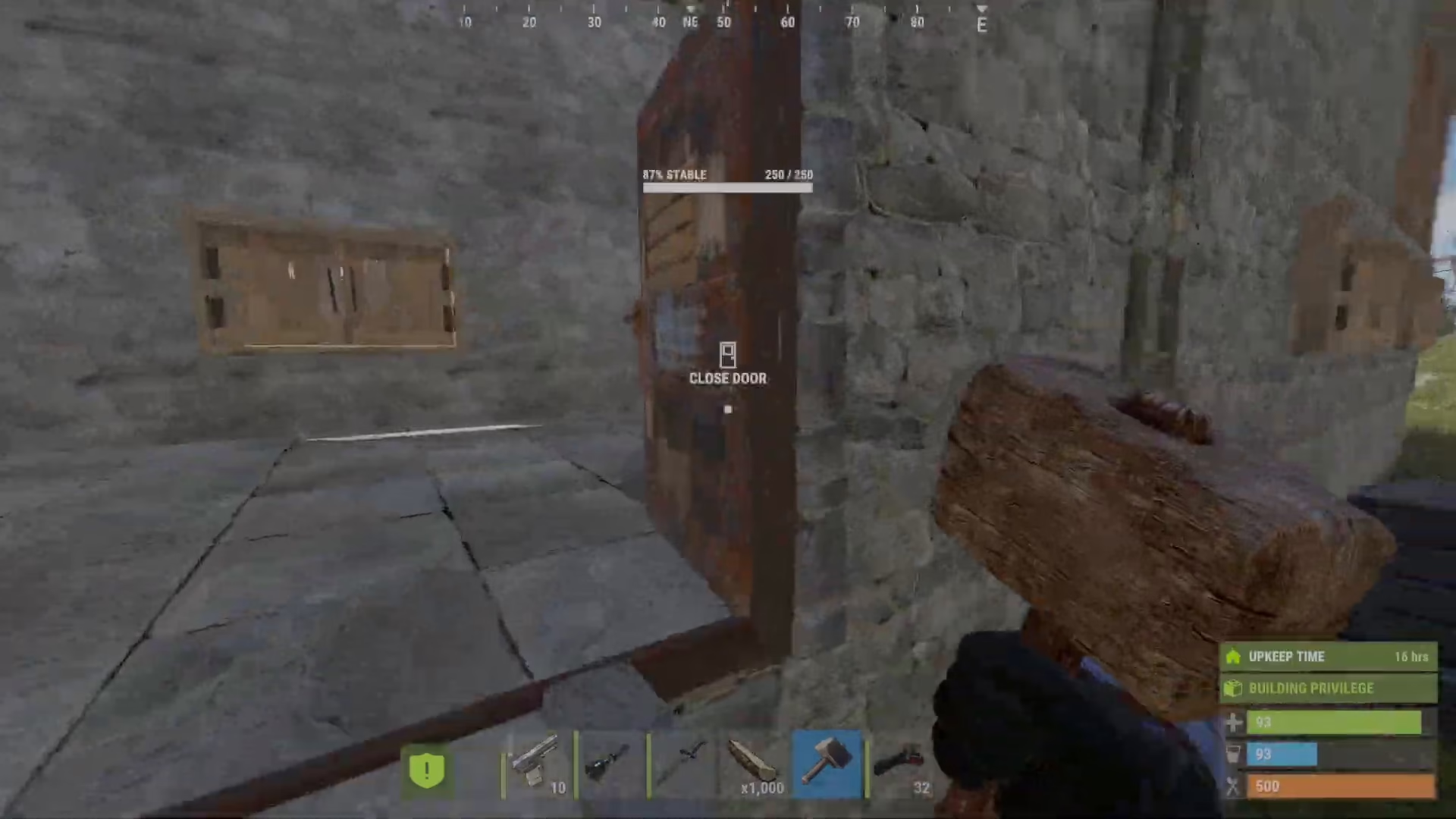
Step 1: Unlock Your Door
If your door has a lock on it, you’ll need to unlock it first. Hold down use and select unlock from the interaction menu.
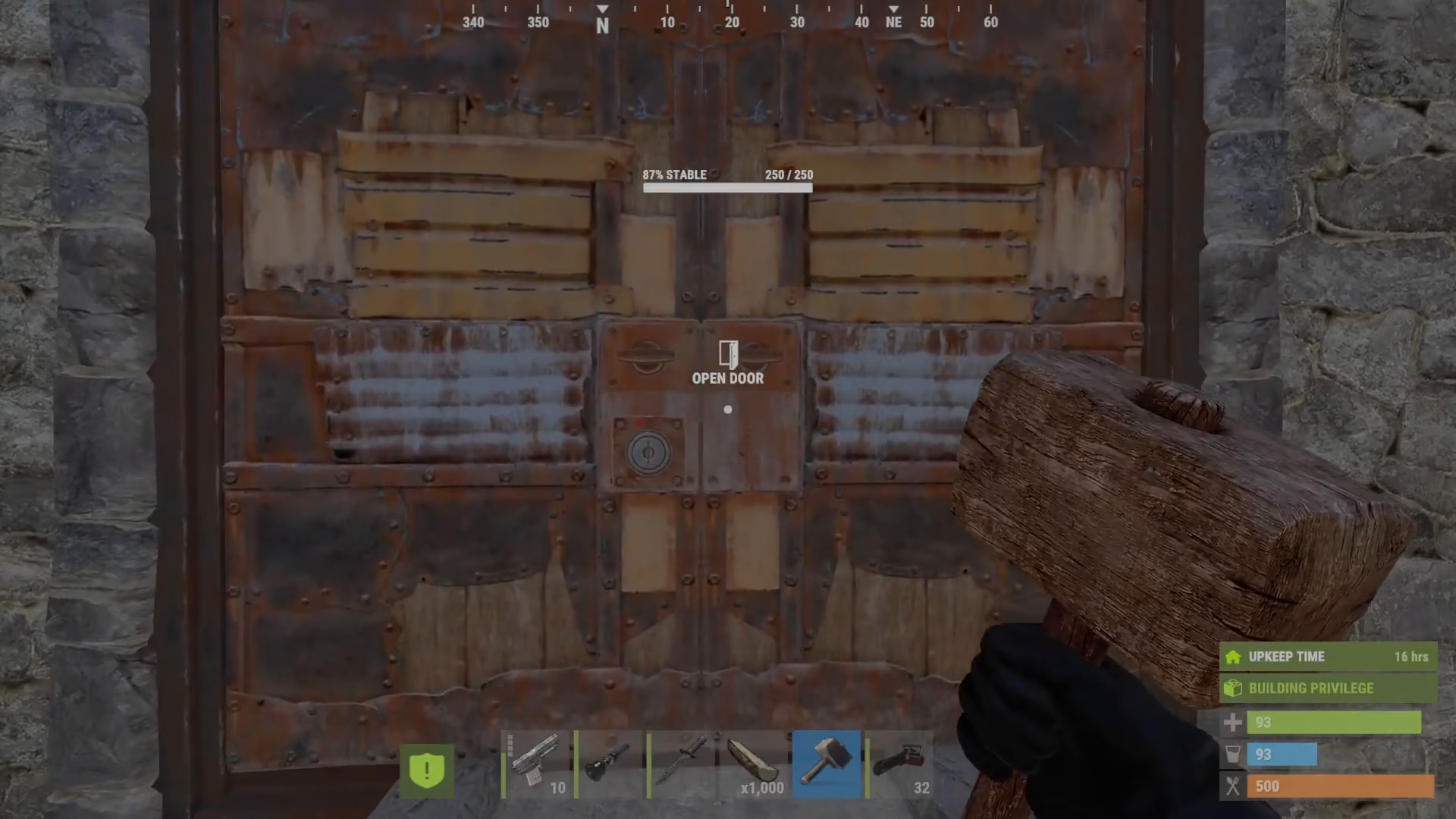
Step 2: Remove the Lock
Once the door is unlocked, hold down use again to remove the lock entirely. The lock must be removed and cannot remain attached to the door. When you remove it, the lock will go directly into your inventory.
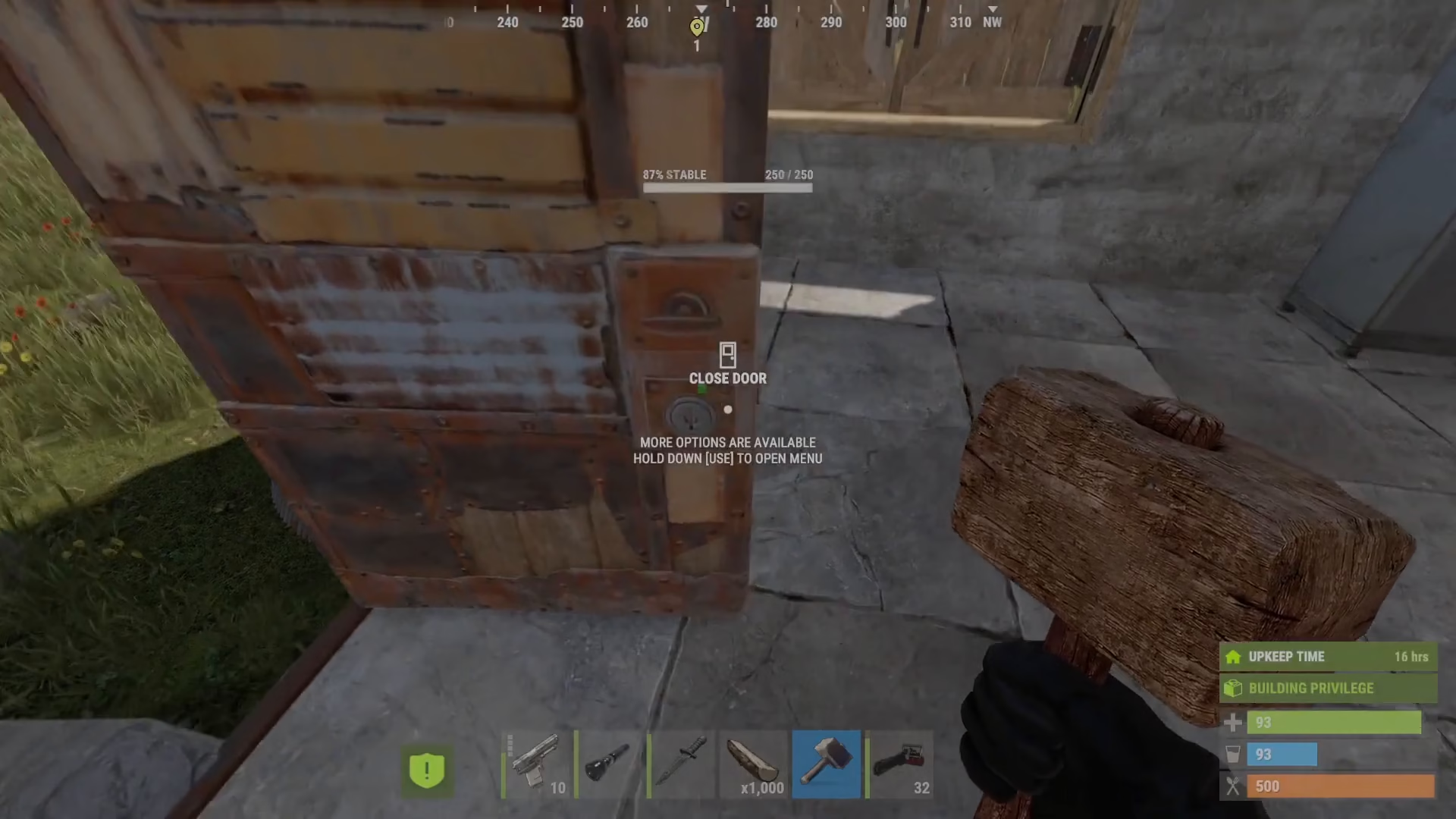
Step 3: Pick Up the Door with Your Hammer
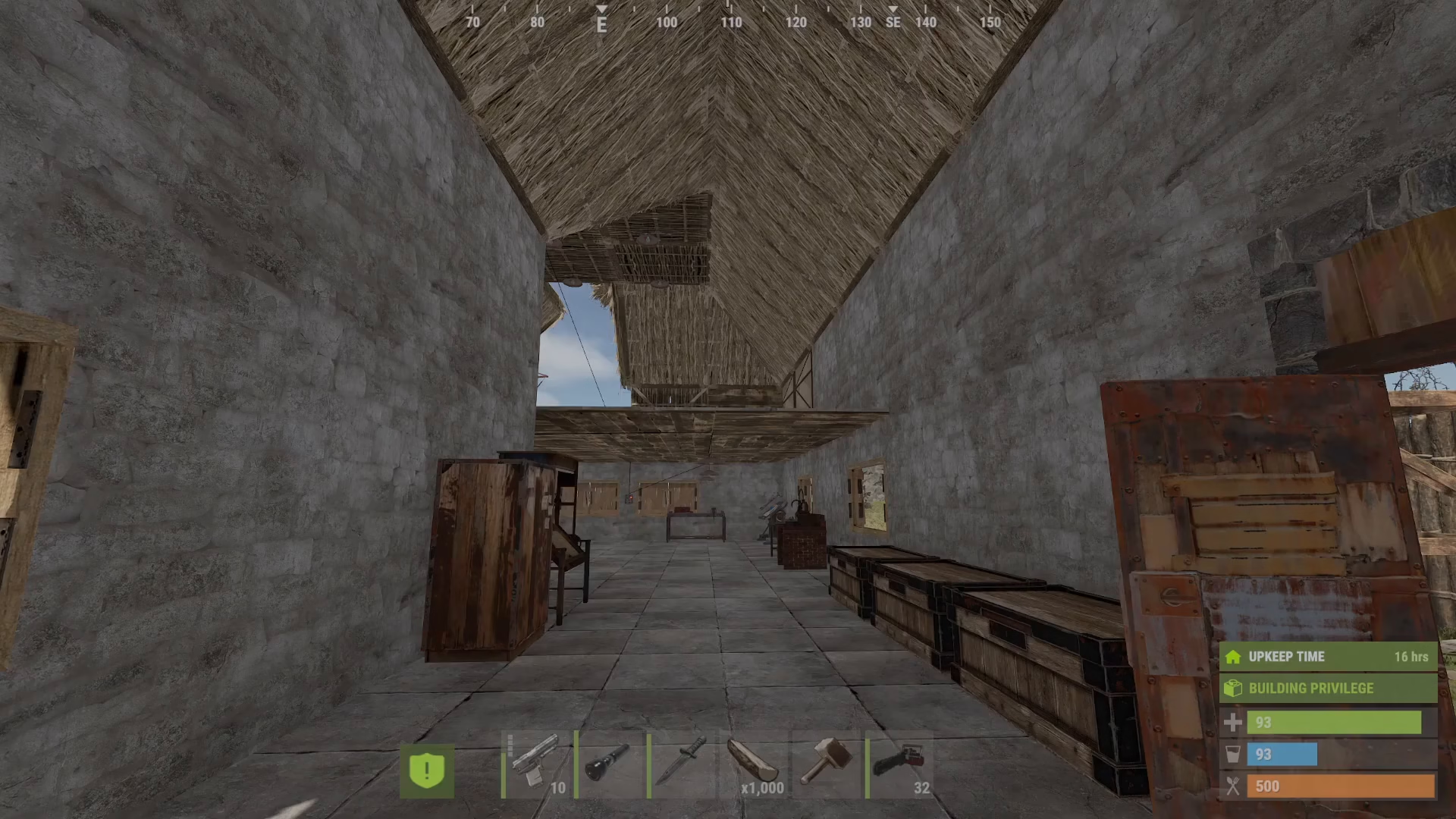
Now that your door is open and has no lock attached, hold your hammer and hold down use while looking at the door. The door will be picked up and returned to your inventory, exactly as shown in the demonstration.
Important Requirements
Remember these critical conditions for successfully picking up a door:
The door must be open
The door must have no lock attached
You must be holding a hammer
You must hold down use while looking at the door
Limitations with Other Building Structures
It’s important to note that this pickup method only works with doors and other placeable objects in Rust. Other building tools like walls, foundations, and frames cannot be moved or picked up once they’re placed down. You’ll need to destroy them if you want to remove them from your base.
Conclusion
Picking up doors in Rust is a simple three-step process: equip your hammer, ensure the door is unlocked and open, then hold use to retrieve it. Now you can confidently manage your doors and adjust your base layout as needed without losing your door components.
— Want to Support? —
If you would like to help us continue making these guides – please consider joining our patreon here – https://www.patreon.com/c/JaviHeals
Alternatively – you can join our discord here – https://discord.gg/zD7Gjt6MHF

