




How to Rotate Items in Rust
How to Rotate Items in Rust
When placing down new building parts in Rust, you might want to rotate them to face different directions. However, the rotation mechanics aren’t immediately obvious to new players. This guide will walk you through the rotation system and share a useful trick for rotating items you’ve already placed.
Rotating New Building Blocks
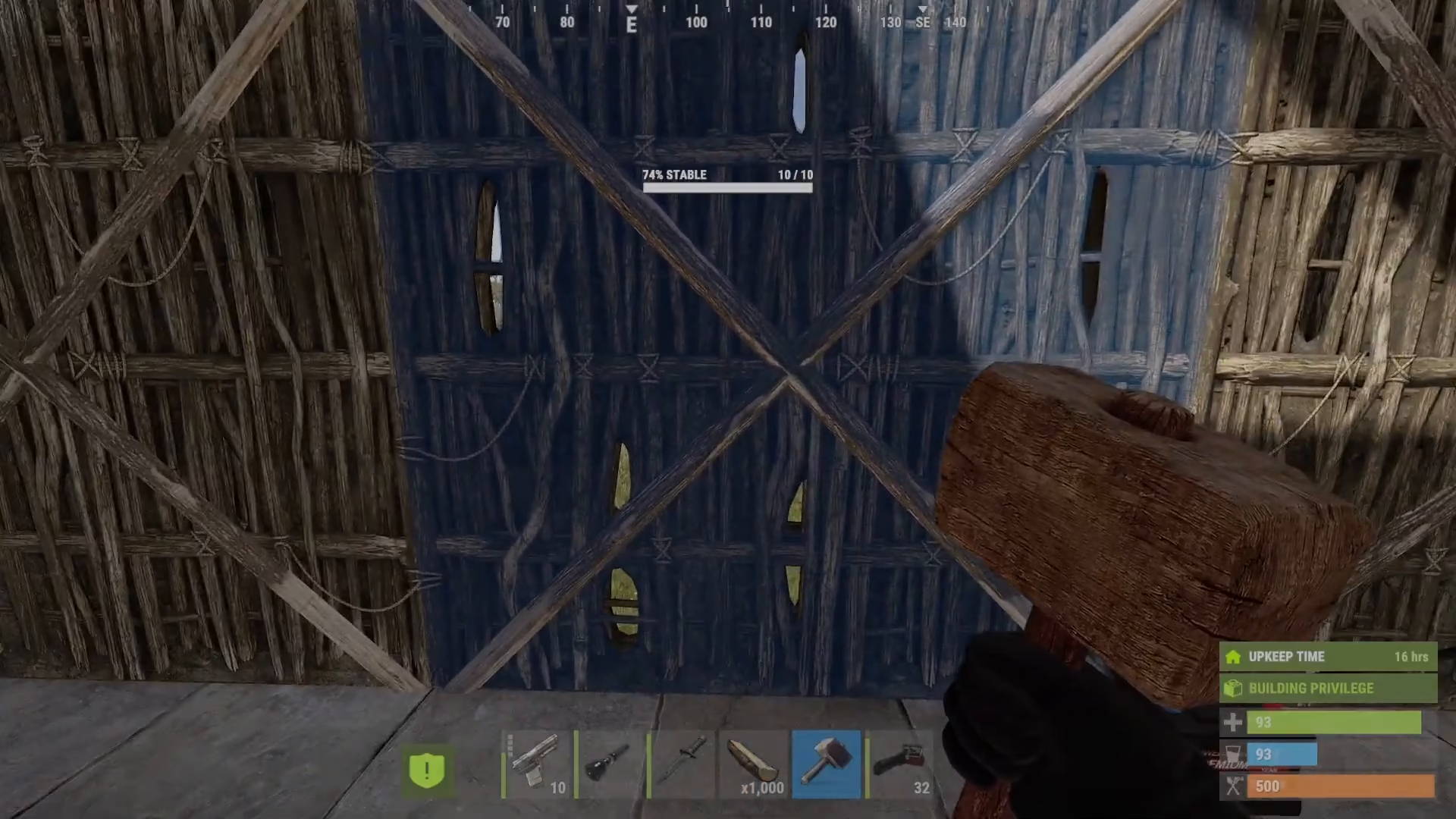
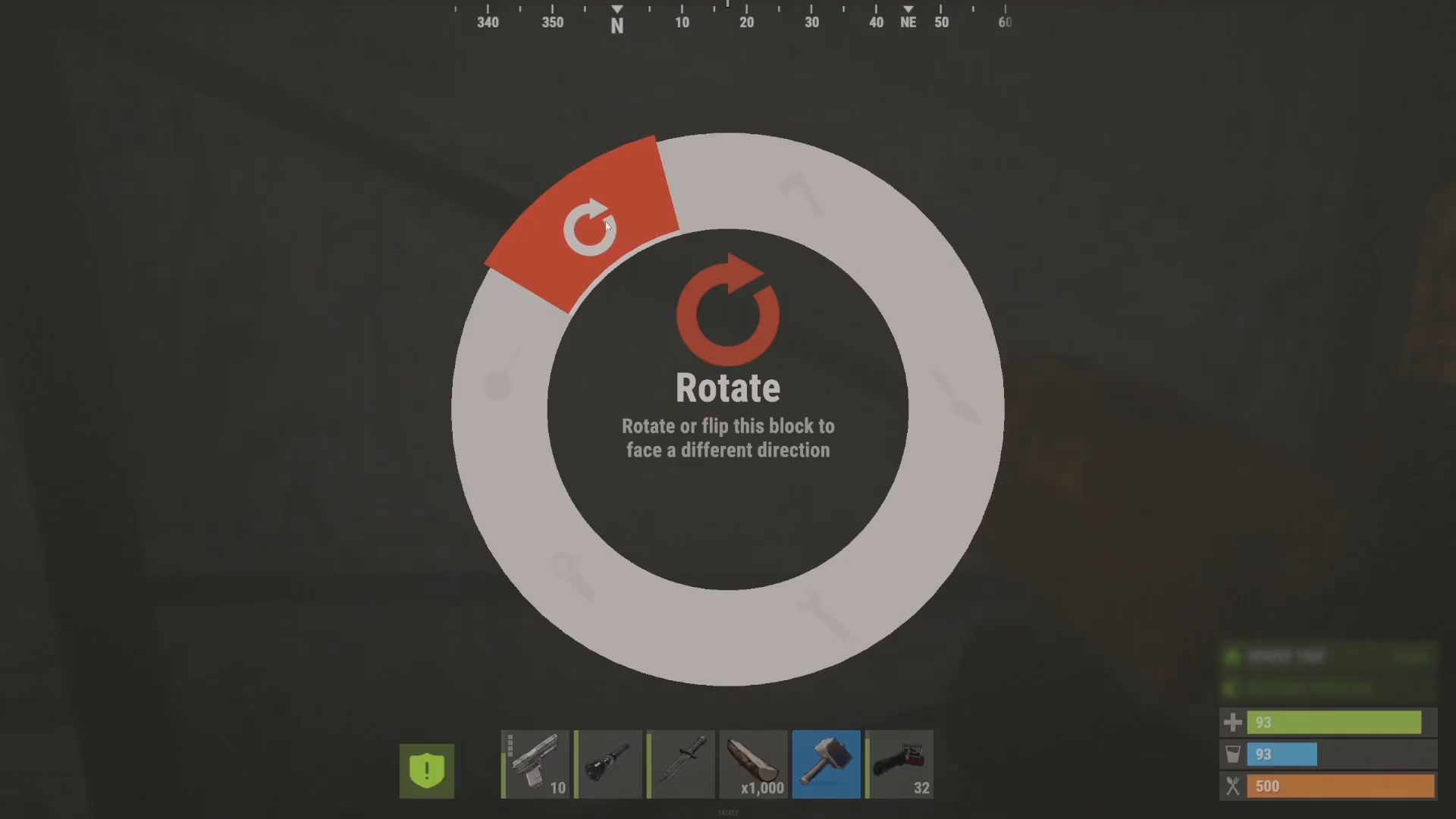
The easiest way to rotate items in Rust is while they’re still new. When placing down a fresh building part like a wall, hold down on the block and you’ll see a prompt that says “Rotate or flip this block to face a different direction.”
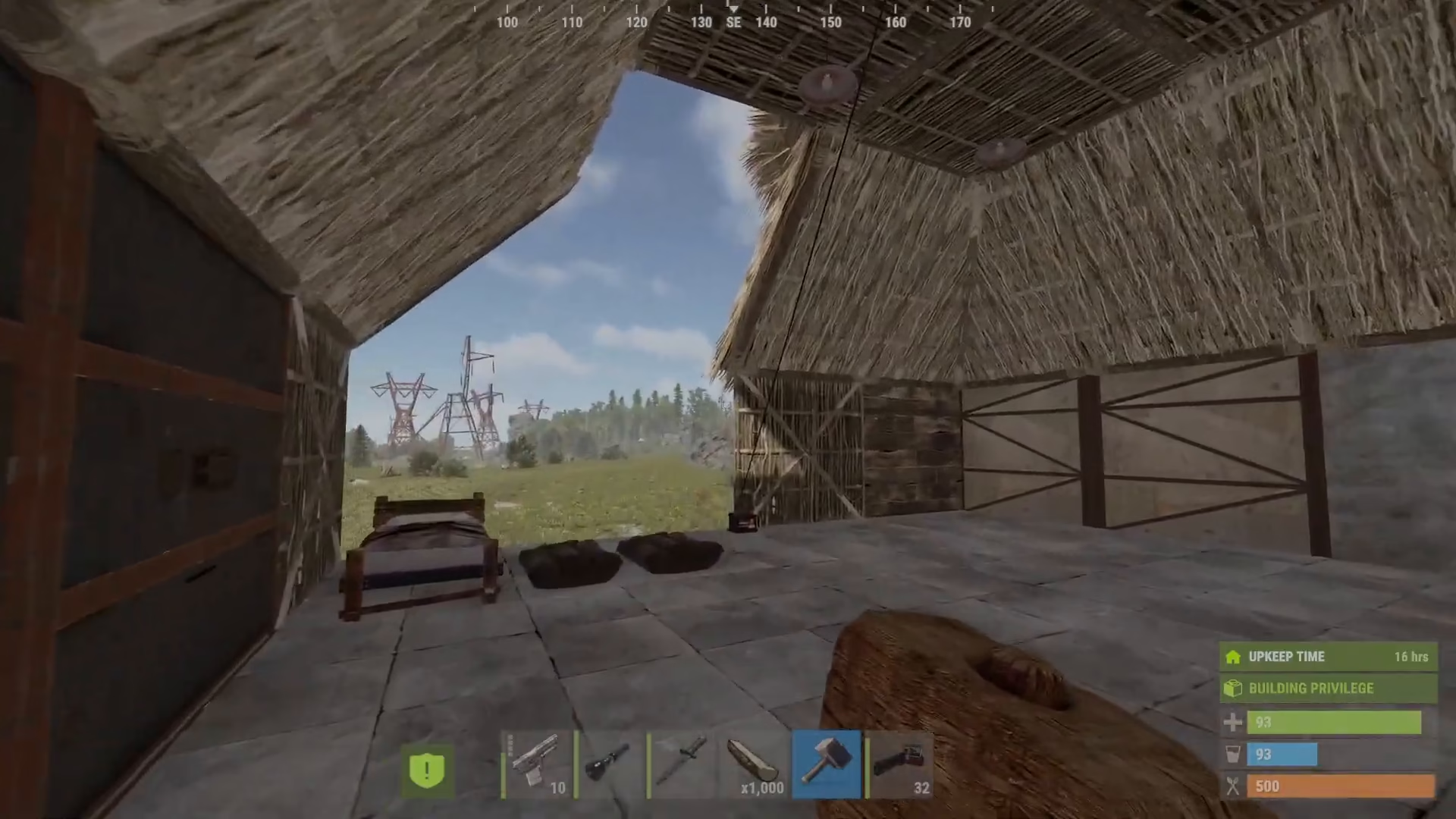
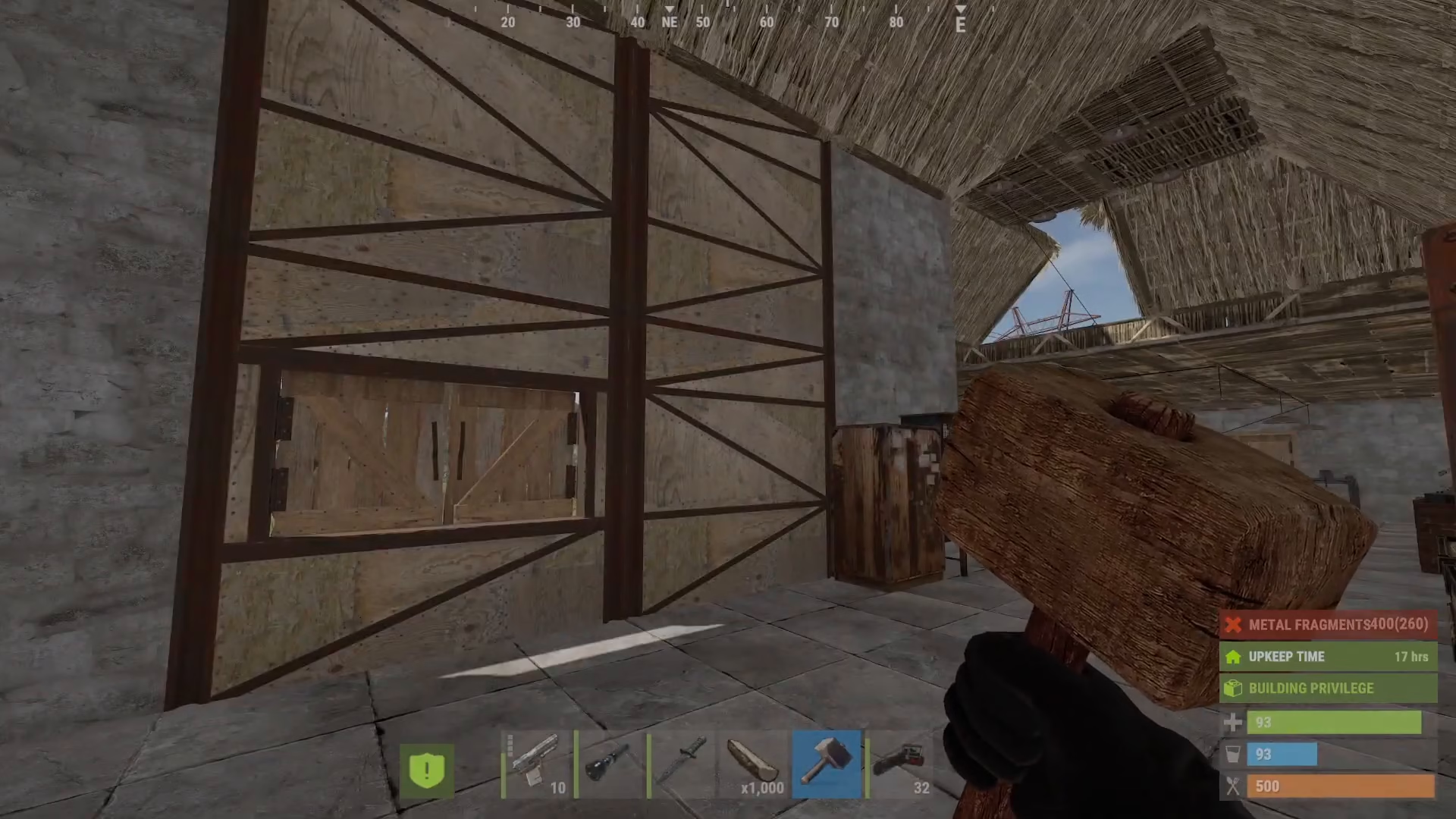
This is especially useful for walls, where orientation matters. For example, when you place a new wall, the beams may be on the inside or outside. You want the soft part (the beams) facing inward for protection. By rotating with your hammer equipped, you can adjust the wall so the reinforced side faces outward.
The Time Limitation on Rotation
Unfortunately, you can only rotate blocks while they’re new. After a few minutes have passed, the rotation option disappears entirely. This is a limitation of Rust’s building system—once a block has been placed and time has elapsed, it’s locked in its current orientation.
The Upgrade Trick: Rotating Already-Placed Blocks
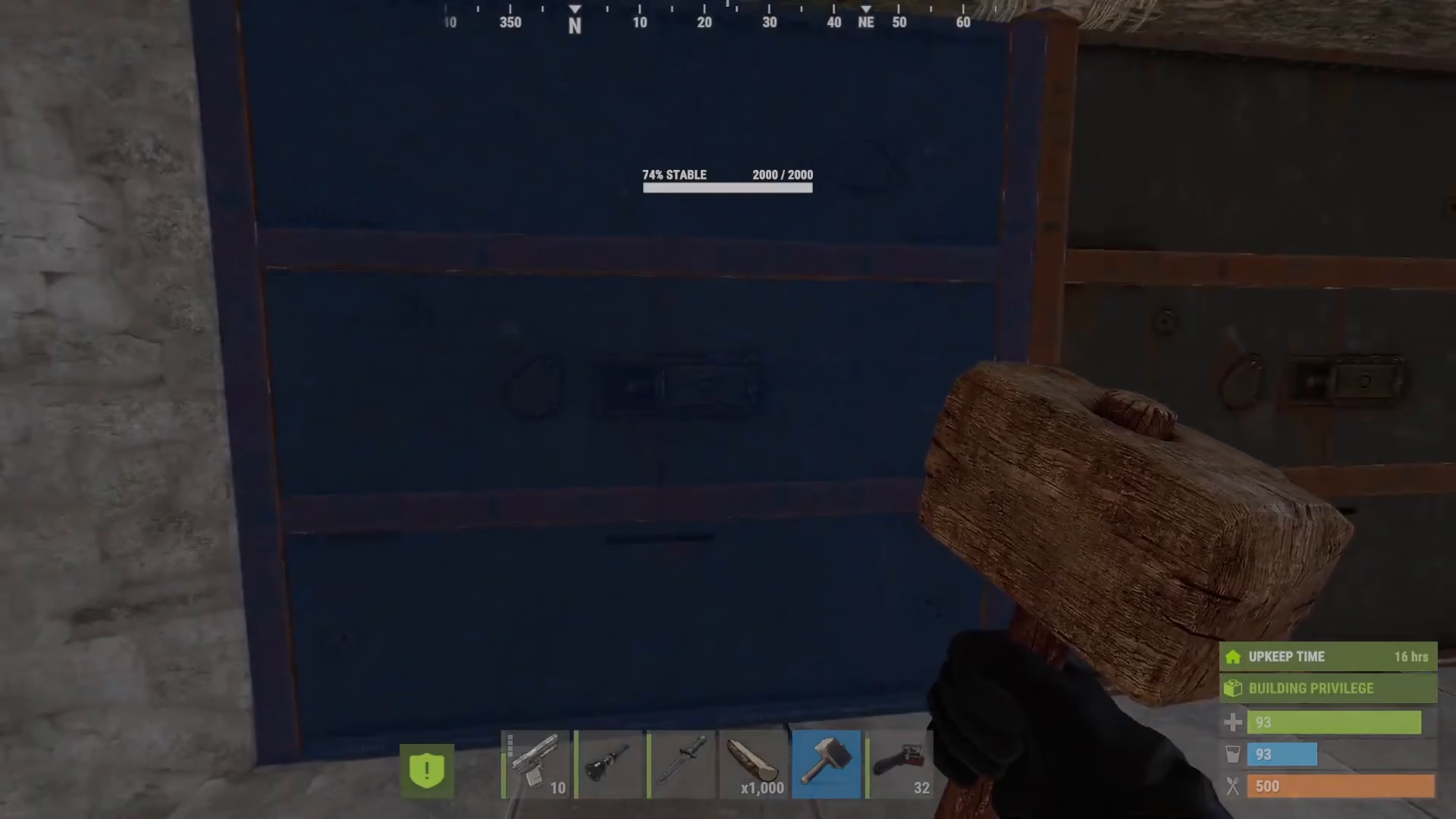
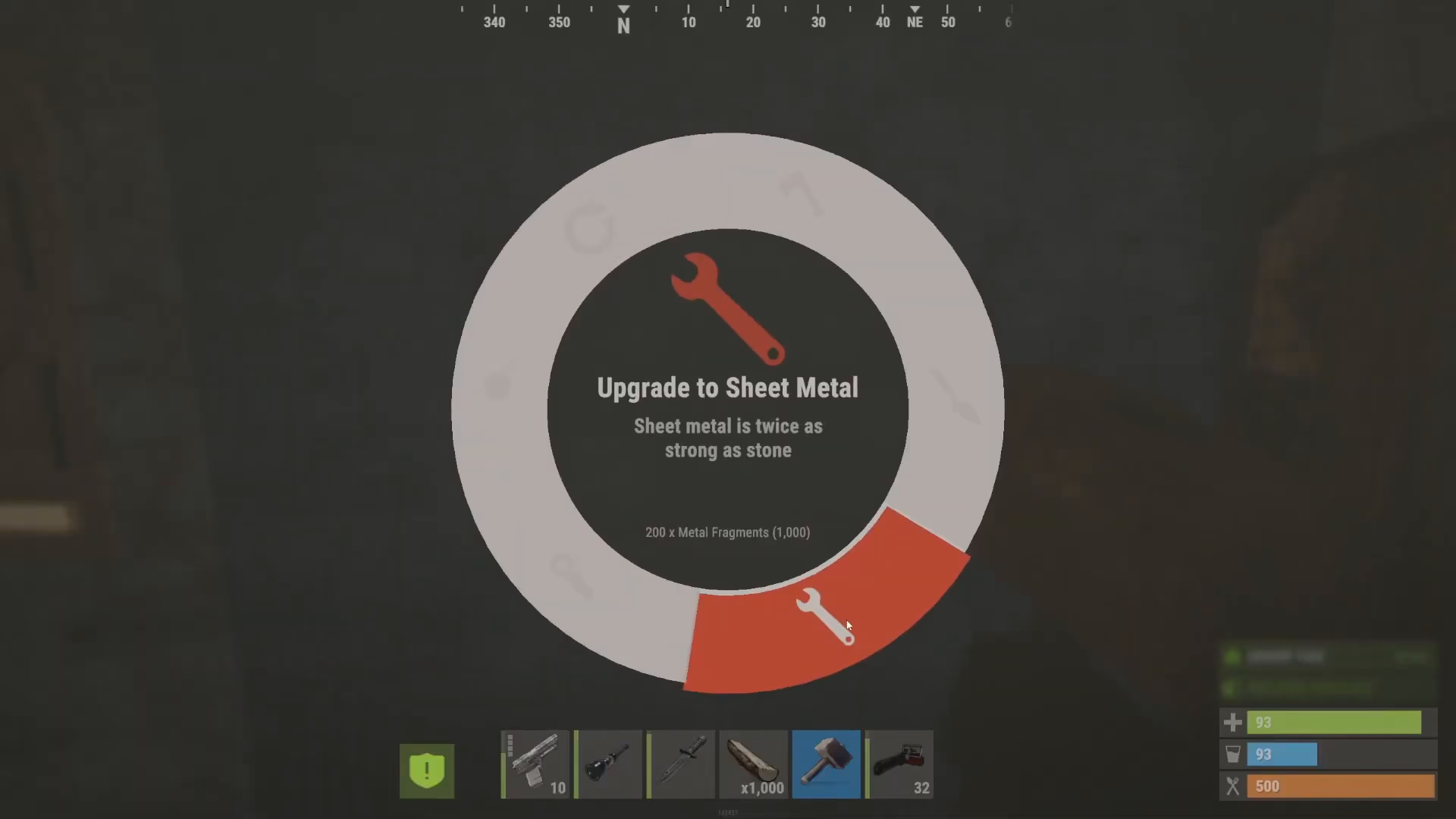
If you’ve already placed your walls and want to rotate them, there’s a useful workaround. You can upgrade your blocks to the next tier, and the game will temporarily treat them as “new” again, allowing rotation.
For example, if you have a wooden wall that you can’t rotate, upgrade it to sheet metal. Once upgraded, hold down on the block with your hammer equipped and the rotation option will reappear. You can now rotate the block to face either direction—inside or outside.
This trick works on multiple blocks in succession. Simply upgrade each block that needs rotation, and immediately rotate it before the time window closes.
Important Notes
Rotation only works on newly placed blocks or recently upgraded blocks
After a few minutes elapse, rotation becomes unavailable
Upgrading a block to the next tier resets the rotation timer temporarily
This system applies to all building parts, not just walls
Summary
Rotating items in Rust is straightforward for new placements—simply hold down on the block and select rotate. For already-placed blocks, upgrade them to the next tier to temporarily unlock rotation. While this system may seem unusual, it’s the way Rust’s building mechanics work. Keep these tips in mind when constructing your base to ensure your walls and building parts are facing the right direction for optimal defense.
Want to Support?
If you would like to help us continue making these guides – please consider joining our patreon here – https://www.patreon.com/c/JaviHeals
Alternatively – you can join our discord here – https://discord.gg/zD7Gjt6MHF