How to Attach Cars & Trailers In Project Zomboid
How to Attach Cars & Trailers in Project Zomboid
In Project Zomboid, attaching vehicles together is a practical skill that allows you to transport multiple cars or trailers at once. This guide will walk you through the simple process of connecting two vehicles so you can tow them with your primary car.
Vehicle Attachment Basics
Attaching a car or trailer to another vehicle is straightforward. The key is positioning your vehicles correctly before initiating the attachment.
Positioning Your Vehicles
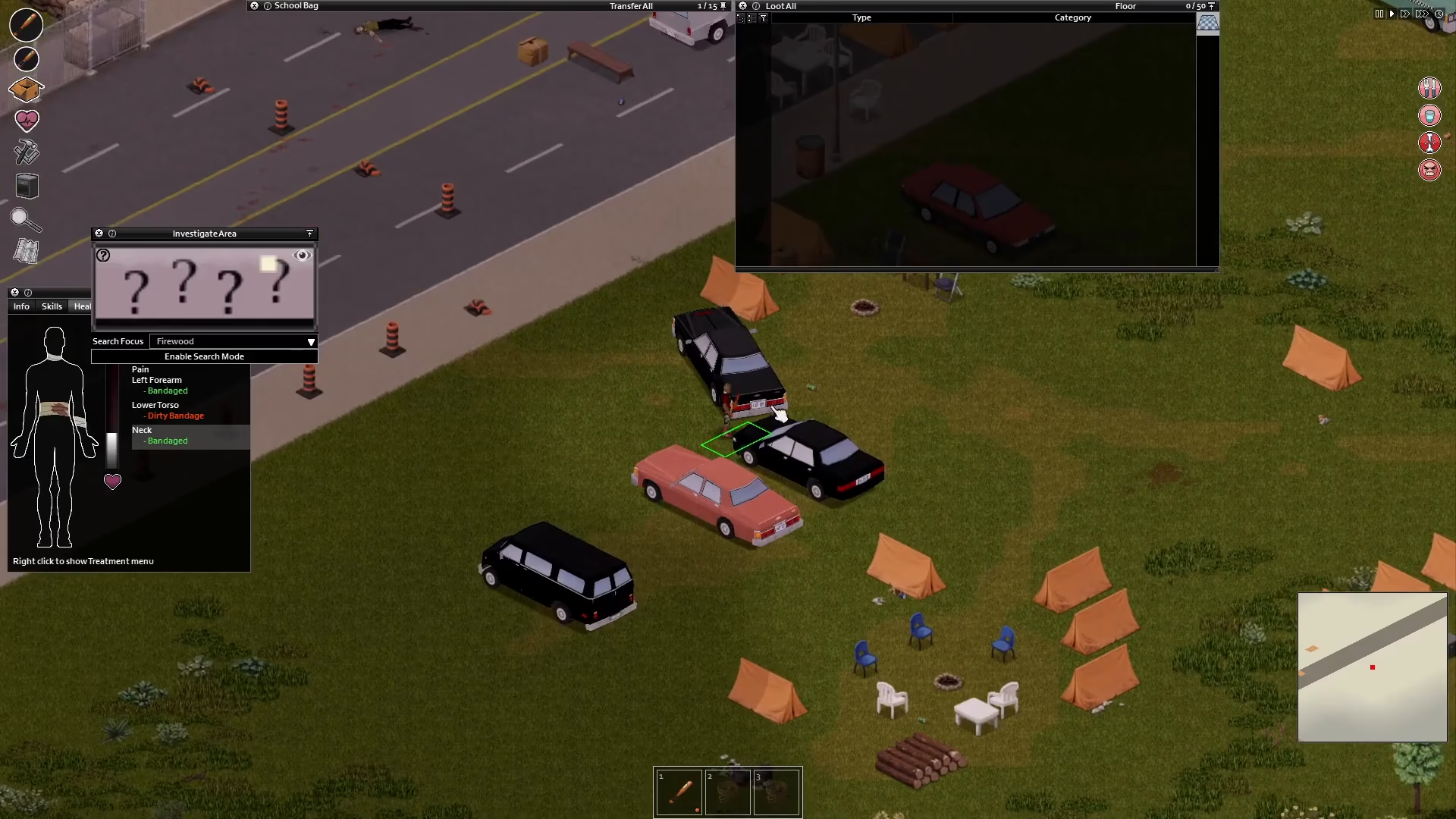
Start by maneuvering both vehicles so they are positioned back to back with each other. This alignment is crucial—the rear of one vehicle should be facing the rear of the other vehicle.
Executing the Attachment
Once your vehicles are properly positioned back to back, the attachment process is simple:
Hold the V key on your keyboard
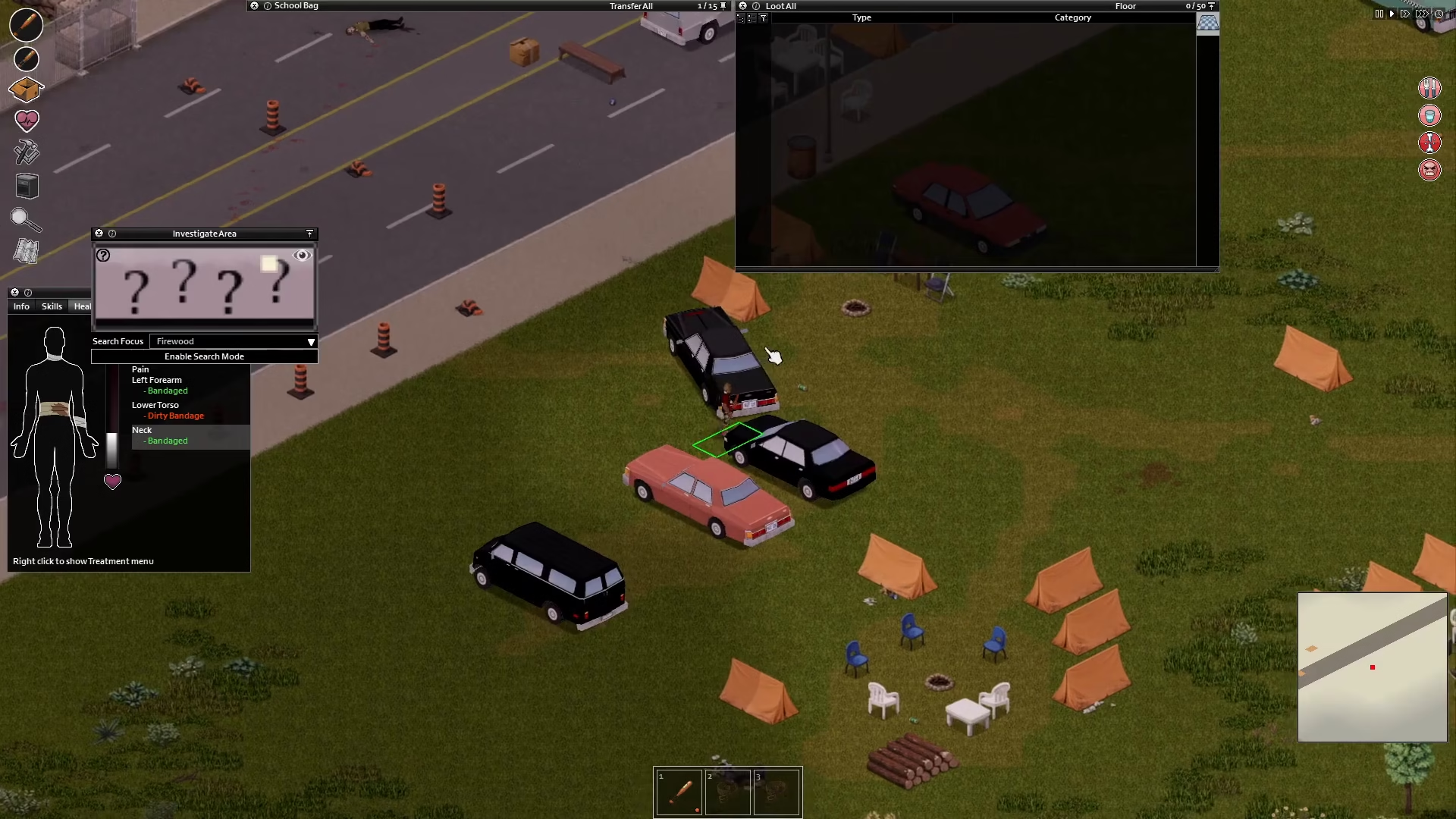
Click to attach the vehicles together
Driving Your Attached Vehicles
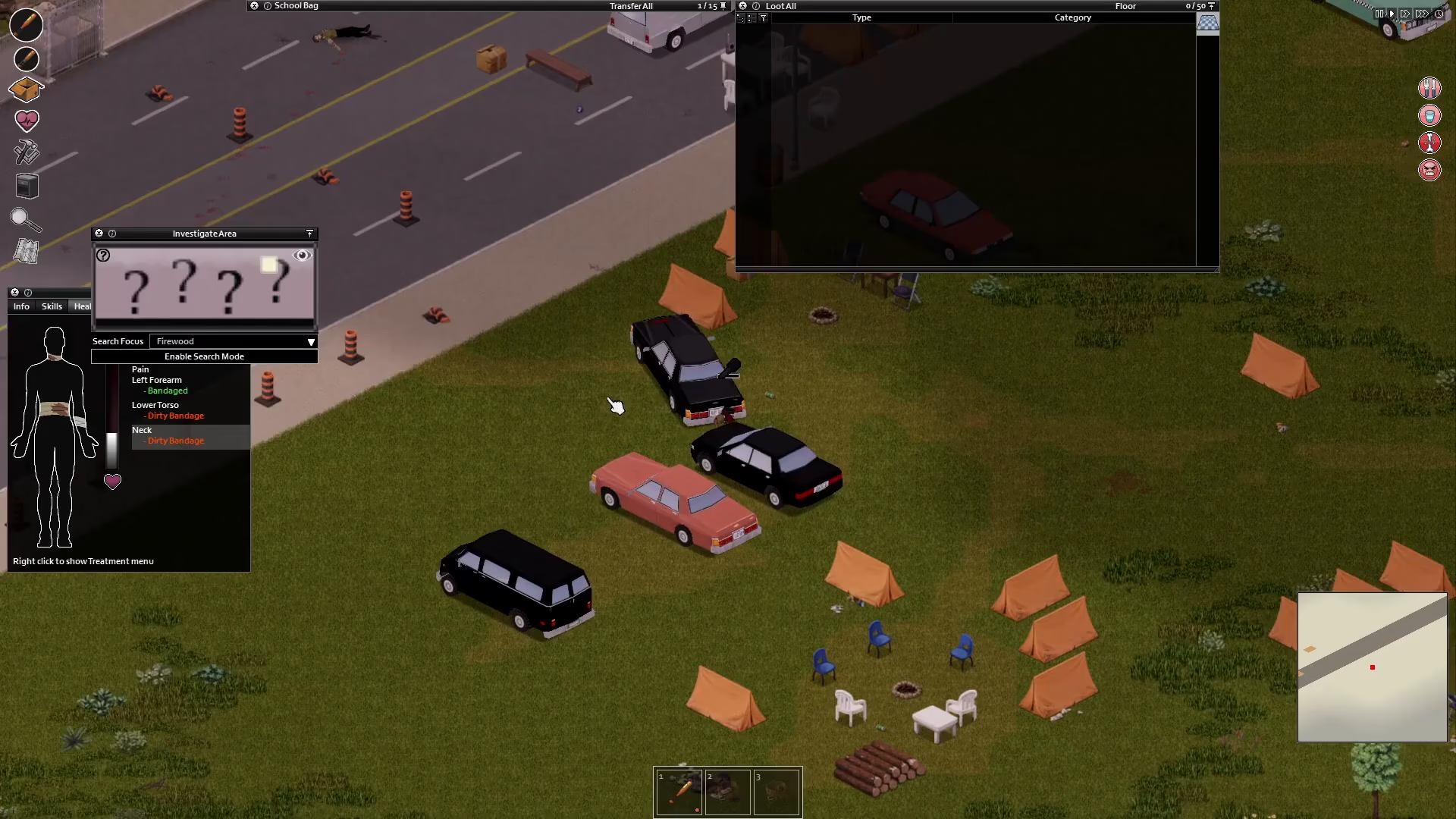
After successfully attaching the two cars together, you now have control over both vehicles as a unit. You can take your primary car and drive away with your second vehicle in tow. This allows you to transport multiple vehicles without needing additional drivers, making it an essential technique for managing your fleet in Project Zomboid.
Summary
Attaching vehicles in Project Zomboid is a quick process: position two cars back to back, hold V, and click to attach. Once connected, you can drive your primary vehicle and tow the secondary one wherever you need to go. This mechanic is invaluable for efficiently managing multiple vehicles during your survival journey.
— Want to Support? —
If you would like to help us continue making these guides – please consider joining our patreon here – https://www.patreon.com/c/JaviHeals
Alternatively – you can join our discord here – https://discord.gg/zD7Gjt6MHF