





How to Change Servers in Escape From Tarkov
How to Change Servers in Escape From Tarkov
Escape From Tarkov offers players the flexibility to switch between different server zones, including PvE and PvP environments. If you’re looking to change your gameplay experience or need to relocate to a different region, this guide will walk you through the simple process of switching servers in Tarkov.
Changing Your Server Zone
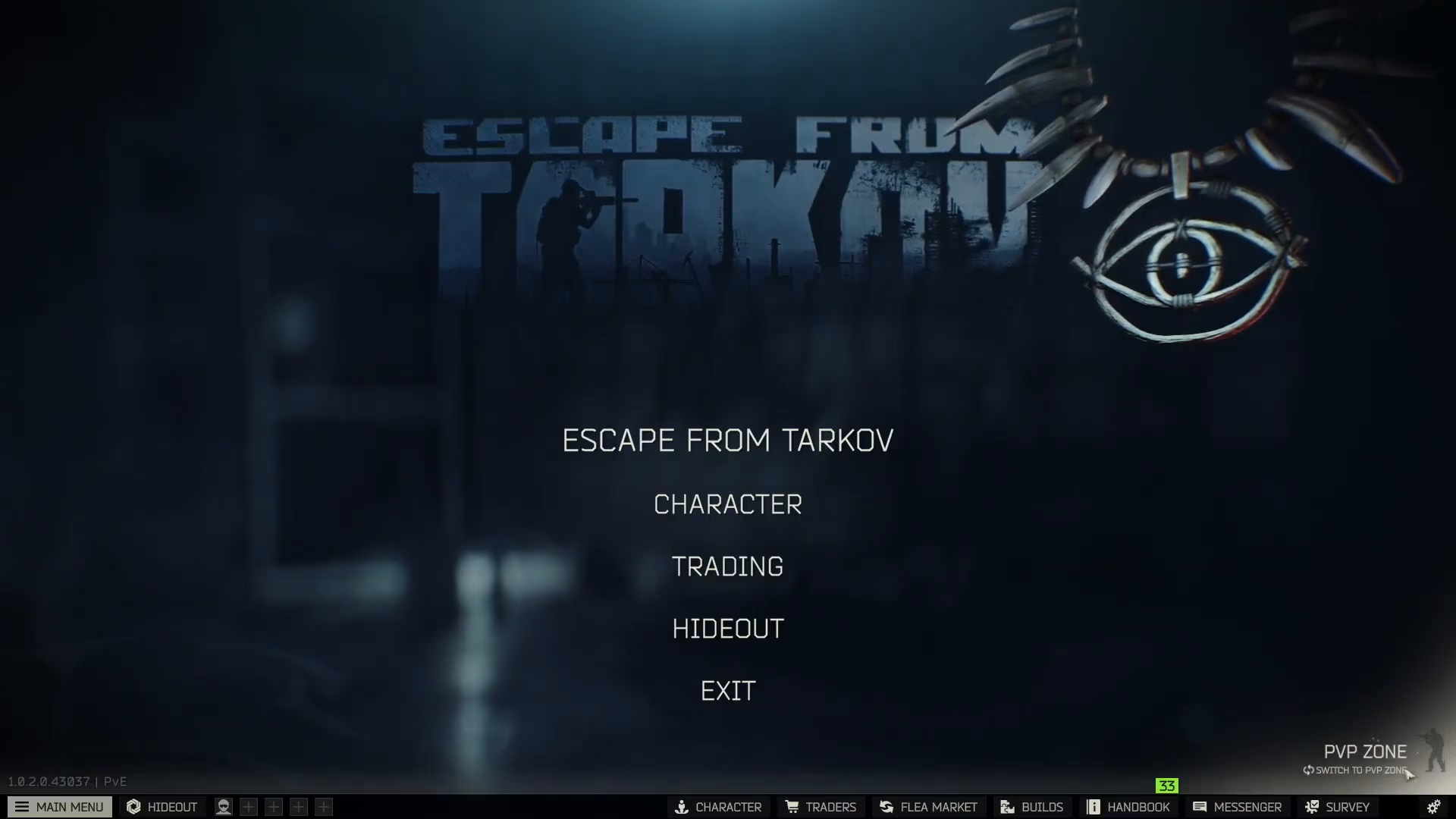
To change servers in Tarkov, navigate to the bottom right corner of your screen and locate the server selection button. Pressing this button will toggle your current zone and switch your gameplay environment.
PvE to PvP Switching
If you are currently in a PvE zone, pressing the server button will switch you to the PvP side. Conversely, if you’re already playing on the PvP side, using the same button will switch you back to PvE. The process works seamlessly in both directions, allowing you to toggle between gameplay modes as needed.
Summary
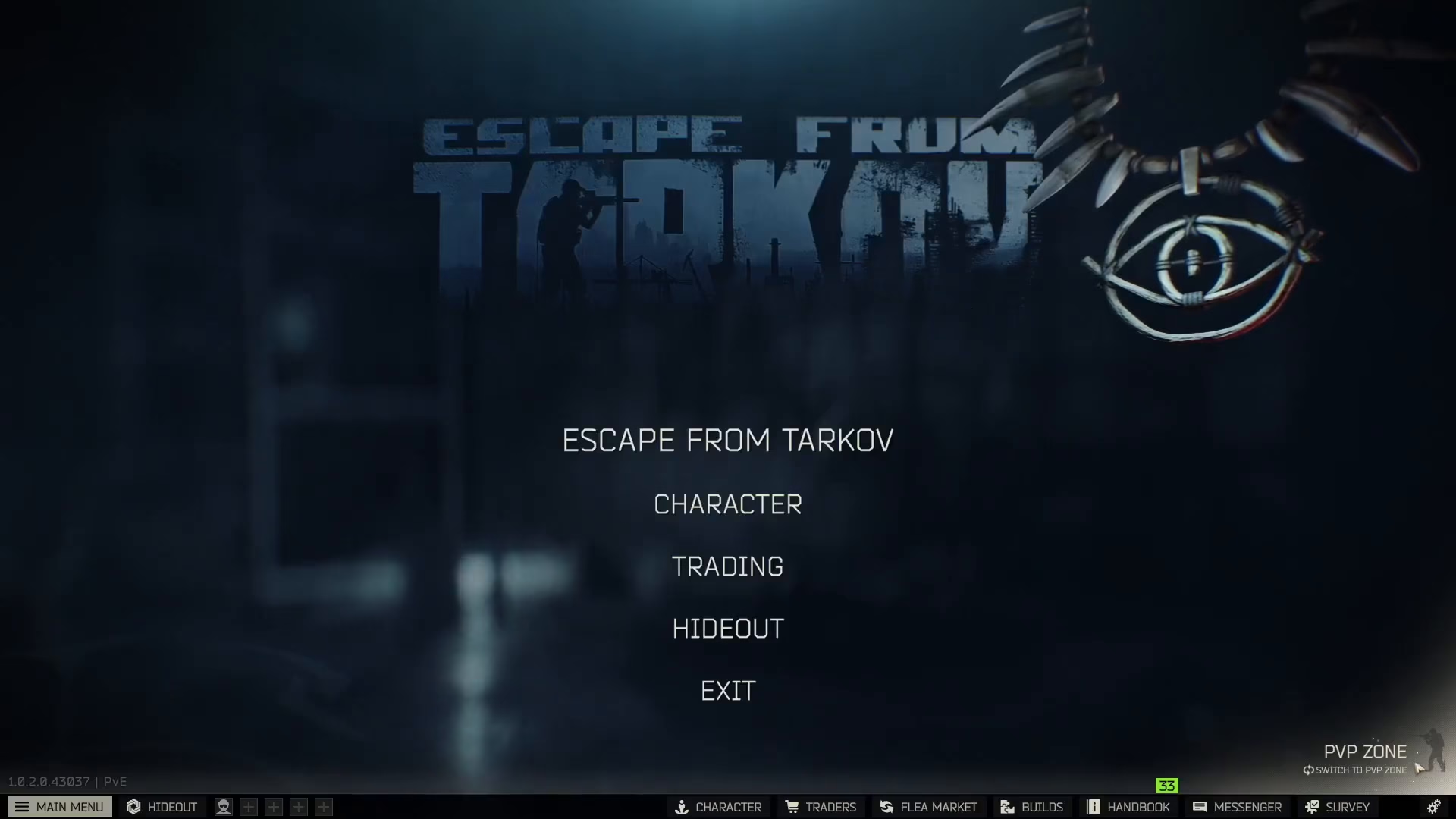
Changing servers in Escape From Tarkov is straightforward—simply access the server selection button in the bottom right corner of your screen and press it to toggle between your available zones. Whether you prefer PvE or PvP gameplay, you can switch between them quickly and easily to match your playstyle.
— Want to Support? —
If you would like to help us continue making these guides – please consider joining our patreon here – https://www.patreon.com/c/JaviHeals Alternatively – you can join our discord here – https://discord.gg/zD7Gjt6MHF

