





How to Clear Cache in Escape From Tarkov
How to Clear Cache in Escape From Tarkov
Clearing your cache in Escape From Tarkov is a simple but effective way to improve game performance. If you’re experiencing lag, stuttering, or other performance issues, this quick optimization can help your game run smoother. Follow this step-by-step guide to clear your cache and get back to raiding with better performance.
Clearing Your Cache
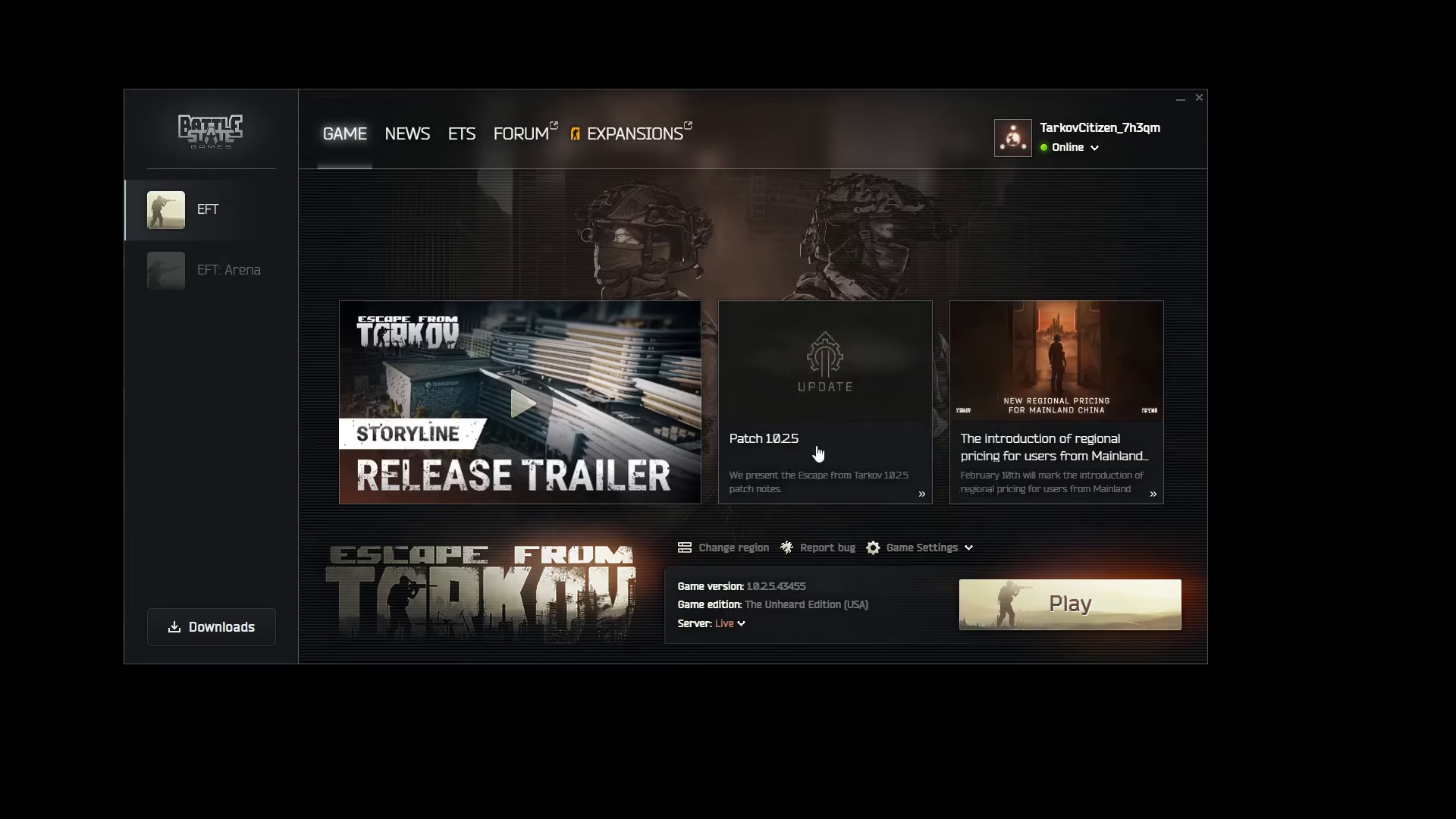
To clear your cache in Escape From Tarkov, navigate to your game settings. Once you’re in the settings menu, locate and click the cache option.
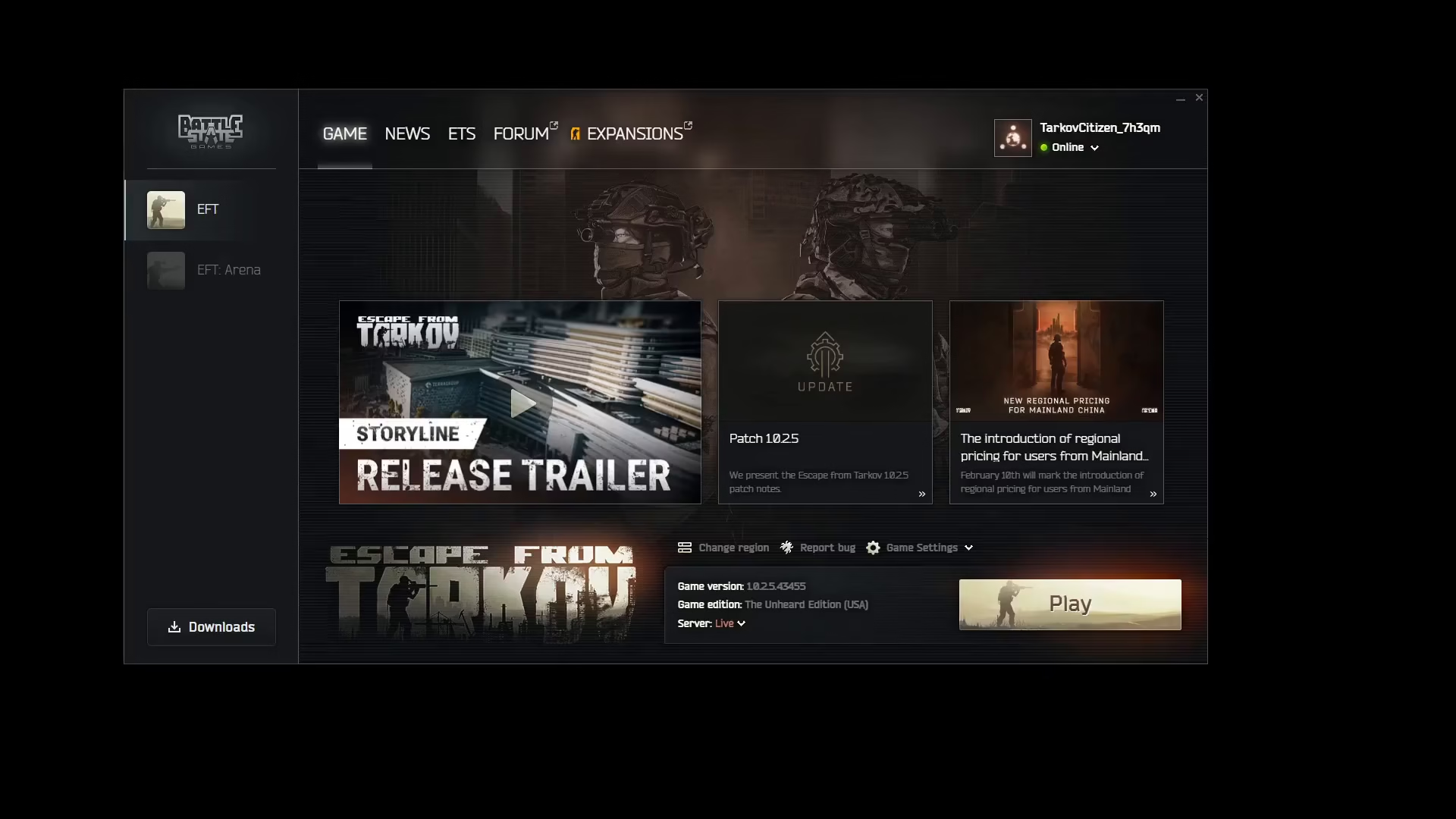
Once you’ve clicked the cache option, the game will automatically clear your cache. This process happens in the background without requiring any additional input from you.
What to Expect
After clearing your cache, your game should run noticeably smoother. This simple maintenance task can help resolve various performance issues and is recommended if you’re experiencing any lag or stuttering during gameplay.
Summary
Clearing your cache in Escape From Tarkov is an easy optimization step that takes just a few seconds. By visiting your game settings and clicking the cache option, you’ll automatically clear temporary files that may be affecting your game’s performance. If you’re struggling with performance issues, this is one of the first troubleshooting steps you should try.
Want to Support?
If you would like to help us continue making these guides – please consider joining our patreon here – https://www.patreon.com/c/JaviHeals
Alternatively – you can join our discord here – https://discord.gg/zD7Gjt6MHF

