





How to Quick Loot in Escape From Tarkov
How to Quick Loot in Escape From Tarkov
Looting efficiently is crucial to survival in Escape From Tarkov. Whether you’re collecting items from fallen enemies or scavenging containers, understanding quick loot mechanics will save you valuable time and help you manage your inventory effectively. This guide covers the essential keyboard shortcuts and techniques you need to master quick looting in Tarkov.
Quick Loot Basics
In Escape From Tarkov, you can use Ctrl + Left Click to quickly move items to your backpack, rig, or pockets without manually dragging them. For example, this technique allows you to rapidly move items like an install tube directly to your available inventory slots.
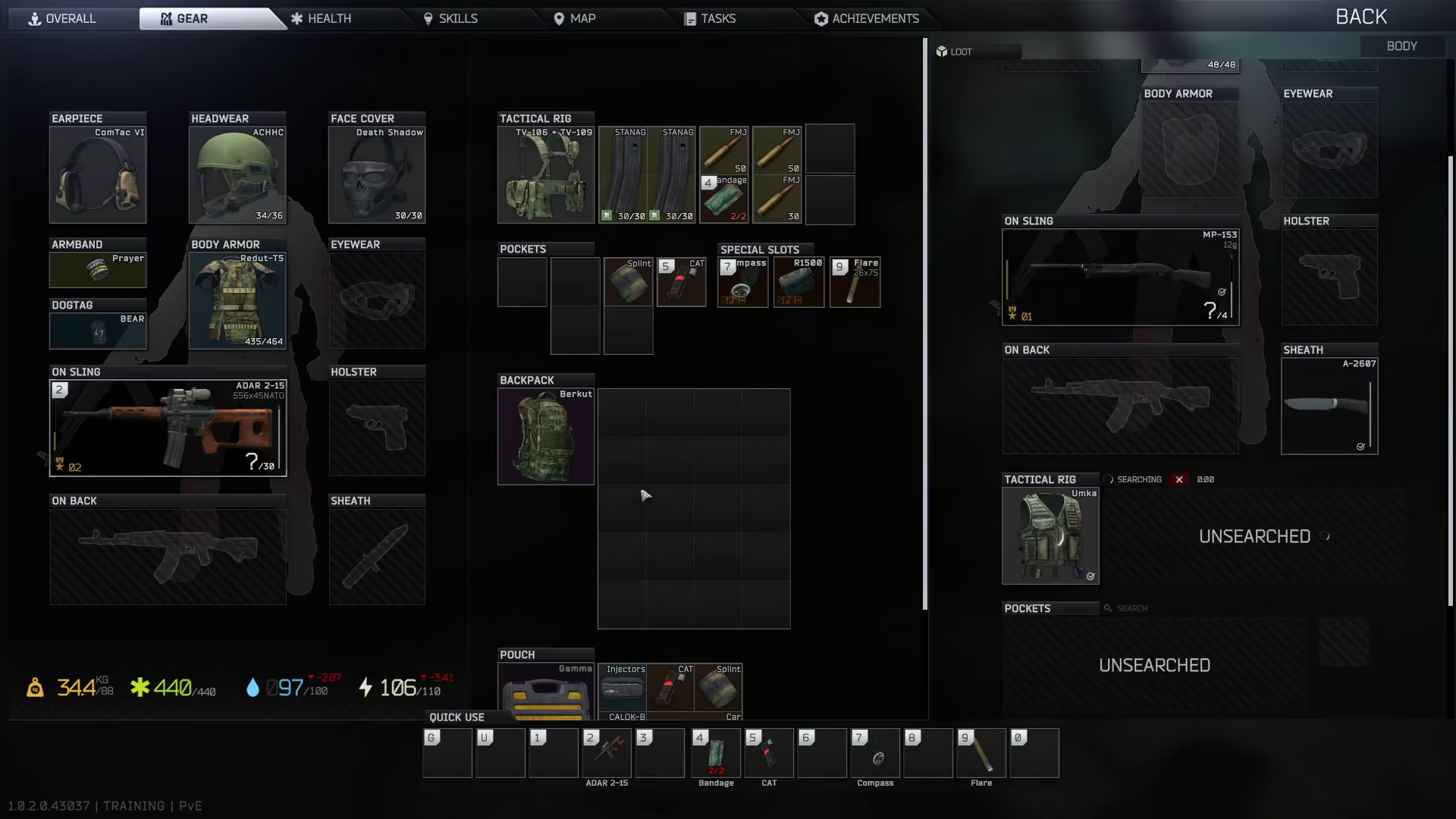
Alternative Quick Loot Method
If you need to place an item in a specific slot rather than using automatic placement, you can use Alt + Left Click. This allows you to move items to a slot of your choosing, giving you more control over where items are positioned in your inventory.
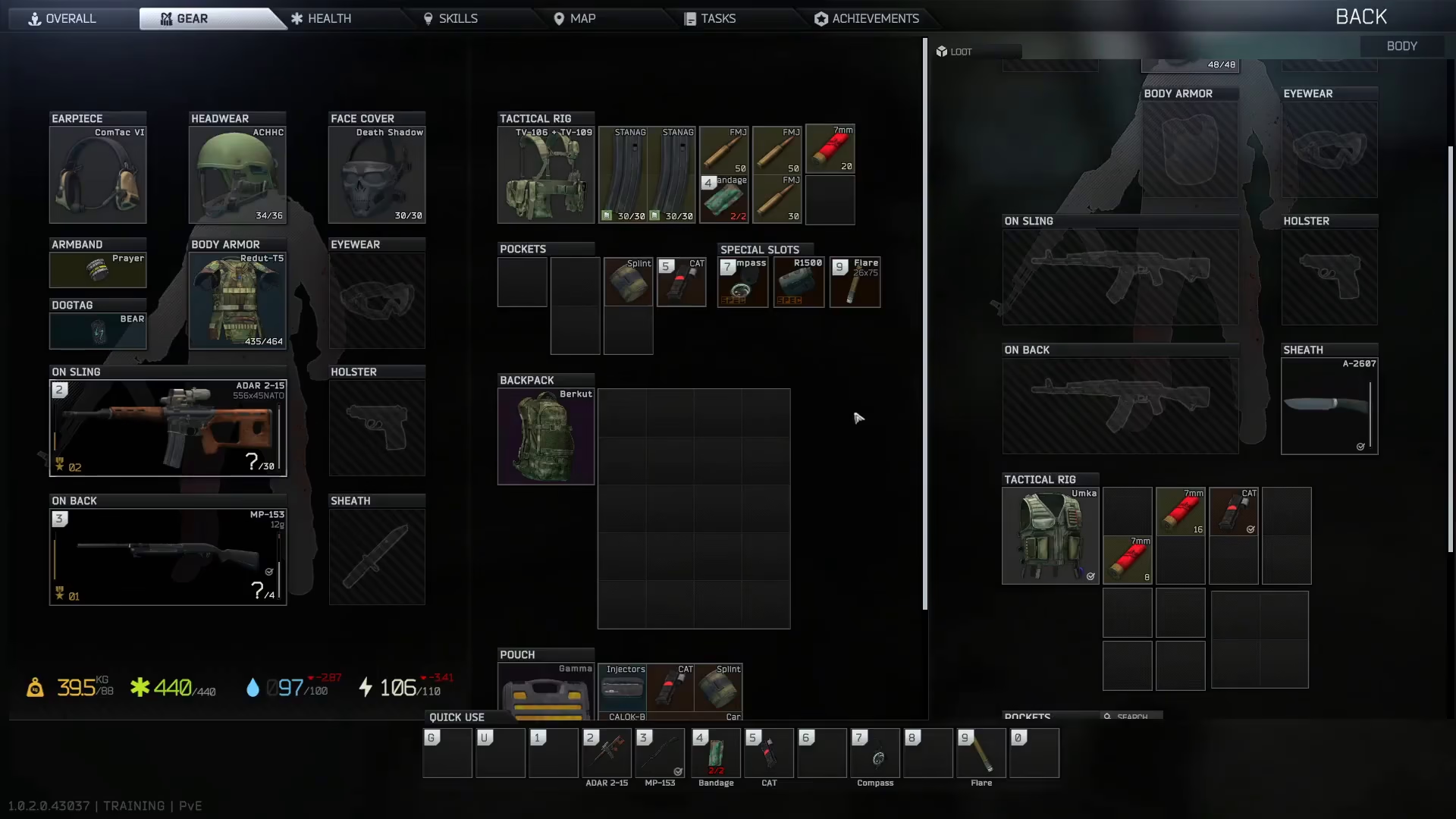
Summary
Mastering quick loot mechanics in Escape From Tarkov is essential for efficient looting. Remember these two key shortcuts: use Ctrl + Left Click for automatic placement into available inventory space, and Alt + Left Click to manually select which slot receives the item. These techniques will significantly speed up your looting process and help you survive longer raids.
Want to Support?
If you would like to help us continue making these guides – please consider joining our patreon here – https://www.patreon.com/c/JaviHeals
Alternatively – you can join our discord here – https://discord.gg/zD7Gjt6MHF


