





How to Throw Grenades in Escape From Tarkov
How to Throw Grenades in Escape From Tarkov
Grenades are essential tactical tools in Escape From Tarkov for clearing rooms, flushing out enemies, and controlling combat situations. This guide will walk you through the simple mechanics of equipping and throwing grenades effectively in-game.
Getting Started with Grenades
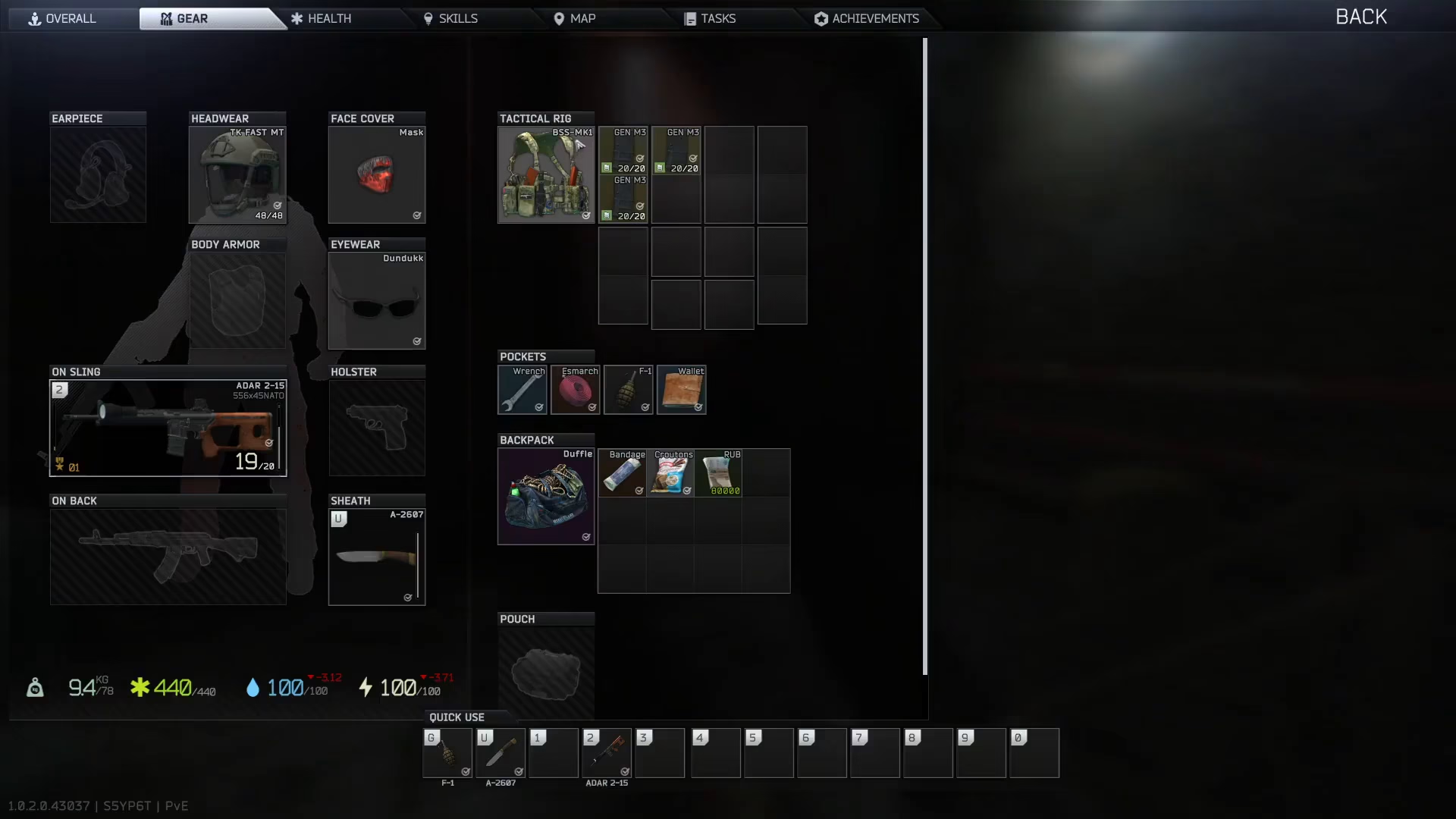
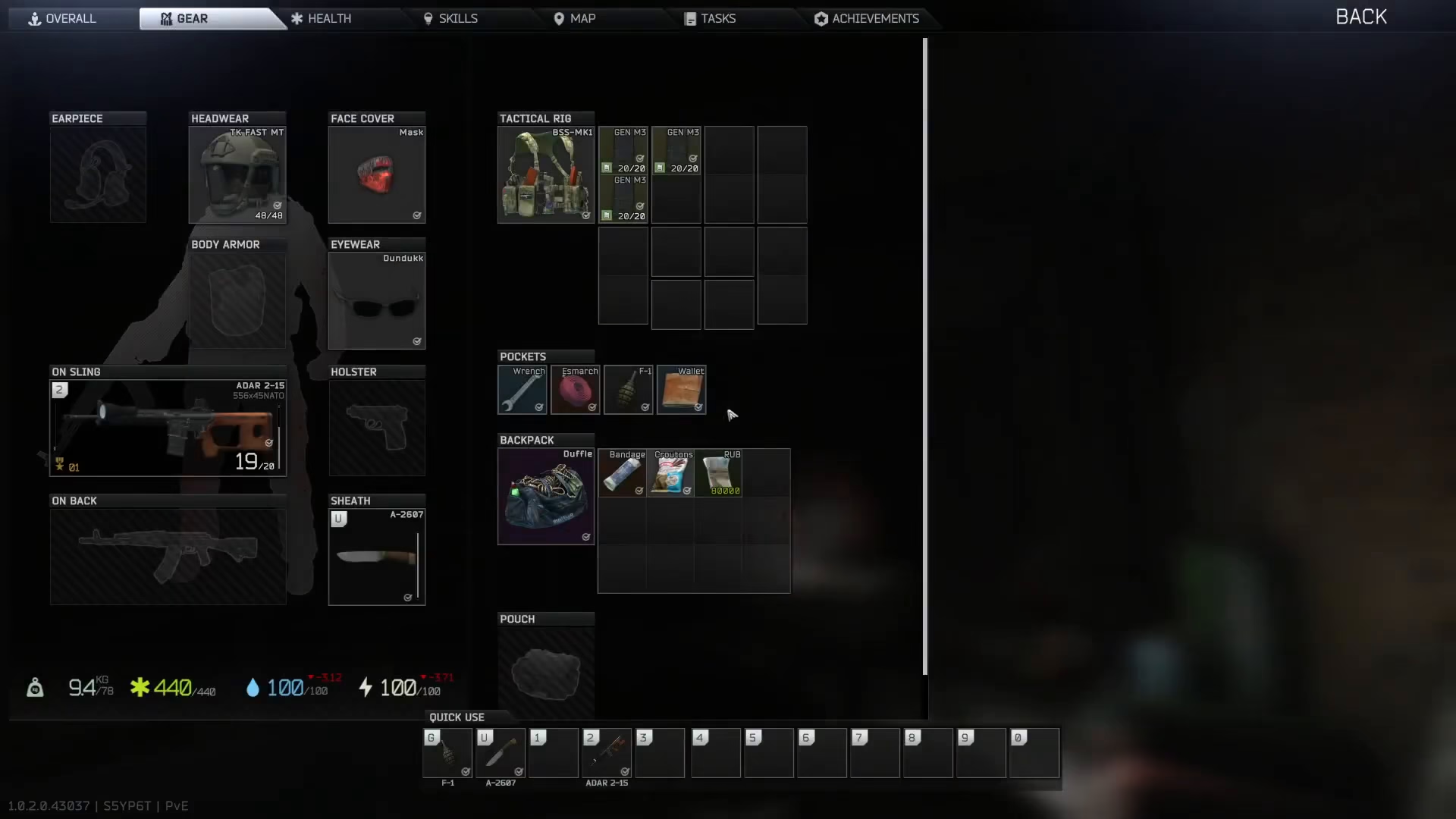
Before you can throw a grenade, you’ll need to have one in your inventory. Make sure you have a grenade stored in your pocket or in your rig.
The Grenade Throwing Process
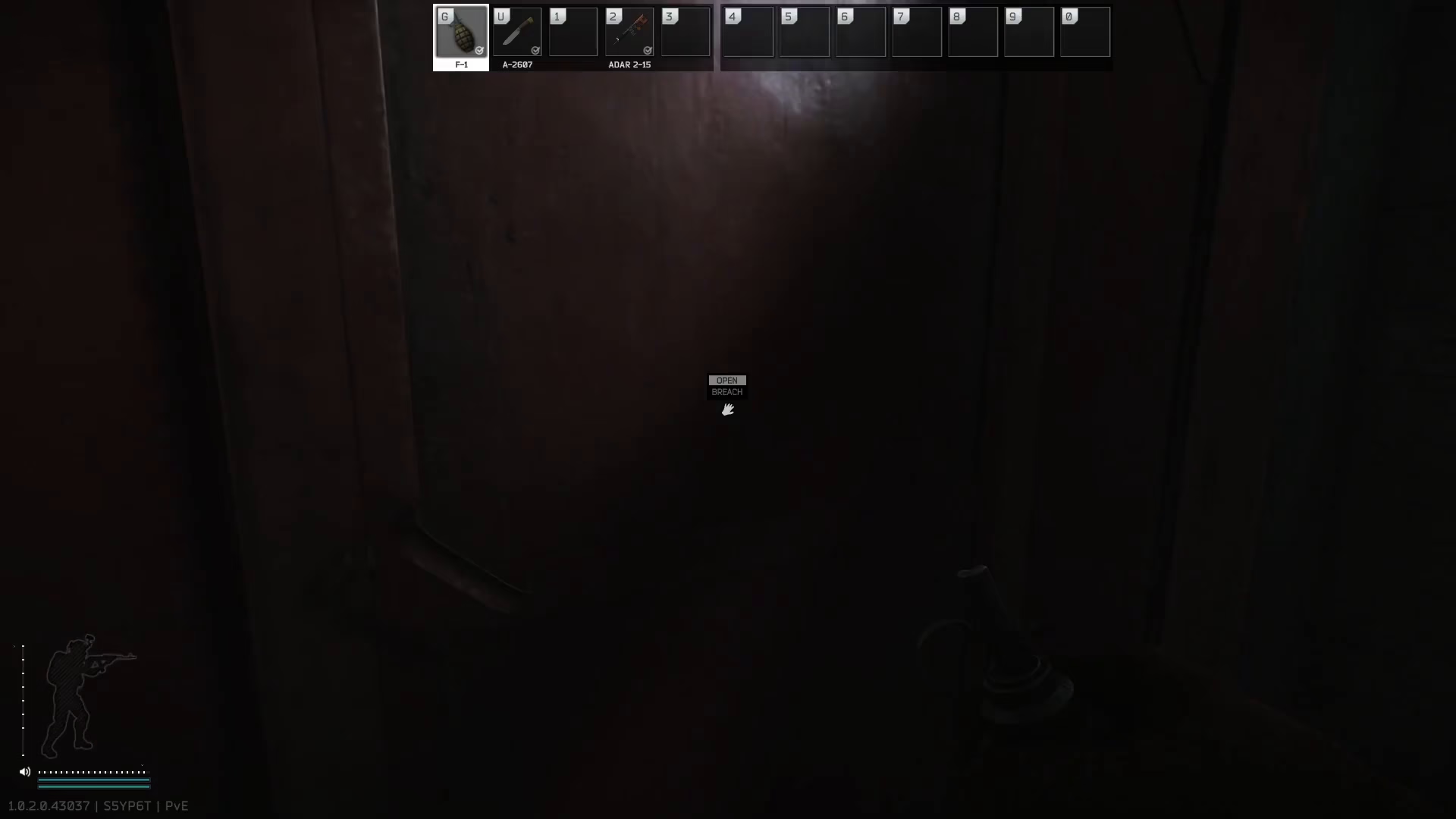
Step 1: Equip Your Grenade
Press the G button on your keyboard to equip the grenade in your hand. Once pressed, you’ll be carrying a pulled grenade and can now prepare to throw it.
Step 2: Prepare to Throw
Hold down the left click (mouse button 1) to start the throw timer. This allows you to cook the grenade if needed, or simply prepare it for immediate release.
Step 3: Release the Grenade
Release the left click button to throw the grenade toward your target. The grenade will travel based on your aim and the distance you’re holding the button.
Re-Pinning Your Grenade
If you change your mind while holding the grenade, you can put the pin back in by pressing and holding the G button again. This will safely store the grenade without detonation, though note that this mechanic may have specific timing considerations in-game.
Summary
Throwing grenades in Escape From Tarkov is straightforward: equip with G, hold left click to cook or prepare, and release to throw. If needed, press G again to re-pin. Master this technique to gain a tactical advantage in combat situations across Tarkov’s challenging environments.
— Want to Support? —
If you would like to help us continue making these guides – please consider joining our patreon here – https://www.patreon.com/c/JaviHeals
Alternatively – you can join our discord here – https://discord.gg/zD7Gjt6MHF


