





How To Turn Off Menu Narration In Age of Empires 4
How To Turn Off Menu Narration In Age of Empires 4
Menu narration can be distracting when navigating Age of Empires 4’s interface. If you’d like a quieter experience, disabling UI narration is quick and straightforward. This guide walks you through the simple steps to turn off menu narration in Age of Empires 4.
Accessing Settings
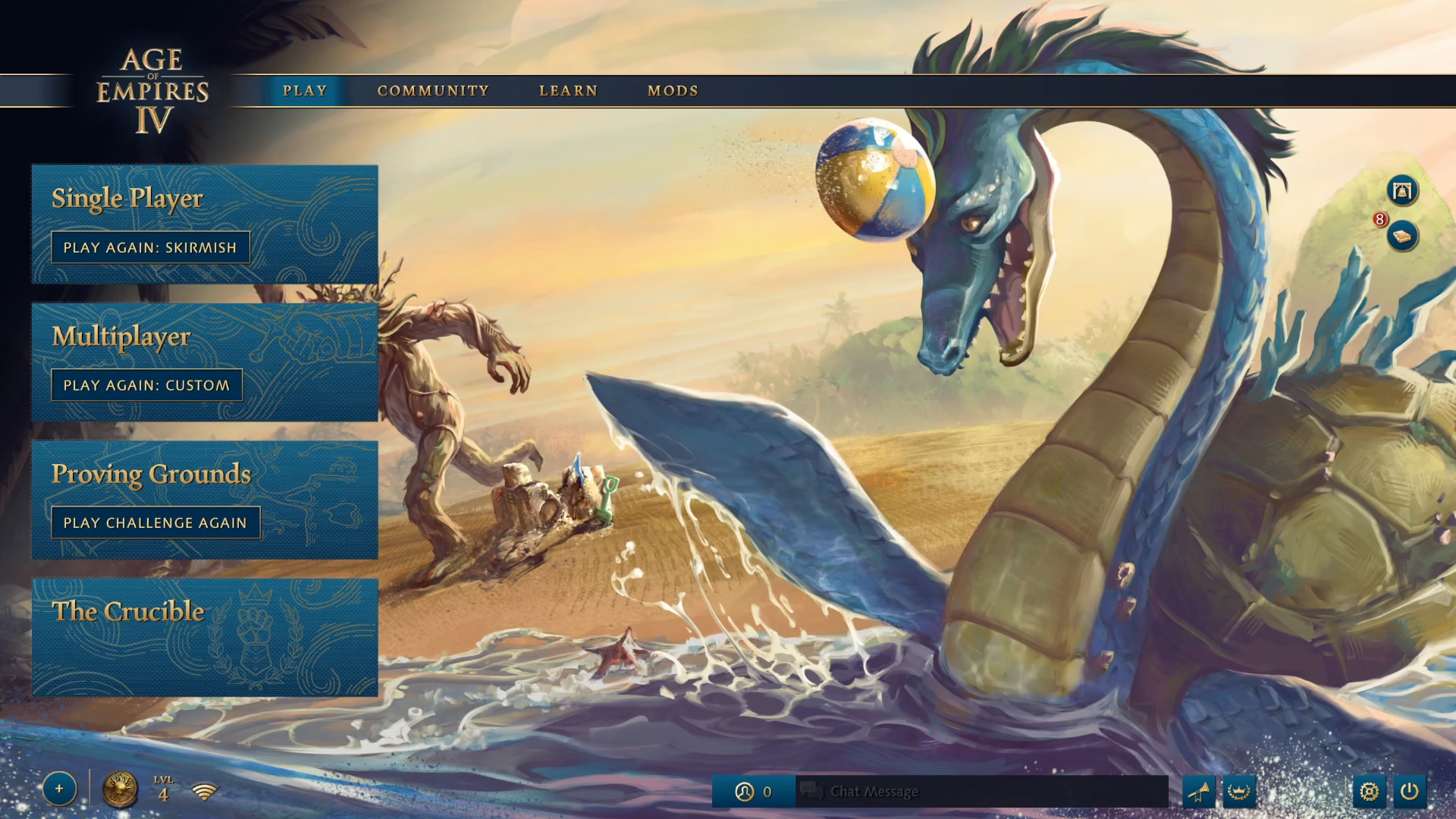
From the main menu, locate the settings option in the bottom right corner and click on it.
Navigating to Accessibility
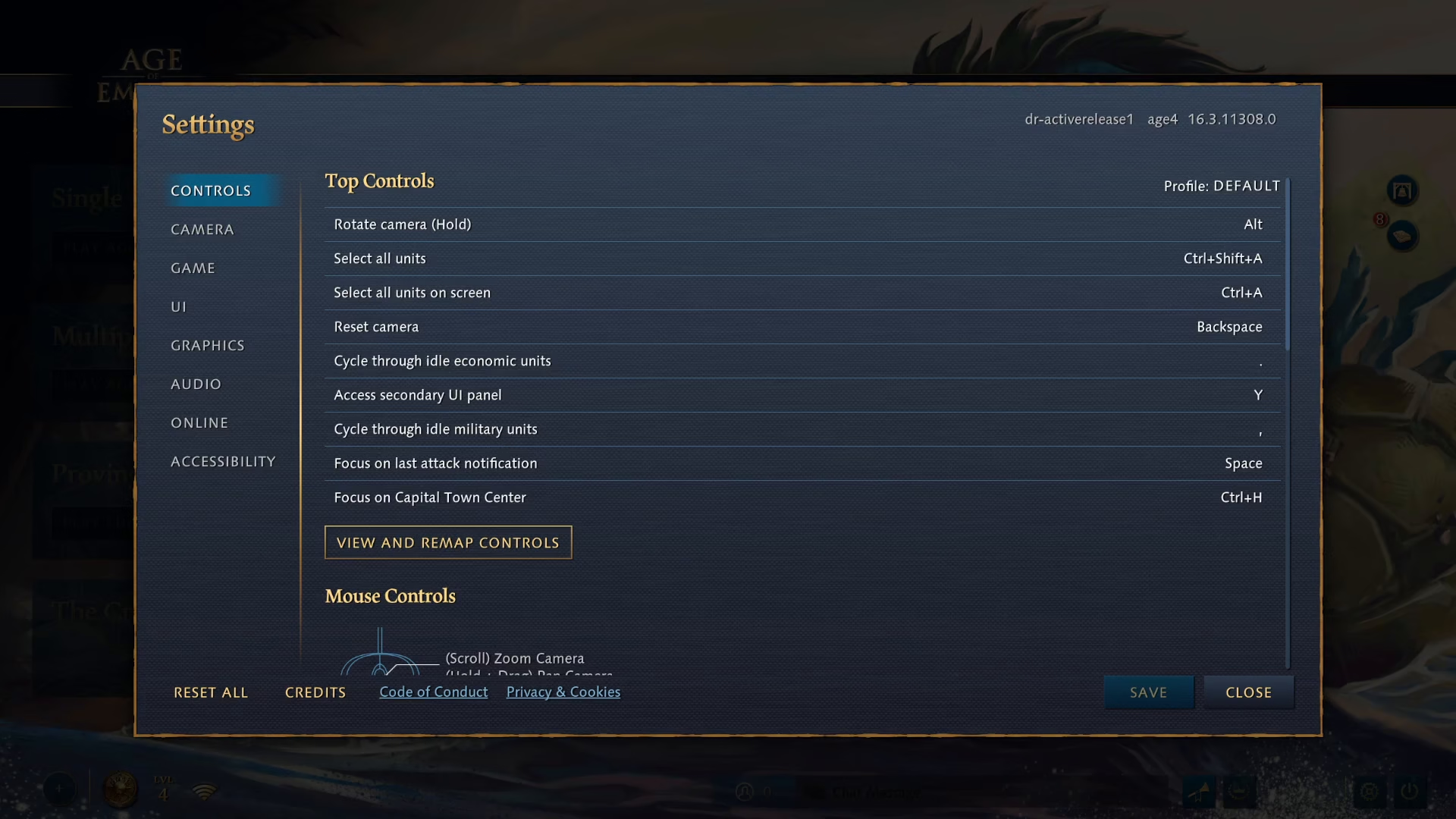
Once in the settings menu, find and select the accessibility option.
Disabling UI Narration
Scroll down in the accessibility menu until you locate the UI narration setting. Toggle this option off to disable menu narration.
Saving Your Changes
After turning off UI narration, click the save button to apply your changes.
Summary
That’s all there is to it! You’ve successfully disabled menu narration in Age of Empires 4. Your settings will be saved, and you can now navigate the menus in silence. Enjoy your quieter gaming experience.
— Want to Support? —
If you would like to help us continue making these guides – please consider joining our patreon here – https://www.patreon.com/c/JaviHeals
Alternatively – you can join our discord here – https://discord.gg/zD7Gjt6MHF