How to Move or Delete Buildings in Pokopia
How to Move or Delete Buildings in Pokopia
In Pokopia, you may find yourself wanting to relocate or remove buildings you’ve already placed. Whether you’ve had a change of mind about placement or need to clear space for new structures, this guide will walk you through the simple process of moving or deleting buildings in your game.
Getting to the Building Relocation Tool
The first step is to navigate to the location where you can access the building management features. Start by heading to the gate that leads to the wasteland starting area. This gate serves as your entry point to the building management interface.
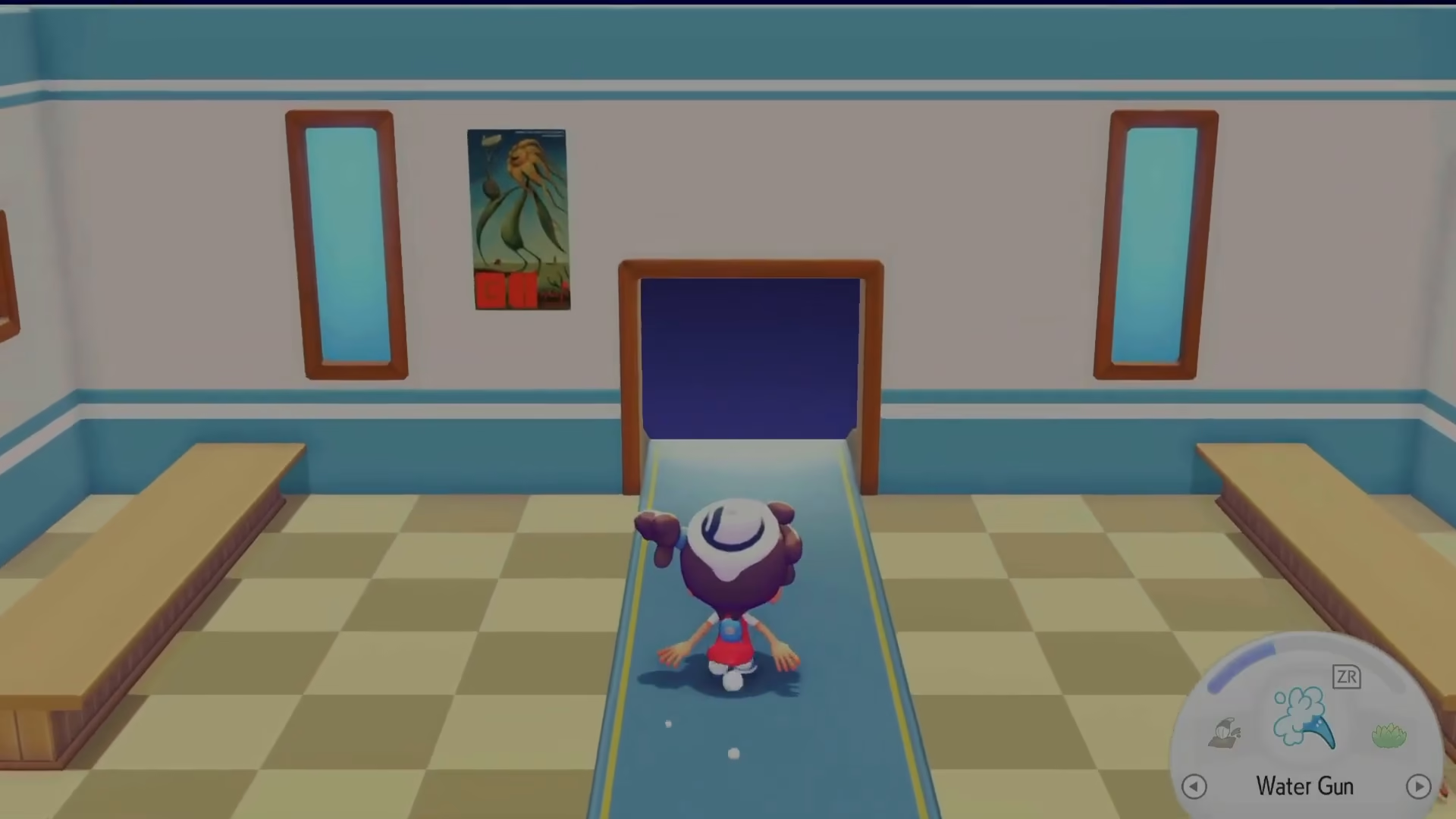
Once you’ve located this gate in the Pokemon starting area, approach it and interact with it to proceed forward.
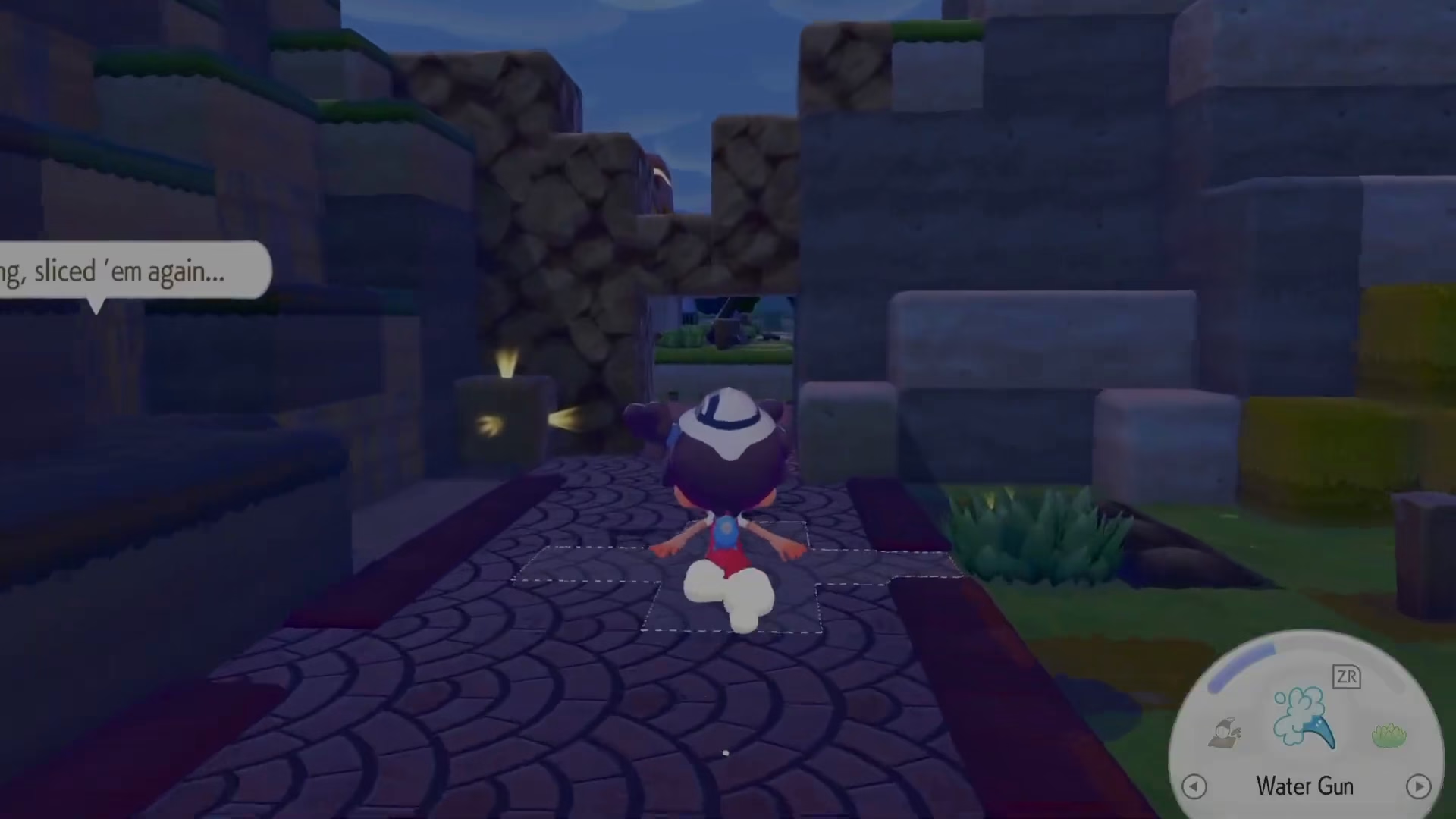
Accessing the Move or Delete Option
After navigating through the proper location, you’ll need to access the Pokemon shop or building management menu. Look for the option to “Move Building” or “Delete Building” — these tools are typically found in the same menu where you purchase buildings with coins.
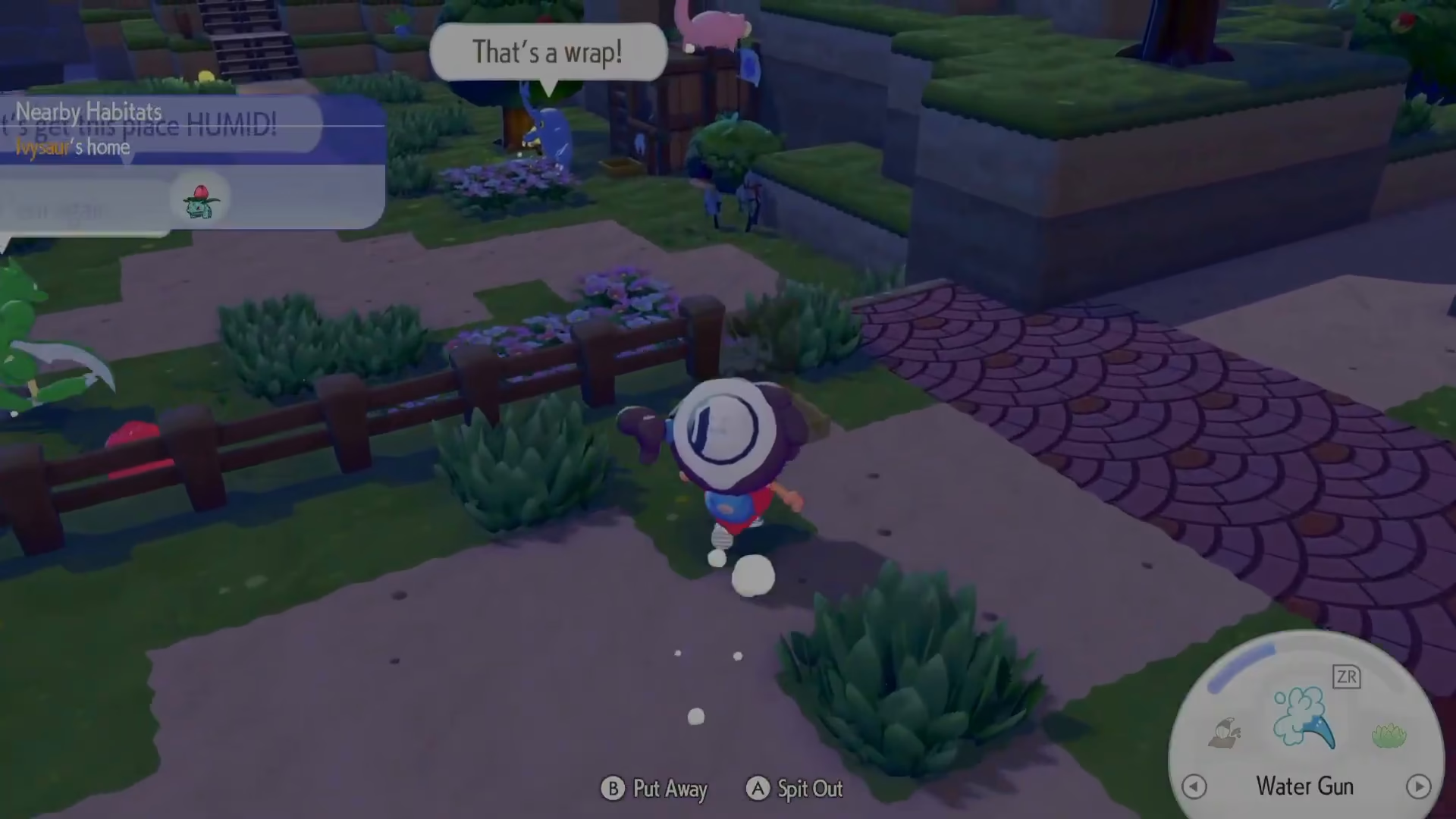
Relocating Your Building
Once you’ve selected the move building option, bring a Pokemon to the location and initiate the bulldozing process on the building you wish to move. After you begin this action, the building will enter relocation mode, and you can then position it wherever you want on your map.
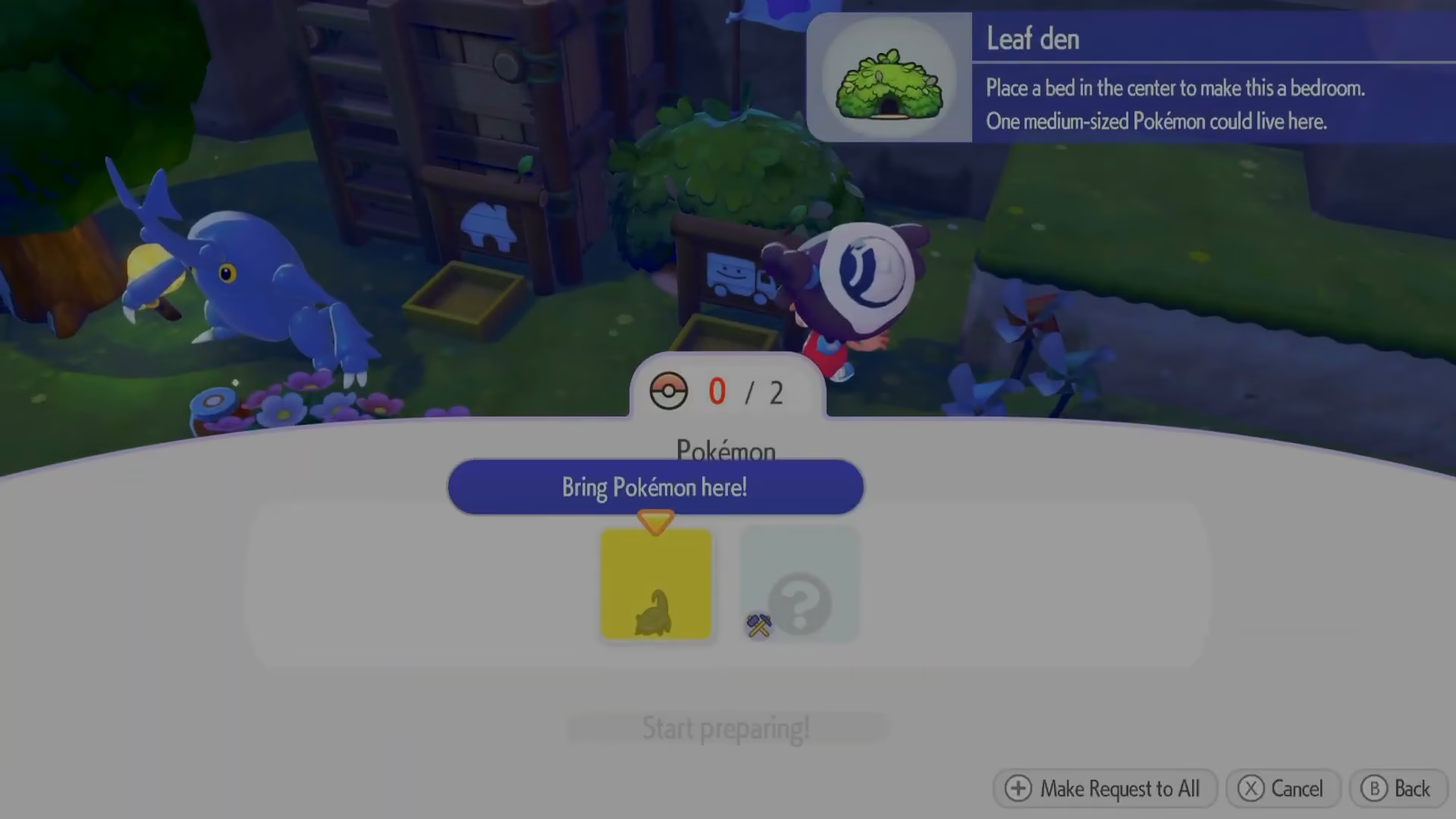
This straightforward process allows you to have full control over your building placement and make adjustments at any time during your Pokopia gameplay.
Summary
Moving or deleting buildings in Pokopia is a simple three-step process: navigate to the gate in the wasteland starting area, access the move or delete building tool from the menu, and then use the bulldozing feature to relocate your structure to your desired location. With these steps, you’ll have complete flexibility in designing your Pokopia settlement exactly how you want it.
Want to Support?
If you would like to help us continue making these guides – please consider joining our patreon here – https://www.patreon.com/c/JaviHeals
Alternatively – you can join our discord here – https://discord.gg/zD7Gjt6MHF